Booster Club Deposit Log Template: Track Fundraisers, Sponsors, and Restricted Gifts

A booster club deposit log template is a structured record—spreadsheet or paper form—that documents every incoming deposit before it reaches the bank: the source, the amount, the payment method, whether the funds carry a donor-imposed restriction, and what recognition obligation the contribution creates. Athletic programs that track deposits at this level can answer three questions any auditor, sponsor, or district administrator may ask: “Where did this money come from?” “Is it available for general use or is it designated?” and “What recognition did we commit to in exchange for it?”
Without a deposit log, those questions get answered by reconstructing bank statements, digging through emails, and calling former treasurers—a process that compounds in difficulty every time officer leadership changes. A deposit log run in parallel with the bank account resolves the reconstruction problem permanently: every entry records the source and restriction status at the moment of deposit, before time and officer turnover erode the institutional memory behind each transaction.
This guide provides a complete, ready-to-use booster club deposit log template covering fundraiser proceeds, sponsor contributions, and restricted gifts—with a field-by-field explanation, sample entries, and guidance on how deposit records connect to the recognition commitments programs make when gifts and sponsorships are accepted.
This guide is for informational purposes only and does not constitute legal, accounting, or compliance advice. Consult a licensed CPA or attorney for guidance specific to your organization’s structure, tax-exempt status, and jurisdiction.

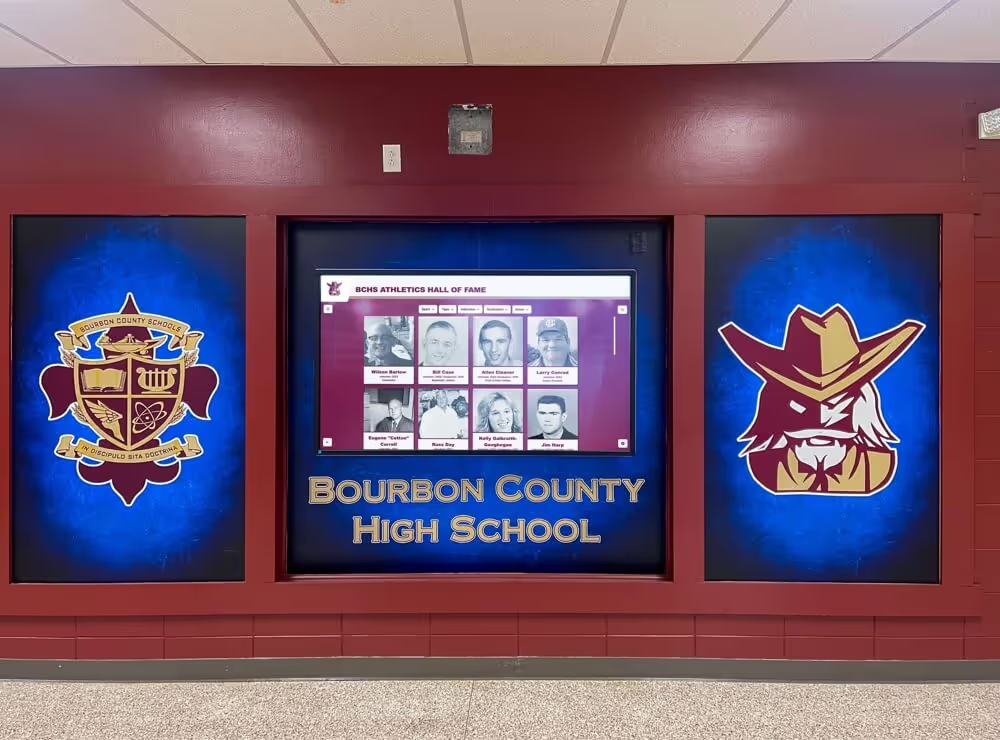
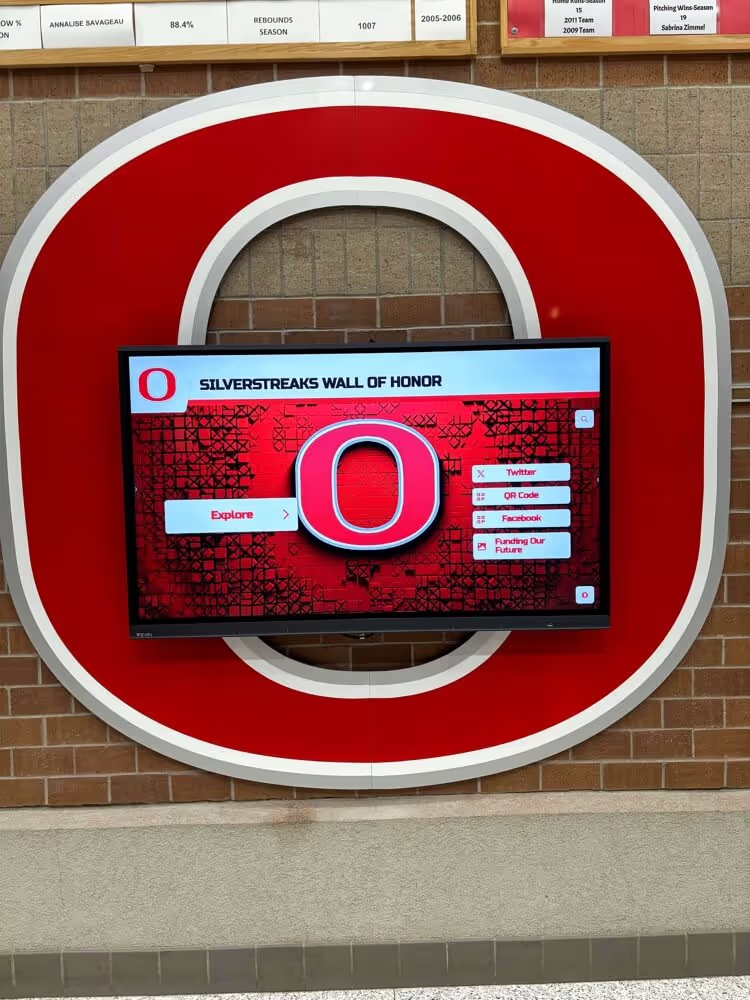
Athletic honor boards and recognition displays depend on accurate source-of-funds records—a deposit log that captures the donor or sponsor name and any recognition obligation at the time of deposit prevents the name errors and tier misplacements that create donor relation problems months later
What a Booster Club Deposit Log Records
A deposit log is not the same as a bank statement or a budget report. A bank statement shows that money arrived; it does not explain where it came from, whether it is restricted, or what was promised to the person who sent it. A budget report summarizes category totals; it does not identify individual contributors or trace specific amounts to specific sources.
A deposit log fills the gap between the cash box or payment processor and the bank account. It is the record that answers: “Who gave this, for what purpose, and what do we owe them in return?”
For most booster clubs, deposits fall into three categories that each require different tracking fields:
1. Fundraiser Proceeds Event revenue, online campaign deposits, concession stand proceeds, and merchandise sales generate deposits whose source is diffuse—many contributors, often anonymous, paying into a single event bucket. The log needs to capture the fundraiser name, the event date, gross and net amounts, and which general fund the proceeds support.
2. Sponsor Contributions Business and individual sponsors make contributions in exchange for defined benefits: logo placements, banner spaces, digital display profiles, program ads, or public acknowledgment. The deposit log entry for a sponsor must capture the business name, the sponsorship level, the agreement date, and the specific recognition deliverables committed—because that entry will be referenced when the benefit verification checklist is run at season’s end.
3. Restricted Gifts Donors who designate their gift for a specific purpose—a named scholarship, a hall-of-fame renovation fund, a specific sport’s equipment account—create a legal and relational obligation that the funds will be used as directed. The deposit log entry for a restricted gift must capture the exact restriction as the donor stated it, and the entry must be flagged so the treasurer knows the funds cannot be moved to general operating use without the donor’s written consent.
Programs managing active athletic hall of fame programs frequently receive restricted gifts designated specifically for induction ceremonies, display renovations, and archive projects—deposit log entries for those gifts create the documentation trail that confirms restricted funds were spent on their designated purpose when governance questions arise.
The Booster Club Deposit Log Template
Use this table as the field structure for your deposit log. Each row represents one deposit event—a single check, a single cash-count batch from an event, a single online transfer. Do not combine multiple sources into one row; one-entry-per-source is the standard that makes the log useful for tracing individual contributions.
| Field | Description | Example Entry |
|---|---|---|
| Entry # | Sequential log number | DL-2026-047 |
| Date Received | Date the payment was received or posted | 2026-09-12 |
| Deposit Type | Fundraiser / Sponsor / Donation / Restricted Gift | Sponsor |
| Source / Payer Name | Individual or business name as it appears in records | Riverside Auto Group |
| Event or Campaign | Fundraiser name, sponsorship season, or gift campaign | Fall 2026 Football Season |
| Gross Amount | Total amount received before deductions | $1,500.00 |
| Processing Fees | Platform or card fees deducted | $0.00 |
| Net Amount | Amount available after deductions | $1,500.00 |
| Payment Method | Cash / Check / Online / Credit Card / Wire | Check |
| Check # or Transaction ID | Reference number for tracing | 4421 |
| Restricted? | Yes or No | Yes |
| Restriction / Designation | Exact donor-stated purpose if restricted | Gold Sponsor – football digital display + logo banner |
| Recognition Obligation | Display tier, name inclusion, or benefit promised | Gold tier: lobby banner, digital display profile, game program ad |
| Fund / Account | General / Named Fund / Sport-Specific | General – Football Sponsorship |
| Deposited By | Name of officer who made the bank deposit | J. Reyes, Treasurer |
| Bank Deposit Date | Date funds were deposited at the bank | 2026-09-14 |
| Bank Reference # | Bank confirmation or deposit slip number | DEP-09142026-3 |
| Notes | Agreement number, renewal status, or follow-up required | Agreement #S-2026-009; renewal April 2027 |
The Recognition Obligation field is the column most often absent from basic bookkeeping templates. Without it, the deposit record confirms that money was received but provides no documentation of what was promised in return. When a sponsor asks at renewal time why their digital display was not updated mid-season, the program without a recognition obligation column must reconstruct the answer from the original agreement. The program with a current deposit log can reference the entry and confirm exactly what was committed.
Field-by-Field Guide
Entry Number
Assign a sequential entry number to every deposit: DL-[year]-[sequence], or any format that allows instant cross-reference to the bank reconciliation and the original payment documentation. Entry numbers make it possible to reference specific deposits in board minutes, governance reports, and sponsor correspondence without reproducing the full row.
Deposit Type
Use consistent, defined categories. The four standard types for most booster clubs are Fundraiser (event or campaign proceeds with diffuse sources), Sponsor (business or individual contributions made in exchange for recognition benefits), Donation (unrestricted individual gifts not tied to a named benefit), and Restricted Gift (donations with a donor-stated designation). If your program receives grant funds, add Grant as a fifth type. Inconsistent type labels make year-end summaries unreliable.
Source / Payer Name
Record the name exactly as it should appear in recognition contexts—the name the donor or sponsor expects to see on a display, in a program, or in correspondence. This field is the source of record for donor wall entries and sponsor profile names. Discrepancies between the deposit log name and the recognition display name are the most common source of naming errors on athletic recognition walls. Understanding the impact of accurate naming on digital donor recognition displays begins at the deposit record, before the name ever reaches a display system.
Restricted / Designation Field
Use the Restricted column as a binary flag—Yes or No—and the Restriction / Designation field to record the exact language the donor or sponsor used. “For the wrestling team equipment fund” and “for general athletic use” are meaningfully different entries. The exact language matters because restricted funds spent outside their stated designation create a fiduciary exposure regardless of intent. Record the restriction as the payer stated it, not as paraphrased for convenience.
Recognition Obligation
For sponsor entries, list every benefit promised in the sponsorship agreement: specific display placements, program ad sizes, event announcements, social media posts, or physical banner locations. For donor entries at named giving tiers, list the tier name and what it includes. This field is the deposit log’s connection to the recognition verification run—when end-of-season benefit delivery checks begin, this column tells the verification officer exactly what to confirm for each entry.
Tracking Fundraiser Proceeds
Fundraiser deposits typically represent aggregated proceeds from events, sales, and online campaigns where individual contributor identities are not tracked at the deposit level. The deposit log entry for a fundraiser batch covers the event totals rather than individual contributors.
Steps for logging a fundraiser deposit:
- Complete the event cash count sheet and reconcile against expected proceeds before leaving the venue.
- Assign the batch a unique entry number referencing the event name and date.
- Record the gross amount from the count sheet, any processing fees for card payments, and the net deposited amount.
- Enter the fundraiser event name in the Event or Campaign field—“Fall 5K Run 2026,” not just “Running Event.”
- Mark Restricted as No unless the fundraiser was explicitly promoted as a designated fund campaign.
- Record the names of both individuals who counted the cash in the Notes field.
- Deposit within two business days and record the bank deposit date and reference number.
Alumni events and reunion programs that generate significant fundraising deposits benefit from treating each event as a discrete deposit batch rather than aggregating multiple events into a single monthly entry—the per-event structure makes it possible to trace any discrepancy to the specific event where it originated.

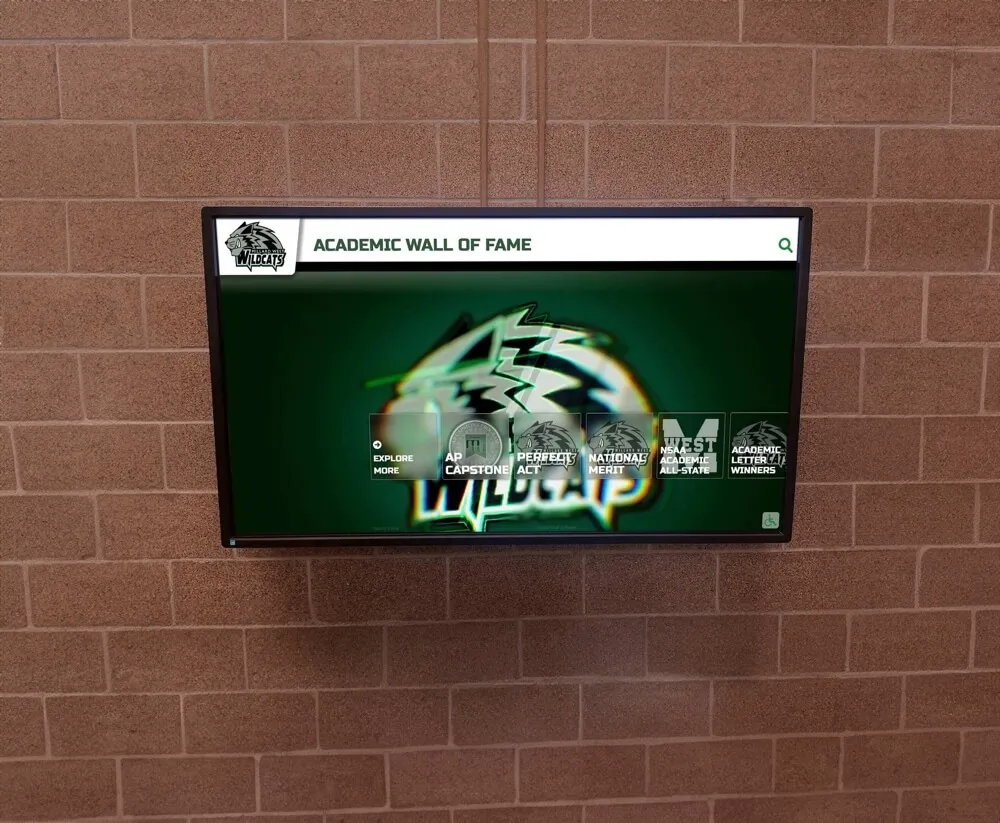
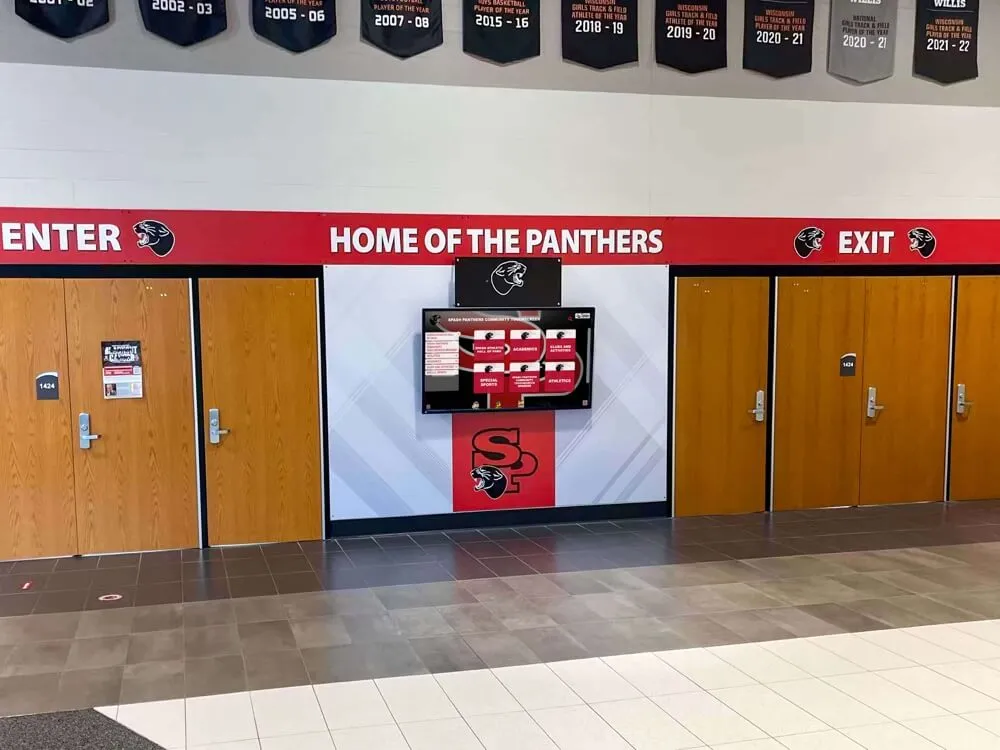
Athletic corridor displays and digital recognition screens draw their content from deposit records that identify sponsors and donors accurately—a deposit log entry that captures the recognition obligation at the time of payment prevents the display gaps that damage sponsor relationships at renewal
Tracking Sponsor Contributions
Sponsor deposits are the highest-stakes entries in the deposit log because each one creates a documented exchange: the business pays a defined amount and expects specific recognition benefits in return. The deposit log entry is the financial half of that record; the sponsorship agreement is the contractual half. Together, they give the treasurer, the athletic director, and the recognition officer the documentation needed to verify delivery.
Steps for logging a sponsor deposit:
- Obtain a copy of the signed sponsorship agreement before logging the deposit.
- Record the sponsor’s legal business name exactly as stated in the agreement—not a shortened version or trade name if the formal name differs.
- Enter the agreed sponsorship level (Gold, Silver, Bronze, or your program’s tier names) in the Notes field.
- List every recognition benefit from the agreement in the Recognition Obligation field—do not abbreviate.
- Note the agreement number and any renewal clause deadlines in the Notes field.
- If the sponsor pays in installments, create a separate entry for each payment and cross-reference the original agreement number.
- Set a calendar reminder for the renewal conversation date alongside the deposit log entry.
Programs that run multi-sport recognition seasons—tracking sponsor deposits across football, basketball, wrestling, and spring sports simultaneously—benefit from the same deposit-log discipline that multi-program athletic recognition displays apply to source-of-funds tracking, where the funding trail for each sport’s recognition budget must remain clear across overlapping seasons.
Tracking Restricted Gifts
Restricted gifts are the entries that create the most governance risk when logged incorrectly or not logged at all. A restricted gift treated as unrestricted in the deposit log will eventually be spent on a purpose other than the donor’s stated designation—creating a fiduciary problem and a donor relations problem simultaneously.
Steps for logging a restricted gift:
- Request written confirmation of the restriction from the donor before depositing—a signed gift acknowledgment or a written email stating the designation.
- Mark the Restricted field as Yes.
- Record the exact restriction language in the Restriction / Designation field.
- Assign the deposit to a named fund or designated ledger line, not the general operating account.
- Note in the Recognition Obligation field any named recognition the donor expects—a named display space, a scholarship plaque, or inclusion on a donor honor roll.
- Alert the board that a restricted fund has been received, so the restriction is reflected in the next financial report.
- Flag the entry for annual review to confirm restricted funds were spent on their designated purpose.
Recognition programs that honor major donors through named displays and hall of fame programs often receive the largest restricted gifts in connection with naming opportunities—the deposit log entry for those gifts must capture both the financial restriction and the recognition commitment with equal precision.
Sample Completed Deposit Log Entries
The entries below illustrate how the deposit log template applies across all three deposit types. These are format examples only; no actual organization or individual is represented.
BOOSTER CLUB DEPOSIT LOG — SAMPLE ENTRIES

Entry: DL-2026-031
Date Received: 2026-08-22
Deposit Type: Fundraiser
Source/Payer: Golf Tournament Proceeds (Aggregated)
Event/Campaign: Annual Golf Outing — August 2026
Gross Amount: $4,850.00
Processing Fees: $127.40
Net Amount: $4,722.60
Payment Method: Mixed (Cash + Card)
Transaction ID: GOLF-082226
Restricted: No
Restriction/Designation: [None]
Recognition Obligation: Hole sponsors recognized per individual agreements (see DL-2026-032 through 039)
Fund/Account: General Athletics Fund
Deposited By: M. Torres, Treasurer
Bank Deposit Date: 2026-08-24
Bank Reference #: DEP-08242026-1
Notes: Hole sponsor deposits logged separately under entries DL-2026-032 through DL-2026-039

---

Entry: DL-2026-032
Date Received: 2026-08-22
Deposit Type: Sponsor
Source/Payer: Westfield Family Dentistry
Event/Campaign: Fall 2026 Athletics Season — Hole Sponsor
Gross Amount: $500.00
Processing Fees: $0.00
Net Amount: $500.00
Payment Method: Check
Check #: 7718
Restricted: Yes
Restriction/Designation: Hole #7 sponsor recognition only; not for general use
Recognition Obligation: Hole #7 signage (10"x24" panel); name in tournament program; acknowledgment at awards ceremony
Fund/Account: Golf Tournament Sponsor Fund
Deposited By: M. Torres, Treasurer
Bank Deposit Date: 2026-08-24
Bank Reference #: DEP-08242026-2
Notes: Agreement #S-2026-017; renewal discussion scheduled March 2027

---

Entry: DL-2026-048
Date Received: 2026-09-30
Deposit Type: Restricted Gift
Source/Payer: Henderson Family
Event/Campaign: Hall of Fame Renovation Fund — Annual Campaign
Gross Amount: $2,500.00
Processing Fees: $0.00
Net Amount: $2,500.00
Payment Method: Check
Check #: 1203
Restricted: Yes
Restriction/Designation: Designated for athletics hall of fame display renovation only; not for general use
Recognition Obligation: Named in Founders tier on donor recognition wall; listed in hall of fame dedication plaque
Fund/Account: Hall of Fame Renovation Fund (Restricted)
Deposited By: M. Torres, Treasurer
Bank Deposit Date: 2026-10-01
Bank Reference #: DEP-10012026-4
Notes: Gift acknowledgment letter sent 2026-10-03; recognition tier verified against cumulative giving record
How the Deposit Log Connects to Recognition Delivery
The deposit log’s Recognition Obligation field is the link between the financial record and the recognition display. Every entry that carries a recognition commitment creates a verification task: at the start of each season, the recognition officer reviews every active deposit log entry with a recognition obligation and confirms that each commitment has been fulfilled.
That verification process—checking that the donor’s name appears on the wall at the correct tier, that the sponsor’s digital display profile is active, that the named scholarship fund’s beneficiary is acknowledged appropriately—can be documented alongside the deposit log entry so the organization can demonstrate at any governance review that recognition commitments were honored in sequence with the contributions that created them.
For programs building or refreshing school athletic recognition walls and digital displays, the deposit log provides the source documentation for every name, tier placement, and designation that appears on the display—making the display a verified reflection of giving records rather than a collection of names added without a traceable source.
Record preservation carries its own timeline: a deposit log entry that records a restricted gift today may need to be retrievable in five or ten years, when the restriction is fulfilled and a successor officer needs to confirm that the funds were applied appropriately. Preservation standards that apply to institutional records support the same principle for financial documentation—records that cannot be retrieved when needed are functionally equivalent to records that were never kept.

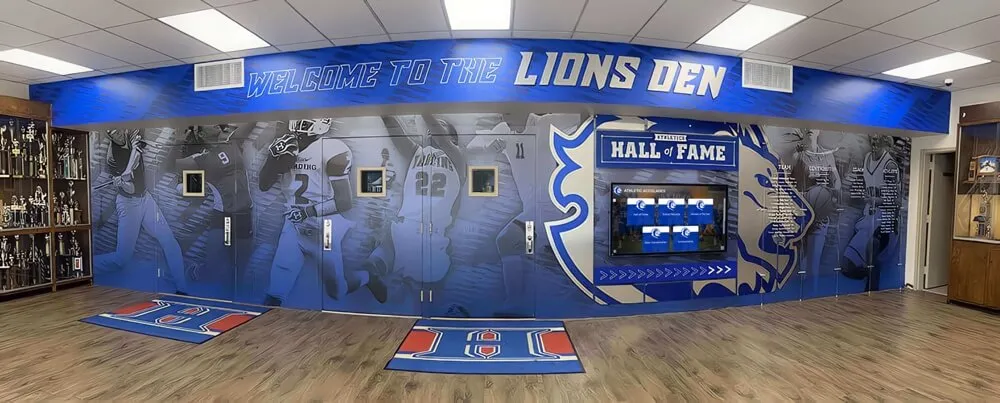
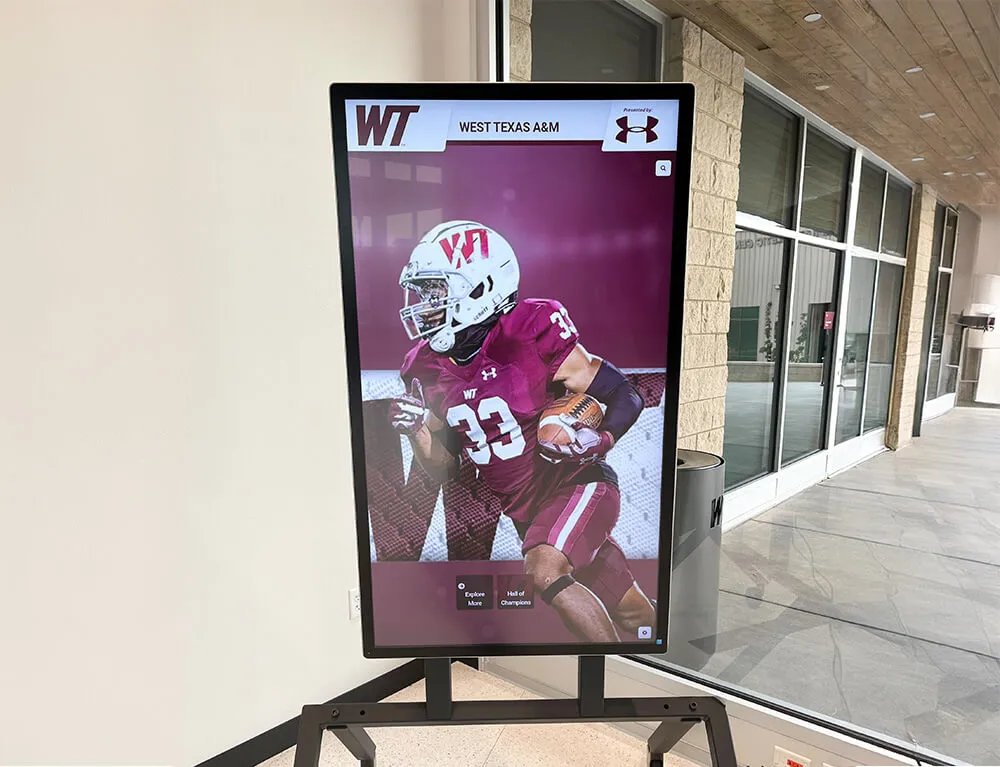
Lobby recognition walls and hall of fame displays reflect the accuracy of the deposit log entries behind them—programs that record recognition obligations at the moment of deposit produce displays that match giving records rather than relying on memory to reconstruct commitments months after the fact
Frequently Asked Questions
What is a booster club deposit log template?
A booster club deposit log template is a pre-structured form or spreadsheet that records every incoming deposit to the organization—fundraiser proceeds, sponsor contributions, and restricted gifts—in a standardized format that captures the source, amount, payment method, restriction status, and any recognition obligation created by the deposit. It runs in parallel with the bank account to provide a source-of-funds record that bank statements alone do not supply.
Why does a deposit log need a “Recognition Obligation” field?
Most booster club deposits from sponsors and named donors come with an exchange commitment: the sponsor expects display placements, the named donor expects tier recognition on the donor wall. Recording that commitment in the deposit log at the moment of deposit ensures the obligation is documented before it can be forgotten, disputed, or lost in an officer transition. Without the recognition obligation field, the deposit log records the financial transaction but not the relationship commitment that makes the transaction meaningful.
How should restricted gifts be handled differently from unrestricted donations?
Restricted gifts must be assigned to a separate fund or designated ledger line—not deposited into the general operating account—and marked as restricted in the deposit log at the time of receipt. The exact restriction language the donor stated must be preserved verbatim, because the restriction is a condition attached to the use of the funds, not an administrative label. Restricted funds spent on purposes outside their stated designation create both a fiduciary exposure and a donor relationship problem. The deposit log entry is the contemporaneous record that confirms the restriction was noted at the time of deposit, not assigned after the fact.
How often should the deposit log be reconciled against the bank account?
Monthly reconciliation is standard governance practice: at the end of each month, the treasurer compares the net deposit totals in the deposit log against the deposits shown on the bank statement for the same period. Any discrepancy—a deposit in the log with no corresponding bank entry, or a bank entry with no matching log record—is an immediate flag for investigation. A second officer should review the completed reconciliation before it is filed, consistent with the separation-of-duties principle that applies to all financial controls.
What should the deposit log include for a fundraiser with multiple revenue streams?
A fundraiser that generates revenue from multiple sources—ticket sales, concession proceeds, sponsorship payments, and online donations—should produce separate deposit log entries for each distinct source type. Sponsor payments from the event belong in individual entries under the Sponsor deposit type. Aggregated event proceeds (tickets, concessions) belong in a single Fundraiser entry referencing the event name and date. Online donations made through a campaign page should reference the campaign name and the platform transaction ID. Separating source types within a single event preserves the ability to trace any discrepancy to its specific stream.
How long should deposit log records be kept?
General nonprofit governance practice suggests retaining financial records—deposit logs, bank statements, reconciliations, and associated payment documentation—for seven years. Records associated with restricted gifts should be retained for the full duration of the restriction plus the standard retention period, since restricted funds may take years to deploy and the deposit record may need to be produced as evidence that the restriction was honored. Consult a licensed CPA or attorney for retention requirements specific to your jurisdiction and organizational structure.
How does the deposit log connect to the recognition verification process?
At the start of each season or before each major donor-facing event, the recognition officer reviews all deposit log entries carrying a recognition obligation and verifies that each commitment has been fulfilled: donor names at the correct tier, sponsor display profiles active, named fund acknowledgments current. The deposit log entry is the source document for that verification—it establishes what was promised, to whom, and when the commitment was created. Programs managing comprehensive athletic recognition programs use the deposit log as the authoritative source for recognition display content, ensuring that names and tiers displayed match the giving records behind them.
Can the same deposit log template be used for multiple sports seasons?
Yes—use a consistent template across all seasons and sports, and distinguish entries by the Event or Campaign field rather than by maintaining separate logs per sport. A single log covering football, basketball, wrestling, and spring sports in the same fiscal year gives the treasurer a unified view of all incoming funds, makes annual reconciliation straightforward, and ensures that sponsor and restricted gift entries spanning multiple sports seasons can be cross-referenced in a single document. Assign a unique entry number sequence that includes the fiscal year to keep multi-year logs searchable.
When your program is ready to build the recognition infrastructure that makes deposit-log-to-display accuracy straightforward—managed digital donor walls with named tier entries, sponsor profile management, content logs that document delivery, and role-based access that survives officer transitions—explore how Rocket Alumni Solutions supports booster clubs with recognition systems designed for institutional governance and long-term stewardship.