Booster Club Game Ticket Sales Report: Reconcile Revenue, Refunds, and Deposits

A booster club game ticket sales report reconciles every revenue channel from a single game—cash at the gate, digital pre-sales, season pass scans, complimentary admissions, and refunds issued—against the deposit sent to the bank. It answers four questions any treasurer, district auditor, or incoming officer will ask: how many tickets were sold through each channel, how much cash and digital revenue was collected, what was held back for refunds or comps, and whether the net deposit matches what the bank received. When that reconciliation closes cleanly after every home game, the program builds a financial record that supports end-of-season recognition reports, sponsor stewardship conversations, and district oversight reviews without requiring reconstructive investigation.
This guide is for informational purposes only and does not constitute legal, accounting, or compliance advice. Consult your organization’s licensed CPA, attorney, or district policy owners for guidance specific to your structure, tax-exempt status, and jurisdiction.

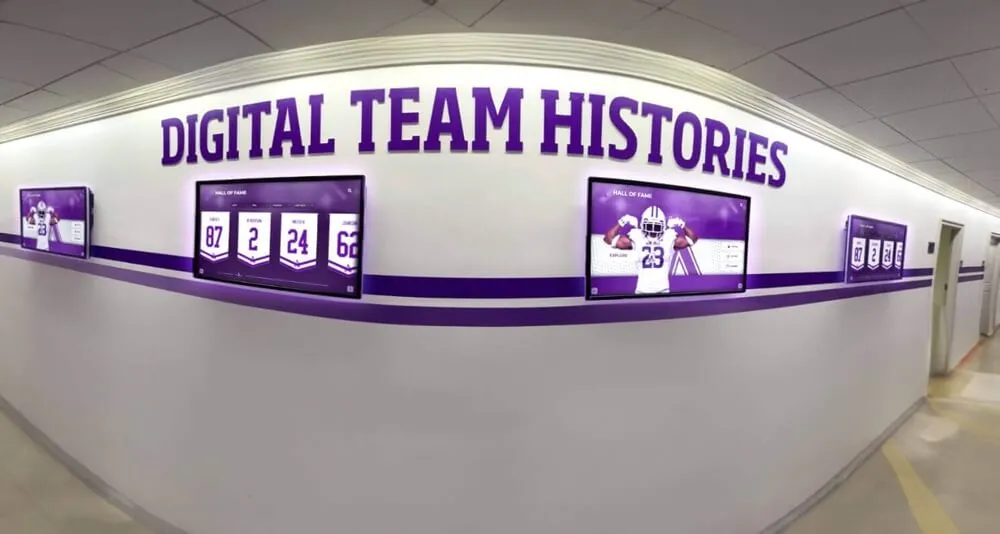
Athletic records displays and recognition walls reflect program history built game by game—a reconciled ticket sales report after each home contest creates the financial paper trail that confirms revenue, validates deposits, and supports the recognition commitments those proceeds fund
What a Booster Club Game Ticket Sales Report Covers
A game ticket sales report is not the same as a cash count sheet or a bank deposit slip. A cash count sheet records what was in the box at the end of the night. A deposit slip records what was sent to the bank. The ticket sales report connects those two documents by accounting for every ticket issued—sold, complimentary, or voided—and tracing what happened to the corresponding funds.
An effective report covers six categories for every home game:
- Pre-sale digital tickets — tickets sold through an online platform before the event, with gross revenue, processing fees, and net collected amount
- Gate cash sales — tickets sold at the gate for cash, counted by denomination and reconciled against the ticket count
- Gate card sales — tickets sold at the gate by debit or credit card, with processor fees identified separately
- Season passes and student IDs — admissions covered by pre-purchased passes, counted but not generating new revenue
- Complimentary admissions — tickets issued without charge, with the name or category of each comp documented
- Refunds issued — returned revenue for cancelled games, disputed charges, or payment errors, with the refund method and amount recorded
Programs that track all six categories for every game can produce a channel-by-channel reconciliation that shows, at a glance, whether the night’s revenue matches the deposit and whether any category requires follow-up.
Channel-by-Channel Reconciliation Table
Use this table as the core structure for your game ticket sales report. Complete one row per revenue channel. The final row—net deposit—should match the amount sent to the bank. When it does not, the variance column identifies where to investigate.
| Revenue Channel | Tickets Issued | Gross Revenue | Fees / Deductions | Net to Deposit | Variance |
|---|---|---|---|---|---|
| Pre-sale digital | — | $________ | $________ | $________ | $________ |
| Gate cash sales | — | $________ | $0.00 | $________ | $________ |
| Gate card sales | — | $________ | $________ | $________ | $________ |
| Season passes scanned | — | $0.00 | $0.00 | $0.00 | — |
| Student ID / free admission | — | $0.00 | $0.00 | $0.00 | — |
| Complimentary admissions | — | $0.00 | $0.00 | $0.00 | — |
| Refunds issued | — | $(______) | $________ | $(______) | $________ |
| Net deposit total | — | $________ | $________ | $________ | $________ |
How to use the variance column. The variance for each row is the difference between the expected net (based on ticket count and price) and the actual net recorded. A zero variance means the channel reconciled cleanly. A non-zero variance requires investigation before the reconciliation is marked complete—it is not a rounding line.
Why season passes and comps get their own rows. Season passes and complimentary admissions generate admission to the event without generating new revenue at the gate. Including them in the report alongside paid channels gives the treasurer and board an accurate picture of total attendance, total paying attendance, and the cost of access provided without charge. Programs with digital display and recognition systems that track athletic program history often use season-over-season attendance data—data that a complete ticket report makes available without reconstruction.
Step-by-Step Ticket Sales Reconciliation Process
Complete these steps in order after every home game. Do not combine multiple games into a single reconciliation—each game’s report should stand alone as a discrete record.
Step 1: Collect All Source Documents Before Counting
Before touching the cash box or logging into the ticketing platform, gather every document that records game-night financial activity:
- Pre-sale platform report showing tickets sold, revenue collected, and fees deducted
- Gate ticket roll count or electronic gate count showing tickets dispensed
- Cash count sheet completed by two volunteers at the gate closing
- Card terminal settlement report showing card transactions and fees
- Season pass scan log showing how many passes were validated
- Complimentary admission log with names or categories documented
- Any refund receipts issued during or after the event
A reconciliation completed without complete source documents is incomplete regardless of whether the numbers appear to balance. If any document is missing, note it before proceeding and flag it for follow-up.
Step 2: Reconcile Pre-Sale Digital Revenue
Log into the ticketing platform and pull the event settlement report. Confirm:
- Total tickets sold matches the number the platform shows as redeemed or issued
- Gross revenue matches the platform’s confirmed sales total
- Processing fees are itemized separately and match the platform’s fee schedule
- Net deposit to the booster account matches what was actually transferred or is pending transfer
Pre-sale revenue that has not yet settled to the booster account—pending transfers or platform-held funds—should be noted as a deposit in transit on the reconciliation, not counted as received until the transfer clears.
Step 3: Count and Record Gate Cash Sales
Count the cash box with two officers present. Record:
- Total cash by denomination
- Ticket roll start number and end number (or electronic count of tickets dispensed)
- Expected revenue based on ticket count and price per ticket
- Actual cash in the box
- Difference between expected and actual (overage or shortage)
An overage or shortage at the gate is common and should be investigated, not forced to zero. Common causes include incorrect change given, tickets not collected for entry, or denominations miscounted. Document the cause when it can be determined. When it cannot, note the amount and circumstances and flag it in the reconciliation notes.
Step 4: Reconcile Gate Card Transactions
Pull the card terminal’s settlement report. Confirm:
- Total card transactions match the terminal’s batch total
- Each transaction’s amount is consistent with the gate ticket price (or a valid multiple of it)
- Processing fees are itemized separately from gross receipts
- Net settlement amount matches what was deposited or will be deposited
Card transactions that appear on the terminal report but not in the internal ledger—for example, a void that was processed incorrectly—should be flagged and resolved before the reconciliation closes.
Step 5: Document Season Passes and Complimentary Admissions
Season passes and complimentary admissions do not generate new revenue, but they must be documented for two reasons. First, they determine total attendance—a figure that matters for program reporting, sponsor stewardship, and end-of-season athletic recognition events. Second, they establish that the gate count was not inflated by undocumented free admissions.
For each category:
- Season passes: record the number scanned, the total pass-holder count against the total enrolled, and any passes that could not be validated
- Complimentary admissions: record the name or category (coaching staff, officials, visiting program guests, district administrators) and the authorization basis for each comp issued
A complimentary admission issued without documentation is an unrecorded admission—it is indistinguishable from a ticket that was not collected or a gate entry that bypassed the count.
Step 6: Record and Categorize Refunds
Refunds issued for cancelled games, disputed card charges, or payment processing errors must be recorded in the report before the net deposit is calculated. For each refund:
- Record the original transaction date and amount
- Record the refund method (platform reversal, check issued, cash returned)
- Record the date the refund was or will be issued
- Identify whether the refund reduces a pre-sale deposit or requires a separate disbursement
Refunds processed through the digital platform typically appear as a deduction from the net settlement. Refunds issued by check or cash require a separate disbursement record that should flow through the booster club’s standard payment approval process.
Step 7: Calculate Net Deposit and Verify Against Bank
Once all channels are reconciled, calculate the net deposit:
Net Deposit = Pre-sale net + Gate cash + Gate card net - Refunds issued
Compare this figure against the actual deposit slip or bank transfer confirmation. If the amounts match, the reconciliation is complete. If they do not, identify the variance by channel before closing the report.

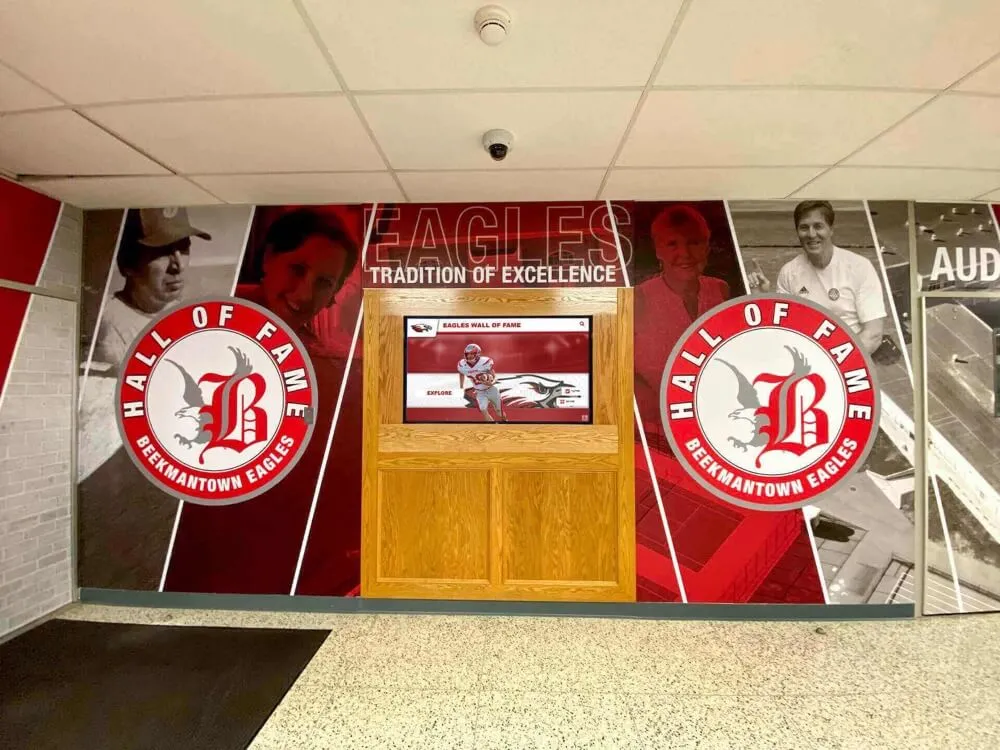
School lobby recognition walls and hall of fame displays are funded by athletic program revenue—including ticket sales—whose accuracy depends on game-by-game reconciliation that closes cleanly before funds are deposited and allocated
Step 8: Obtain Second-Officer Review and Sign-Off
The completed game ticket sales report should be reviewed by a second officer before it is filed. The reviewer should not be the same person who completed the reconciliation. The reviewer confirms:
- All source documents are attached
- The channel-by-channel figures are internally consistent
- The net deposit matches the deposit slip or transfer confirmation
- Any variances are documented with an explanation or a follow-up note
Two-officer review is the internal control that protects both officers involved. The person who counted the cash is protected because a second set of eyes confirmed the count. The reviewing officer is protected because they created a contemporaneous record of their review.
Step 9: File the Complete Report Package
File the game ticket sales report together with all source documents—platform settlement report, cash count sheet, card terminal report, complimentary admission log, any refund documentation, and the second-officer sign-off. File by game date in a designated game-night revenue folder, physical or digital.
Programs with multiple home games in a season benefit from a master index that lists each game date, the net deposit amount, the reconciliation date, and the name of the reviewing officer. The index makes any prior game’s file locatable at a glance.
Refund Handling: Common Scenarios and Documentation Requirements
Refunds are the most documentation-intensive part of a game ticket sales report because they require tracing a revenue reversal back to its original transaction. The following table covers common refund scenarios and the documentation each requires.
| Refund Scenario | Refund Method | Documentation Required | Timing |
|---|---|---|---|
| Game cancelled before start | Platform reversal or check | Original transaction record, cancellation notice, refund confirmation | Within 5 business days of cancellation |
| Disputed card charge (patron claim) | Platform reversal or check | Original transaction, dispute notice, refund confirmation | Per platform dispute timeline |
| Overpayment at gate (wrong change given) | Cash returned at gate or check | Cash count notation, officer attestation | At gate closing or within 48 hours |
| Duplicate charge on card | Platform reversal | Both transaction records, reversal confirmation | Per platform dispute timeline |
| Pre-sale ticket for rescheduled game | Patron option: transfer or refund | Original purchase, rescheduling notice, patron’s written choice | Before rescheduled game date |
Refunds issued by check to a patron who purchased digitally require the same approval steps as any booster club disbursement—routed through the treasurer and, above the applicable dollar threshold, through the additional sign-off required by the organization’s payment policy.
Complimentary Admission Policy and Documentation
A booster club game ticket sales report that accounts for all paid channels but leaves complimentary admissions untracked creates a gap that cannot be closed by reconciling cash alone. The number of people who entered the venue should equal the sum of paid tickets, passes scanned, and documented complimentary admissions.
Categories that typically warrant complimentary admission:
- Home coaching staff and athletic department personnel
- Visiting team coaching staff and chaperones
- Game officials and scorers
- Media and press with credentials
- District administrators and school board members attending in an official capacity
- Volunteers working the event (gate, concessions, security)
- Sponsor guests with documented guest pass entitlements in the sponsor agreement
Documentation minimum: the complimentary admission log should record the individual’s name or affiliation, the basis for the comp, and the officer who authorized it. A comp issued without documentation cannot be verified after the fact and may appear as an unexplained attendance discrepancy during a district review.
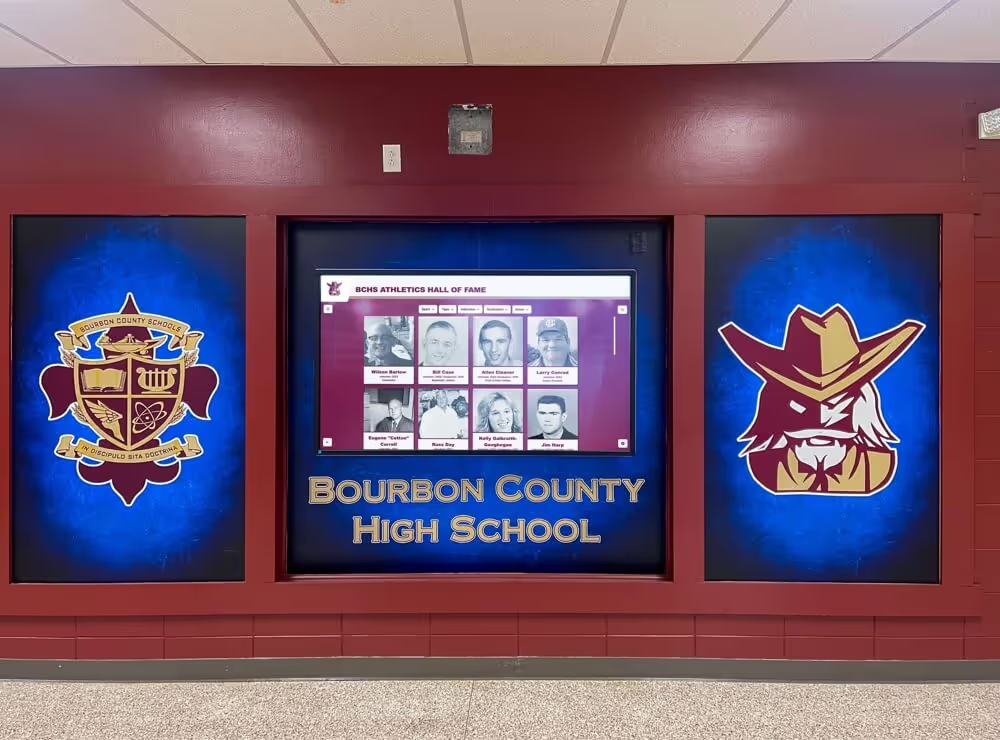
Player profile templates and athletic archive documentation systems that track career game-by-game statistics often rely on the same event records that the ticket sales report generates—accurate attendance figures feed into program history and recognition archives that schools display in lobbies, hallways, and digital trophy cases.
Deposit Closeout Steps: From Report Completion to Bank Confirmation
A reconciled game ticket sales report is not complete until the deposit is confirmed at the bank. These closeout steps connect the paper record to the bank account.
Prepare the deposit slip — List each revenue channel separately: cash amount, card settlement amount, and any platform transfer amount. Do not combine all channels into a single lump-sum deposit line. Channel-level detail on the deposit slip makes the bank reconciliation faster and more reliable.
Make the deposit promptly — Booster club best practice is to deposit game revenue on the next available banking day. Cash held beyond 48 hours creates custody risk and introduces the possibility of accounting for the same funds in two different financial periods.
Retain the bank-validated deposit slip — The validated slip is the confirmation that the deposit was received as submitted. Attach it to the completed game ticket sales report package.
Reconcile the deposit against the bank statement — When the monthly bank statement arrives, confirm that each game’s deposit appears at the correct amount and on the correct date. Deposits that post at a different date than expected should be noted as timing differences on the monthly reconciliation worksheet; deposits that post at a different amount require immediate investigation.
Update the season revenue ledger — After the deposit is confirmed, enter the net deposit amount—broken out by channel—into the season revenue ledger. The ledger gives the board a running view of ticket revenue across all home games without requiring them to open individual game files.
Season Ticket Sales Summary Template
At the close of the season, compile individual game reports into a season-level summary. This summary supports year-end financial reporting, budget planning for the following season, and sponsor stewardship presentations.
SEASON TICKET SALES SUMMARY
Organization: ______________________________
Sport / Program: ___________________________
Season: ____________________________________
Prepared By: _______________________________

GAME-BY-GAME DEPOSIT SUMMARY
Game Date | Opponent | Pre-sale Net | Gate Cash | Gate Card Net | Refunds | Net Deposit
_________ | ________ | $__________ | $________ | $____________ | $______ | $__________
[repeat for each home game]

SEASON TOTALS
Total pre-sale revenue (net):        $_____________
Total gate cash revenue:             $_____________
Total gate card revenue (net):       $_____________
Total refunds issued:                $(_____________)
Total season net deposit:            $_____________

ADMISSION SUMMARY
Total paid admissions:               _____________
Total season pass / student ID:      _____________
Total complimentary admissions:      _____________
Total attendance (all channels):     _____________

OPEN ITEMS AT SEASON CLOSE
[List any unresolved variances, pending refunds, or outstanding transfers]
Connecting Ticket Revenue to Donor Recognition and Display Programs
Ticket sales revenue is often the operating foundation that funds booster club recognition commitments—trophy cases, hall of fame displays, award ceremonies, and donor wall updates. When that revenue is tracked cleanly through a game ticket sales report, the program can demonstrate to donors, sponsors, and district administrators how gate proceeds support recognition infrastructure.
Digital trophy case displays and athletic hall of fame archives that document program history are funded, in part, by the ticket and concession revenue that booster clubs generate game by game. A season that produces clean ticket reconciliation records is also a season that produces clear evidence of how game revenue was collected, deposited, and allocated—evidence that strengthens the case for recognition investments at year-end budget reviews.
Sponsor agreements that include complimentary game tickets as a benefit deliverable—a sponsor whose tier includes four guest passes per home game, for example—require that the complimentary admission log be maintained rigorously enough to confirm delivery. When renewal comes around, the ticket report is the documentation that shows the benefit was provided as agreed. Award ceremony planning and athletic recognition events funded by ticket and sponsorship revenue carry more institutional credibility when the revenue documentation behind them is precise.
Programs that invest in touchscreen wall displays, digital hall of fame systems, or interactive donor recognition panels benefit from connecting their annual recognition budget to the documented revenue streams that fund it. College football awards and athletic recognition programs at every level demonstrate that recognition infrastructure built on accurate financial records has a durability that informal programs lack—the records protect the recognition from the questions that inevitably arise when leadership changes.
Student recognition programs displayed on digital bulletin boards and hallway screens share a governance requirement with athletic ticket programs: the records that support the recognition must be traceable and verifiable. Whether the record is a ticket sales report or a giving ledger, clean documentation is what converts a recognition gesture into an institutional commitment.
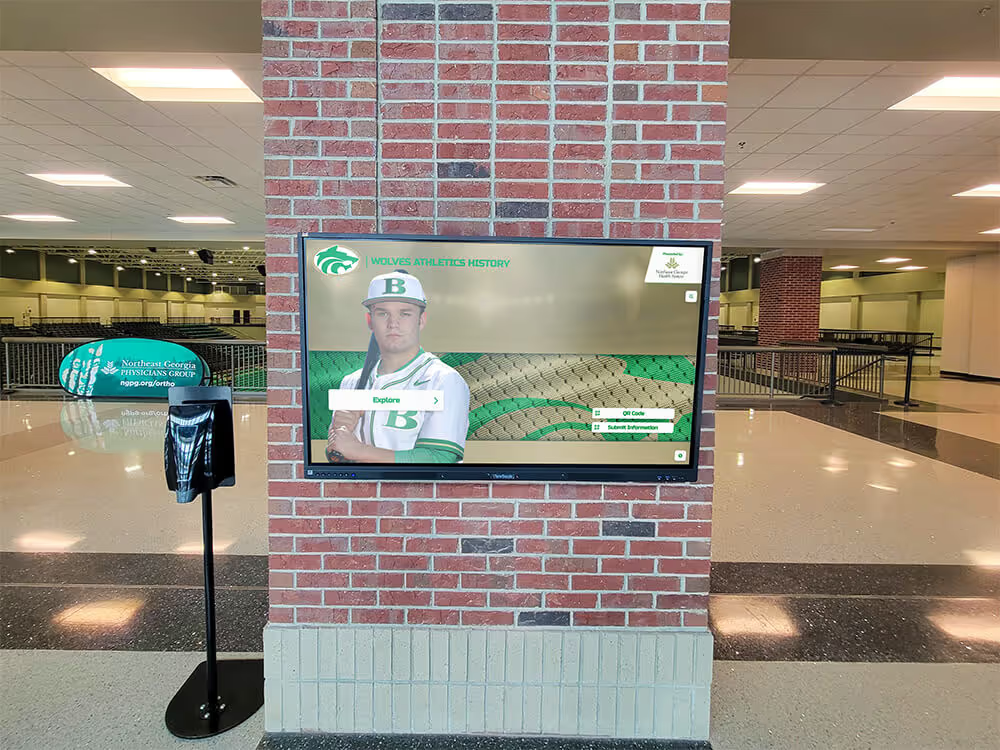
Athletic hall of honor programs at every level depend on funding streams—including ticket revenue—that require clean reconciliation to confirm how proceeds are collected, deposited, and directed toward the recognition infrastructure that represents the program's history
Frequently Asked Questions
What is a booster club game ticket sales report used for?
A game ticket sales report reconciles all admission revenue from a single home game—pre-sale digital tickets, gate cash, gate card transactions, season passes, complimentary admissions, and refunds—against the deposit sent to the bank. It is used by the treasurer to close out each game’s financial records, by the board to monitor season revenue on a game-by-game basis, and by auditors or district administrators to verify that ticket proceeds were accurately documented and properly deposited.
How does a ticket sales report differ from a bank deposit slip?
A deposit slip records the total amount sent to the bank. A ticket sales report explains how that total was calculated—what was collected through each channel, what was deducted for refunds and processing fees, and whether the final deposit amount is consistent with the number of tickets sold and the gate price. The report is the documentation layer that makes the deposit slip auditable.
What should be done when the cash count does not match the expected ticket revenue?
Document the variance in the reconciliation notes with the amount, the possible cause, and the names of the officers present during the count. Do not force the cash count to match the expected total. Common causes include incorrect change issued, tickets dispensed but not collected, or denominations miscounted during the initial sort. If the variance exceeds a threshold set by the organization’s policy, escalate to the full board for review before the deposit is made.
How should digital pre-sale revenue be recorded when the platform transfer has not yet settled?
Record the gross pre-sale amount and the expected net as confirmed by the platform report. Note the expected settlement date and the expected deposit amount. List the pending transfer as a deposit in transit on the monthly bank reconciliation worksheet. Once the transfer clears, confirm the amount against the platform’s settlement report and update the game ticket sales report to reflect confirmed receipt.
Are complimentary admissions required to be documented in the ticket sales report?
Yes. Complimentary admissions should be logged with the individual’s name or affiliation and the authorization basis. Undocumented complimentary admissions create an attendance discrepancy—total venue count exceeds the sum of paid and season-pass admissions—that cannot be explained without the log. Sponsors whose agreements include guest passes also require documentation to confirm the benefit was provided.
How long should game ticket sales reports be retained?
Standard nonprofit record retention practice recommends keeping financial records for a minimum of seven years. Game ticket sales reports, along with their supporting documents—cash count sheets, platform settlement reports, card terminal reports, complimentary admission logs, and deposit slips—should be filed together as a single package and retained for the full retention period. Consult the organization’s CPA for guidance specific to your jurisdiction and tax-exempt status.
Can a single volunteer serve as both gate cashier and reconciliation officer?
No. The individual who handles cash at the gate should not be the same person who reconciles the gate cash count against the ticket report. This separation is a fundamental internal control: it requires that two people be present at the count and that the reconciliation be reviewed by someone independent of the cash-handling function. In small programs where officer coverage is limited, a trusted non-officer board member or parent volunteer can serve as the second counter, with the treasurer completing the reconciliation afterward.
How does a ticket sales report connect to year-end donor recognition decisions?
Ticket revenue often funds the recognition commitments a booster club makes at year-end—trophy purchases, hall of fame inductee plaques, donor wall updates, and award ceremony costs. When game-by-game ticket reports are complete and reconciled throughout the season, the board can confirm at any point how much ticket revenue has been collected, deposited, and allocated toward recognition commitments. That visibility prevents the situation where year-end recognition plans outpace available funds because revenue was never systematically tracked.
What happens if a pre-sale ticketing platform holds funds beyond the expected settlement window?
Contact the platform’s support team in writing and document the exchange. Note the expected settlement date from the original platform agreement and the actual date funds were received. Log the delay as a pending deposit in transit on the applicable month’s bank reconciliation. If the delay results in funds being held across a fiscal year boundary, consult the organization’s CPA regarding how to record the receivable.
Clean ticket sales records are the foundation that makes every other booster club financial document more reliable—the monthly bank reconciliation closes faster, the year-end summary requires less reconstruction, and the recognition commitments funded by ticket revenue carry the documentary support that sponsors and donors expect. Programs that close each home game with a reconciled ticket report build that foundation one game at a time.
When your program is ready to connect clean financial records to the recognition infrastructure they fund—digital donor walls, interactive hall of fame displays, and athletic records boards that reflect a complete program history—request a demo from Rocket Alumni Solutions to see how institution-managed recognition platforms support the financial governance discipline booster clubs work to build.