Booster Club Invoice Approval Workflow: Review Bills Before Payment

A booster club invoice approval workflow is a documented process that determines who reviews each incoming bill, what documentation must accompany it, and which officer can authorize payment at each dollar tier—before any check is written or electronic transfer is issued. The workflow closes the gap between receiving a vendor invoice and issuing payment: it ensures that every dollar spent has been reviewed against a purchase order or approval record, that the expenditure aligns with the organization’s budget, and that sponsor commitment deliverables—banners, display panels, trophy engravings, event signage—are confirmed before payment releases the organization’s documentation leverage.
For booster programs that fund recognition displays, athletic award ceremonies, and sponsor benefit fulfillment, a structured invoice review process is also the chain of evidence that proves delivery. When a sponsor asks whether their banner was produced to spec, the approval file answers that question.
This guide is for informational purposes only and does not constitute legal, accounting, financial, or compliance advice. Consult your organization’s licensed attorney, CPA, or district policy owners for guidance specific to your structure, tax-exempt status, and jurisdiction.

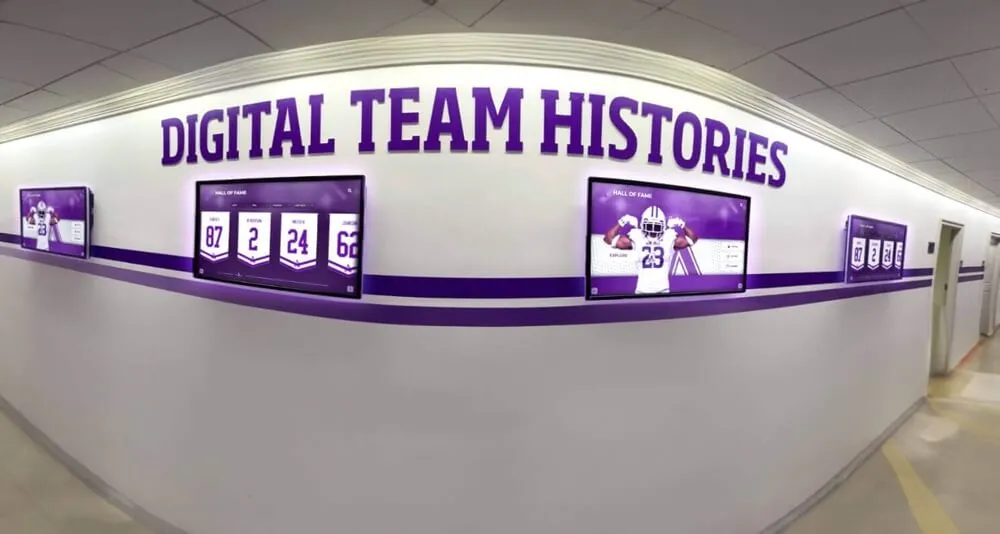
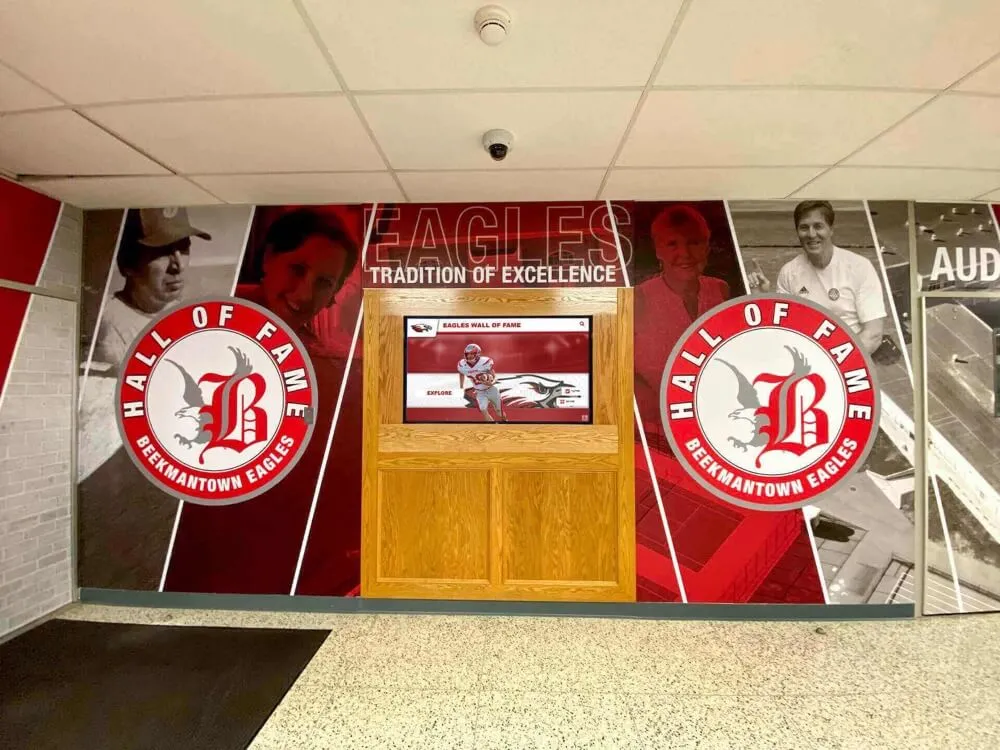
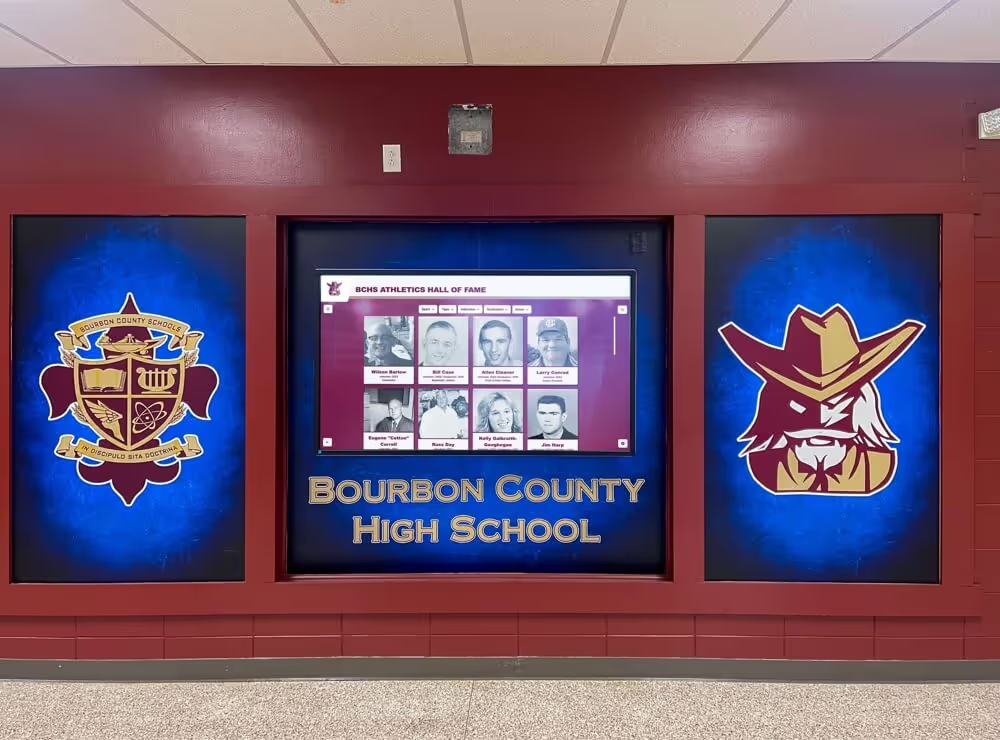
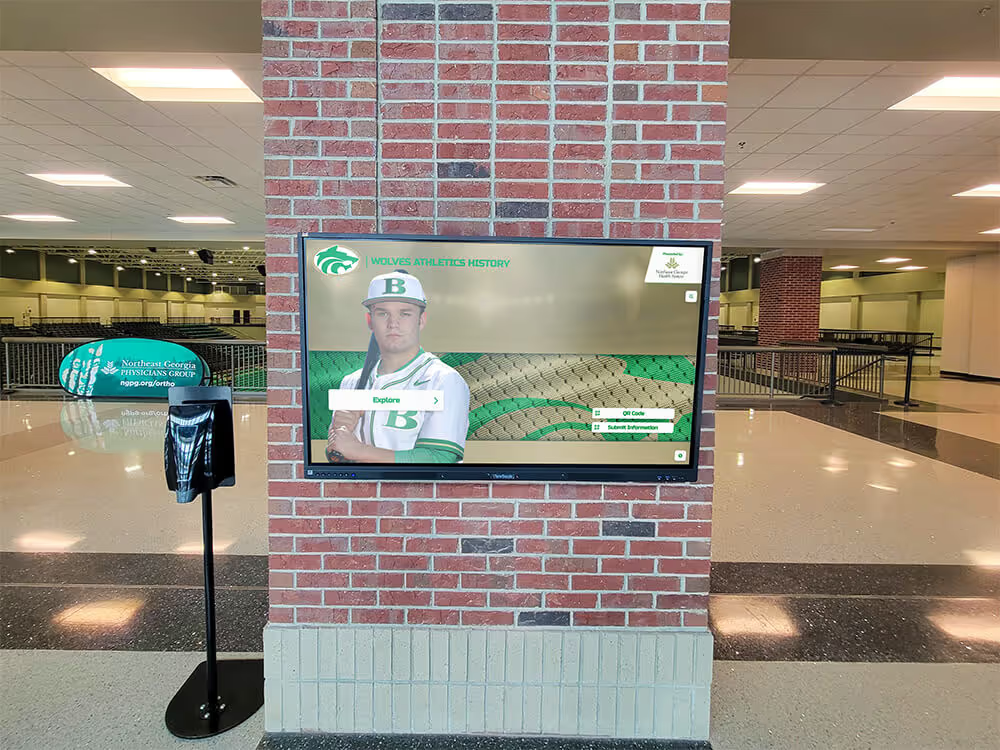
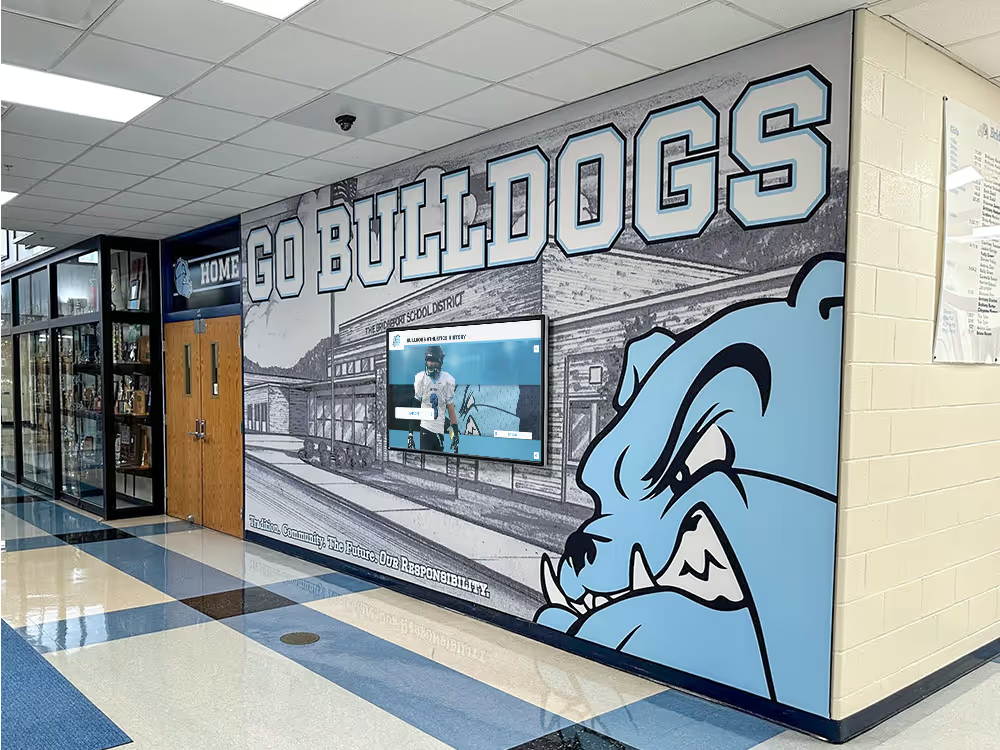
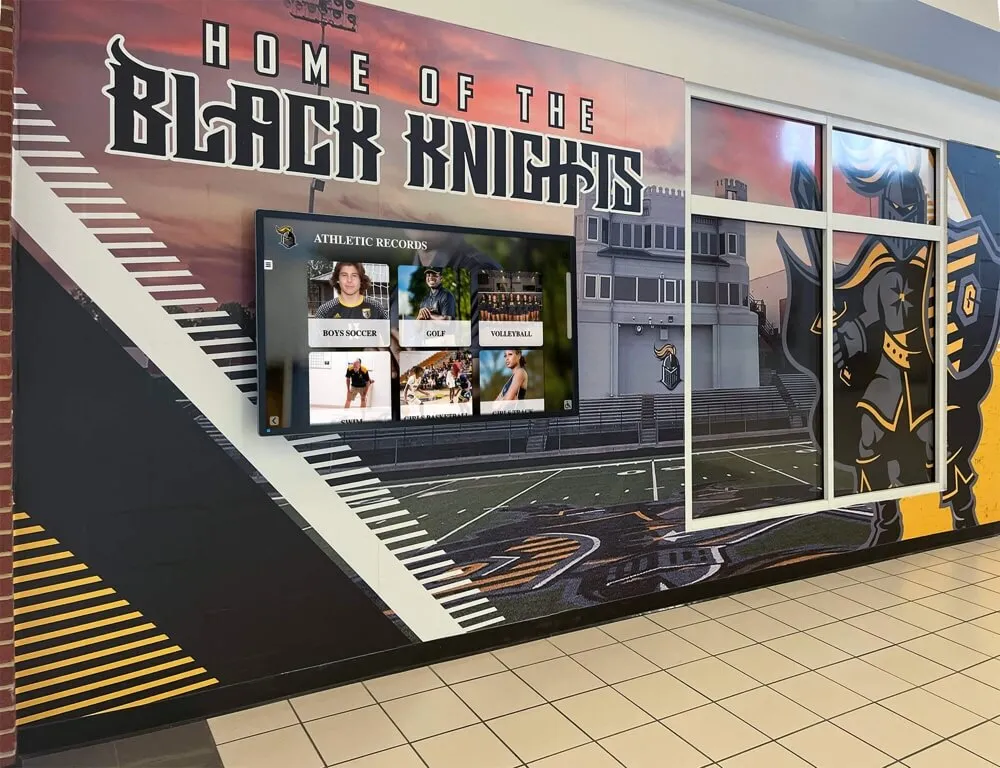
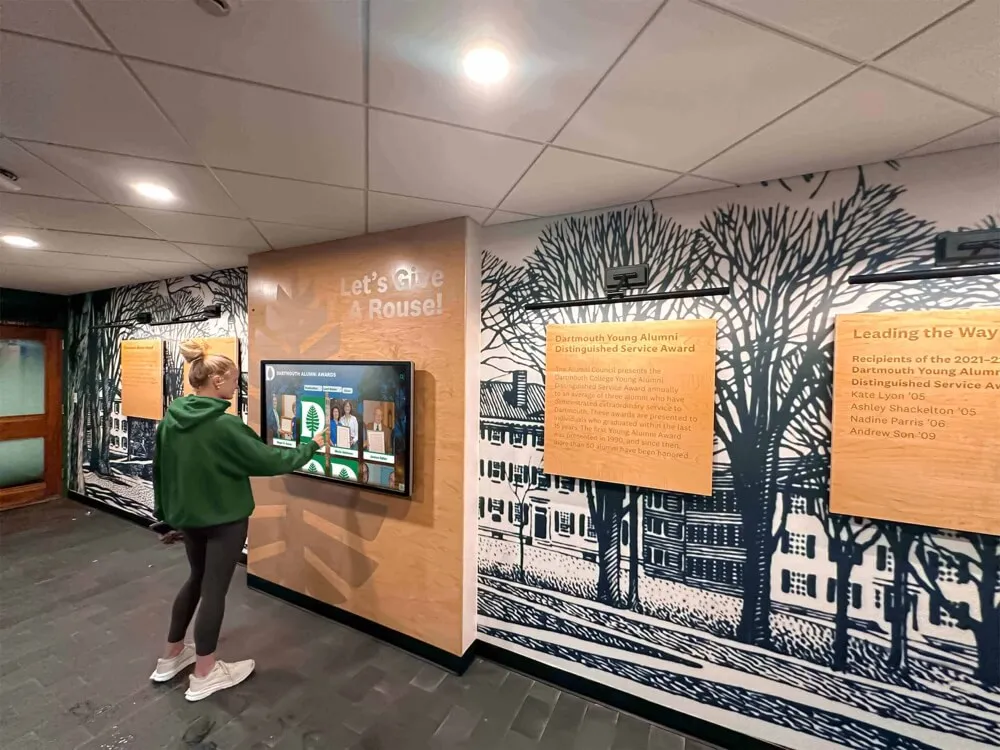
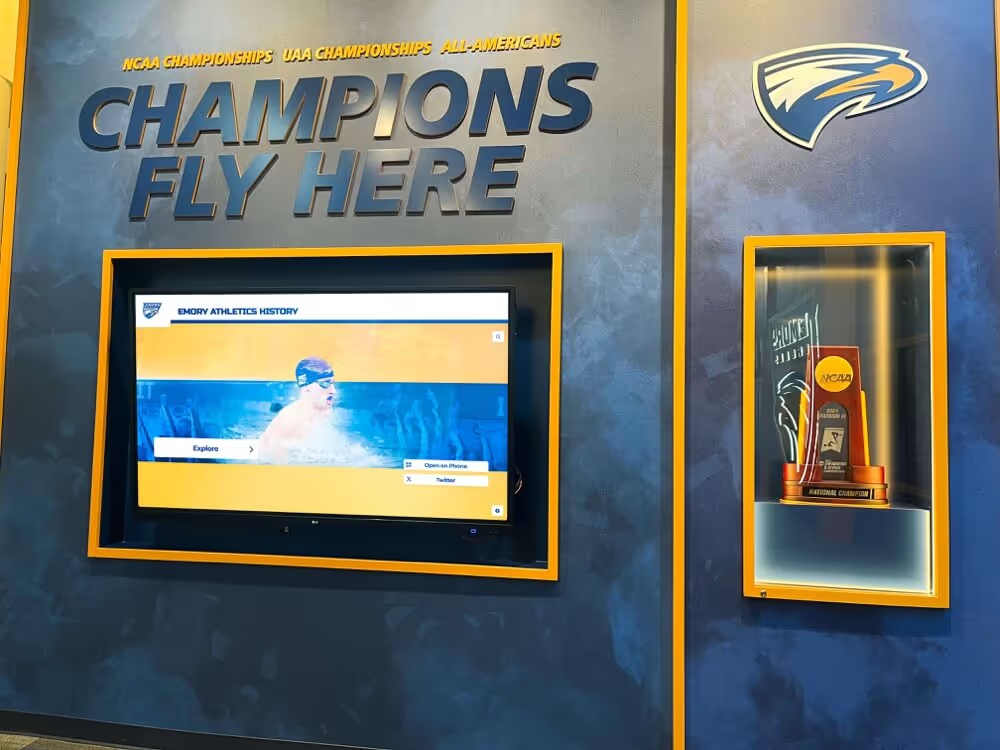
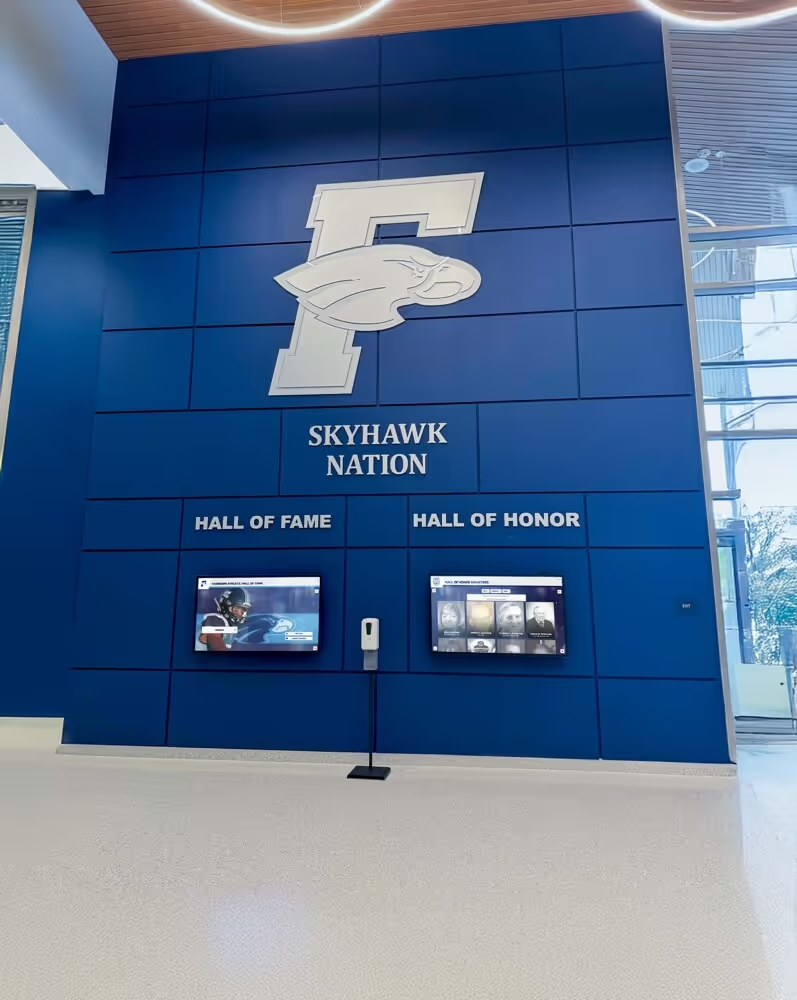
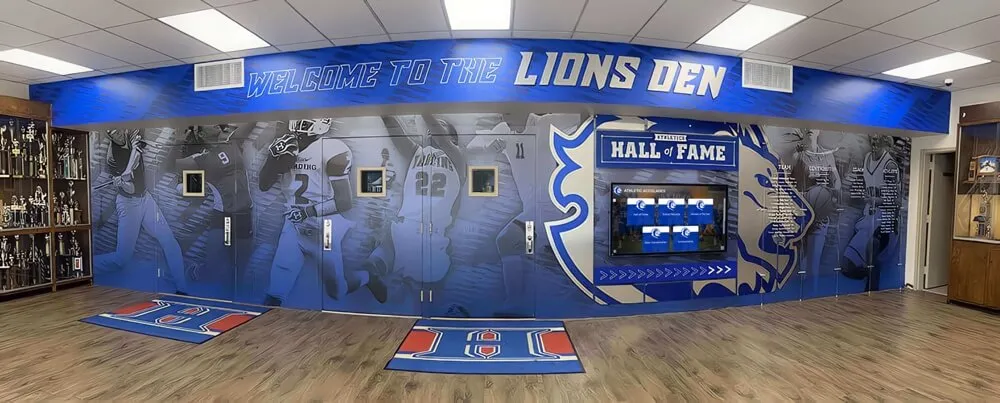
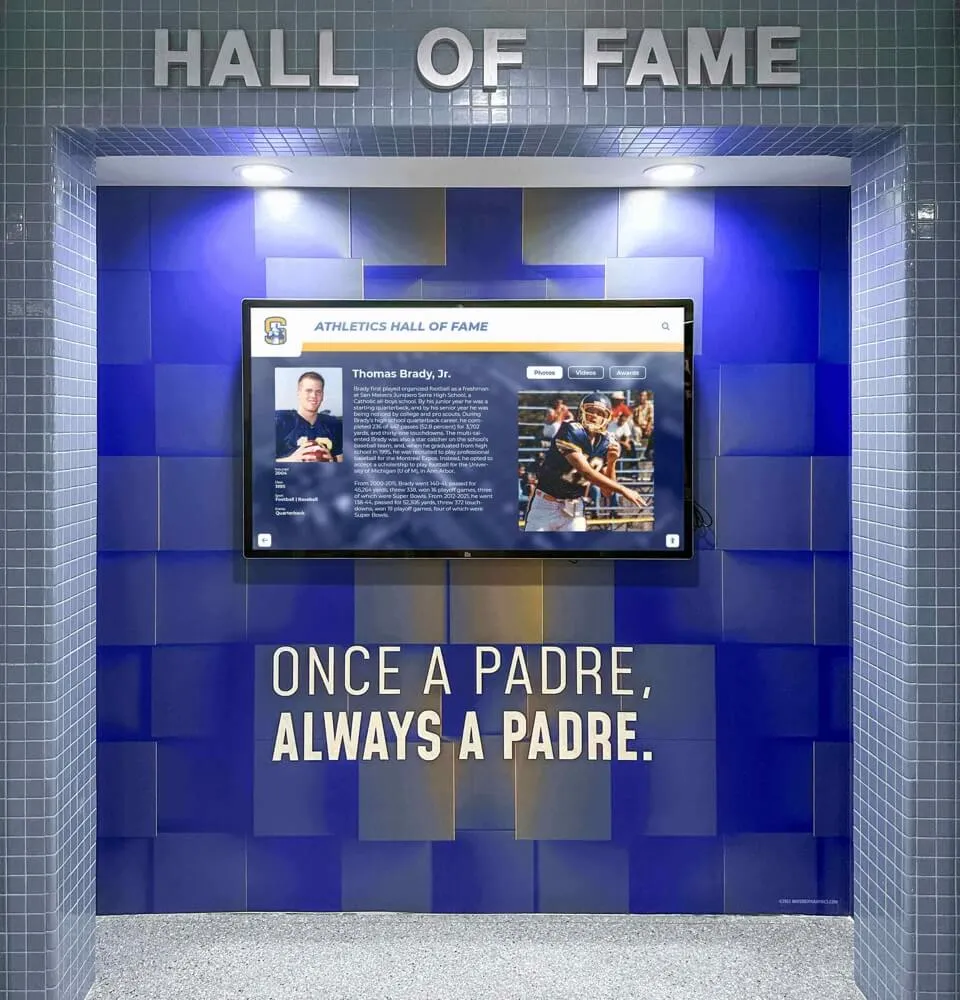
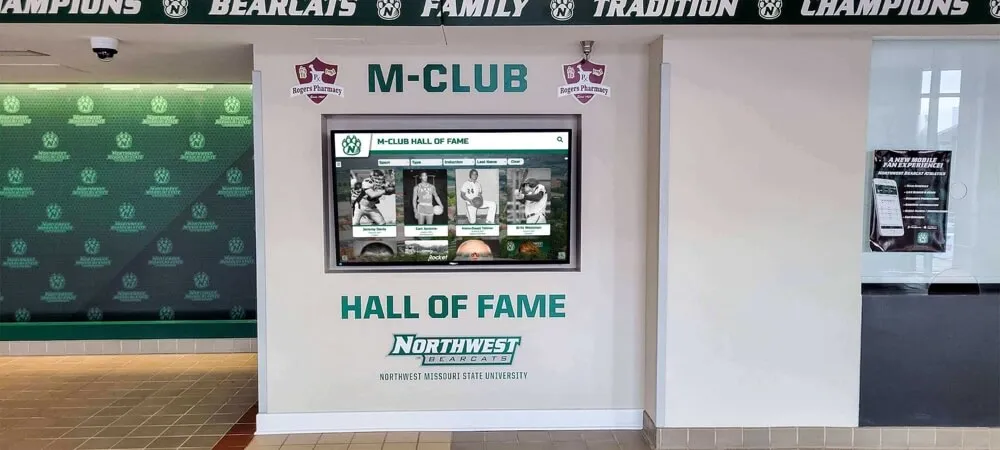
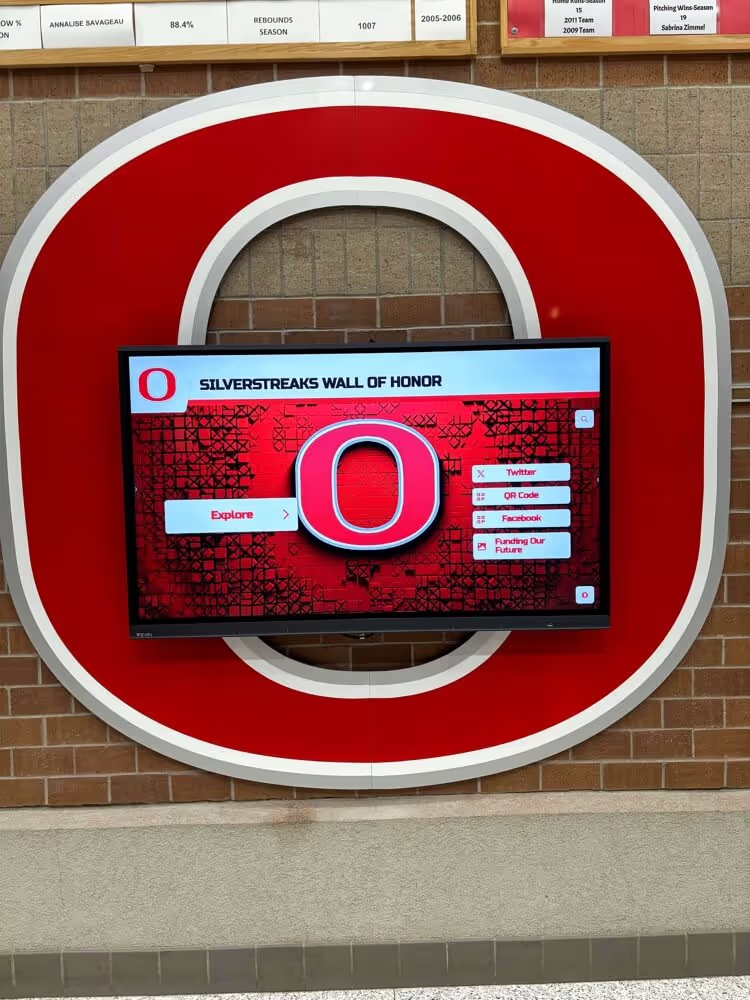
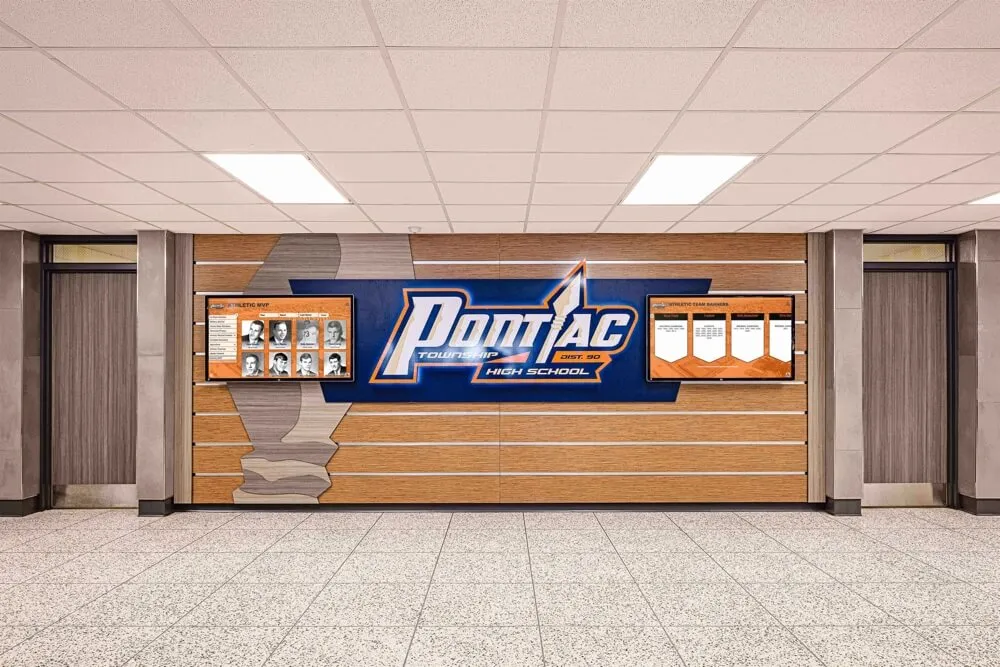
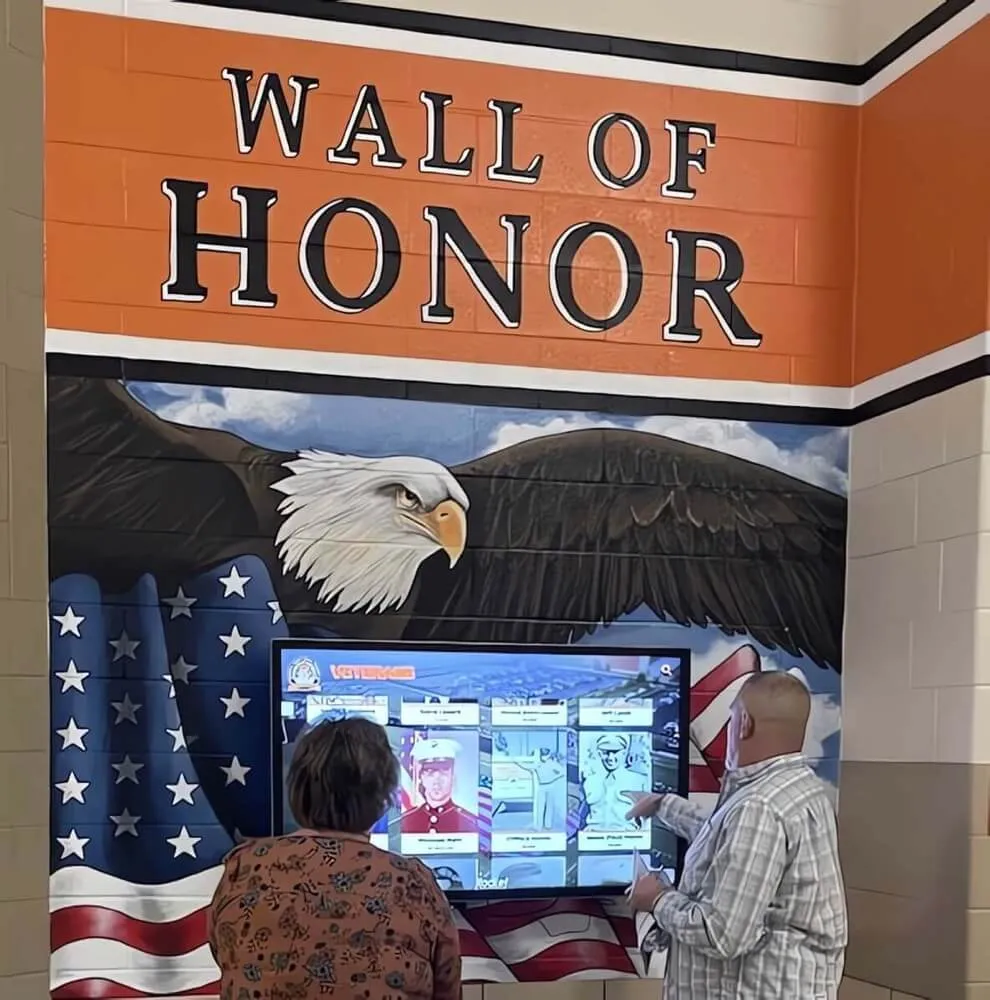
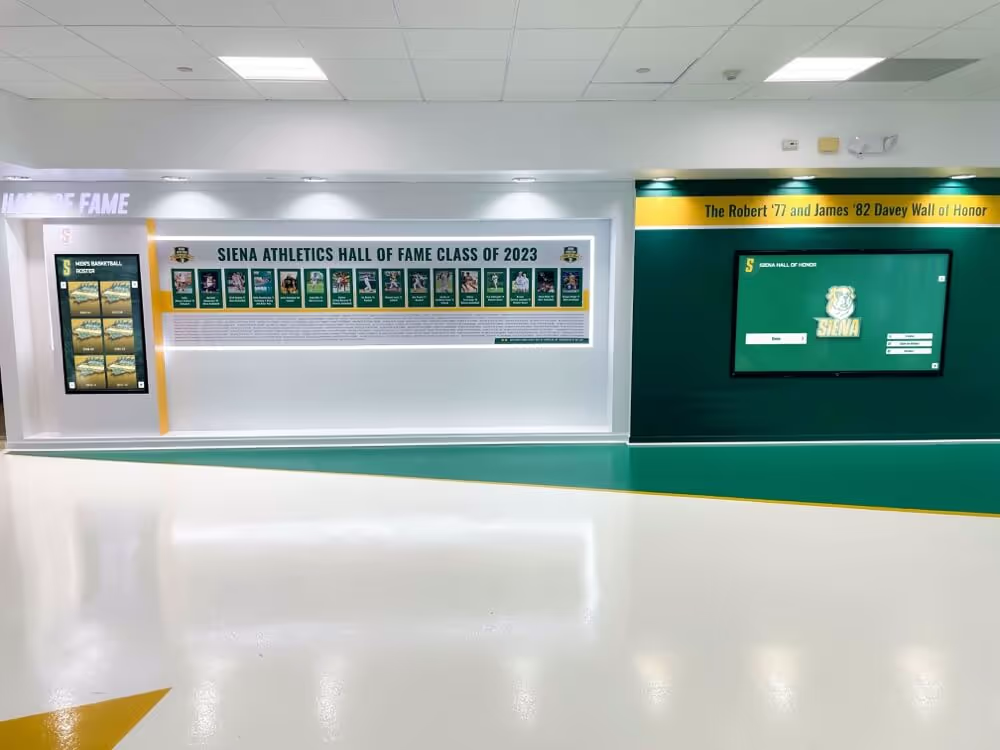
Booster club recognition displays, trophy awards, and sponsor panels all originate as vendor invoices. A documented invoice approval workflow ensures each bill is reviewed, verified against its purchase record, and approved before payment is issued
What a Booster Club Invoice Approval Workflow Is
A booster club invoice approval workflow defines the sequence of steps between receiving a vendor’s bill and authorizing payment. It is distinct from a budget (which sets spending limits) and from a purchasing policy (which governs how vendors are selected and bids are solicited). The invoice workflow picks up where the purchase decision ends: it governs what happens when the bill arrives.
An effective workflow answers five questions for every invoice the organization receives:
- Is this invoice expected? Does it correspond to an approved purchase order, board vote, or prior officer authorization?
- Is it accurate? Do the quantities, unit prices, and deliverables match what was agreed upon?
- Who is authorized to approve it? What is the dollar threshold, and which officer role has payment authority at that level?
- What documentation must accompany it? What must be on file before payment is released?
- Has the work or delivery been confirmed? For goods and services tied to sponsor commitments or recognition programs, has receipt been verified?
Programs that answer these questions consistently—across every invoice, every term, every officer transition—maintain the audit trail that protects them during district reviews, IRS inquiries, and sponsor renewal conversations.
Approval Role Table: Who Reviews Each Invoice Tier
The following table defines approval authority by dollar tier. Adapt thresholds and role names to your organization’s size and officer structure before adopting.
| Invoice Amount | Reviewing Officer | Approval Authority | Second Sign-Off Required | Board Notification |
|---|---|---|---|---|
| Under $100 | Treasurer | Treasurer self-approves | No | Monthly summary |
| $100–$499 | Treasurer | Treasurer approves | No | Monthly summary |
| $500–$999 | Treasurer + President | President approves after treasurer review | No | Meeting minutes |
| $1,000–$2,499 | Treasurer + President | Both must sign off | Yes — second officer countersigns | Board notification at next meeting |
| $2,500–$4,999 | Treasurer + President + one board member | Full officer review; president signs | Yes — treasurer countersigns | Board vote recorded |
| $5,000 and above | Full board review | Board vote required before payment | Yes — president and treasurer both sign | Recorded board resolution |
| Expense reimbursements (any amount) | Any officer except the requestor | Treasurer approves | Treasurer countersigns | As applicable to amount |
| First invoice from a new vendor | Treasurer + President | President approves | Vendor verification checklist completed | Board notification at next meeting |
Why reimbursements are treated separately. An officer who submits their own reimbursement request cannot approve it regardless of dollar amount. This separation is a fundamental internal control, not a judgment about any individual officer’s integrity. Documenting it explicitly in the workflow removes ambiguity during transitions when a new treasurer may not know the informal rule.
Why new-vendor invoices require additional review. A vendor appearing on an invoice for the first time—even for a small amount—should be verified against the organization’s approved vendor list before payment is released. This prevents invoice fraud, where fabricated bills use plausible vendor names to extract small payments that go unnoticed in monthly reconciliation.
Step-by-Step Invoice Approval Process
Apply this sequence to every invoice the organization receives. Steps 1 through 5 apply universally; steps 6 and 7 apply to invoices tied to sponsor commitments, recognition deliverables, or display projects.
Receive and log the invoice — Record the vendor name, invoice number, invoice date, payment due date, and dollar amount in the organization’s invoice log. Assign a sequential tracking number. Do not route for approval until the log entry is complete.
Match to the purchase authorization — Compare the invoice to the corresponding purchase order, board approval record, or officer authorization on file. Verify that the vendor name, item description, quantity, and price match the approved request. Flag any discrepancy before proceeding.
Confirm delivery or completion — For physical goods (banners, trophies, signage, display hardware), confirm receipt of the item in the condition specified. For services (installation, design, engraving, photography), confirm the work was completed and accepted. Document confirmation with a date and the name of the officer who verified delivery.
Route to the appropriate approver — Based on the dollar tier table above, route the invoice—with the matched purchase authorization and delivery confirmation—to the designated approver. Do not route until steps 1 through 3 are complete.
Approver reviews and signs — The reviewing officer confirms the match between invoice and authorization, checks delivery confirmation, and signs or initials the invoice with the approval date. For amounts requiring a second sign-off, route to the second officer after the first approval is complete.
Verify against sponsor or donor commitment (if applicable) — For invoices tied to sponsor benefit delivery—signage, display panels, engraved awards, printed program materials, or digital content updates—confirm the deliverable matches the specific benefit line in the sponsor agreement. Attach a copy of the relevant agreement section to the invoice file.
Release payment and file — Issue payment through the approved method (check, ACH, platform transfer). File the complete invoice package—invoice, purchase authorization, delivery confirmation, approval signatures, and any sponsor agreement attachment—in the organization’s permanent records. Update the invoice log to reflect payment date and method.
Invoice Categories That Require Extended Review
Some categories of booster club expenditure involve additional verification steps because they connect directly to sponsor commitments, recognition deliverables, or multi-year agreements.
Recognition Display and Signage Invoices
Invoices for physical banners, sponsor name panels, trophy case fabrication, or digital display installations should be reviewed against both the purchase specification and the sponsor agreement before payment. A banner produced at 4×6 feet when the agreement specified 4×8 represents an unfulfilled commitment—releasing payment without verifying dimensions closes your documentation window before the error is caught.
High school trophy case designs and display installations that involve custom fabrication should include a proof-approval step in the invoice workflow: the organization approves a printed or digital proof before production begins, and the approval document is attached to the final invoice file.
Engraving and Awards Invoices
Award and engraving invoices require name verification against the official list before payment. A trophy delivered with a misspelled athlete name or an incorrect graduation year cannot be corrected after payment is released without generating a dispute. The reviewing officer should compare the engraving proof or delivery photo against the authorized award list before signing the invoice.
Trophy wording, engraving fonts, and name accuracy standards become financial documentation issues when engraving errors are discovered post-payment—the invoice file should include the approved engraving specifications to support any correction request.
Digital Display Platform and Subscription Invoices
Annual subscription invoices from display platform providers should be verified against the original contract terms: price, renewal date, included features, and any agreed-upon rate changes. Multi-year agreements that auto-renew should be flagged in the invoice log well before the renewal date so the board can review the commitment rather than discovering it when the invoice arrives.
Digital display boards in school lobbies and entrances often involve annual service agreements, content management fees, and hardware maintenance contracts—each of which generates a separate invoice stream that should flow through the standard approval workflow rather than being treated as a routine recurring payment exempt from review.
Event Production Invoices
Invoices for event venues, catering, audio-visual production, and photography are among the most common sources of payment disputes in booster programs. Verify that the invoice reflects the contracted rate and not a post-event adjustment, that deposit payments already issued are credited, and that any cancellation penalties or overtime charges are documented with the original contract language before approving.
Invoice Documentation Checklist
Before any invoice is approved for payment, confirm the following items are on file:
| Documentation Item | Required for All Invoices | Required for Sponsor Commitments | Required for New Vendors |
|---|---|---|---|
| Vendor name and invoice number match purchase record | ☐ | ☐ | ☐ |
| Invoice date and payment terms documented | ☐ | ☐ | ☐ |
| Dollar amount matches approved purchase authorization | ☐ | ☐ | ☐ |
| Delivery or completion confirmed with date and name | ☐ | ☐ | ☐ |
| Approver signature or initials with approval date | ☐ | ☐ | ☐ |
| Second sign-off (for applicable dollar tiers) | ☐ | ☐ | ☐ |
| Sponsor agreement section attached (if applicable) | — | ☐ | — |
| Deliverable specification verified against invoice | — | ☐ | — |
| Vendor verification checklist completed | — | — | ☐ |
| Business registration or tax ID confirmed | — | — | ☐ |
| Invoice log updated with payment date and method | ☐ | ☐ | ☐ |
Maintaining this checklist as a physical or digital form that travels with each invoice package—rather than relying on memory—ensures consistency across officer transitions. An incoming treasurer reviewing a prior quarter’s files can verify that every item was checked without needing to ask the previous officer what they reviewed.
Handling Disputed and Rejected Invoices
Not every invoice that arrives is accurate, expected, or approvable on first review. The workflow should define how disputed and rejected invoices are handled so that a billing discrepancy does not stall payment on unrelated invoices or damage an otherwise healthy vendor relationship.
When an Invoice Does Not Match the Purchase Authorization
- Do not approve the invoice or issue payment.
- Contact the vendor in writing (email is acceptable; document the exchange) to describe the discrepancy and request a corrected invoice or written explanation.
- Update the invoice log to reflect disputed status, the date of contact, and the specific discrepancy.
- Route the vendor’s response to the original approving officer for review before approving the corrected invoice.
- File both the original and corrected invoices together with the dispute correspondence.
When Delivery Cannot Be Confirmed
Hold payment until delivery is confirmed by an officer who can physically or electronically verify receipt. For digital deliverables—content updates, design files, software features—confirm that the deliverable is accessible and functions as specified before approving payment.
When an Invoice Arrives Without a Corresponding Purchase Authorization
An invoice with no matching purchase authorization should not be paid until the board or designated officer confirms whether the purchase was authorized through a channel not yet documented (verbal approval, informal commitment) or whether it represents an unauthorized transaction. Do not make payment to resolve the ambiguity—document the investigation and resolve the authorization question first.
Recognition board displays and the governance processes behind them often involve multi-vendor coordination across fabrication, installation, and content management. When a subcontractor invoice arrives that was not anticipated in the original purchase authorization, the workflow should pause payment while the primary vendor confirms whether the subcontractor charge is included in the contracted price or represents an additional scope.
Connecting Invoice Approval to Recognition and Display Commitments
The invoice approval workflow is where financial governance and sponsor stewardship intersect. When a display vendor’s invoice is approved and filed with the corresponding sponsor agreement section, the organization creates the documentation that proves delivery—something that becomes relevant at renewal, at audit, and at any point when a sponsor questions whether their commitment was honored.
Digital donor walls and interactive recognition displays represent multi-year institutional commitments. The invoice approval file for a donor wall installation is not just a financial record—it is the provenance document for a recognition asset that will represent the organization’s integrity for years after the specific officer who approved it has moved on.
Principal and administrator recognition programs that involve physical displays, engraved plaques, or digital name entries all generate vendor invoices. Routing those invoices through a consistent approval workflow—rather than having the requesting party also approve payment—is the structural control that keeps recognition programs credible and audit-ready.
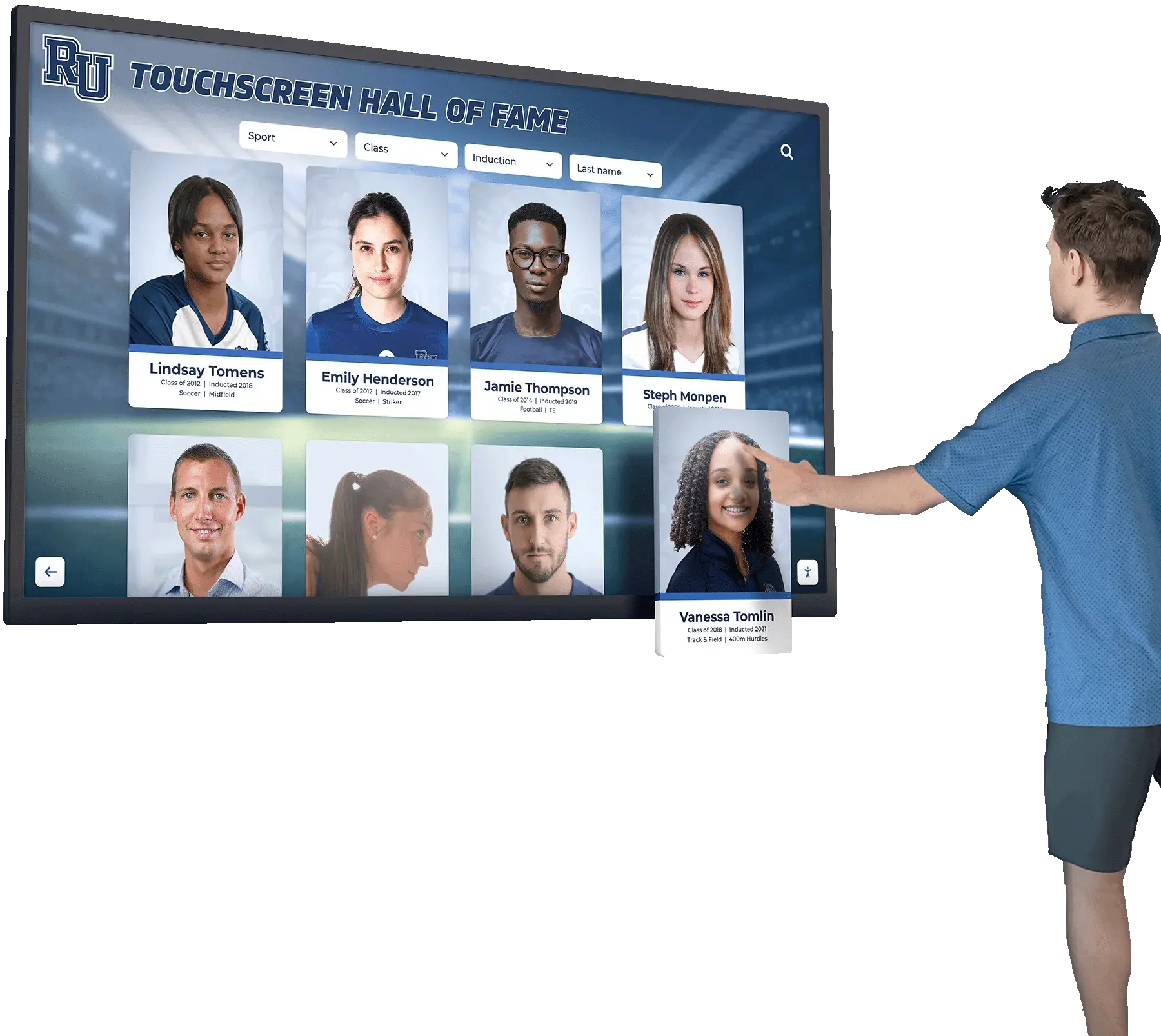
Programs investing in touchscreen recognition displays and digital Hall of Fame systems should pay particular attention to how their invoice approval workflow handles software subscription invoices alongside hardware and content invoices. Admissions-facing touchscreen displays and recognition kiosks often involve annual platform fees that benefit from a dedicated review step confirming continued usage before the organization commits to another year.
If your program is evaluating display platforms, understanding how algorithmic and AI-driven systems fit into recognition purchasing decisions helps boards ask the right questions before committing to a multi-year invoice relationship. The invoice approval workflow is downstream of that vendor decision—but the vendor decision shapes the invoice workflow’s complexity for years.
When recognition infrastructure is managed through a centrally administered platform rather than an officer-owned account, display update requests and content management fees flow through a documented procurement channel rather than appearing as informal charges from a departed officer’s vendor relationship. That structural difference reduces invoice disputes significantly over time.
Request a demo from Rocket Alumni Solutions to see how institution-managed recognition platforms simplify the invoice and renewal workflow for booster programs managing donor walls, Hall of Fame displays, and sponsor recognition panels.
Invoice Approval Workflow Policy Template
Use this template as the foundation for a written invoice approval policy. Customize all bracketed fields before adopting as organizational policy. Have the current board vote to formally adopt the policy and record the adoption in the meeting minutes.
BOOSTER CLUB INVOICE APPROVAL WORKFLOW POLICY
[Organization Name] | [School / Program]
Adopted: [Date] | Annual Review Date: [Month]

SECTION 1 — PURPOSE
This policy establishes the process by which the organization
reviews, documents, and approves vendor invoices before payment
is issued. No payment may be released until the invoice has
completed the approval sequence defined below.

SECTION 2 — INVOICE LOG
All invoices received must be entered in the organization's
invoice log before routing for approval. The log must record:
  a. Vendor name and invoice number
  b. Invoice date and payment due date
  c. Dollar amount
  d. Tracking number assigned by the organization
  e. Purchase authorization reference (PO number, board vote
     date, or officer authorization date)
  f. Payment date and method (recorded upon payment)

SECTION 3 — APPROVAL AUTHORITY MATRIX
  Under $100: Treasurer
  $100–$499: Treasurer
  $500–$999: Treasurer reviews; President approves
  $1,000–$2,499: Treasurer and President both sign
  $2,500–$4,999: Full officer review; President signs;
                  Treasurer countersigns
  $5,000 and above: Board vote required before payment;
                    President and Treasurer both sign
  Expense reimbursements (any amount): Any officer except
    the requestor; Treasurer countersigns

SECTION 4 — REQUIRED DOCUMENTATION BEFORE PAYMENT
Every invoice must have the following on file before payment:
  a. Vendor invoice matching the purchase authorization
  b. Delivery or completion confirmation with date and
     officer name
  c. Approver signature with date
  d. Second sign-off (for applicable tiers)
  e. Sponsor agreement attachment (for commitment fulfillments)
  f. Vendor verification checklist (for new vendors)

SECTION 5 — DISPUTED INVOICES
When an invoice does not match the purchase authorization:
  a. Do not issue payment
  b. Contact vendor in writing within [5] business days
  c. Update invoice log to reflect disputed status
  d. File dispute correspondence with invoice package
  e. Obtain corrected invoice before re-routing for approval

SECTION 6 — UNAUTHORIZED INVOICES
An invoice with no corresponding purchase authorization must
not be paid until the board or designated officer confirms
the authorization basis in writing. Document the
investigation before issuing any payment.

SECTION 7 — RECORDS RETENTION
All invoice packages—including invoice, purchase
authorization, delivery confirmation, approval signatures,
and correspondence—must be retained for a minimum of
[7] years or as required by applicable law and your
district's records policy. Consult your CPA for
guidance specific to your organization's structure.

SECTION 8 — ANNUAL REVIEW
This policy must be reviewed and confirmed or updated
by the incoming board at the start of each new term.
Threshold amounts may be adjusted by board vote; any
adjustment must be recorded in the meeting minutes and
reflected in an updated version of this document.
Frequently Asked Questions
What is the difference between a purchase order and an invoice in a booster club context?
A purchase order (or purchase authorization) is issued by the booster club before the vendor performs work or delivers goods—it documents what was approved and at what price. An invoice is issued by the vendor after work is performed or goods are delivered—it requests payment. The invoice approval workflow matches the incoming invoice against the previously issued authorization. When no purchase authorization exists for an incoming invoice, that gap must be resolved before payment can be approved.
Can a single officer both authorize a purchase and approve the invoice for the same item?
An officer who authorized the original purchase can review the invoice for accuracy—comparing quantities, prices, and delivery against what was ordered—but programs with strong internal controls require a second officer to countersign payment approval for any amount above the petty-cash threshold. This separation prevents the same person from both committing funds and confirming payment without a second set of eyes on the transaction.
How quickly must invoices be approved after receipt?
The policy should specify a review timeline—commonly five to ten business days for standard invoices, and a shorter window for invoices with early-payment discounts or tight vendor payment terms. The invoice log’s due-date field makes overdue invoices visible at a glance. Late payment fees charged by vendors for unpaid invoices should be documented in the dispute file and reviewed by the full board, since they represent an unbudgeted cost.
What documentation is required for recognition display or award invoices specifically?
In addition to the standard checklist (invoice, purchase authorization, delivery confirmation, approver signatures), recognition and award invoices should include a copy of the relevant sponsor agreement section when the purchase fulfills a sponsor benefit, a proof-approval document showing the engraving, printing, or panel specification that was approved before production, and a delivery photo or receipt confirmation signed by the officer who took possession of the item. This package becomes the delivery evidence file for the sponsor relationship.
Should digital display subscription renewals go through the same invoice approval workflow?
Yes. Annual subscription renewals are not exempt from the invoice approval workflow simply because they are recurring. Each renewal invoice should be reviewed against the original contract terms and the current budget allocation, routed through the appropriate dollar-tier approval, and filed with the subscription agreement. The board should review multi-year platform commitments before each renewal to confirm that the organization intends to continue the relationship and that the platform still serves the program’s recognition and display needs.
What happens if an invoice is paid without going through the approval workflow?
An unauthorized payment—one that bypassed the required approval steps—should be reported to the full board at the next meeting, documented in the meeting minutes, and reviewed for whether a retroactive approval is appropriate or whether the payment represents a governance failure requiring further investigation. The officer who authorized payment outside the workflow should provide a written explanation. Consult your CPA and legal counsel if the payment amount is significant or if the circumstances suggest something beyond a procedural oversight.
How should booster clubs handle invoices from vendors who are also organization members or parents?
Related-party invoices require additional disclosure steps beyond the standard approval workflow. The vendor-officer relationship should be disclosed to the full board before the purchase is authorized, the interested party should recuse from both the purchase vote and the invoice approval, and the disclosure and recusal should be documented in the meeting minutes. Confirm your organization’s bylaws and district policies regarding related-party transactions, as some jurisdictions require additional reporting for nonprofit organizations operating in school environments.
How does a documented invoice approval workflow benefit sponsor renewal conversations?
When a sponsor questions whether a benefit was delivered—their logo on a banner, their name on a display panel, their company listed in a program—the invoice file provides the evidence. The combination of a signed invoice, a delivery confirmation, and the relevant sponsor agreement section demonstrates that the benefit was purchased to specification, delivered, confirmed, and paid. That documentation chain is the difference between a renewal conversation built on trust and one built on unresolved questions about past performance.
Trophy room designs and recognition display programs that accumulate years of sponsor commitments, athletic honors, and donor recognition build institutional value only when the underlying procurement records are accurate and accessible. The invoice approval workflow is what makes those records reliable.
A booster club invoice approval workflow is not a bureaucratic add-on—it is the financial backbone of every recognition commitment the organization makes. When a sponsor’s logo is purchased, fabricated, installed, and documented through a consistent approval chain, the organization owns the proof of delivery. When a donor’s name is engraved on a trophy that moves through a vendor invoice, an approval record, and a delivery confirmation, the acknowledgment is institutional rather than personal. When a display platform subscription renews with a board-reviewed invoice, the ongoing relationship is intentional rather than automatic.
Programs that govern their invoice process consistently protect their sponsors, their donors, their athletes, and the recognition infrastructure those relationships fund.
If your program is building or upgrading its recognition infrastructure—from digital donor walls to Hall of Fame displays to sponsor recognition panels—request a demo from Rocket Alumni Solutions to see how institution-managed recognition platforms create a clean, documented procurement and delivery chain from the first invoice to the final display.