
Dental office digital displays are transforming how practices communicate with patients, showcase achievements, and create welcoming environments in 2026. Unlike static posters and outdated bulletin boards that quickly become ignored wallpaper, modern digital display systems deliver dynamic content, timely health information, practice recognition, and engaging experiences that educate patients while they wait.
Yet many dental practices struggle with patient communication that truly connects. Waiting rooms filled with yellowing posters fail to engage, critical oral health messages go unnoticed, staff accomplishments remain invisible, and opportunities to build trust and demonstrate expertise are missed. Meanwhile, patients spend valuable waiting time scrolling their phones rather than learning about available services or understanding treatment recommendations.
This comprehensive guide explores how dental office digital displays solve these challenges while creating communication experiences that inform patients, showcase practice achievements, reinforce expertise, and build the trust essential for case acceptance and long-term patient relationships.
Effective dental practice communication in 2026 requires more than printed pamphlets and static wall art. Practices that excel at patient engagement create dynamic, informative display systems that deliver timely health education, demonstrate professional accomplishments, maintain fresh relevant content, and remain flexible as practices evolve. Digital display solutions like Rocket Alumni Solutions make this level of comprehensive communication achievable for dental practices of all sizes.

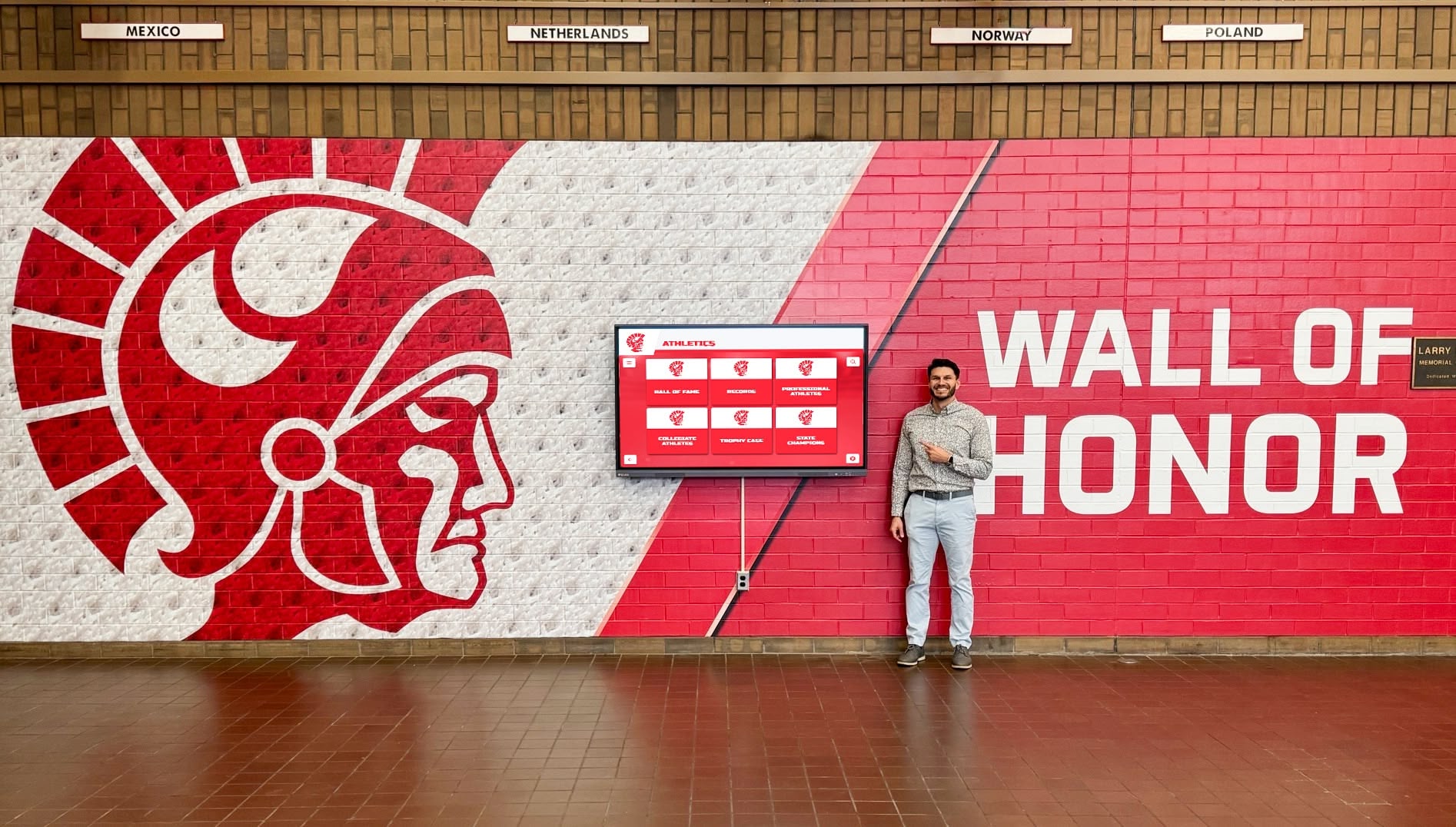
Digital displays transform waiting areas into engaging spaces that educate and inform patients
Why Dental Practices Need Digital Display Systems
Understanding the unique communication challenges dental practices face helps clarify why digital displays have become essential practice technology rather than optional luxury.
The Patient Communication Challenge
Modern dental practices face multiple communication obstacles traditional signage cannot overcome:
Information Overload and Irrelevance
- Static posters quickly become invisible background noise patients ignore
- Printed materials become outdated as treatments and technologies evolve
- Generic health messages fail to address specific patient concerns
- Seasonal information remains displayed long after relevance expires
- Critical updates about practice changes or new services get missed
According to healthcare communication research, patients retain only 10-20% of information from static printed materials displayed in waiting areas, compared to 60-70% retention from dynamic visual content that captures attention through movement and relevance.
Missed Education Opportunities
Patients spend an average of 15-25 minutes in dental waiting rooms according to practice management studies—valuable time that could educate them about oral health, available treatments, preventive care strategies, and practice expertise. Traditional communication approaches fail to leverage this captive audience effectively.
Limited Recognition Capabilities
Dental practices house impressive achievements deserving visibility including doctor credentials and continuing education, staff certifications and specializations, community involvement and philanthropy, patient satisfaction recognitions, technology investments and capabilities, and practice milestones and longevity.
Static displays lack the capacity to showcase all these elements effectively while maintaining professional aesthetics and organized presentation.

Professional display systems elevate practice perception while delivering essential patient information
Benefits of Digital Display Systems for Dental Practices
Practices implementing digital displays report transformative improvements across multiple dimensions:
Enhanced Patient Education
Digital displays deliver superior patient education through dynamic visual content capturing attention, timely information rotation maintaining relevance, procedure animations explaining complex treatments, before-and-after galleries demonstrating results, testimonial videos from actual patients, and seasonal health tips addressing current concerns.
This enhanced education improves case acceptance as patients better understand recommended treatments and their benefits.
Professional Image Enhancement
Modern digital displays communicate practice sophistication and current technology adoption through sleek contemporary installations reflecting practice quality, professional content demonstrating attention to detail, technology integration showing commitment to advancement, and organized information presentation signaling practice management excellence.
First impressions significantly influence patient trust and confidence in care quality, making waiting room aesthetics and communication critical practice elements.
Efficient Practice Communication
Digital systems streamline essential practice communications including office hour changes and holiday schedules, new service announcements, insurance and payment information updates, staff introductions and credentials, emergency contact information, and COVID-19 protocols or health safety measures.
Cloud-based content management enables instant updates without printing costs, installation time, or physical material waste.
Staff Recognition and Motivation
Digital displays enable meaningful staff recognition impossible with traditional approaches through professional profile displays with photos and credentials, continuing education achievement highlights, anniversary and milestone celebrations, community involvement recognition, and patient compliment showcases.
Public recognition improves staff morale and demonstrates to patients the qualified caring team behind their care.
Learn about effective recognition approaches in digital recognition displays that translate well to healthcare environments.
Essential Content for Dental Office Digital Displays
Strategic content planning ensures displays deliver maximum value across patient education, practice promotion, and communication objectives.
Patient Education and Oral Health Information
Educational content forms the foundation of effective dental display programming:
Treatment Explanations and Procedures
Help patients understand common dental procedures through simplified explanations of treatment processes, visual animations showing procedure steps, expected timeline and recovery information, benefits and expected outcomes, and frequently asked questions addressing common concerns.
Content might include cleanings and preventive care, fillings and restorative procedures, crowns and bridges, root canal therapy, orthodontic treatments, cosmetic dentistry options, implant procedures, or periodontal treatments.
Preventive Care Education
Reinforce healthy habits through proper brushing and flossing techniques, dietary recommendations for oral health, fluoride benefits and usage, sealant information for children, tobacco cessation resources, sports mouthguard recommendations, or seasonal oral health tips.
Preventive education reduces treatment needs while demonstrating practice commitment to patient health beyond billable procedures.
Oral Health-Systemic Health Connections
Educate patients about relationships between oral health and overall wellness including diabetes and periodontal disease connections, heart disease and oral health links, pregnancy and dental health, sleep apnea and airway health, nutrition and oral conditions, or medication effects on oral health.
These connections help patients understand why dental health matters beyond aesthetics and comfort.
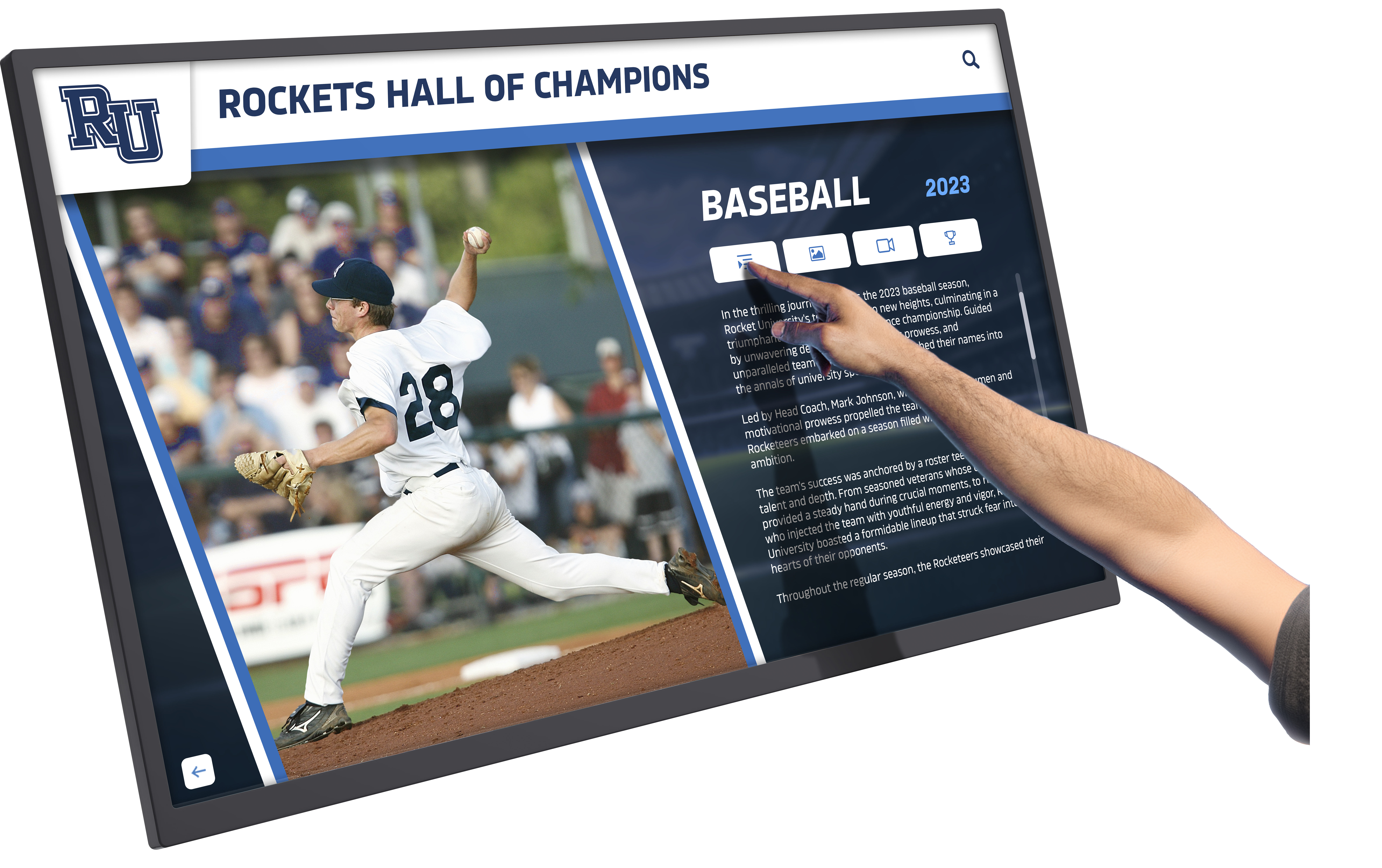
Interactive displays enable patients to explore topics matching their interests and concerns
Practice Information and Recognition
Showcase practice achievements and information building patient confidence:
Doctor and Staff Credentials
Display professional qualifications including educational background and degrees, specialty certifications and training, continuing education participation, professional association memberships, years of practice experience, languages spoken, and special interests or focus areas.
Credential displays demonstrate expertise while helping patients understand the qualified professionals providing their care. Solutions like touchscreen recognition systems enable comprehensive staff showcases impossible with static displays.
Technology and Equipment Highlights
Communicate practice investment in modern dentistry through digital radiography and reduced radiation, intraoral cameras for improved diagnosis, laser dentistry capabilities, 3D imaging and cone beam CT, CAD/CAM same-day crown technology, or digital impression systems.
Technology showcases differentiate practices from competitors while justifying premium fees through demonstrated value and quality investments.
Patient Testimonials and Reviews
Build social proof and trust through video testimonials from actual patients, before-and-after treatment galleries, written reviews and ratings, case study summaries, and treatment success stories.
According to healthcare marketing research, 77% of patients research online reviews before choosing providers, making testimonial displays powerful trust-building tools.
Community Involvement Recognition
Demonstrate practice values and community connection through local charity support and sponsorships, school and youth program participation, community health education events, professional organization involvement, dental mission trip participation, or local business collaboration.
Community involvement builds reputation and loyalty extending beyond clinical quality.
Practice Operations and Logistics
Communicate essential operational information efficiently:
Office Hours and Contact Information
Display current practice hours, phone numbers and contact methods, emergency contact procedures, after-hours care information, appointment scheduling options, and location and parking details.
Real-time updates eliminate confusion from outdated printed materials when hours change for holidays or special circumstances.
Insurance and Financial Information
Provide clear guidance about accepted insurance plans, financing options available, payment policies and procedures, insurance claim processes, or flexible spending account usage.
Proactive financial communication reduces billing surprises and payment friction.
New Patient Information
Welcome new patients through introduction to practice philosophy, first appointment expectations, required forms and documentation, office policies overview, meet-the-team introductions, and facility tour highlights.
Comprehensive new patient orientation reduces anxiety while setting clear expectations.

Self-service information displays empower patients while reducing staff time answering routine questions
Digital Display Technology Options for Dental Practices
Understanding available technologies helps practices select solutions matching their needs and budgets.
Static Digital Signage Systems
Basic digital displays offer significant advantages over printed materials:
Wall-Mounted Display Screens
Commercial-grade screens displaying rotating content through simple media players providing cost-effective entry into digital signage, easy content updates via USB or network connection, slideshow-style content rotation, and basic scheduling capabilities.
These systems typically cost $500-$2,000 per screen including commercial display and basic media player, making them accessible for single-screen installations in reception areas.
Content Creation and Management
Static signage requires content development including slide design in presentation software, photo and graphic editing, content scheduling and rotation planning, and periodic updates and refreshment.
Many practices use simple presentation software or basic digital signage platforms, though content quality depends heavily on staff design skills and available time.
Interactive Touchscreen Systems
Advanced touchscreen displays enable patient self-service information access:
Freestanding Touchscreen Kiosks
Professional kiosk installations offering touchscreen interaction for patient-directed exploration, durable commercial components designed for public use, branded enclosures reflecting practice aesthetics, and network connectivity for remote content management.
Touchscreen systems enable more comprehensive content than passive displays because patients can explore topics matching their interests rather than watching predetermined content rotation. Solutions like Rocket Alumni Solutions provide healthcare-appropriate interactive platforms combining content management with professional kiosk hardware.
Self-Service Information Access
Interactive displays support patient autonomy through treatment library browsing, staff profile exploration, FAQ navigation, patient education video access, insurance information lookup, and appointment request submission.
This self-service capability reduces front desk workload while empowering patients to find information matching their specific needs and questions.
Enhanced Engagement and Retention
Interactive systems achieve significantly higher patient engagement than passive displays because patients control their experience, exploration matches personal interests and concerns, touch interaction creates memorable experiences, and dwell time increases as patients actively navigate content.
Healthcare communication research demonstrates 2-3x higher information retention from interactive versus passive content delivery.
Explore interactive technology in touchscreen kiosk systems designed for public environments.
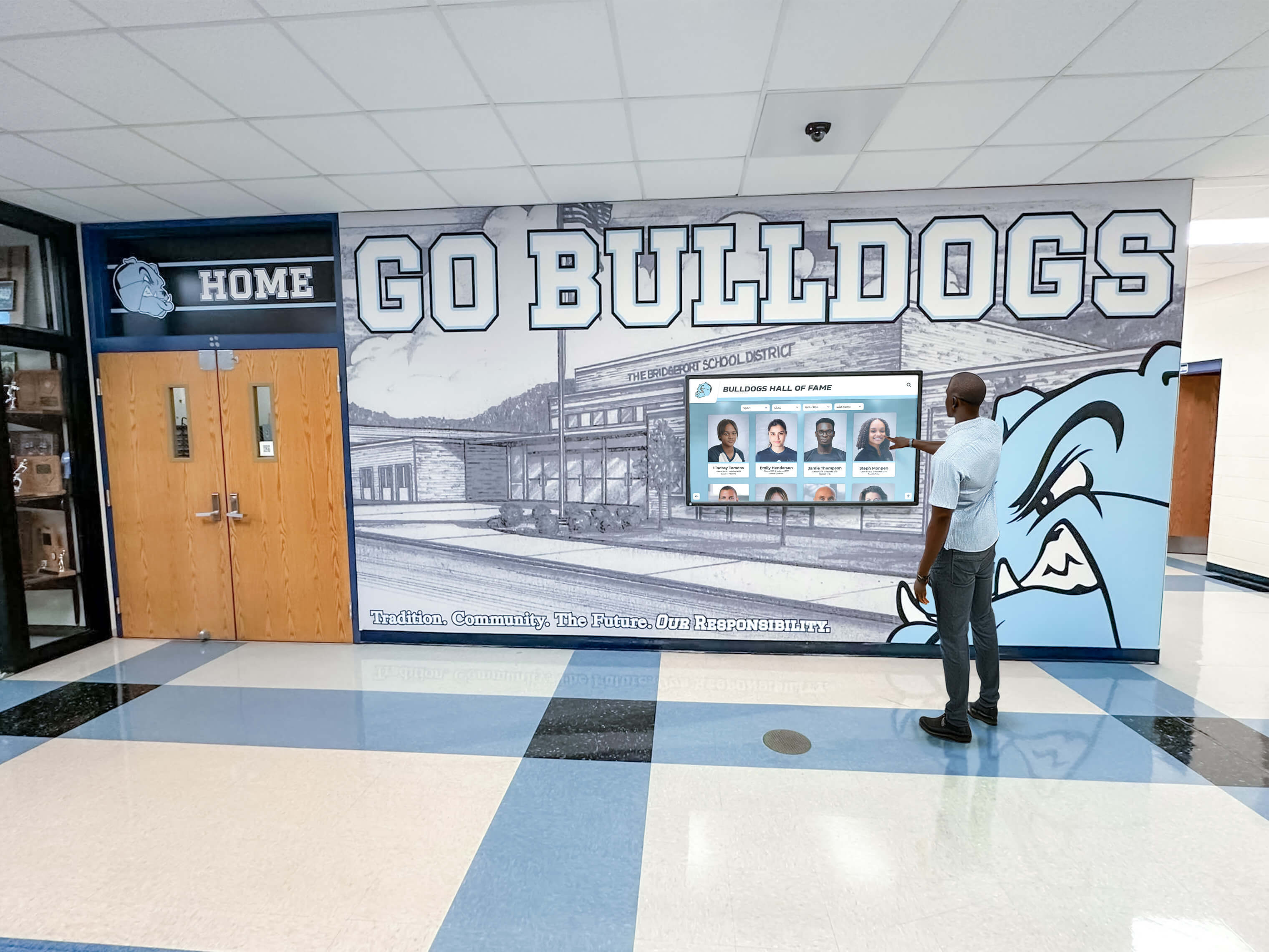
Touchscreen systems transform passive waiting into active learning and engagement
Cloud-Based Content Management Platforms
Modern display systems require user-friendly management tools:
Remote Content Administration
Cloud platforms enable convenient management through web-based interfaces accessible from any device, drag-and-drop content organization, scheduled publishing and rotation, multi-location management for group practices, role-based staff permissions, and mobile app control for on-the-go updates.
Remote management eliminates the physical access requirements and technical complexity that made traditional digital signage burdensome for busy practices.
Professional Content Libraries
Quality platforms provide ready-made content including professionally designed templates, stock dental images and graphics, procedure animation libraries, seasonal health tip collections, and customizable layouts and designs.
Content libraries dramatically reduce the time and design expertise required to maintain attractive, professional displays.
Analytics and Performance Tracking
Advanced systems monitor display effectiveness through content view statistics, interaction tracking for touchscreen systems, popular topic identification, dwell time measurement, and engagement pattern analysis.
Data-driven insights enable continuous improvement, focusing content on topics generating highest patient interest and engagement.
Implementation: Planning and Installing Dental Office Digital Displays
Successful implementation requires systematic planning and execution:
Needs Assessment and Planning
Define Display Objectives
Clarify what you want displays to accomplish including patient education priorities, practice information to highlight, operational communications to streamline, staff recognition goals, and marketing messages to convey.
Clear objectives guide all subsequent decisions about technology, placement, and content strategy.
Location and Placement Planning
Identify optimal display locations including reception/waiting area visibility, operatory patient education screens, consultation room treatment planning displays, staff break room recognition boards, or hallway informational displays.
Consider viewing distances, lighting conditions, traffic patterns, power and network access, and aesthetic integration with existing design.
Budget Development
Create comprehensive budgets including display hardware costs, mounting and installation, content management platform subscriptions, initial content development, training and onboarding, and ongoing maintenance and support.
Typical investments range from $2,000-$5,000 for basic single-screen systems to $8,000-$20,000 for comprehensive multi-screen interactive installations with professional content management.
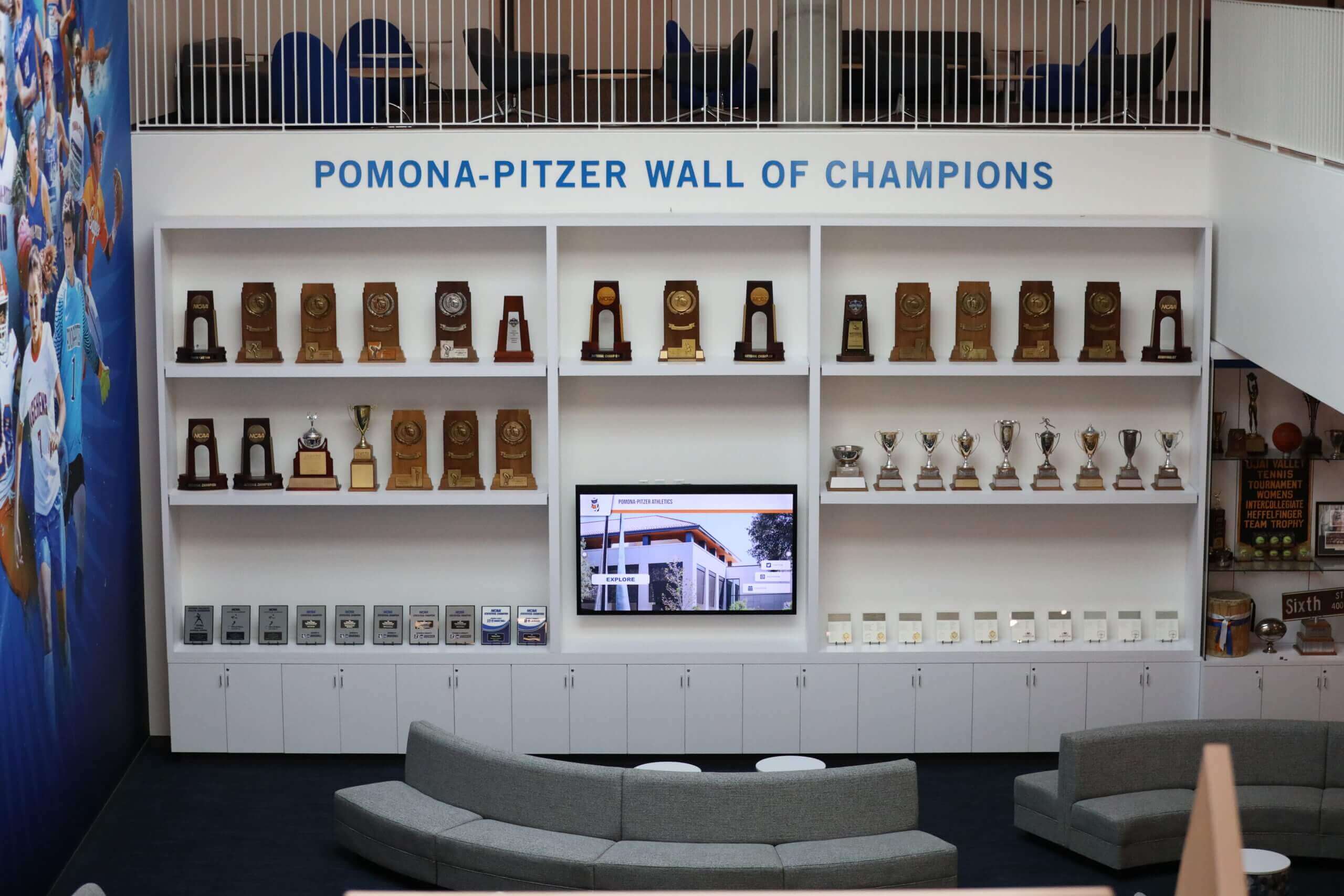
Strategic planning ensures displays enhance practice aesthetics while achieving communication goals
Technology Selection and Vendor Evaluation
Hardware Specifications
Choose appropriate display technology including commercial-grade screens for reliability, appropriate screen size for viewing distance, high brightness for ambient light conditions, touchscreen capability when needed, and appropriate mounting options.
Avoid consumer displays lacking the durability and reliability requirements of continuous commercial operation.
Software Platform Requirements
Evaluate content management systems based on ease of use for non-technical staff, content library availability, customization flexibility, multi-location support if needed, technical support quality, and cost structure (one-time versus subscription).
Platform usability determines whether displays remain current or become neglected over time as staff struggle with complex management tools.
Vendor Assessment
Select installation and support providers based on healthcare display experience, installation quality and professionalism, training comprehensiveness, ongoing support availability, content development assistance, and long-term viability and platform development.
Solutions like Rocket Alumni Solutions specialize in professional display systems for organizations requiring reliable, maintained communication platforms rather than one-time technology purchases.
Installation and Content Development
Professional Installation
Ensure quality implementation through proper mounting at optimal heights, cable management and concealment, network configuration and testing, power supply and surge protection, lighting consideration and adjustment, and accessibility compliance verification.
Professional installation prevents the amateur appearance that undermines practice credibility and trust.
Initial Content Creation
Develop launch content including practice information and credentials, educational content library, staff recognition profiles, patient testimonial showcases, operational information displays, and promotional content for featured services.
Many practices combine professionally-produced content from platform libraries with custom content reflecting unique practice attributes and local relevance.
Staff Training and Launch
Prepare team for new systems through content management training, update procedures and schedules, content idea generation processes, patient question handling, and troubleshooting basic issues.
Staff buy-in and competent management determine whether displays achieve potential or become static screens displaying outdated content as enthusiasm wanes.
Content Strategy: Keeping Displays Fresh and Relevant
Ongoing content management ensures displays remain effective rather than becoming ignored background elements:
Content Planning and Organization
Seasonal Content Calendar
Plan content rotation including seasonal health topics (flu season, summer sports injuries), holiday schedules and greetings, back-to-school dental checkup reminders, seasonal service promotions, or community event participation.
Seasonal planning prevents last-minute scrambling while ensuring timely relevant content.
Regular Update Schedule
Establish content refresh routines through weekly content review and minor updates, monthly major content additions or changes, quarterly comprehensive content audits, annual strategic content planning, and ad-hoc updates for practice changes.
Consistent updates keep content fresh while preventing the staleness that causes patients to tune out displays.
Content Mix and Balance
Maintain appropriate content distribution including 40-50% patient education, 20-25% practice information and recognition, 15-20% operational communications, and 10-15% promotional content.
Balanced content serves multiple objectives without overwhelming patients with excessive self-promotion or neglecting educational value that builds trust.
Learn about sustainable content strategies in digital recognition content management applicable to professional practice environments.
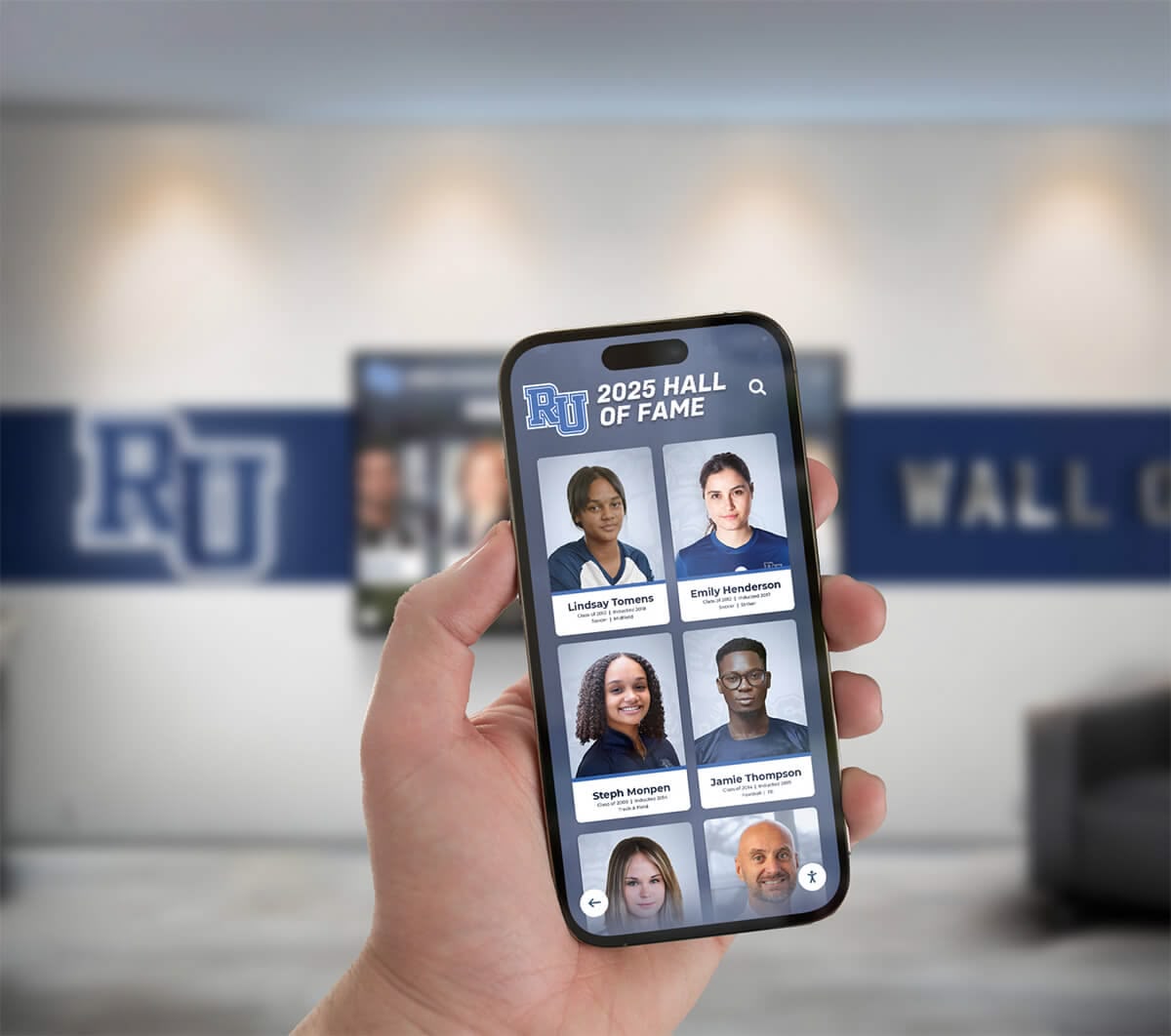
Mobile-friendly management platforms enable convenient content updates from anywhere
Content Creation Resources
Professional Content Services
Leverage external resources when needed including stock dental imagery and videos, professionally designed templates, animation and motion graphics, copywriting and content development, or ongoing content subscription services.
Professional content elevates display quality beyond what most practices can produce internally while saving significant staff time.
Staff-Generated Content
Incorporate authentic practice content including staff photos and profiles, patient testimonial videos, before-and-after treatment galleries, practice event coverage, or community involvement documentation.
Authentic content creates personal connection and local relevance that generic stock content cannot replicate.
Patient Contributions
Consider appropriate patient-generated content including testimonial videos with permissions, before-and-after case photos, review excerpts with attribution, or patient success stories.
Patient voices provide authentic social proof more powerful than practice self-promotion.
Special Applications: Digital Displays Throughout the Dental Practice
Different practice areas benefit from specialized display approaches:
Reception and Waiting Areas
Primary patient-facing spaces warrant comprehensive displays:
Welcome and Wayfinding
Help patients navigate including welcome messages personalizing experience, check-in procedure reminders, restroom and amenity locations, parking validation information, or WiFi access instructions.
Patient Education Hub
Transform waiting time into learning opportunities covering oral health fundamentals, treatment options overview, technology and technique explanations, preventive care guidance, or oral health-systemic health connections.
Practice Showcase
Build confidence and trust through doctor and staff introductions, credential and expertise displays, technology investments highlights, patient testimonial showcases, or community involvement recognition.
Operatory Patient Education Screens
Individual treatment rooms benefit from dedicated displays:
Treatment-Specific Information
Support case presentation including procedure explanations and animations, treatment plan visualization, expected outcomes and results, alternative options comparison, or post-treatment care instructions.
Chairside displays during treatment consultations improve case acceptance by helping patients understand recommendations while doctors explain.
Intraoral Camera Integration
Connect imaging technology including live intraoral camera feeds, captured diagnostic images, condition documentation, treatment necessity demonstration, or progress monitoring over time.
Visual evidence dramatically improves patient understanding and acceptance of recommended treatments.
Consultation Room Treatment Planning Displays
Private consultation spaces enable detailed treatment discussions:
Comprehensive Treatment Plans
Present complex cases including multi-phase treatment sequences, phased timing and scheduling, cost breakdowns and options, financing and payment alternatives, or insurance coverage estimation.
Visual treatment plans help patients understand comprehensive care recommendations rather than viewing treatments as isolated procedures.
Before-and-After Galleries
Demonstrate achievable results through relevant case examples, similar condition outcomes, cosmetic enhancement possibilities, or restorative treatment transformations.
Seeing actual results from similar cases helps patients visualize their own potential outcomes.
Consultation room displays enhance treatment discussions with visual support and case examples
Measuring Digital Display Effectiveness
Regular assessment ensures displays achieve intended goals:
Patient Engagement Metrics
Observation-Based Assessment
Monitor patient interaction including display viewing time and attention, touchscreen interaction for interactive systems, questions prompted by display content, treatment inquiries related to showcased services, or staff recognition comments.
Front desk and hygiene staff can provide valuable insights about patient engagement patterns.
Patient Feedback Collection
Gather direct input through brief satisfaction surveys, specific display content questions, suggestion opportunities for desired topics, or comment cards about waiting room experience.
Patient feedback reveals which content resonates and what information gaps remain.
Practice Impact Indicators
Case Acceptance Correlation
Track treatment acceptance including inquiries about showcased services, acceptance rates for displayed procedures, patient questions demonstrating content-driven education, or financial arrangement discussions prompted by displayed information.
Improved case acceptance represents significant ROI for display investments.
Operational Efficiency Improvements
Assess staff time savings from self-service information access reducing routine questions, automated policy communications, efficient schedule and contact updates, or reduced printed material needs.
Time savings allow staff to focus on patient care and relationship-building rather than answering repetitive questions.
Practice Reputation Enhancement
Monitor external indicators including online review mentions of displays or technology, patient referrals citing practice modernization, new patient attraction referencing technology, or community reputation improvement.
Display systems contribute to overall practice perception and competitive positioning.
Dental Practice Digital Display Best Practices
Following proven approaches maximizes display effectiveness:
Content Quality Standards
Professional Polish
Maintain high standards through high-resolution images and videos, consistent branding and design, error-free text and grammar, appropriate medical accuracy, and accessible language avoiding excessive jargon.
Poor quality content undermines credibility rather than building trust.
Regular Content Refresh
Prevent staleness through weekly minor updates, monthly significant additions, quarterly major refreshes, and immediate corrections of outdated information.
Fresh content maintains patient attention and demonstrates active practice management.
Patient-Centered Design
Appropriate Complexity
Match content to audience through simple language and explanations, gradual information layering, optional deeper dives for interested patients, and accessible presentation for diverse literacy levels.
Content should inform without overwhelming or confusing patients.
Empowering Rather than Frightening
Maintain positive framing through solution-focused information, preventive rather than fear-based messaging, balanced risk and benefit communication, and encouraging tone emphasizing patient control.
The goal is empowered patients making informed decisions, not anxious patients avoiding recommended care.
Privacy and Compliance Considerations
HIPAA Compliance
Ensure displays protect privacy including no patient-identifiable information without consent, secure systems preventing data exposure, appropriate testimonial permissions, or compliant photography releases.
Privacy violations create legal liability and destroy patient trust.
Accurate Health Information
Maintain content integrity through evidence-based health information, appropriate citations for medical claims, regular review for currency, disclaimers when appropriate, and consultation with professional associations.
Inaccurate information creates liability while damaging practice credibility.
Explore healthcare-appropriate display approaches in academic recognition programs that translate to professional environments.
Investment Considerations and ROI
Understanding costs and returns helps justify display investments:
Implementation Costs
Initial Investment Components
Typical expenses include display hardware ($500-$3,000 per screen), mounting and installation ($200-$800 per screen), content management platform ($500-$2,000 setup, $30-$150/month subscription), initial content development ($500-$3,000), training and onboarding ($500-$1,000), and contingency for unforeseen needs (10-15%).
Complete single-screen waiting room systems typically range from $3,000-$8,000, while comprehensive multi-screen interactive installations run $10,000-$25,000.
Ongoing Operational Costs
Annual expenses include platform subscription fees ($400-$2,000 annually), content updates and refreshes ($500-$3,000 annually), technical support ($200-$1,000 annually), electricity (minimal, $20-$50 annually), and periodic hardware updates or replacement (budget $500-$1,000 annually for contingency).
Return on Investment
Case Acceptance Improvements
Research from practice management consultants indicates that enhanced patient education through digital displays can improve case acceptance by 8-15%, representing substantial revenue impact. For practices with $800,000 in annual production, even 10% improved acceptance represents $80,000 in additional revenue far exceeding display costs.
Operational Efficiency Gains
Time savings from reduced patient questions, streamlined policy communications, and self-service information access can free 2-5 hours of staff time weekly, worth $10,000-$25,000 annually in productivity gains.
Marketing and Patient Attraction
Modern displays enhance practice perception, supporting new patient attraction and retention worth thousands annually in marketing value while differentiating practices from competitors.
Combined, these benefits typically achieve ROI within 12-24 months while providing ongoing value for years.
Common Implementation Challenges and Solutions
Understanding typical difficulties helps practices avoid problems:
Challenge: Content Creation Overwhelm
Problem: Practices struggle to generate sufficient quality content, leading to repetitive displays that patients tune out.
Solution: Leverage professional content libraries and subscription services providing regular new material, combine stock content with limited custom practice-specific additions, establish realistic content calendars matching staff capacity, and consider outsourced content development services when budget allows.
Challenge: Technology Management Complexity
Problem: Staff lack technical expertise to manage systems effectively, leading to neglected displays showing outdated content.
Solution: Select intentionally user-friendly platforms requiring minimal technical knowledge, invest adequately in initial training ensuring staff competence, assign clear responsibility to specific staff members, and establish vendor support relationships for complex issues.
Challenge: Display Blindness and Engagement Decline
Problem: Initial patient interest wanes as displays become familiar background elements ignored like traditional posters.
Solution: Implement disciplined content refresh schedules maintaining novelty, incorporate motion and dynamic elements capturing attention, rotate content frequently preventing predictability, and periodically survey patients about content preferences and suggestions.
Challenge: Measuring Effectiveness and ROI
Problem: Practices struggle to quantify display impact and justify continued investment.
Solution: Establish baseline metrics before implementation, track case acceptance for showcased procedures, monitor patient questions indicating content-driven awareness, gather patient feedback systematically, and assess staff time savings from self-service information access.
Learn from implementation experiences in high school athletics recognition that translate to professional practice settings.
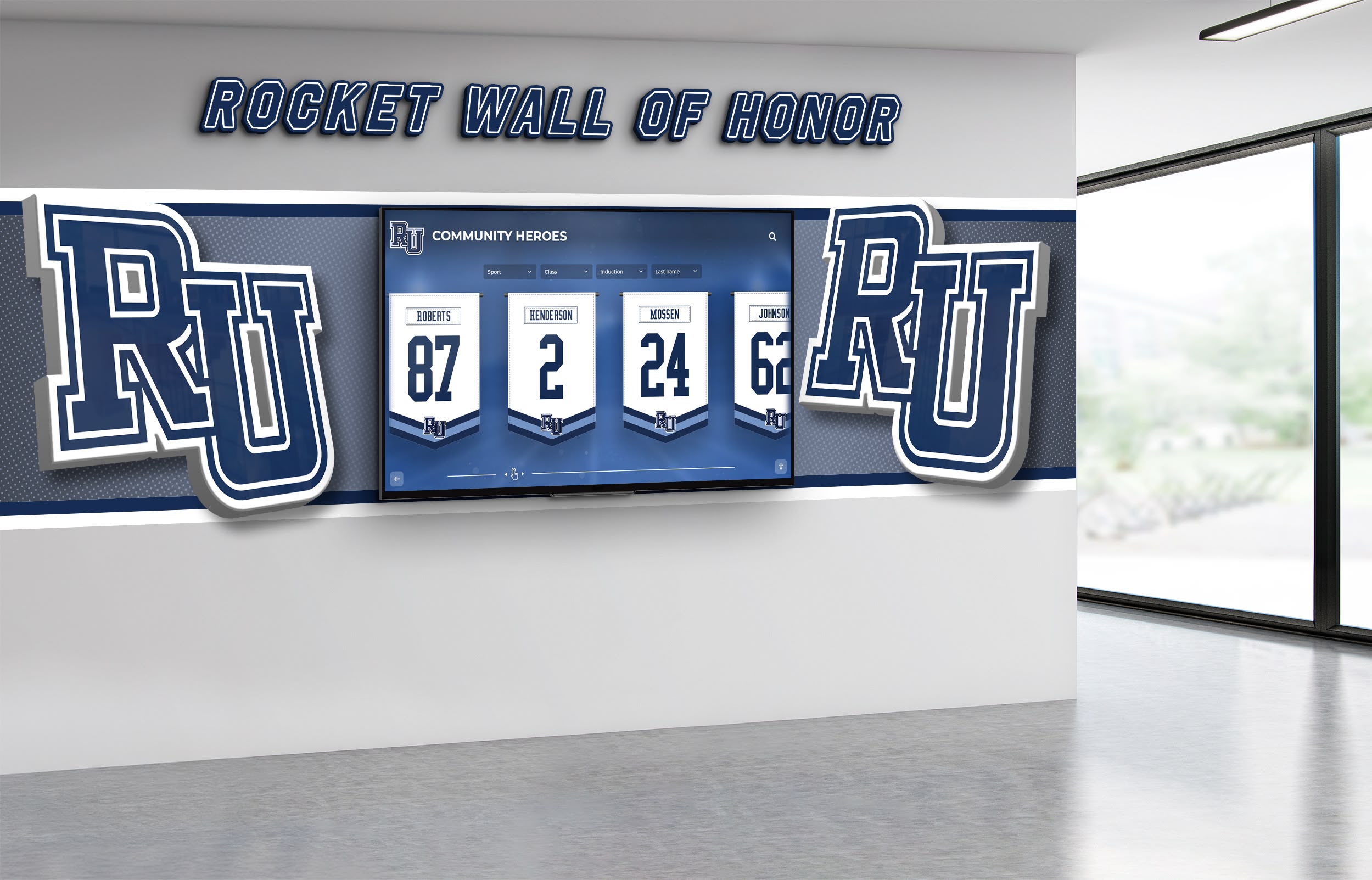
Comprehensive display systems create cohesive professional environments that inform and impress
Future Trends in Dental Practice Digital Communication
Understanding emerging developments helps practices plan for evolving technology:
Artificial Intelligence and Personalization
AI-Powered Content Recommendations
Emerging systems will enable personalized content delivery including patient-specific health topic recommendations, treatment suggestions based on dental history, risk-based preventive education, and language and complexity adaptation to individual preferences.
Predictive Communication Timing
AI will optimize when and how information is presented through treatment readiness prediction, optimal education timing, case acceptance likelihood assessment, and personalized messaging strategies.
Enhanced Interactivity and Engagement
Augmented Reality Visualization
Future systems may incorporate AR treatment visualization, virtual smile design and preview, 3D anatomy education, or interactive oral health games for pediatric engagement.
Mobile Integration
Displays will increasingly connect with patient smartphones enabling personal information delivery, appointment and treatment reminders, take-home educational resources, or review and feedback collection.
Integrated Practice Management
Unified Communication Platforms
Display systems will integrate with practice management software including real-time appointment status, automated patient-specific messaging, treatment plan visualization from practice software, or billing and insurance information access.
This integration eliminates duplicate data entry while ensuring consistent information across all patient touchpoints.
Conclusion: Transforming Patient Communication Through Digital Innovation
Dental office digital displays represent strategic investments in patient communication, education, and relationship-building that modern practices require to compete effectively while delivering exceptional care experiences. When practices implement displays thoughtfully—with appropriate technology, compelling content, sustainable management, and clear objectives—they create environments that inform patients, showcase expertise, build trust, and differentiate practices from competitors still relying on outdated static communication approaches.
The strategies explored in this guide provide comprehensive frameworks for digital display implementation that balances multiple objectives including patient education and empowerment, practice recognition and credibility building, operational efficiency and staff time optimization, and sustained engagement through fresh relevant content.
Transform Your Practice Communication
Discover how digital display solutions can help you engage patients, showcase achievements, and create exceptional practice experiences that build trust and loyalty.
Explore Display SolutionsImplementation Pathway
Practices considering digital displays should begin with clear objective definition establishing communication priorities, assess current challenges and opportunities, evaluate appropriate technology matching budget and needs, develop content strategy and calendars, implement systems professionally with proper training, and commit to ongoing content management ensuring sustained effectiveness.
This systematic approach prevents common implementation problems while ensuring displays achieve intended goals of enhanced patient education, improved practice perception, and strengthened patient relationships.
Strategic Investment Perspective
Digital displays represent infrastructure investments in practice communication and patient experience rather than disposable marketing expenses. Quality systems properly implemented and maintained serve practices for 5-10 years or longer, creating cumulative value far exceeding initial costs through improved case acceptance, enhanced practice reputation, operational efficiency gains, and differentiation from competitors.
When considering that improved case acceptance alone can generate tens of thousands in additional annual revenue, display investments become strategic no-brainers rather than questionable expenditures.
Technology as Patient Experience Enabler
The most effective display implementations position technology as tool serving patient relationships and care quality rather than ends in themselves. Displays succeed when they help patients understand oral health better, feel confident in practice expertise, make informed treatment decisions, and perceive the practice as modern and patient-focused.
Solutions like Rocket Alumni Solutions provide comprehensive platforms combining powerful capabilities with user-friendly administration, enabling practices to focus on patient care rather than technical management while maintaining communication systems that consistently inform, engage, and inspire confidence.
Your patients deserve communication that informs, empowers, and builds trust. With thoughtful planning, appropriate technology, and sustained commitment, you can create digital display systems that transform waiting room experiences from time to endure into opportunities to educate while showcasing the expertise and values that make your practice exceptional.
Ready to enhance your practice communication? Explore modern approaches to interactive touchscreen displays or learn about digital recognition systems that celebrate achievements and build credibility in professional environments.































