School administrators face a consistent problem with static signs, printed announcements, and physical display boards: updating them takes time, the information goes stale, and a single board can only carry one message at a time. Digital signage changes all three of those patterns. A network of managed displays across a school building can show different content in each location, update instantly from a central dashboard, and serve as recognition walls, emergency alert systems, wayfinding guides, and announcement boards at the same time.
This guide covers what school digital signage systems actually do, where schools deploy them, which features matter most for K-12 environments, how MDM device management fits in, what a rational pricing structure looks like, and how recognition programs connect to the broader deployment. It also includes a ready-to-use evaluation checklist your team can take into vendor conversations.

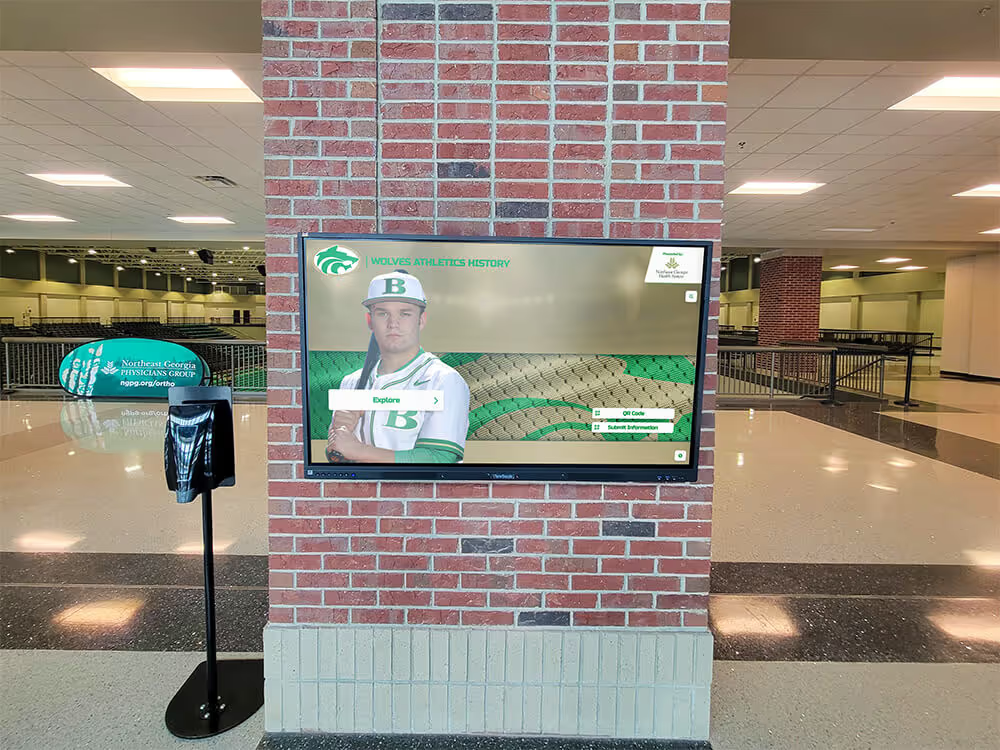
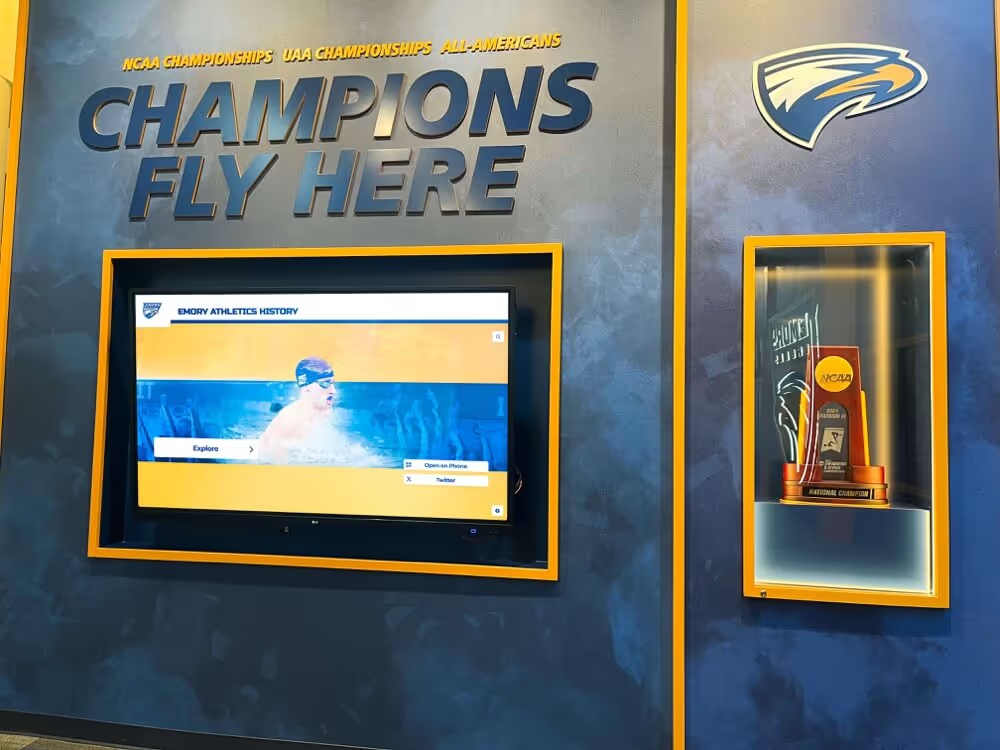
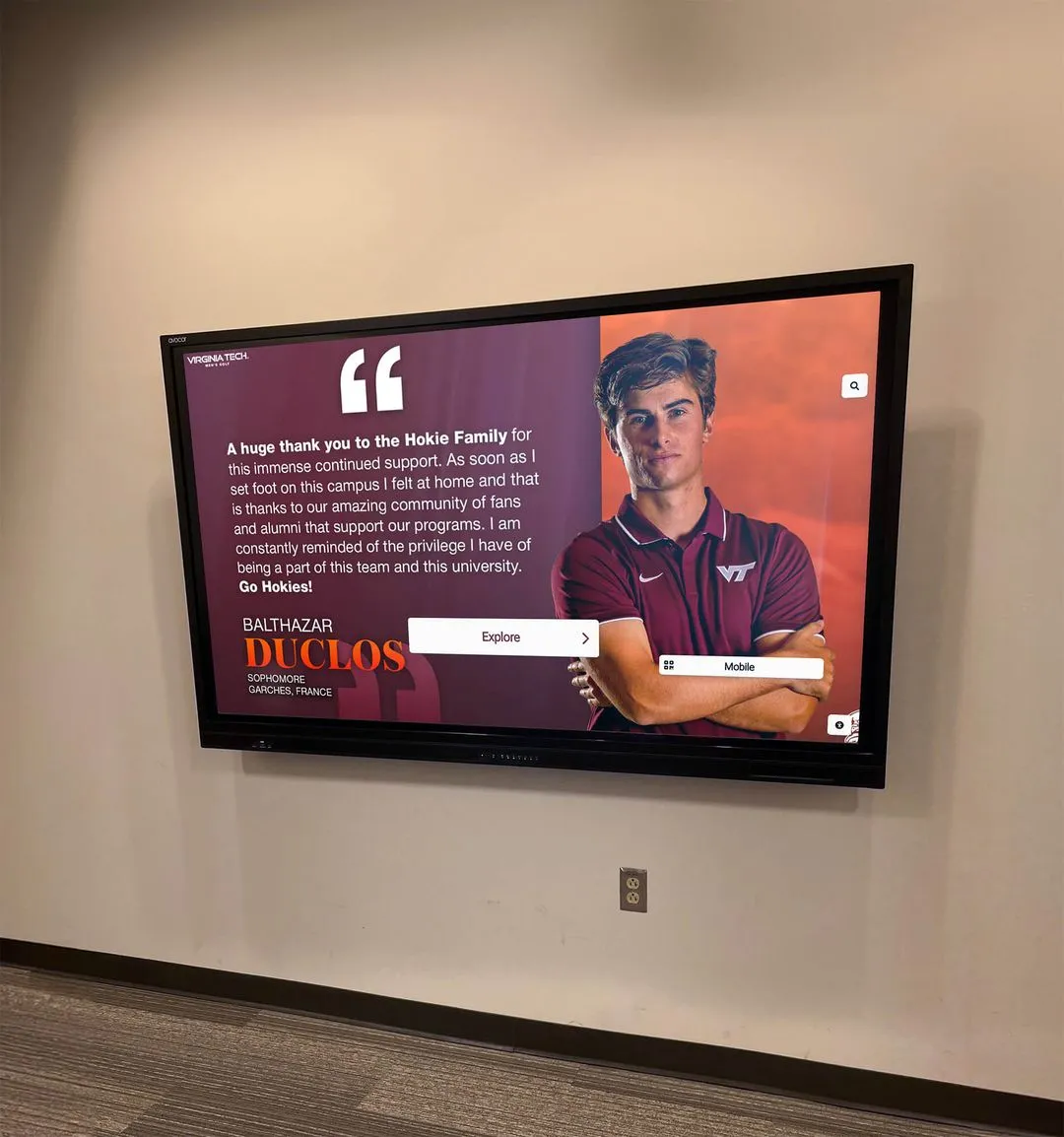
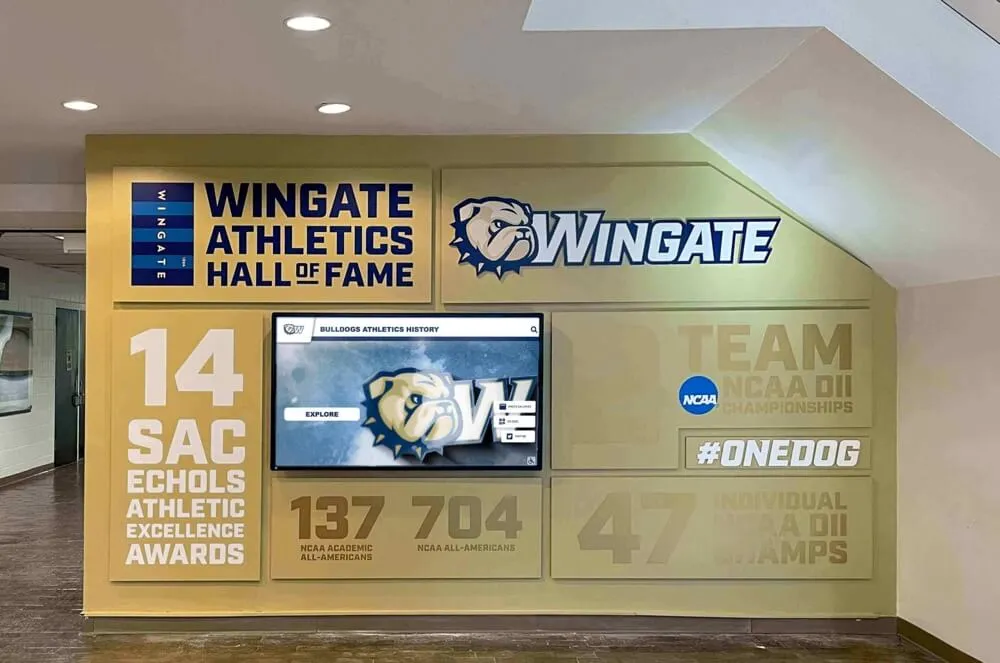
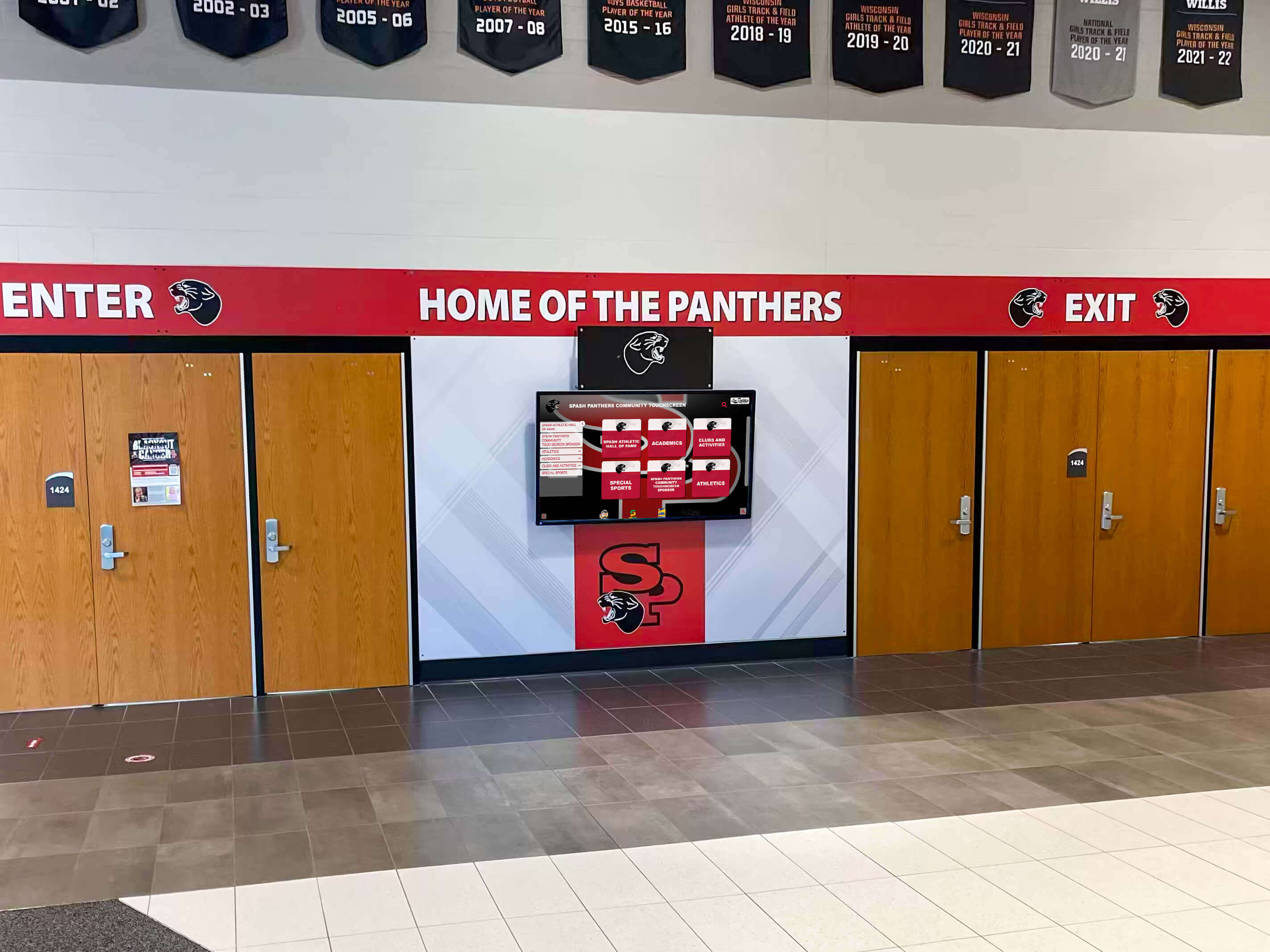
A single managed display at a school entrance can serve as a welcome board, announcement center, and recognition display—updated remotely without printing a single flyer.
What School Digital Signage Actually Is
Digital signage for schools refers to networked display systems—screens, kiosks, and touchscreen panels—managed through a central software platform. Unlike a television plugged into a laptop, a proper digital signage system connects multiple displays across a building (or multiple buildings) to a cloud-based or server-hosted content management system. Administrators schedule content, assign different playlists to different screens, and update everything remotely.
At the most basic level, a school digital signage platform does four things:
- Distributes content to one or many screens from a single administrative interface
- Schedules and manages what appears on which screen at what time
- Manages device health by monitoring whether screens are online and operational
- Supports diverse content types including images, videos, slideshows, live data feeds, and—when hardware permits—interactive touchscreen applications
For K-12 schools, these capabilities map directly to daily needs: morning announcements, lunch menu rotations, bell schedule reminders, athletic achievement displays, emergency messaging, and visitor-facing recognition content in lobbies. See real-world school digital signage examples across lobbies, gyms, and hallways to understand how the format translates to actual school environments.
Where Schools Deploy Digital Signage
The physical placement of displays determines what content works and which audience it reaches.
Lobbies and Main Entrances
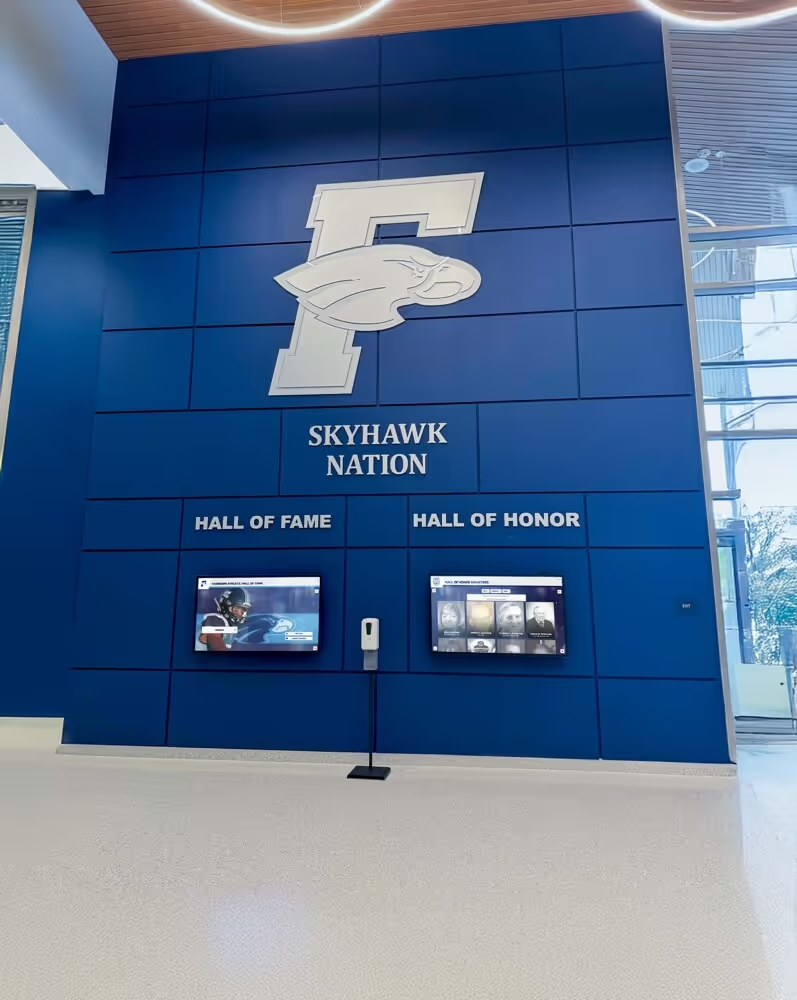
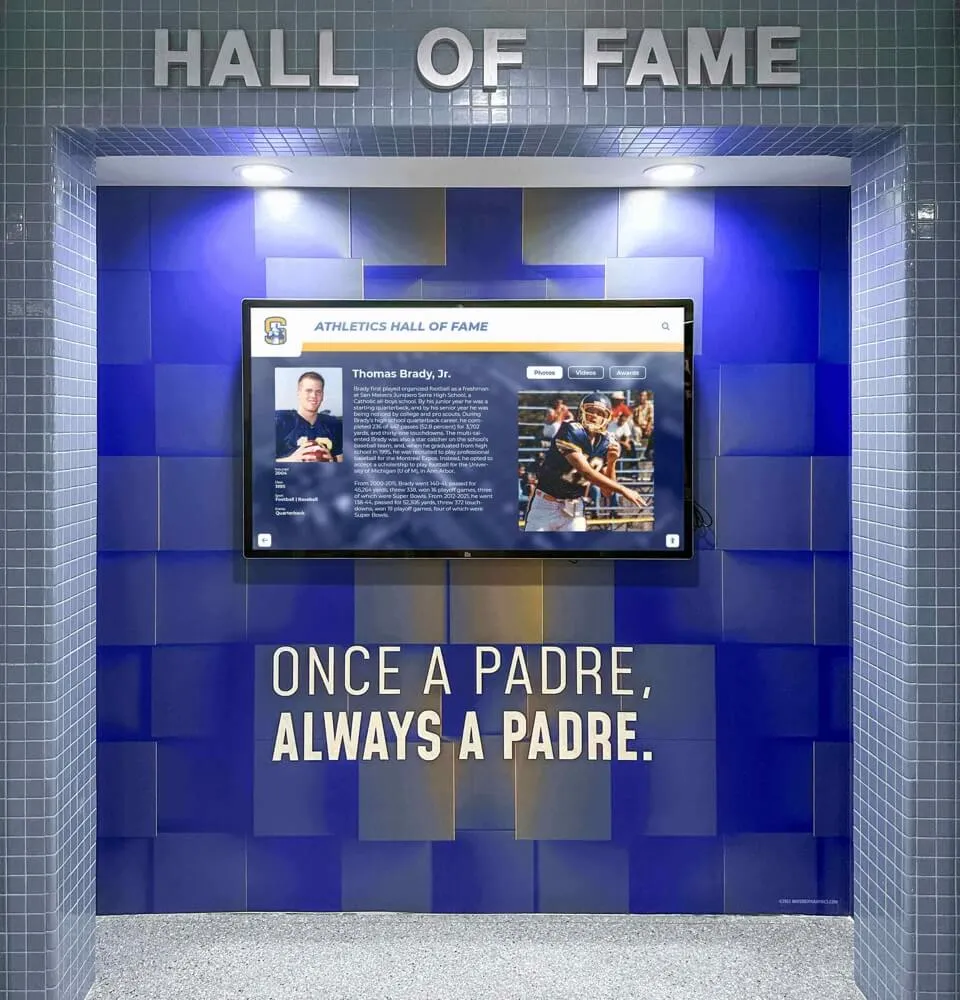
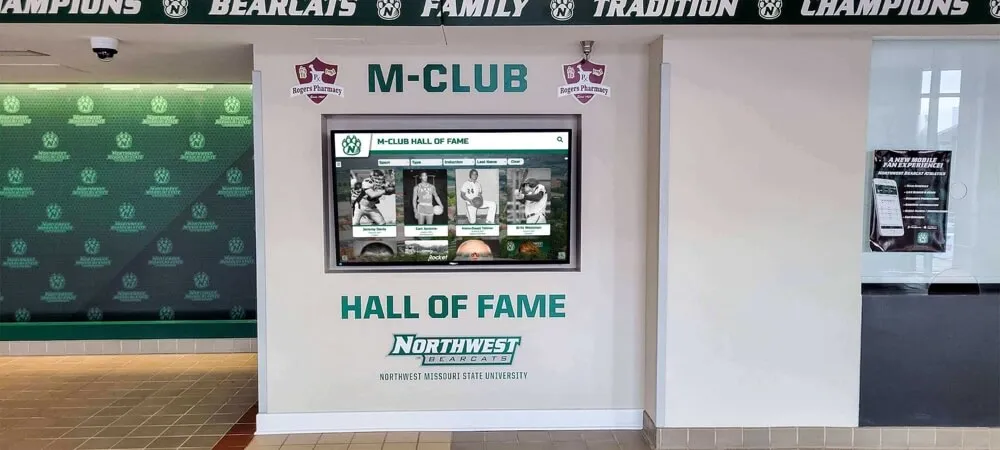
The lobby is the highest-traffic recognition and first-impression space in most schools. Displays here commonly carry visitor welcome messages, athletic hall of fame content, student achievement spotlights, upcoming event announcements, donor recognition for facility improvements, and school news.
Hallways
Hallway screens serve students and staff who pass by throughout the day. Rotating content on a 10–15 second interval is typical—enough time to read while walking. Use cases include academic recognition, club announcements, countdown timers to events, and behavioral reminders.
Gyms and Athletic Facilities
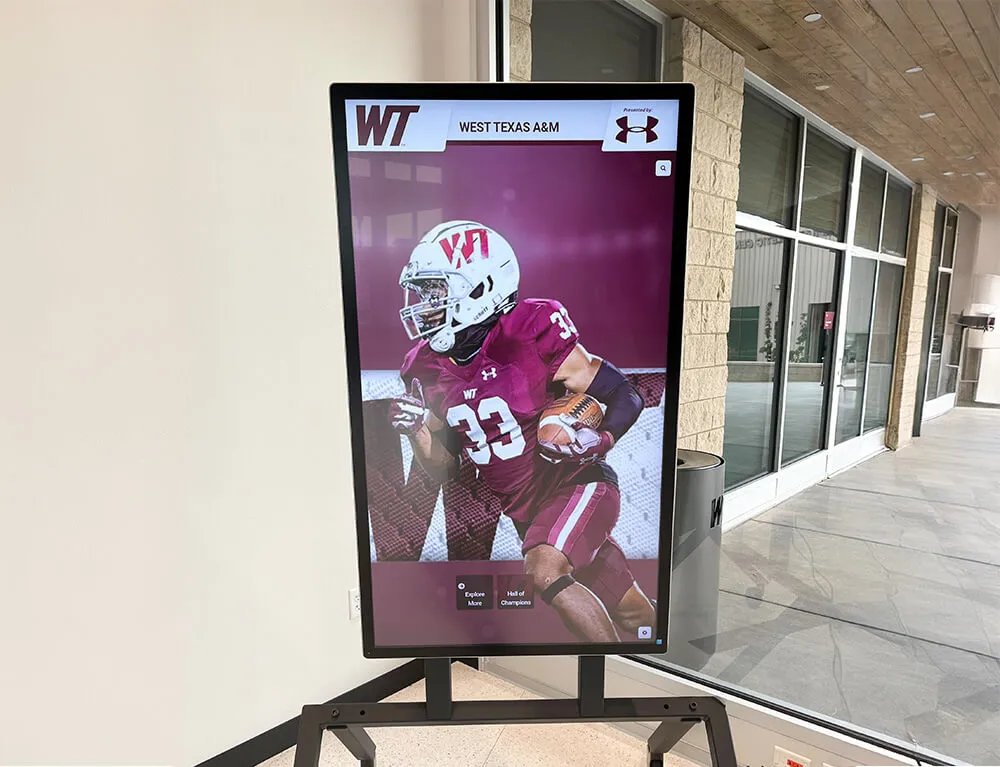
Athletic spaces benefit from displays that celebrate program history and motivate current athletes. Schools commonly use gym screens for championship banners, record boards, team rosters, game schedules, and fundraising campaigns. Replacing expensive physical gym banners with digital alternatives lets athletic departments update content each season without reprinting.
Cafeterias
Lunch service is one of the few moments most students are stationary and attentive. Cafeteria screens typically display daily menus, nutrition information, upcoming school events, and school spirit content.
Administrative Offices and Conference Rooms
Front office displays inform parents and community members visiting the school. Meeting room screens can display schedules, policies, and district-level communications.
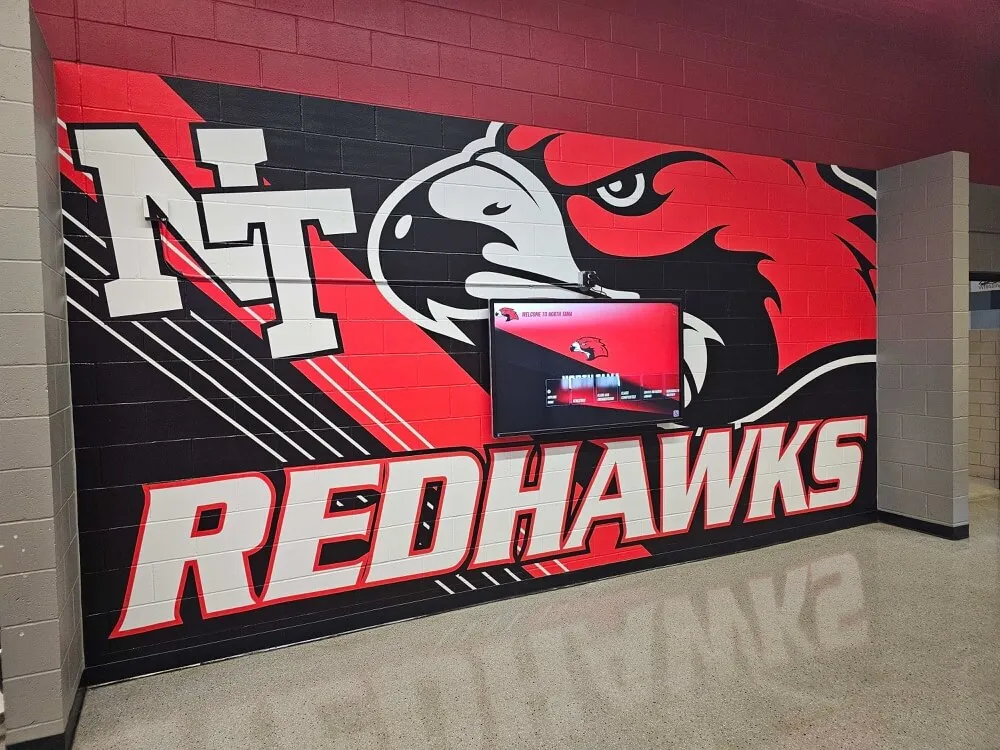
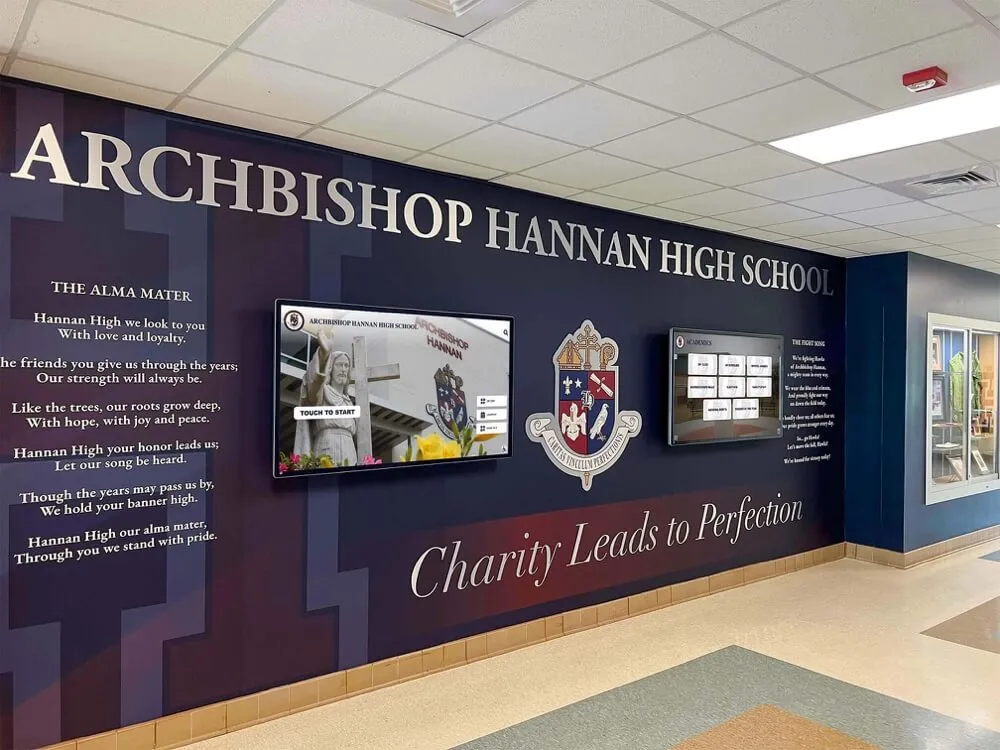
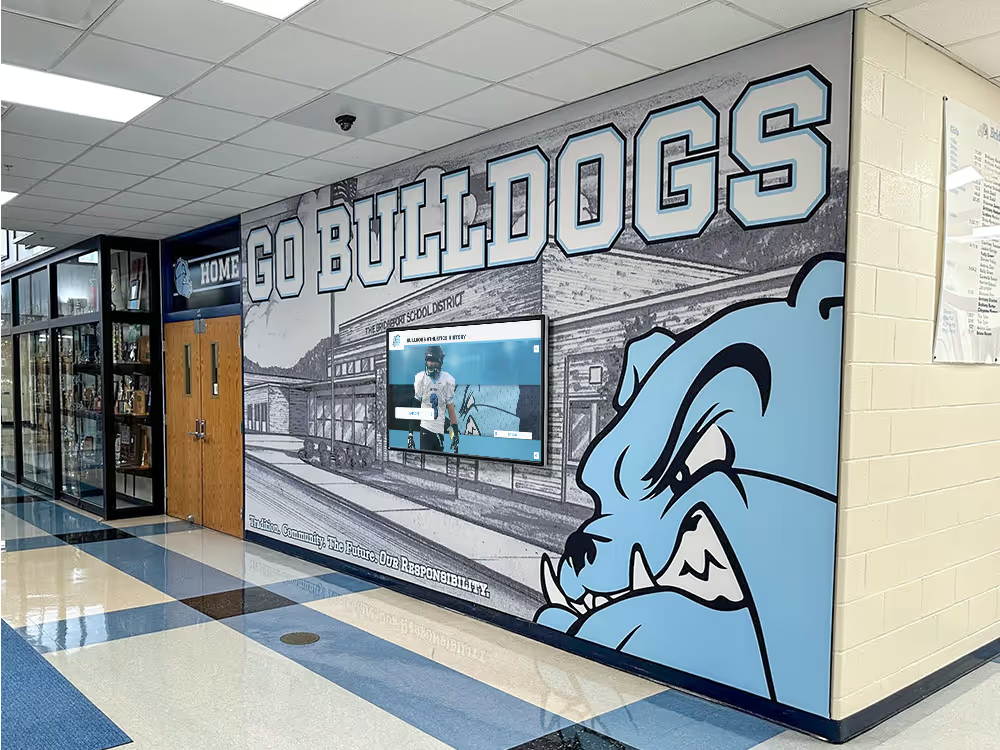
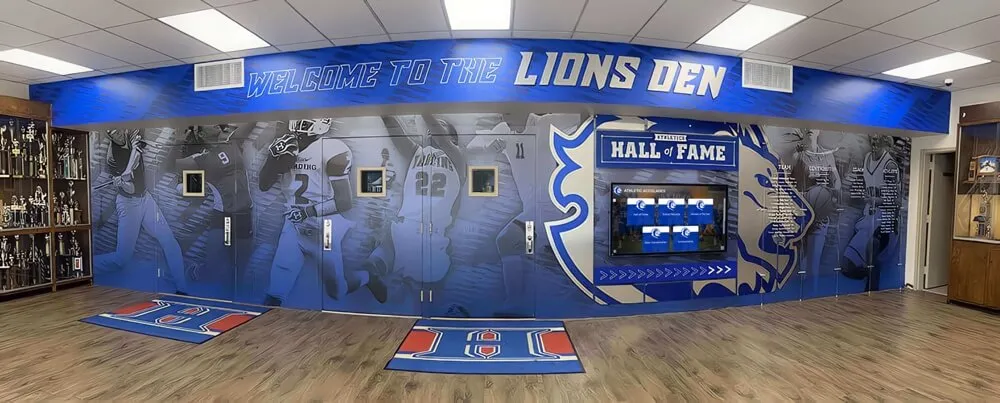
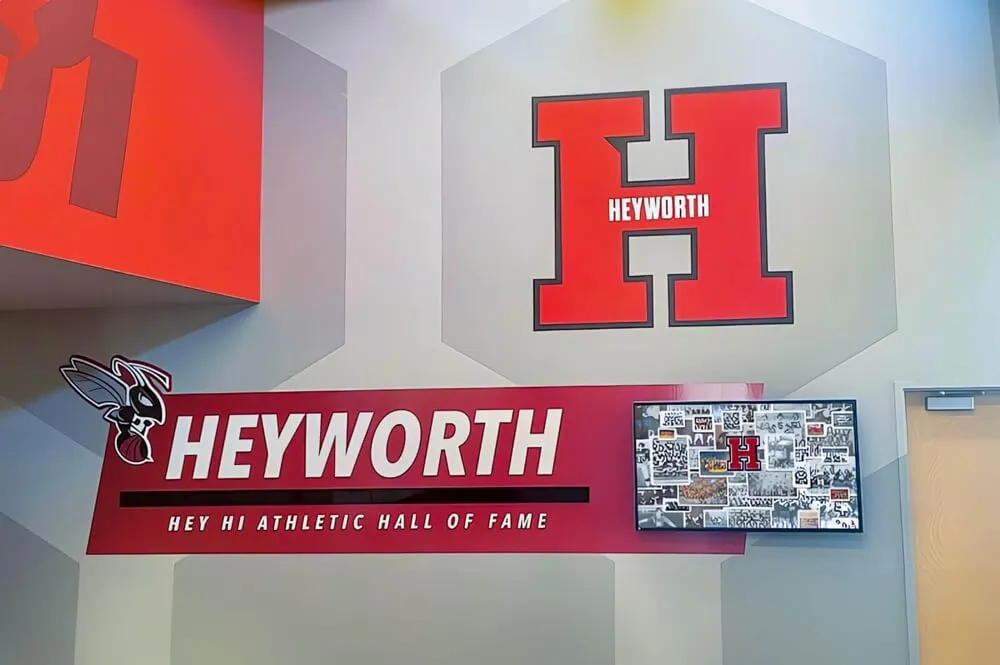
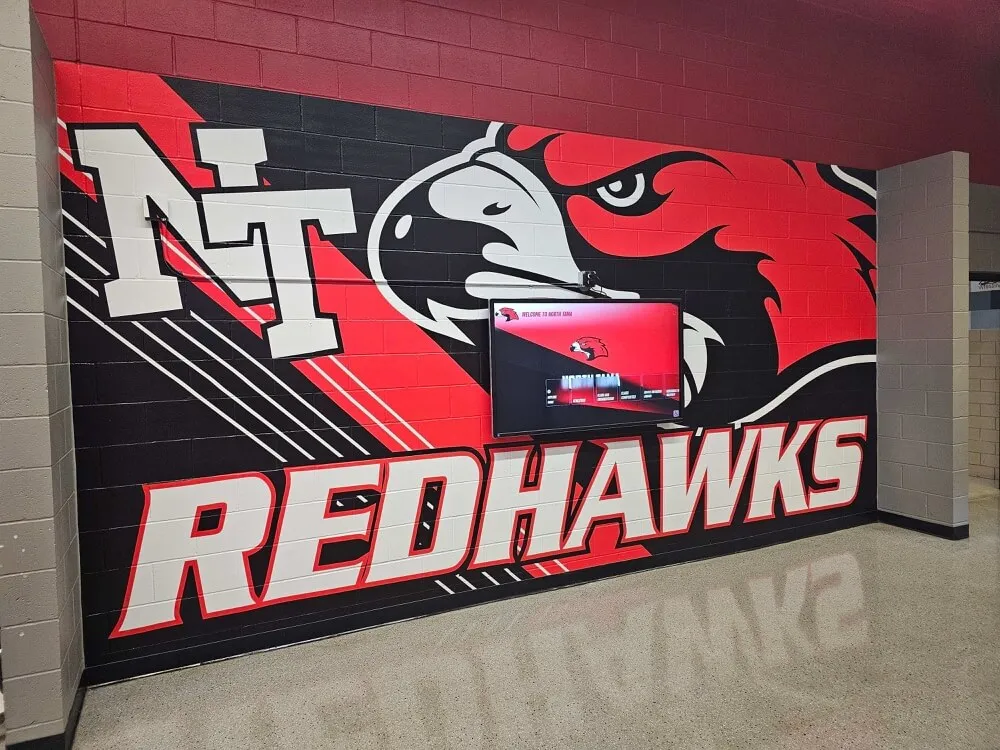
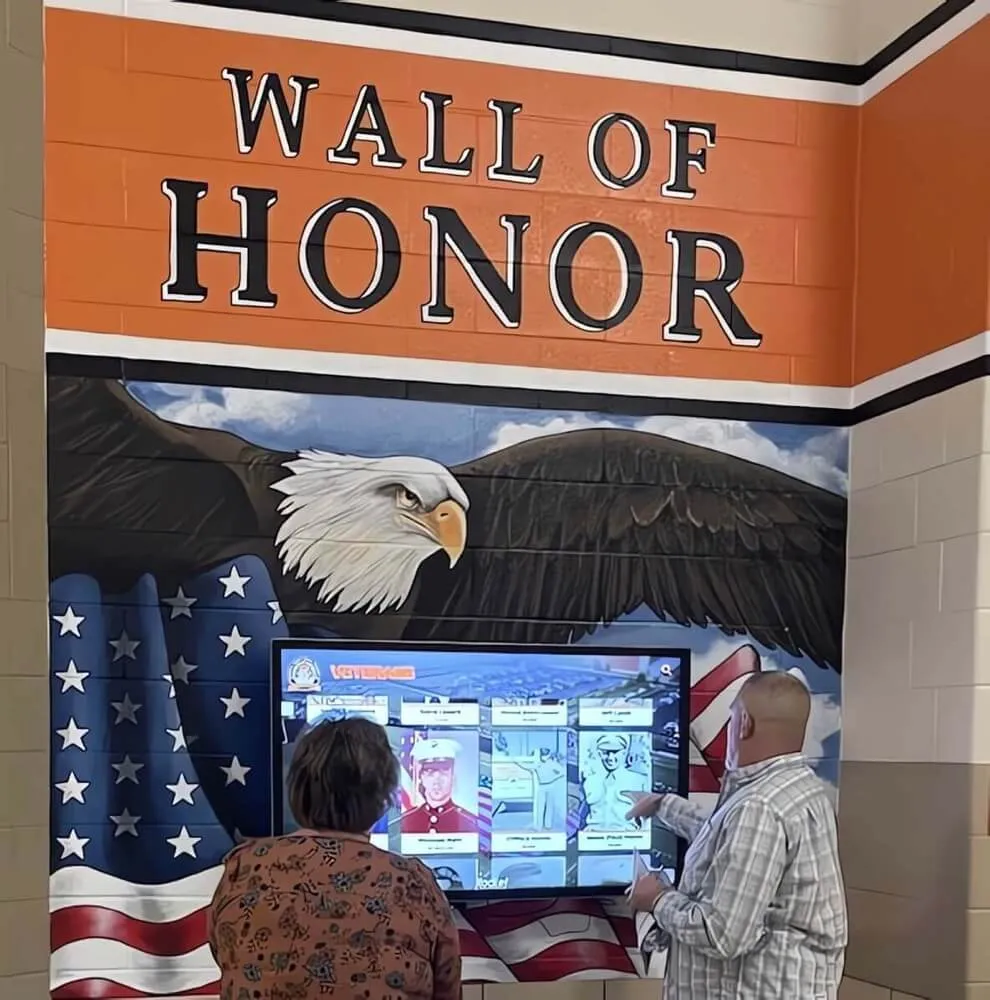
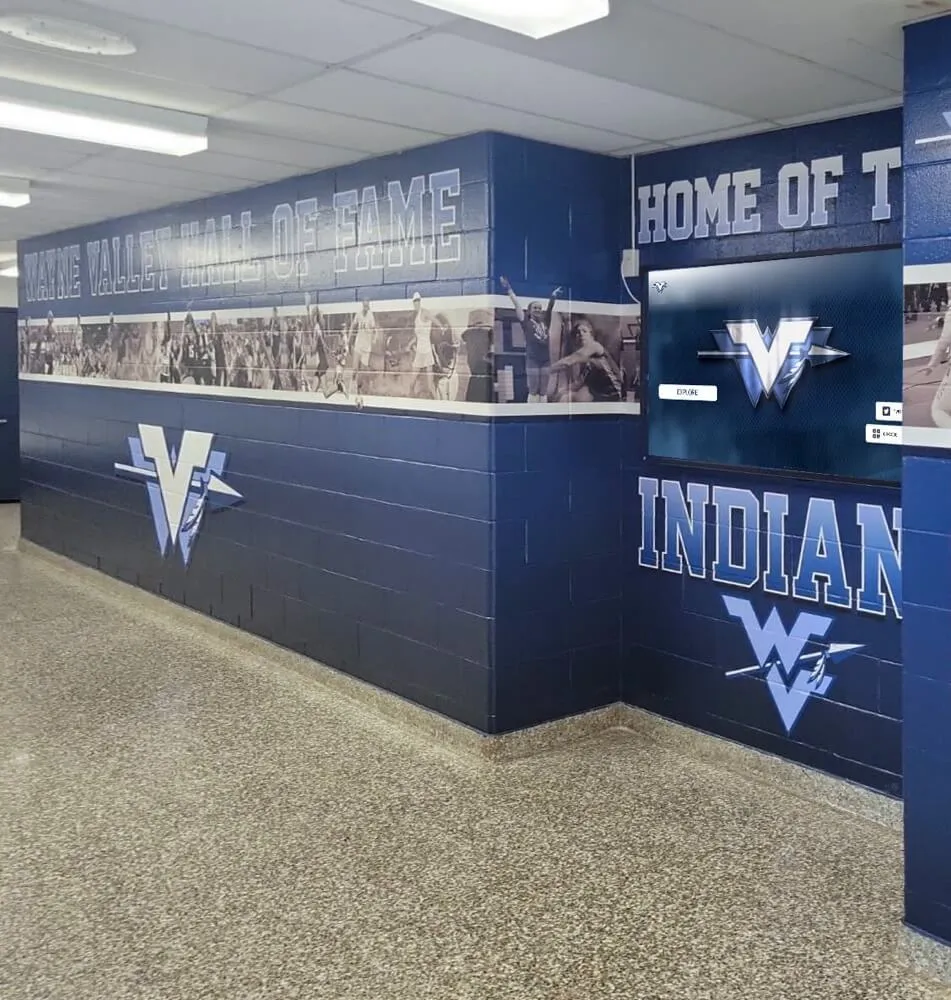
Hallway murals paired with digital displays combine school identity with updateable content—no repainting required when the schedule changes.
Core Benefits of Digital Signage for K-12 Schools
Faster, More Consistent Communication
Printed announcements take hours to produce and distribute. A digital signage platform pushes content to every screen in the building in seconds. When schedules change—and in schools, they always do—the update happens once and propagates everywhere automatically.
Reduced Ongoing Costs
Printing, laminating, and distributing paper materials has a recurring cost most schools undercount. Digital signage replaces a meaningful portion of that output. The break-even point depends on how aggressively a school relied on printed materials before, but the ongoing subscription cost typically comes in below the staff time and printing costs it displaces.
Better Visitor Experience
Parents, prospective families, and community members form impressions during the first few minutes in a building. A professional lobby display communicating school values, student achievements, and upcoming events signals an organized institution.
Student Engagement and School Pride
Recognition content has a measurable effect on school culture. When students see their names, photos, and accomplishments on a prominent display, it creates a tangible connection between achievement and public acknowledgment. This matters for academic recognition, athletic success, and arts and performing arts programs alike.
Emergency Alerting
Digital signage systems with alert integration can push emergency messages to every screen simultaneously, overriding normal playlist content. This is a safety feature increasingly expected in K-12 facilities.
Key Features to Evaluate in School Digital Signage Systems
Not all platforms deliver the same capabilities. When comparing options, focus on features that match how your school actually operates.
Content Management System (CMS)
The CMS is where administrators create, upload, and schedule content. Look for drag-and-drop layout tools that non-technical staff can use, template libraries covering common school content formats, media library management for images and videos, approval workflows when multiple staff manage content, and role-based access so different departments control their zones.
Multi-Screen Management
A school with 10 screens in three buildings needs to manage all of them from one interface. Confirm the platform allows screen grouping, zone assignment, and individual screen targeting from a single dashboard. Key features of digital record boards and multi-display systems provide a useful reference for what a well-designed display management system should include.
Scheduling and Automation
Schools run on schedules. The platform should support time-based content rotation, day-of-week rules, and event-triggered overrides. Scheduled content management reduces the daily administrative burden substantially.
Touchscreen and Interactive Capabilities
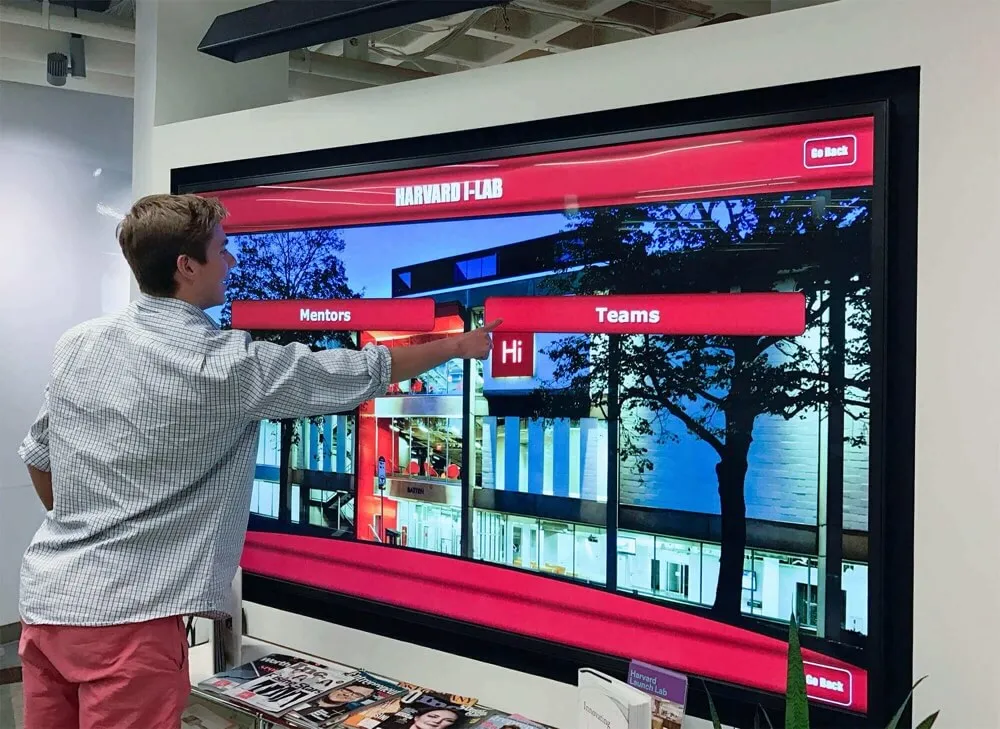
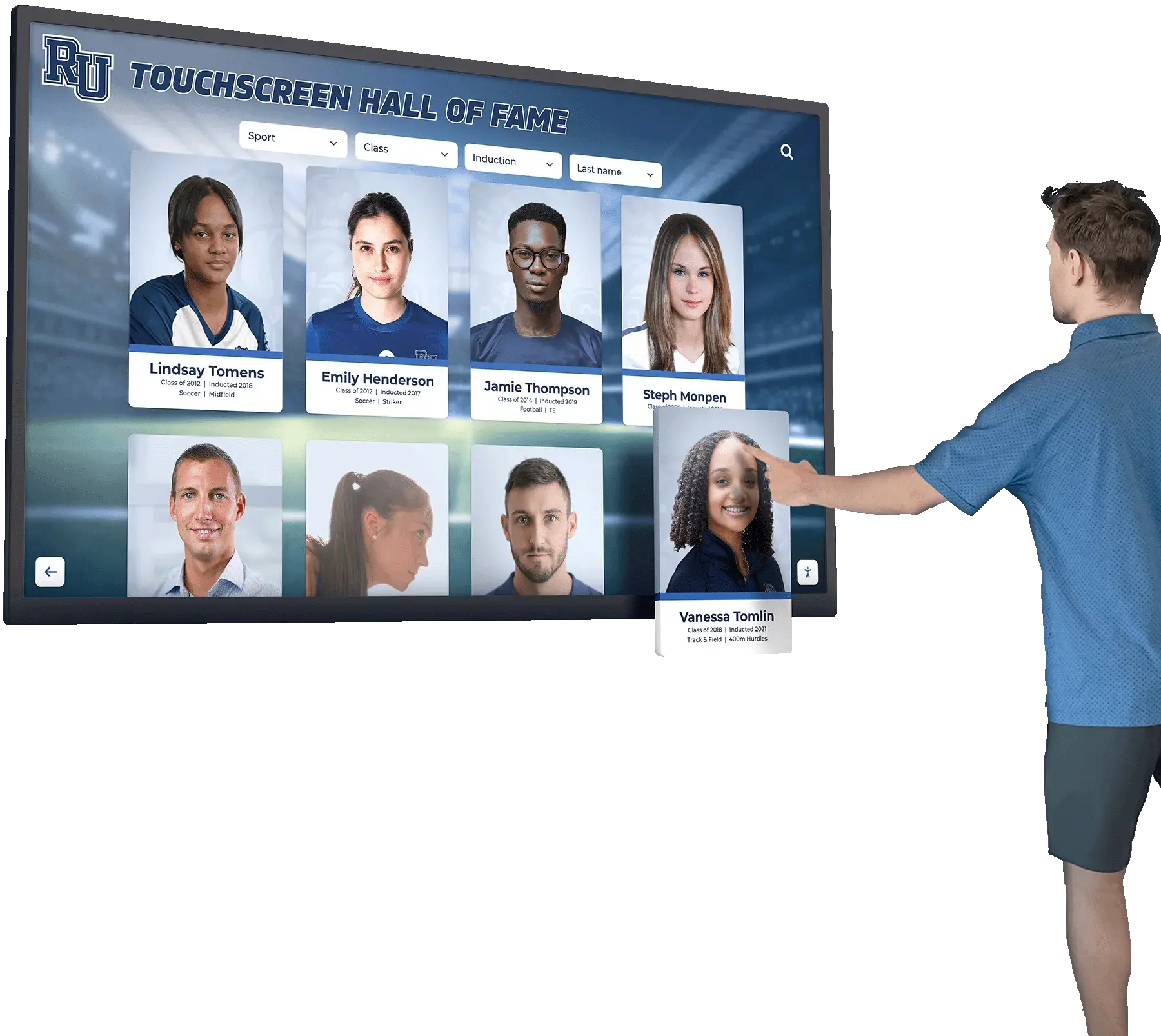
For kiosks in lobbies and trophy cases, touchscreen capability lets visitors explore a hall of fame database, navigate campus information, or search athletic records on their own. Interactive kiosk software platforms for schools vary significantly in how well they handle multi-touch input and searchable databases.
Hardware Compatibility
Verify the software supports the player hardware you plan to use—whether that is a dedicated media player, a small-form-factor PC, an Android stick, or the native operating system of a commercial display.
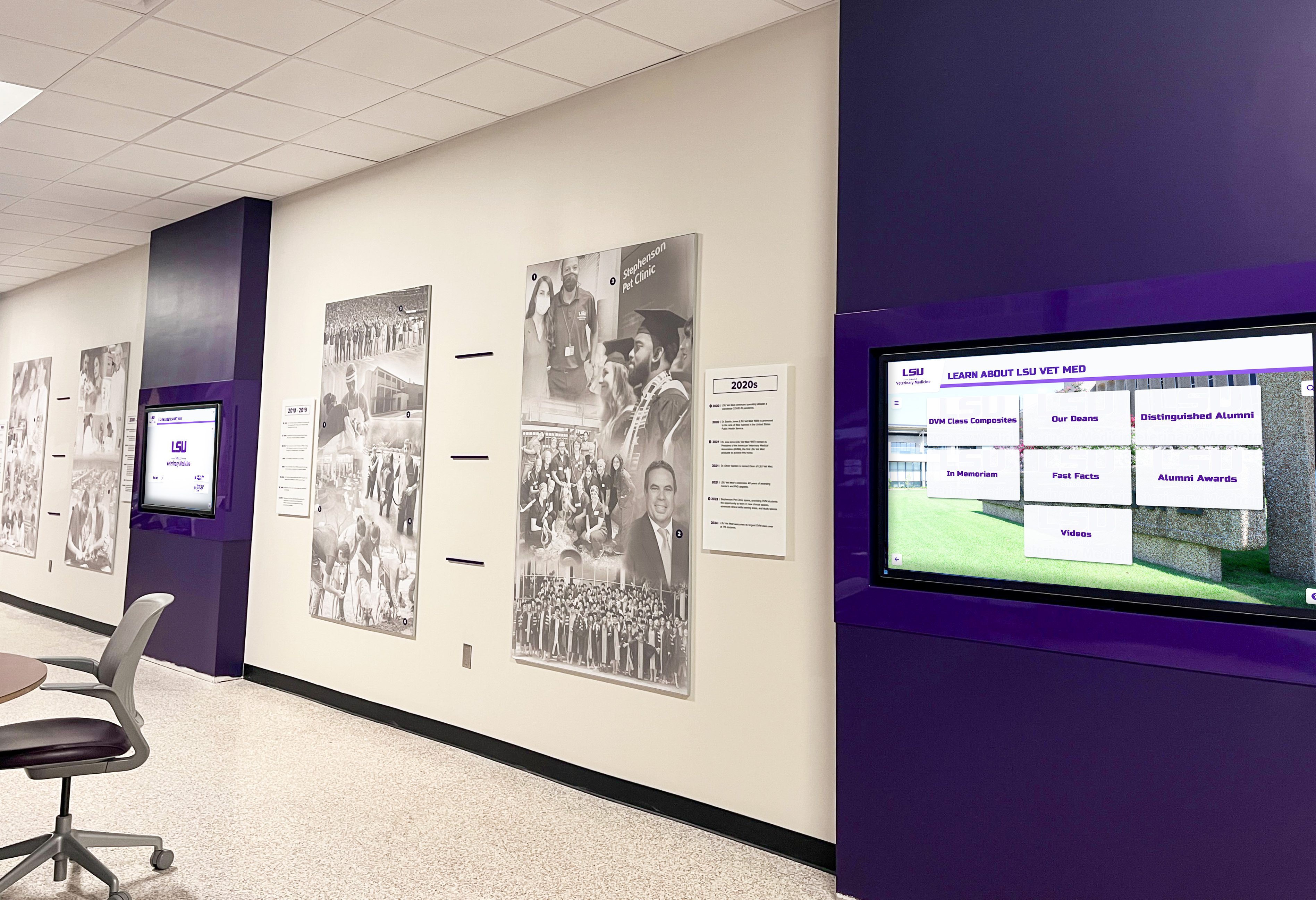
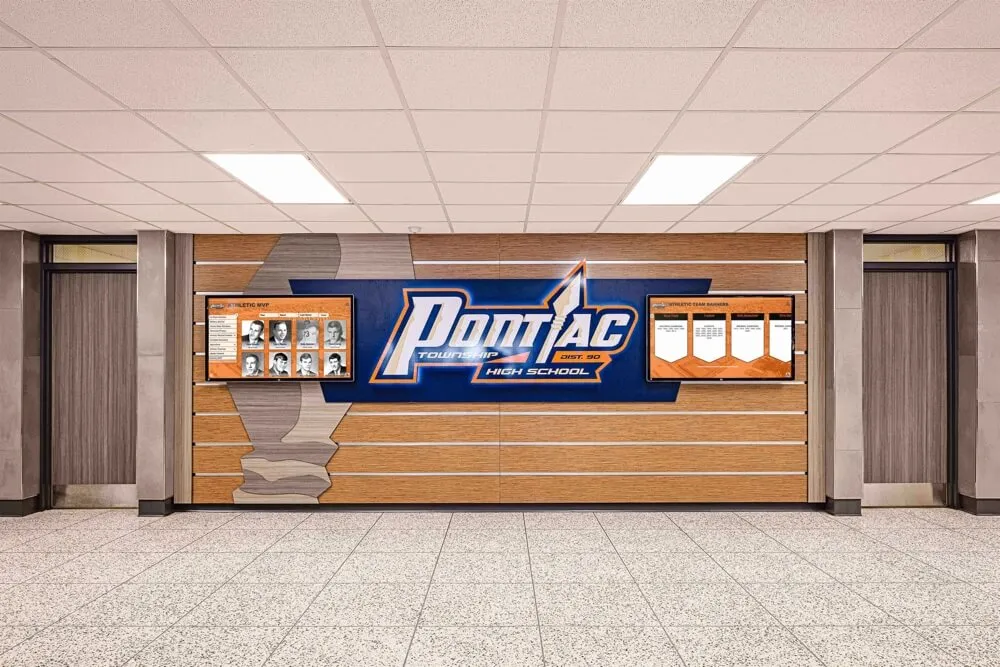
Multi-screen hallway installations require a content management platform that handles zone assignment, scheduling, and device monitoring from a single interface.
MDM Device Management: What It Means and Why Schools Should Require It
MDM stands for Mobile Device Management—the same category of software schools use to manage tablets and laptops, applied here to the media players or devices running the signage software.
In a digital signage context, MDM gives administrators concrete operational control:
Remote monitoring and rebooting. If a screen goes offline or freezes, IT staff can identify and often fix the problem without physically visiting the device. This matters when screens are mounted at height or in restricted areas of a building.
Centralized software updates. Rather than manually updating player software on each device, MDM pushes updates to all managed devices at once. Security patches happen on schedule without requiring physical access to each screen location.
Device lockdown and security. MDM can lock a player device to run only the approved signage application, preventing unauthorized use, and enforce network security policies across the device fleet.
Enrollment and provisioning. When a new screen is added, MDM enrollment can provision the device to the correct configuration automatically—no individual setup required at each screen location.
Remote wipe and recovery. If a device is compromised or fails, MDM can reset it remotely and restore the standard configuration.
Many general-purpose digital signage platforms charge extra for MDM capabilities or require a separate third-party MDM solution layered on top. Solutions like Rocket Alumni Solutions include MDM device management as part of the core offering—so schools are not paying a separate subscription to keep their device fleet operational and secure.
For IT departments managing dozens of screens across a campus, MDM is not a premium add-on. It is a basic operational requirement that should come standard with any school digital signage platform.
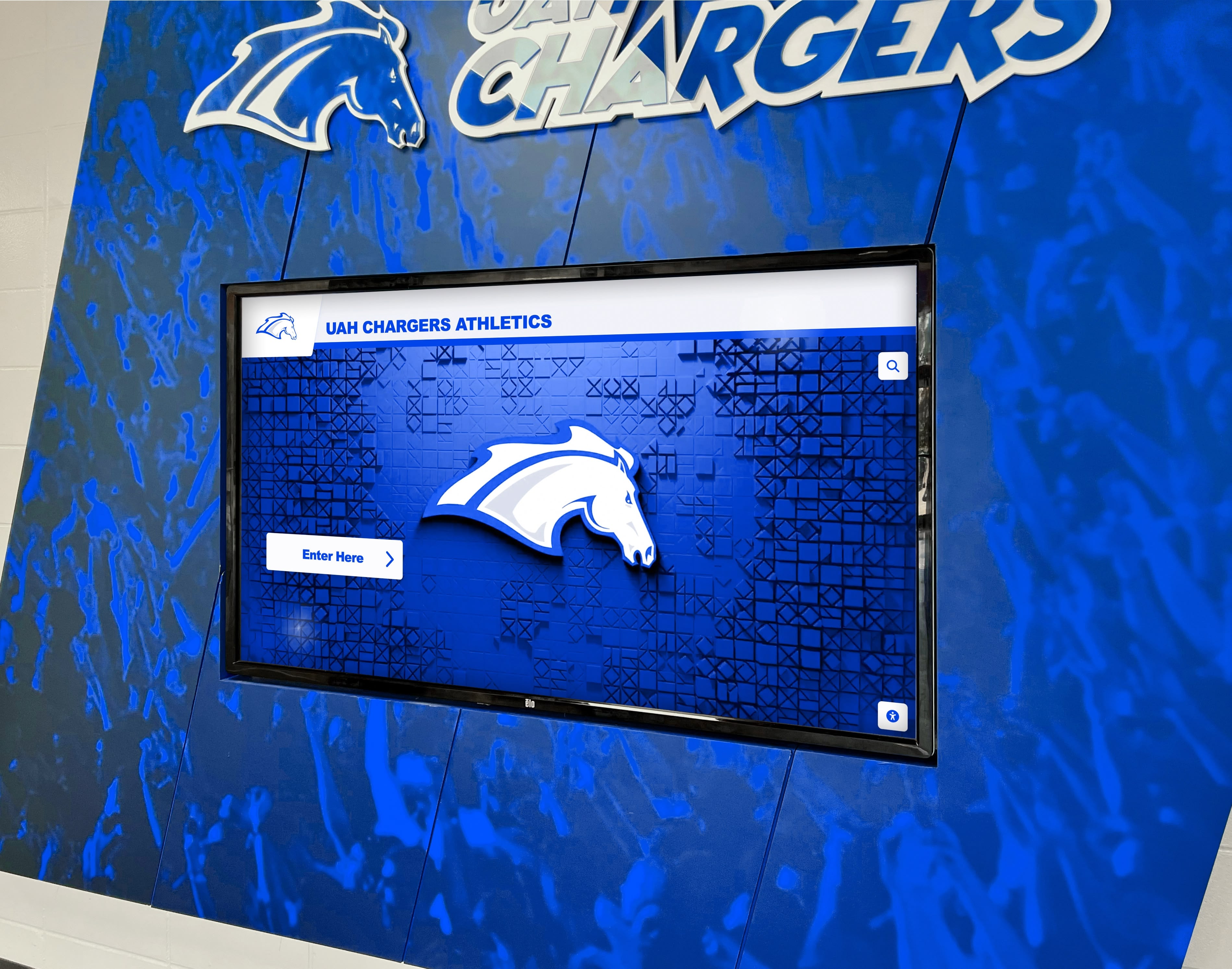
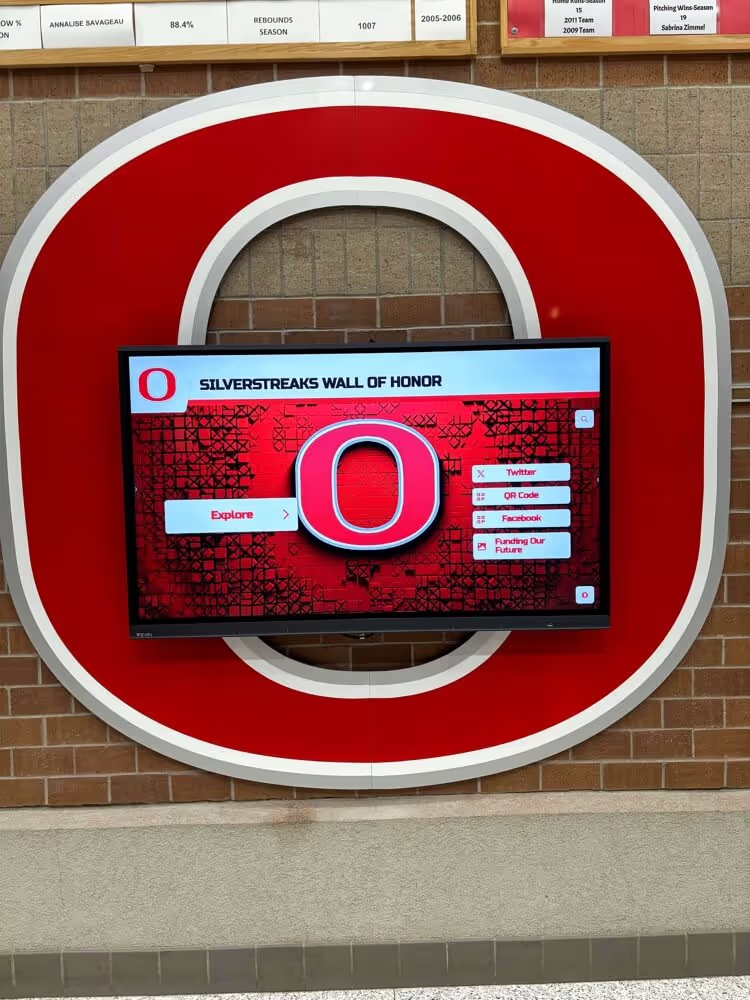
Athletic facility screens benefit from MDM-managed deployment—remote updates mean content stays current without requiring IT staff to visit each screen location physically.
Why Unlimited Screen Licensing Changes the Planning Equation
Most digital signage platforms charge per screen—typically $15 to $50 or more per screen per month. For a school with 20 screens across multiple buildings, that adds up quickly. Many schools end up limiting their deployment to a handful of screens because the per-unit cost makes broader coverage financially unworkable.
Unlimited screen licensing removes that constraint entirely. When there is no per-screen cost penalty, schools can add displays wherever they create value—hallways, classrooms, concession stands, parking lot kiosks—without renegotiating a contract or watching the annual bill increase.
Rocket Alumni Solutions offers unlimited digital signage at $50 per year. For context: a single month’s subscription on a per-screen platform covering just one display often costs more than a full year of unlimited screens. This pricing reflects a different philosophy—that recognition and communication infrastructure should not be rationed by cost.
The unlimited model also simplifies budgeting. Athletic directors, technology coordinators, and development offices working with constrained budgets can plan a full deployment knowing the software cost is fixed regardless of how many screens the project eventually includes. Why Rocket Alumni Solutions works well for small and medium public high schools covers this value proposition in depth, and unlimited screen access with no hidden costs is a meaningful differentiator when school technology budgets are under pressure.
Digital Signage for School Recognition Programs
Recognition displays represent one of the highest-impact applications of school digital signage—and one where feature depth matters more than in standard announcement contexts.
Athletic Halls of Fame
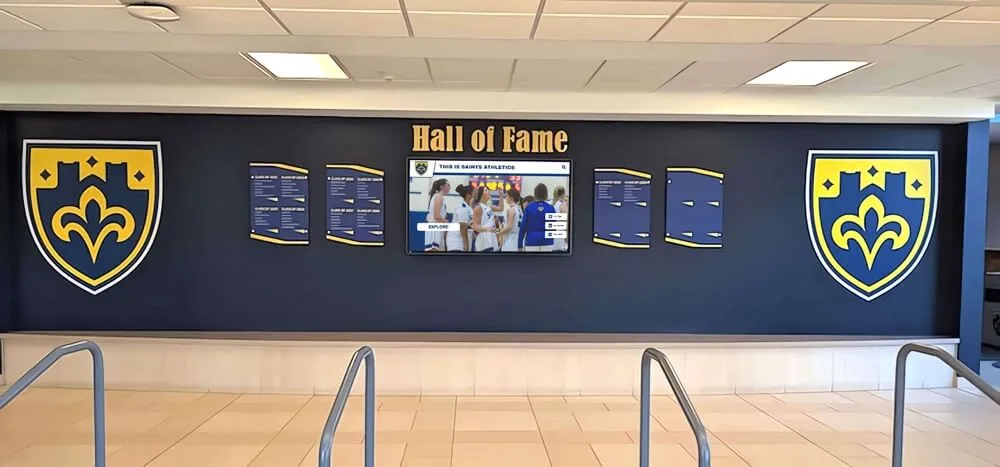
A digital hall of fame replaces or supplements physical trophy cases and plaque walls with a searchable, updateable database of honored athletes. New inductees can be added without reprinting anything. Families can search by sport, year, or name. Video highlights, photos, and biographical details create richer profiles than a name plate allows.
School trophy case displays compared to digital options illustrate why interactive hall of fame systems require a software platform with a proper database backend—not just a slideshow tool.
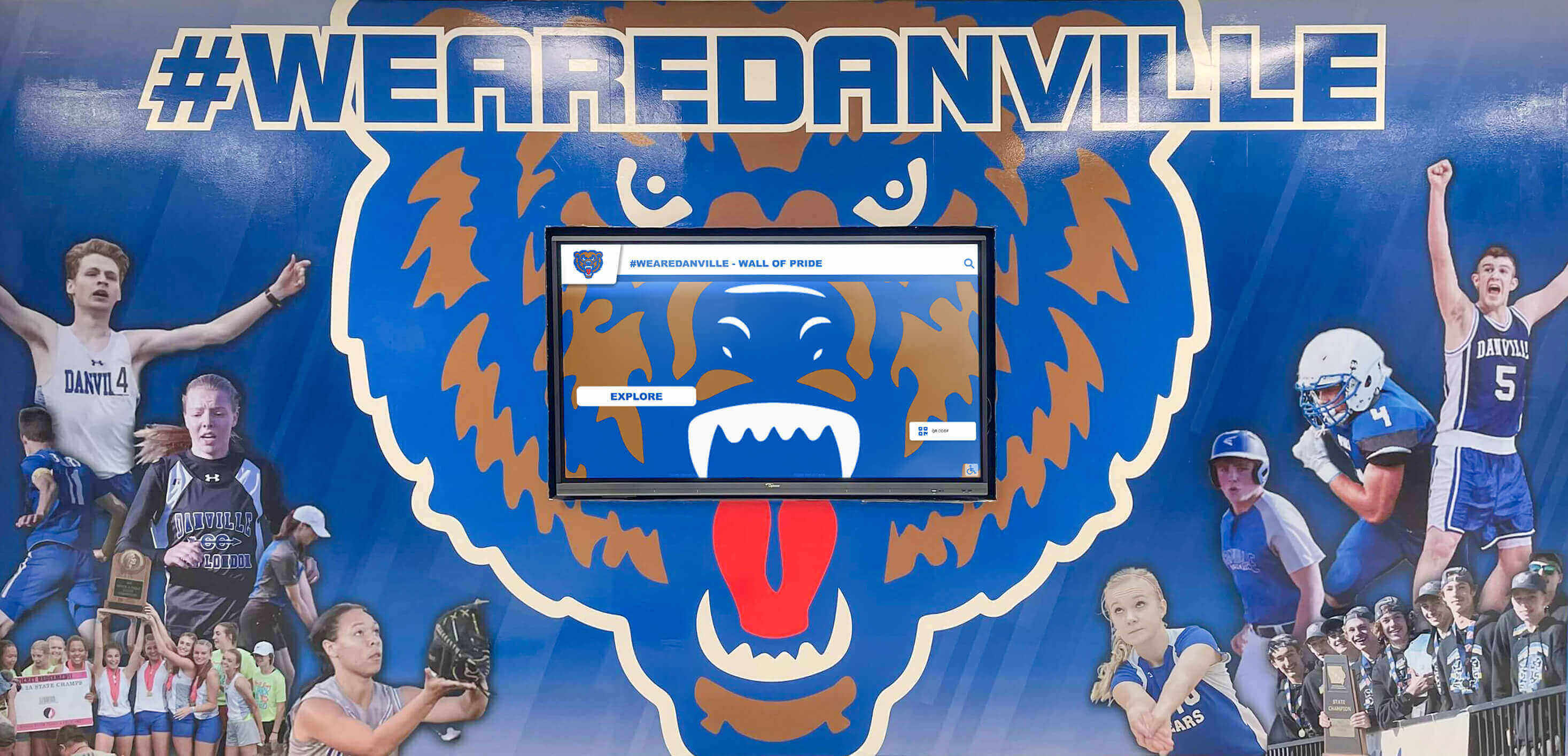
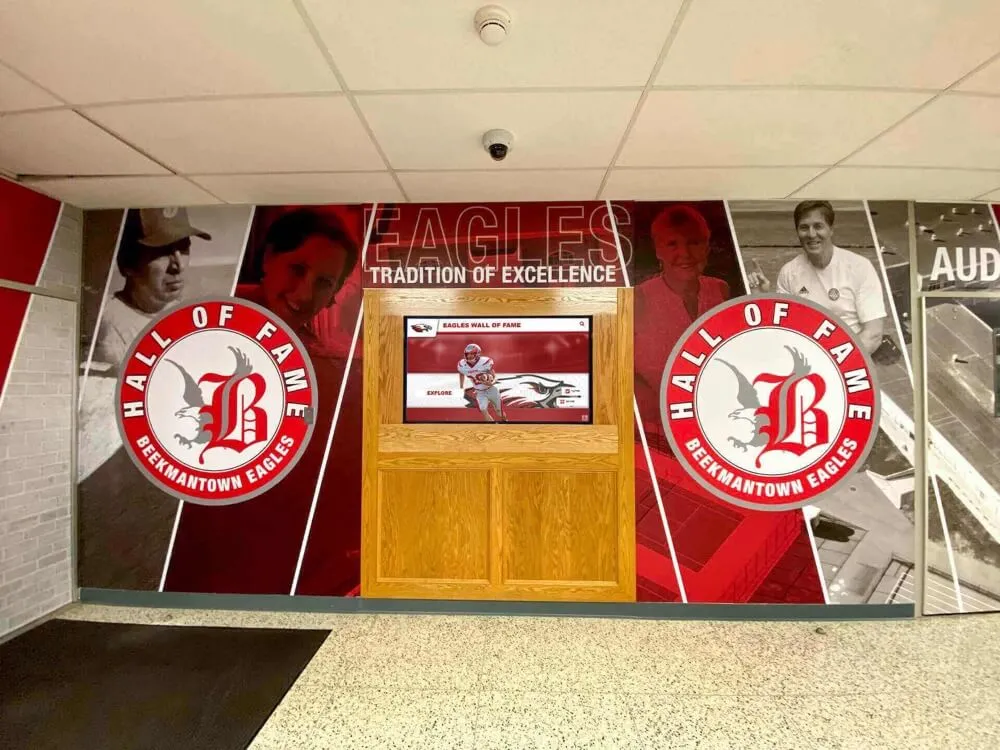
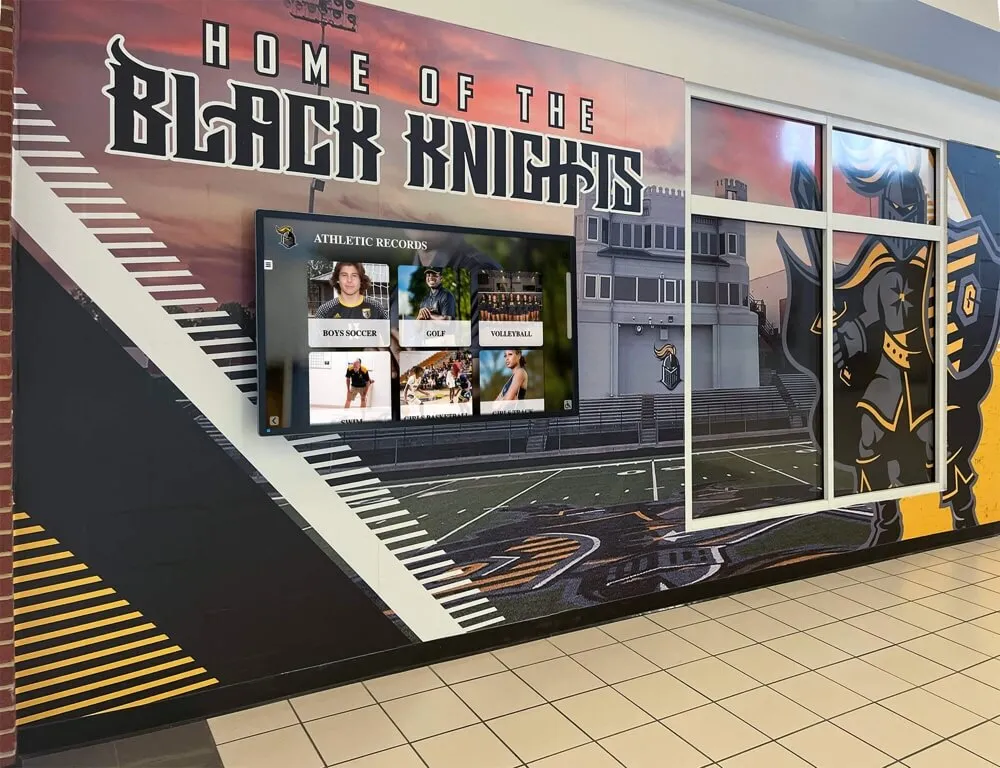
Athletics murals paired with digital screens let schools combine permanent visual identity with updateable recognition content—adding this year's champions without repainting the wall.
Academic Recognition
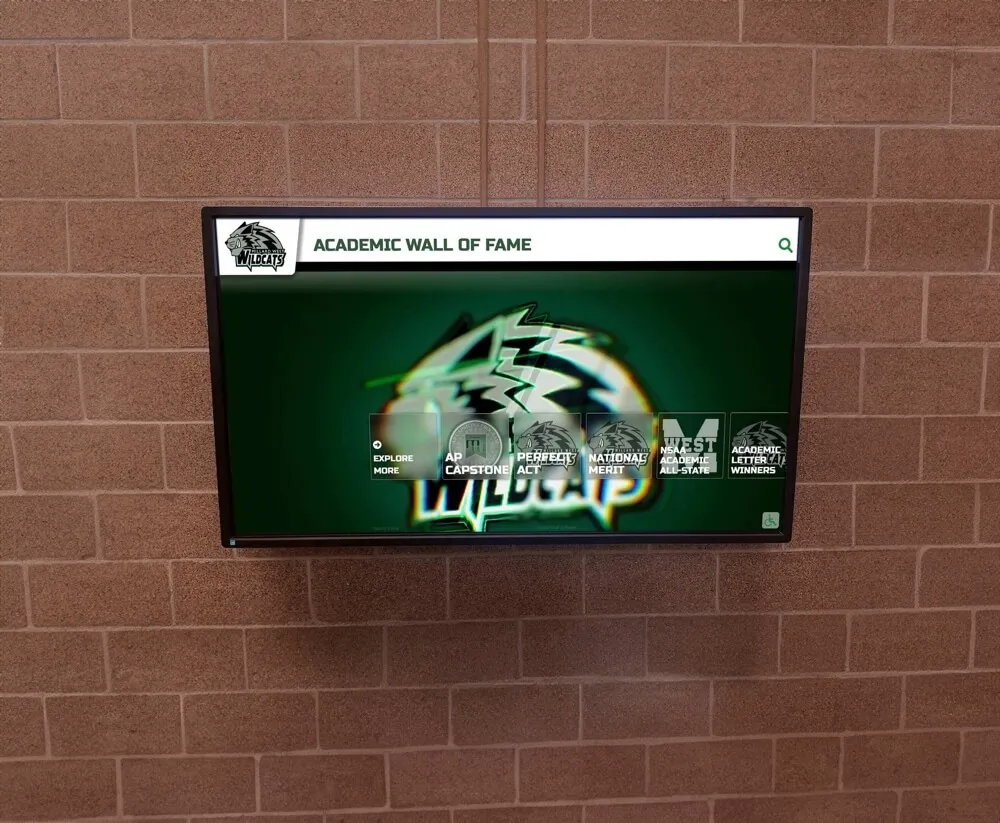
Academic achievement displays—honor roll boards, National Merit Scholar recognition, academic all-state honors—benefit from the same database-driven approach. Content updates as honors are awarded, without physical production or reprinting. Academic awards for high school: how schools define, display, and preserve student honors covers the range of academic recognition formats and how digital systems accommodate them.
Donor Recognition
Schools with active booster programs, capital campaigns, or annual funds use digital displays to acknowledge contributors. A donor recognition wall in a lobby communicates appreciation publicly, reinforces giving behavior among prospective donors, and gives development staff a compelling story to tell during cultivation visits. Digital formats allow giving levels to grow as campaigns expand without physical space constraints—and content can be updated the moment a new gift is acknowledged rather than waiting for the next physical plaque production cycle.
Arts, Music, and Performing Arts
Academic achievement is broader than athletics and test scores. Performing arts programs, debate teams, and competitive academic groups deserve visible recognition alongside athletic achievements. Digital platforms that handle multiple recognition categories without physical space limits make comprehensive recognition genuinely achievable for schools that want to honor the full range of student accomplishment.
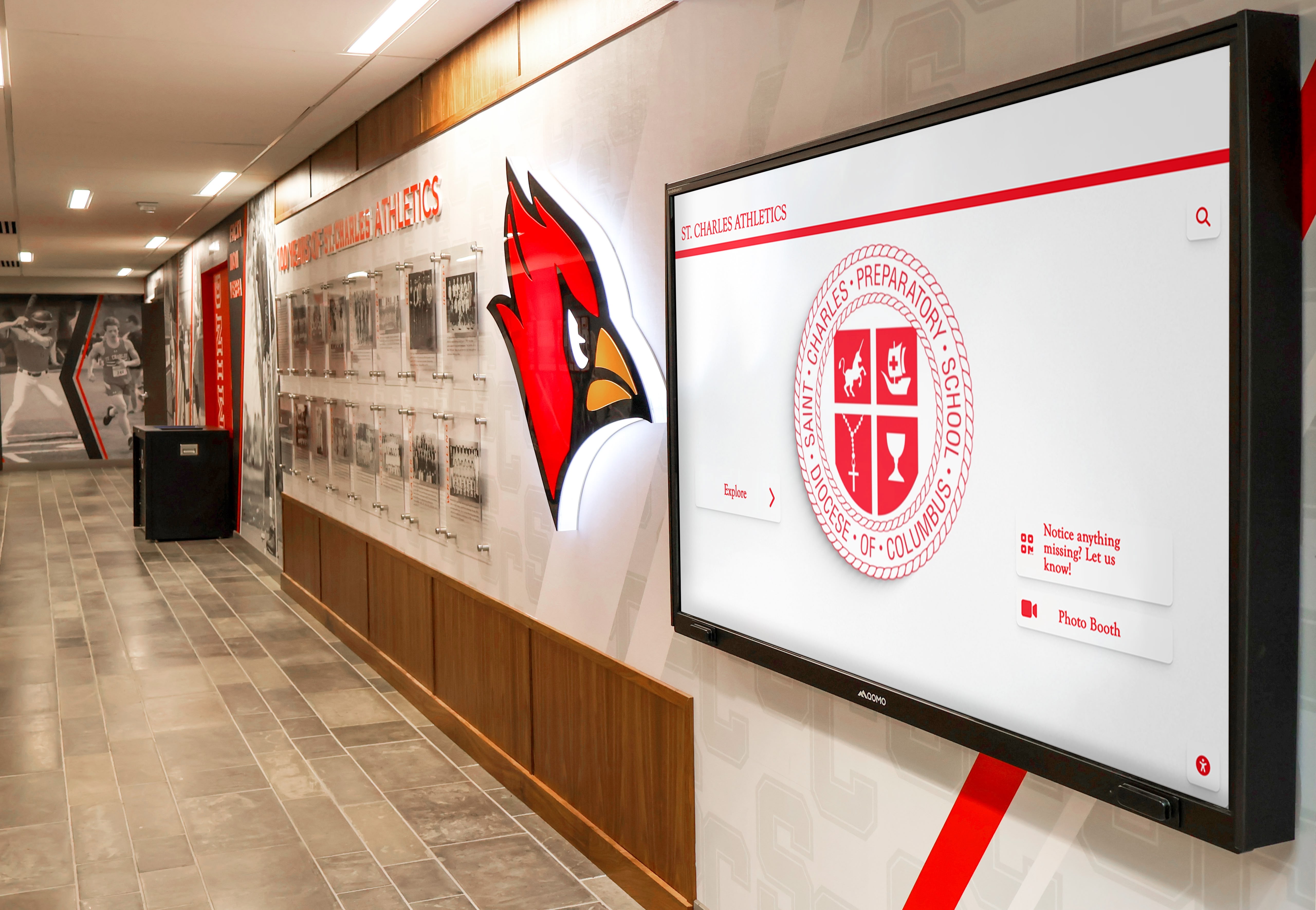
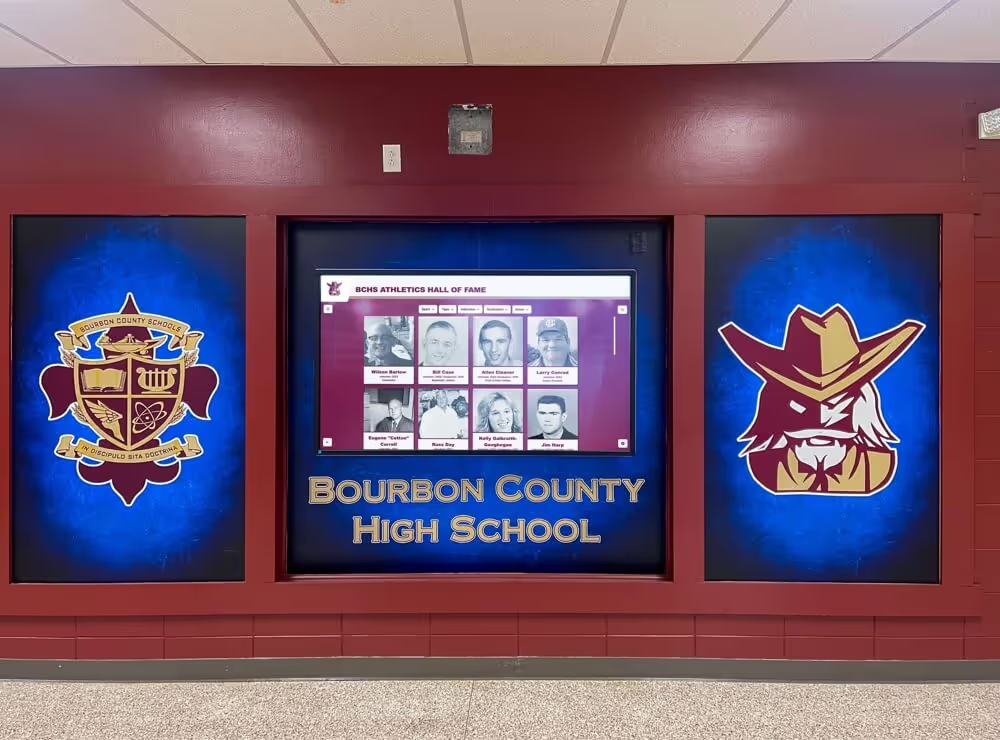
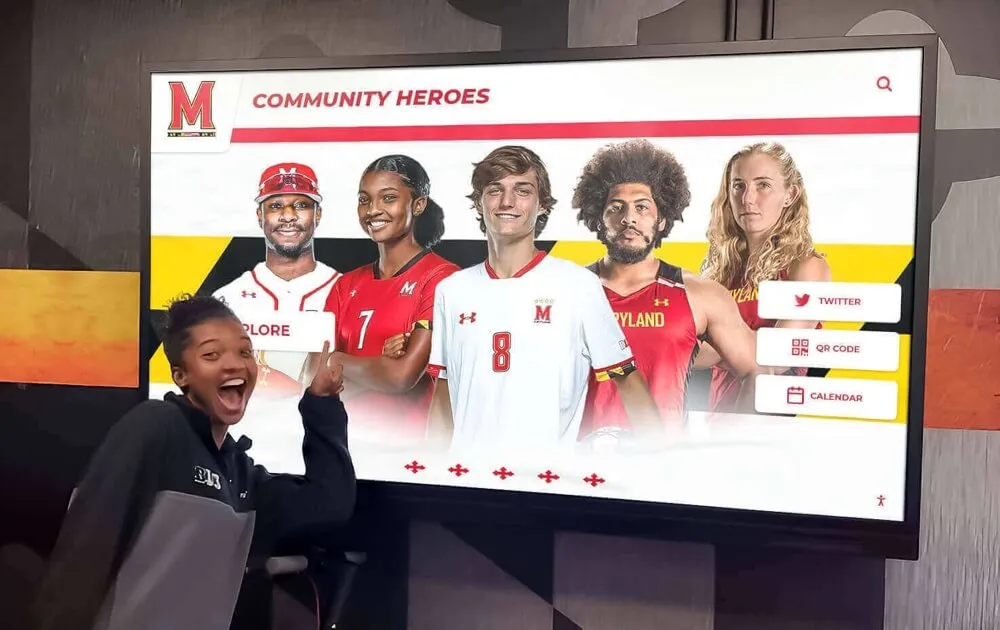
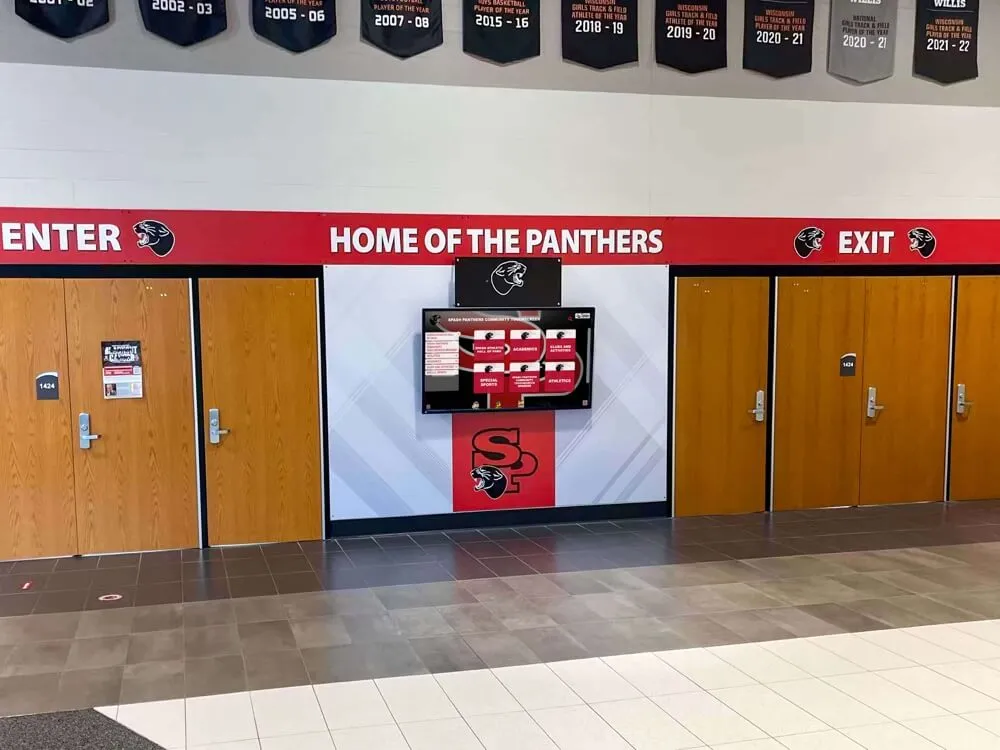
Athletic hallway displays that incorporate mascot branding alongside achievement content create high-visibility recognition that reinforces school identity throughout the building.
Feature Parity: What Enterprise-Level Actually Means for Schools
Premium digital signage platforms in the enterprise market offer scheduled playlists, zone-based content management, emergency override, multi-user administration, and cloud-based content delivery. Schools typically cannot afford enterprise pricing, but that does not mean they should settle for fewer features.
The more productive question is whether the platforms schools can afford include the same functional capabilities. Rocket Alumni Solutions delivers feature parity with major digital signage brands—cloud CMS, multi-screen management, schedule-based playlists, and MDM device management—at a price point structured for school budgets rather than corporate procurement departments.
Evaluating digital signage for schools with athletic recognition features is a useful exercise that clarifies which enterprise features translate to the K-12 context and which are irrelevant to school use cases. Schools should not pay for capabilities they will never use, but they also should not accept a watered-down system because the assumption was that full-featured software was out of reach.
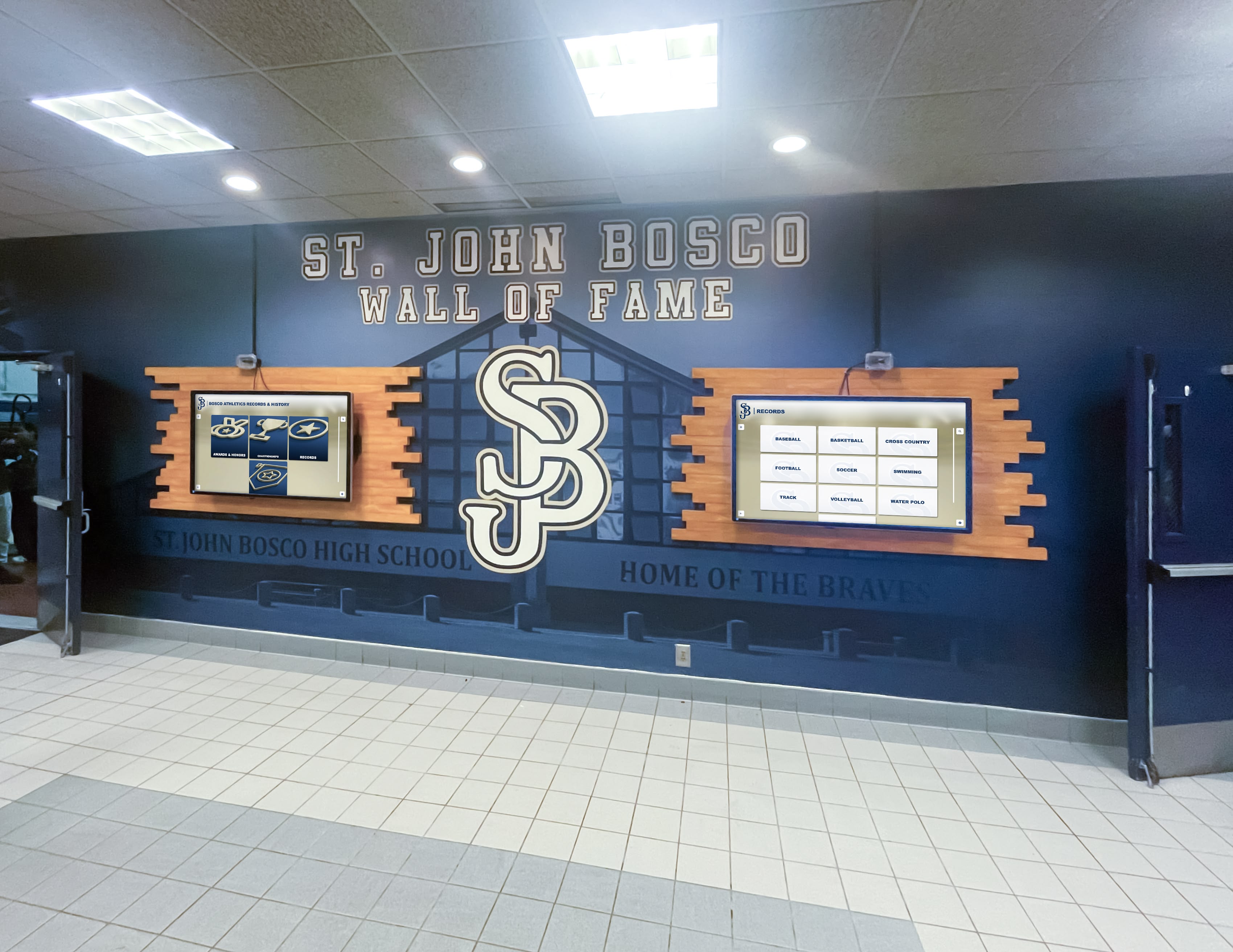
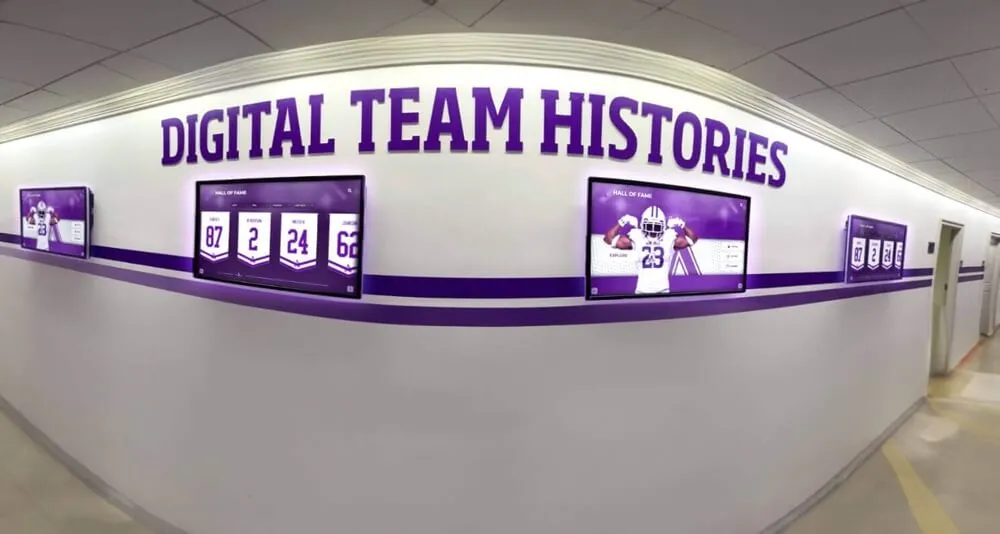
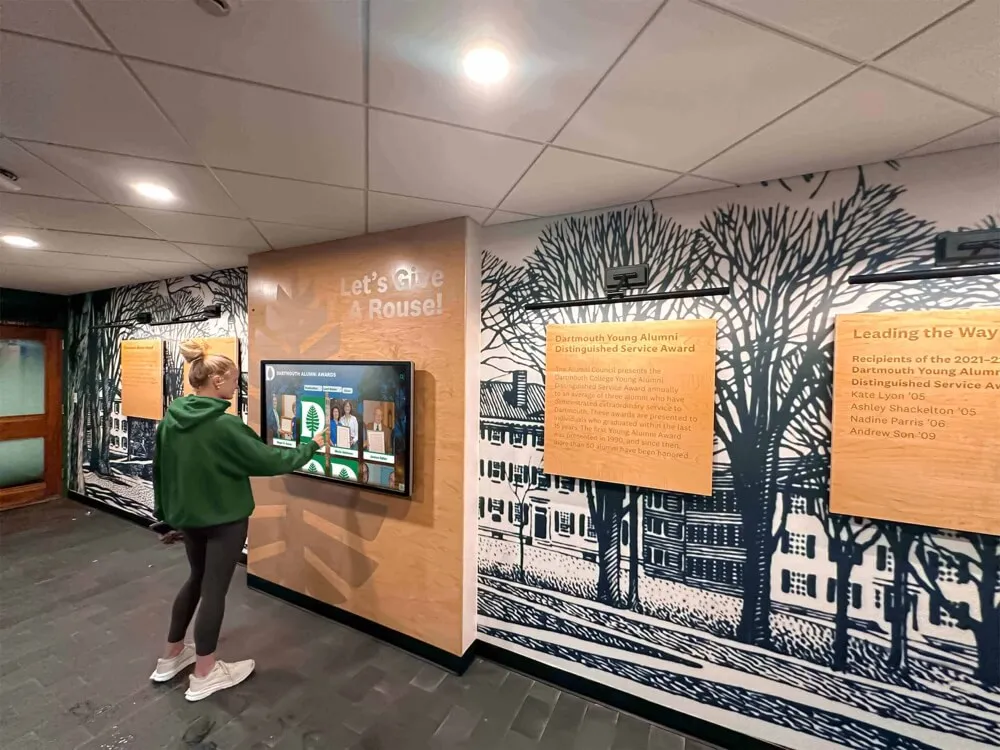
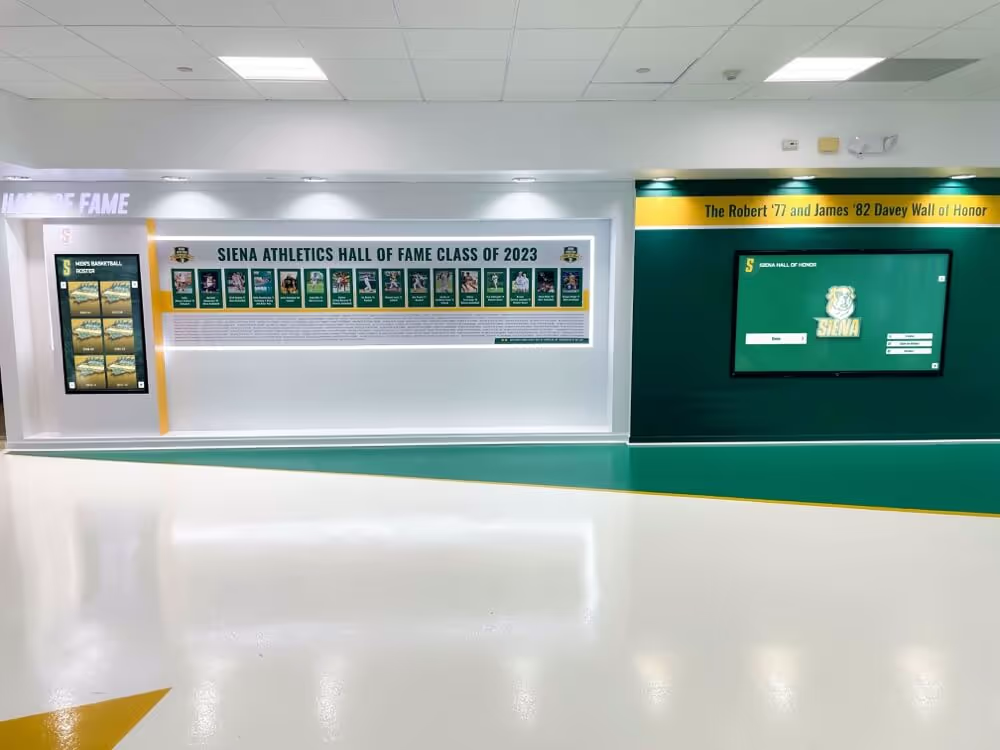
Multi-screen hallway installations create cohesive recognition environments—and with unlimited screen licensing, adding a second or third screen to a zone carries no additional software cost.
School Digital Signage Evaluation Checklist
Use this checklist when comparing platforms or briefing a vendor on your requirements:
SCHOOL DIGITAL SIGNAGE EVALUATION CHECKLIST
============================================

Content Management
[ ] Cloud-based CMS accessible from any browser
[ ] Drag-and-drop content editor for non-technical staff
[ ] Template library covering common school content formats
[ ] Media library with bulk upload capability
[ ] Multi-user access with role-based permissions
[ ] Content approval workflows for multi-department teams

Display and Scheduling
[ ] Multi-screen management from a single dashboard
[ ] Zone assignment (different content per screen location)
[ ] Time-based scheduling (daily, weekly, event-based)
[ ] Emergency override capability for safety messaging
[ ] Offline operation when network is temporarily unavailable

Device Management (MDM)
[ ] Remote device monitoring and status visibility
[ ] Remote reboot and troubleshooting
[ ] Centralized software update management
[ ] Device enrollment and provisioning process
[ ] Device lockdown / kiosk mode enforcement

Pricing and Licensing
[ ] Per-screen pricing clearly documented
[ ] Annual versus monthly billing options
[ ] Unlimited screens option available (and at what cost)
[ ] Setup and onboarding fees disclosed upfront
[ ] Renewal pricing commitments in writing

Recognition and Interactivity
[ ] Database-driven hall of fame or recognition module
[ ] Touchscreen support for interactive kiosk installations
[ ] Search and filter functionality for large rosters
[ ] Multimedia support (photos, video, documents)
[ ] Donor recognition tier display options
[ ] ADA compliance and accessibility features

Support and Implementation
[ ] Initial setup and content migration assistance included
[ ] Staff training included or available
[ ] Ongoing technical support channels documented
[ ] SLA or response time commitments in writing
[ ] Hardware recommendations and procurement guidance
Planning a School Digital Signage Deployment
Step 1: Define your use cases first. Before selecting hardware or software, document what you actually want displays to do. A school primarily seeking an athletic hall of fame has different requirements than one focused on hallway communication. Most schools need both—but knowing which use cases drive the project clarifies which features must be non-negotiable.
Step 2: Inventory your locations. Walk the building and identify every location where a display would create value. Note power availability, network access, viewing distance, ambient light conditions, and whether touchscreen interaction is appropriate for each location.
Step 3: Determine your content governance model. Who will manage content? How often will it change? Who has authority to publish? These questions determine whether you need role-based permissions, approval workflows, and a scheduled content calendar—and whether the platform you select actually supports them.
Step 4: Set a realistic budget inclusive of hardware. Software subscriptions are only part of the cost. Displays, mounting hardware, media players (if not built into the screen), cabling, and installation labor are all line items. Get total cost of ownership estimates, not just subscription prices.
Step 5: Require a platform demonstration with your actual content. Generic demos use polished sample content. Ask vendors to demonstrate with your school’s branding, your use cases, and your content types before committing. A platform that looks good in a sales deck may behave differently with your real data.
Step 6: Plan for ongoing management. Maintaining digital recognition displays over time requires a documented update schedule, designated responsibility, and a vendor support relationship that works when something goes wrong. Displays that launch well but go stale within a year represent a failure mode schools can avoid by planning for content governance before the installation goes in.
Conclusion
Digital signage for schools works when the system is simple enough for non-technical staff to manage, affordable enough to deploy broadly, and feature-complete enough to handle the recognition and communication needs that make displays genuinely useful rather than decorative.
The combination of unlimited screen licensing at $50 per year, included MDM device management, cloud-based content management, and interactive touchscreen capabilities puts a full-featured solution within reach of schools that have historically assumed that category of system was reserved for larger budgets. Rocket Alumni Solutions delivers that combination with feature parity alongside major digital signage brands—making it practical for a school to cover every hallway, gym, lobby, and trophy case without managing separate software budgets for each application.
If your school is evaluating digital signage or looking to expand a current deployment, talk to our team to see how Rocket Alumni Solutions handles the full range of school digital signage use cases—from hallway communication to interactive athletic recognition and donor acknowledgment displays.