




Intent: Define — Understanding how interactive touchscreen displays revolutionize realtor agencies through 24/7 property showcasing, enhanced client engagement, and streamlined property presentations.
Real estate agencies face mounting pressure to differentiate themselves in increasingly competitive markets. Traditional property showcasing through printed flyers, static window displays, and scheduled office visits limits client access to listings while creating administrative burdens for agents managing property information across multiple channels. Meanwhile, modern homebuyers expect instant access to comprehensive property details, virtual tours, and interactive exploration capabilities matching their digital-first lifestyles.
Interactive touchscreen displays address these challenges by transforming how realtor agencies present properties, engage clients, and operate their businesses. These systems enable 24/7 property access through window displays visible even when offices are closed, provide immersive exploration through virtual tours and interactive floor plans, streamline property updates across all displays simultaneously, and capture leads through integrated contact forms and inquiry systems.
This comprehensive guide explores how interactive touchscreen technology empowers realtor agencies to showcase properties more effectively, engage clients more deeply, and operate more efficiently. Whether you’re considering your first touchscreen installation or enhancing existing systems, these strategies provide actionable frameworks for leveraging technology that meets modern homebuyer expectations while strengthening your competitive position.
Effective touchscreen implementation requires balancing multiple objectives: creating engaging experiences that captivate potential buyers, providing comprehensive property information supporting informed decisions, maintaining current listings without excessive administrative burden, and generating qualified leads converting into actual transactions. Agencies excelling with touchscreen technology view these systems as strategic investments in client experience and operational efficiency rather than merely decorative additions to office spaces.

Interactive touchscreen displays enable clients to explore property listings at their own pace with intuitive touch interfaces
Understanding Interactive Touchscreen Technology for Real Estate
Before exploring specific applications and implementation strategies, understanding the technology fundamentals and available options helps agencies make informed decisions aligned with their specific needs and client expectations.
Types of Interactive Touchscreen Solutions for Realtors
Real estate agencies can deploy touchscreen technology in several configurations, each serving distinct purposes and client touchpoints:
Window Display Systems
Interactive window displays transform agency storefronts into 24/7 property showcases accessible even when offices are closed. Using through-glass touch technology, these systems enable passersby to browse listings, view property details, schedule tours, and submit inquiries at any time. This around-the-clock accessibility dramatically expands potential client reach beyond traditional office hours, capturing interest from evening commuters, weekend browsers, and anyone passing your location.
According to real estate technology providers, window displays generate leads during non-business hours that agencies would otherwise miss entirely, with many reporting 30-40% of digital inquiries occurring outside standard operating hours.
Indoor Touchscreen Kiosks
Freestanding kiosk installations in agency lobbies and waiting areas provide clients with self-service property exploration while agents handle other responsibilities. These systems enable visitors to browse your complete inventory, filter by preferences and criteria, view detailed property information and virtual tours, compare multiple properties side-by-side, and save favorites for agent discussion.
Interactive kiosks transform waiting time from passive experience to productive exploration, enabling clients to pre-qualify properties and arrive at agent conversations better informed and more engaged.
Wall-Mounted Interactive Displays
Large-format touchscreen displays mounted in conference rooms and presentation areas enhance agent-client interactions during consultations and property discussions. These systems enable collaborative exploration where agents and clients navigate listings together, facilitating more dynamic and responsive conversations than traditional printed materials allow.
Wall-mounted displays particularly excel during buyer consultations where preferences may evolve through conversation, enabling agents to adjust search criteria and present alternatives in real-time rather than scheduling follow-up meetings.
Solutions like Rocket Alumni Solutions specialize in interactive display systems that adapt effectively to real estate applications, providing intuitive interfaces and content management platforms enabling agencies to maintain current property information across all touchpoints without technical expertise.

Freestanding kiosks provide self-service property exploration in agency lobbies and waiting areas
Core Capabilities and Features
Effective real estate touchscreen systems share essential capabilities maximizing client engagement and operational efficiency:
Comprehensive Property Listings
Touchscreen platforms should accommodate your complete property inventory with high-resolution photography showcasing properties attractively, detailed specifications including square footage, bedrooms, bathrooms, amenities, pricing information and financing options, neighborhood and location context, agent contact information for each listing, and status indicators showing available, pending, or sold properties.
Virtual Tours and Multimedia Integration
Modern homebuyers expect immersive property exploration including 360-degree virtual tours enabling remote property viewing, video walkthroughs providing realistic property perspectives, interactive floor plans allowing room-by-room exploration, neighborhood photography and videos providing location context, and drone footage showcasing properties and surroundings from aerial perspectives.
These multimedia elements create substantially more engaging experiences than static photographs alone, helping potential buyers develop stronger connections to properties before physical visits.
Advanced Search and Filtering
Intuitive search capabilities enable clients to find relevant properties efficiently including price range filters matching budget parameters, location-based searches by neighborhood, school district, or proximity to landmarks, property type selections for single-family, condo, townhouse, or commercial, bedroom and bathroom count specifications, square footage ranges, lot size parameters, and special feature filters for pools, garages, waterfront, or other desired amenities.
Sophisticated filtering ensures clients quickly identify properties meeting their criteria rather than scrolling through irrelevant listings, improving experience quality and lead conversion rates.
Lead Capture and Inquiry Management
Business-critical lead generation features include integrated contact forms enabling tour scheduling, inquiry submission without agent presence, email alerts notifying agents of client interest, CRM integration transferring leads into management systems, and social sharing capabilities allowing clients to share properties with family and friends.
These automated lead capture mechanisms ensure agencies never miss opportunities regardless of when client interest develops.
Learn about comprehensive interactive display capabilities through interactive touchscreen software solutions that apply effectively across multiple industries including real estate.
Benefits of Interactive Touchscreen Displays for Real Estate Agencies
Understanding the specific advantages touchscreen technology provides helps agencies justify investment and set appropriate implementation priorities.
Enhanced Client Engagement and Experience
Interactive displays fundamentally transform how clients interact with property listings and agency services:
Self-Directed Exploration
Touchscreens empower clients to explore properties at their own pace without feeling rushed or pressured. This autonomy creates more comfortable experiences, particularly for early-stage buyers still defining preferences who may feel reluctant engaging agents before clarifying their own criteria. Self-service exploration enables clients to narrow focus organically, arriving at agent conversations with clearer direction and more qualified interest.
Visual and Interactive Engagement
Touch-based interaction creates substantially higher engagement than passive viewing. According to user experience research, interactive content generates 2-3 times longer engagement duration compared to static displays, with touch interaction specifically increasing information retention and recall. For real estate applications, this heightened engagement translates to stronger property awareness and more memorable impressions.
Comprehensive Information Access
Touchscreen systems provide unlimited information depth impossible with printed materials or verbal descriptions alone. Clients can explore every property detail, compare multiple listings simultaneously, review financing options and calculations, access neighborhood information and school data, and investigate property history and previous listing details.
This comprehensive information access empowers more informed decision-making while reducing repetitive agent time explaining basic property details available through self-service exploration.
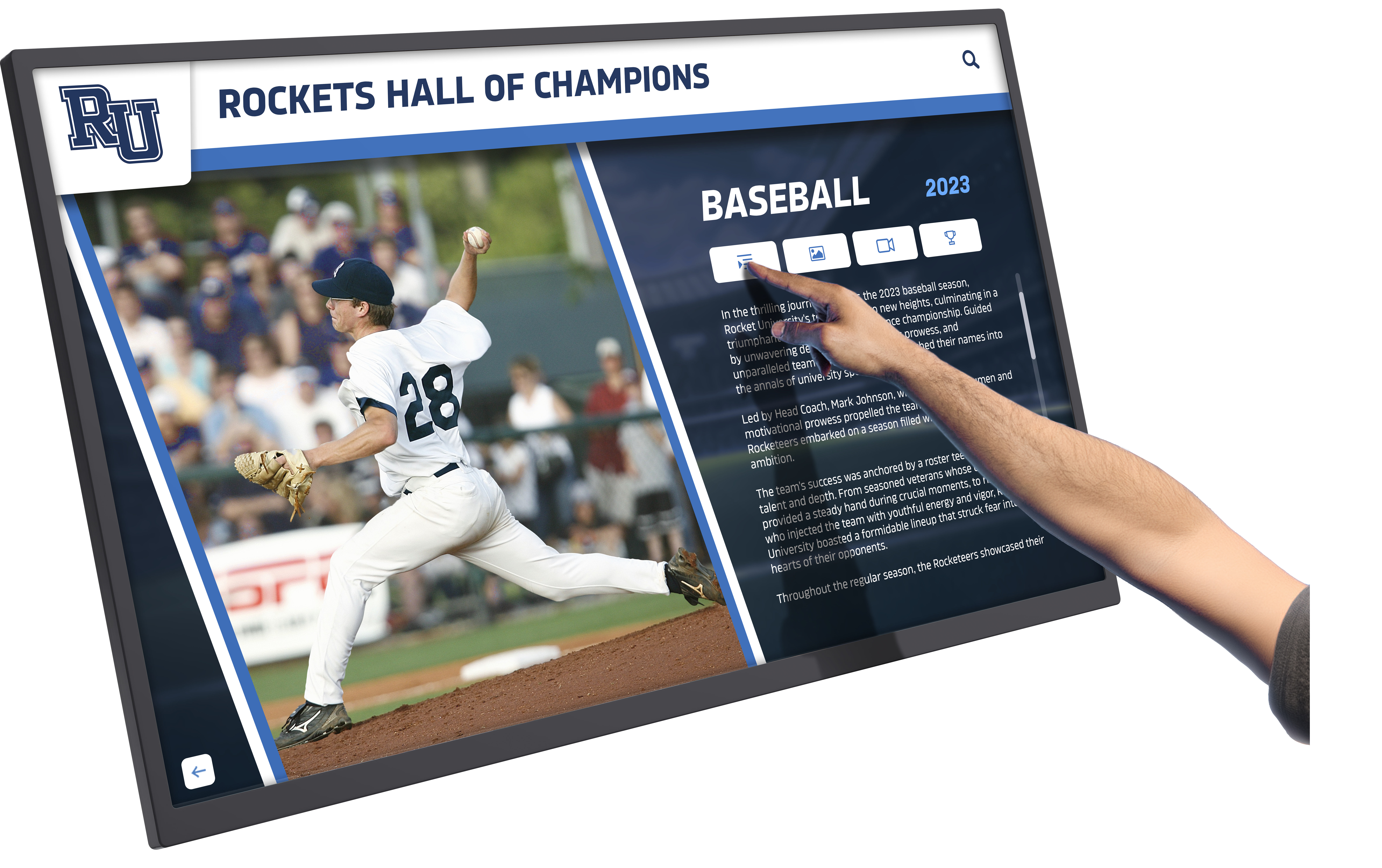
Touch-based interaction creates intuitive, engaging property exploration experiences
24/7 Property Showcasing and Lead Generation
Window display installations particularly provide unique advantages traditional approaches cannot match:
Around-the-Clock Accessibility
Window-mounted touchscreens transform agency storefronts into perpetual property showcases operating continuously regardless of office hours. This extended accessibility captures interest from evening commuters walking past after traditional closing, weekend browsers exploring neighborhoods leisurely, night shift workers whose schedules conflict with standard hours, and travelers visiting areas outside their home markets.
Real estate technology providers report that agencies implementing window displays typically see 25-35% increase in total lead volume, with significant portions of new inquiries occurring during non-business hours when properties would otherwise be completely inaccessible.
Passive Lead Qualification
Window displays enable prospective buyers to self-qualify through property exploration without initial agent contact. Visitors can browse inventory determining whether your listings match their criteria before committing to conversation, creating higher-quality leads when clients do engage. This passive qualification reduces wasted time on mismatched prospects while increasing conversion rates among those progressing to direct contact.
Competitive Differentiation
Interactive window displays create strong visual differentiation in markets where most agencies rely on traditional printed window cards or static photographs. The technology itself signals innovation and client-focus, potentially influencing both buyer and seller perceptions about agency sophistication and market position.
Operational Efficiency and Cost Savings
Beyond client-facing benefits, touchscreen systems provide significant operational advantages:
Automated Property Updates
Cloud-based content management platforms enable centralized property updates that automatically sync across all touchscreen displays simultaneously. When agents list new properties, update pricing, or change availability status, modifications appear across window displays, lobby kiosks, and conference room systems instantly without physical intervention or manual updating of individual locations.
This automation eliminates the time-consuming process of printing and posting new window cards, updating physical displays, or maintaining multiple property presentation materials across different formats.
Reduced Printing and Material Costs
Digital property showcasing eliminates ongoing expenses for printed flyers, window cards, presentation boards, and other physical marketing materials. While initial touchscreen investment requires capital allocation, agencies report that reduced printing costs typically offset subscription fees within 18-24 months, after which savings compound indefinitely.
Enhanced Agent Productivity
Self-service property exploration through kiosks and displays reduces time agents spend on routine information provision, enabling focus on higher-value activities like strategic consultation, negotiation, and relationship building. When clients arrive at agent conversations having already explored listings and narrowed preferences, discussions become more productive and efficient, potentially enabling agents to serve more clients without additional hours.
Explore similar operational benefits through building directory and wayfinding systems that share technological foundations with real estate applications.
Implementation: Planning and Installing Touchscreen Systems
Successful touchscreen deployment requires systematic planning addressing both technical requirements and strategic business objectives.
Needs Assessment and Strategic Planning
Begin with comprehensive evaluation establishing clear implementation framework:
Define Primary Objectives
Clarify what you aim to achieve through touchscreen deployment including increased lead generation and inquiry volume, enhanced client experience and engagement, operational efficiency improvements, competitive market differentiation, or 24/7 property accessibility expansion.
Clear objectives guide appropriate system selection and implementation priorities ensuring technology investment aligns with actual business needs rather than adopting technology for its own sake.
Assess Current Client Journey
Map existing client touchpoints and pain points including how clients currently discover your agency, what information they seek before agent contact, where friction exists in current processes, when potential buyers explore properties but disengage, and what competitors offer that you currently lack.
This journey mapping reveals specific opportunities where touchscreen technology addresses real gaps versus areas where traditional approaches already function effectively.
Evaluate Physical Spaces
Assess available locations for touchscreen installation including window display feasibility and visibility from street level, lobby space for freestanding kiosks without obstructing traffic flow, conference room walls suitable for large-format displays, electrical infrastructure and network connectivity, and ambient lighting conditions affecting display visibility.
Physical constraints significantly influence appropriate hardware selection and installation approaches, making thorough assessment essential before equipment purchase.

Strategic placement in high-traffic areas maximizes touchscreen visibility and usage
Technology Selection and Vendor Evaluation
Choosing appropriate solutions requires balancing capabilities, costs, and long-term viability:
Hardware Considerations
Evaluate physical equipment including display size appropriate for viewing distance and space, touchscreen technology quality and responsiveness, commercial-grade components ensuring continuous operation reliability, weather-resistant enclosures for outdoor or window installations, mounting options for wall, window, or freestanding deployment, and warranty coverage protecting equipment investment.
Real estate applications particularly demand reliable hardware given continuous operation expectations and potential outdoor exposure for window displays requiring temperature tolerance and weather protection.
Software Platform Requirements
Assess content management capabilities including intuitive administrative interfaces requiring minimal technical knowledge, MLS integration enabling automated listing imports, multimedia support for photos, videos, and virtual tours, search and filtering functionality matching client needs, lead capture and inquiry management features, and analytics tracking system usage and engagement patterns.
Platform usability significantly affects ongoing operational efficiency. Systems requiring extensive technical knowledge for routine updates create bottlenecks limiting system effectiveness and increasing long-term costs.
Integration and Compatibility
Ensure systems integrate with existing technology including MLS database connectivity for listing synchronization, CRM platforms for lead management, existing agency websites for brand consistency, mobile responsiveness enabling smartphone access, and social media connections for content sharing.
Seamless integration prevents isolated systems requiring duplicate data entry or manual information transfer between platforms.
Similar considerations apply across commercial interactive display applications as explored in hotel lobby visitor kiosks and retail interactive solutions.
Installation and Launch
Professional installation ensures optimal system performance and user experience:
Site Preparation
Complete necessary infrastructure work including electrical service for display power requirements, network connectivity through hardwired ethernet or robust WiFi, mounting surface preparation and reinforcement if needed, cable management and concealment planning, and lighting adjustments ensuring optimal display visibility without glare.
Thorough preparation prevents complications during installation that might delay deployment or compromise final system quality.
Professional Installation and Configuration
Engage qualified installers for display mounting at appropriate heights and viewing angles, touchscreen calibration and responsiveness testing, network connection and security implementation, content management platform configuration, initial property data import and organization, and staff training on content updates and system operation.
Professional installation ensures systems function optimally from launch rather than requiring troubleshooting and adjustments that frustrate early users and diminish perceived value.
Phased Rollout Strategy
Consider staged implementation starting with highest-priority location (typically window display or lobby kiosk), pilot testing with select properties before full inventory, gathering staff and client feedback informing adjustments, refining content organization and navigation based on usage patterns, and expanding to additional locations after validating initial deployment.
Phased approaches reduce risk while enabling learning that improves subsequent installations.
Content Strategy: Showcasing Properties Effectively
Technology alone doesn’t guarantee success—thoughtful content strategy maximizes touchscreen effectiveness for property showcasing and lead generation.
Property Presentation Best Practices
Optimize individual listing presentations for touchscreen interaction:
High-Quality Visual Assets
Invest in professional property photography and videography including well-lit, wide-angle interior photography, exterior shots showcasing curb appeal and property context, twilight photography creating dramatic evening ambiance, drone footage providing aerial perspectives, 360-degree virtual tours enabling immersive exploration, and video walkthroughs with professional narration.
Visual quality directly affects property perception and buyer interest. Professional imagery significantly outperforms agent smartphone photos regardless of how expensive the property or how impressive in person.
Comprehensive Property Information
Provide thorough details supporting informed decisions including complete specifications (square footage, lot size, bedrooms, bathrooms), detailed amenity lists and special features, recent upgrades and improvements, utility costs and energy efficiency details, HOA fees and restrictions when applicable, property tax information, and school district and zone details.
Comprehensive information reduces repetitive agent time answering routine questions while empowering clients to self-qualify properties efficiently.
Compelling Property Descriptions
Craft engaging narratives highlighting lifestyle and emotional appeal including distinctive features and architectural elements, neighborhood character and location advantages, lifestyle benefits and use case scenarios, renovation potential and customization opportunities, and investment appeal for appropriate properties.
Effective descriptions connect properties to buyer aspirations and lifestyle goals rather than merely listing features, creating emotional engagement supporting purchase motivation.
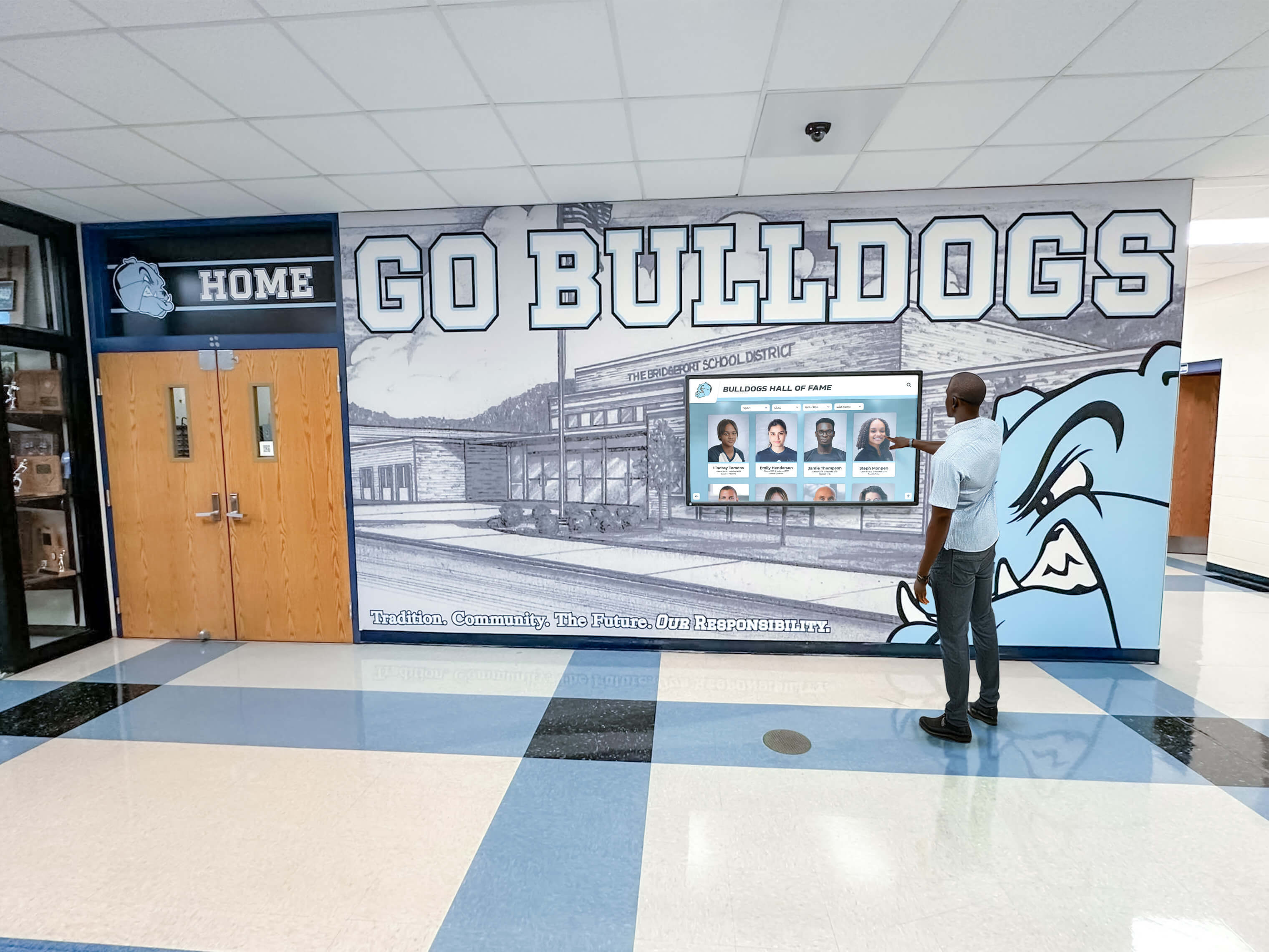
Comprehensive property information enables informed decision-making through self-service exploration
Navigation and User Experience Design
Intuitive navigation determines whether clients engage deeply or abandon systems quickly:
Simplified Search Interfaces
Design clear, uncluttered search options including prominent search by location, price, and property type, one-touch filters for most common criteria, progressive disclosure revealing advanced options without overwhelming initial interface, visual map-based search supplementing list-based browsing, and saved search capabilities enabling continued exploration across sessions.
Complex interfaces with excessive options paradoxically reduce usage despite appearing more capable. Prioritize simplicity with progressive complexity for advanced users.
Property Comparison Tools
Enable side-by-side property evaluation including simultaneous display of 2-3 properties for comparison, synchronized scrolling through comparable property sections, highlighted differences in specifications and features, pricing comparison with cost-per-square-foot calculations, and neighborhood comparison statistics.
Comparison capabilities support decision-making by enabling direct evaluation of trade-offs between properties meeting similar criteria but offering different advantages.
Clear Calls-to-Action
Guide clients toward next steps including prominent “Schedule Tour” or “Request Information” buttons on every property, agent contact information with direct communication options, save and share functionality enabling property bookmarking, print capabilities for selected property details, and clear indication of property status (available, pending, sold).
Effective calls-to-action convert property interest into actionable leads by removing friction from engagement process.
Content Maintenance and Currency
Keeping information current prevents client frustration and reputational damage:
Automated Listing Updates
Implement systems synchronizing listings automatically including MLS integration updating properties as information changes, real-time availability status preventing interest in sold properties, automated price change propagation, and scheduled content refresh ensuring systems remain current.
Manual update processes inevitably create lags where touchscreen displays show outdated information, damaging credibility and wasting client time exploring unavailable properties.
Quality Assurance Protocols
Establish review processes ensuring accuracy including regular content audits catching errors and inconsistencies, agent review of property descriptions and details, photo quality standards maintaining visual excellence, link verification ensuring virtual tours and videos function properly, and client feedback monitoring identifying issues users discover.
Quality control prevents small errors from accumulating into systemic problems undermining overall system credibility and effectiveness.
Comprehensive interactive display management approaches similar to those used in recognition and information systems apply effectively to real estate touchscreen maintenance.
Advanced Applications and Future Opportunities
Beyond basic property browsing, emerging touchscreen capabilities create additional value for forward-thinking agencies.
Virtual Reality and Augmented Reality Integration
Next-generation technologies enhance property exploration:
Virtual Property Tours
VR-enabled systems enable immersive property experiences including realistic walkthrough simulations for properties under construction, furnished visualization of vacant properties, renovation visualization showing improvement potential, neighborhood exploration beyond property boundaries, and comparative virtual tours of similar properties in different locations.
VR technology particularly benefits new construction sales where physical properties don’t yet exist, enabling buyers to experience spaces before committing to purchases.
Augmented Reality Property Enhancement
AR capabilities overlay information onto property views including furniture placement in empty rooms, wall color and finish alternatives, landscaping and exterior improvement visualization, renovation scope and cost estimation, and contextual information about neighborhoods, schools, and amenities.
AR bridges imagination gaps helping buyers envision properties’ potential rather than judging solely based on current conditions.
Neighborhood and Community Information
Comprehensive area context supports location-based decisions:
Lifestyle and Amenity Mapping
Interactive maps highlighting area features including schools with ratings and proximity, shopping and dining options, parks and recreational facilities, healthcare services and hospitals, public transportation access, and commute time estimates to major employment centers.
Location context often influences purchase decisions as significantly as property characteristics themselves. Comprehensive neighborhood information demonstrates agency expertise while supporting informed buyer decisions.
Market Analytics and Trends
Data visualization providing market intelligence including neighborhood price trends and appreciation history, days-on-market comparisons across areas, inventory levels and market dynamics, school district performance and ratings, and demographic and community statistics.
Analytical tools position agencies as trusted advisors providing market expertise beyond simple property listing services.
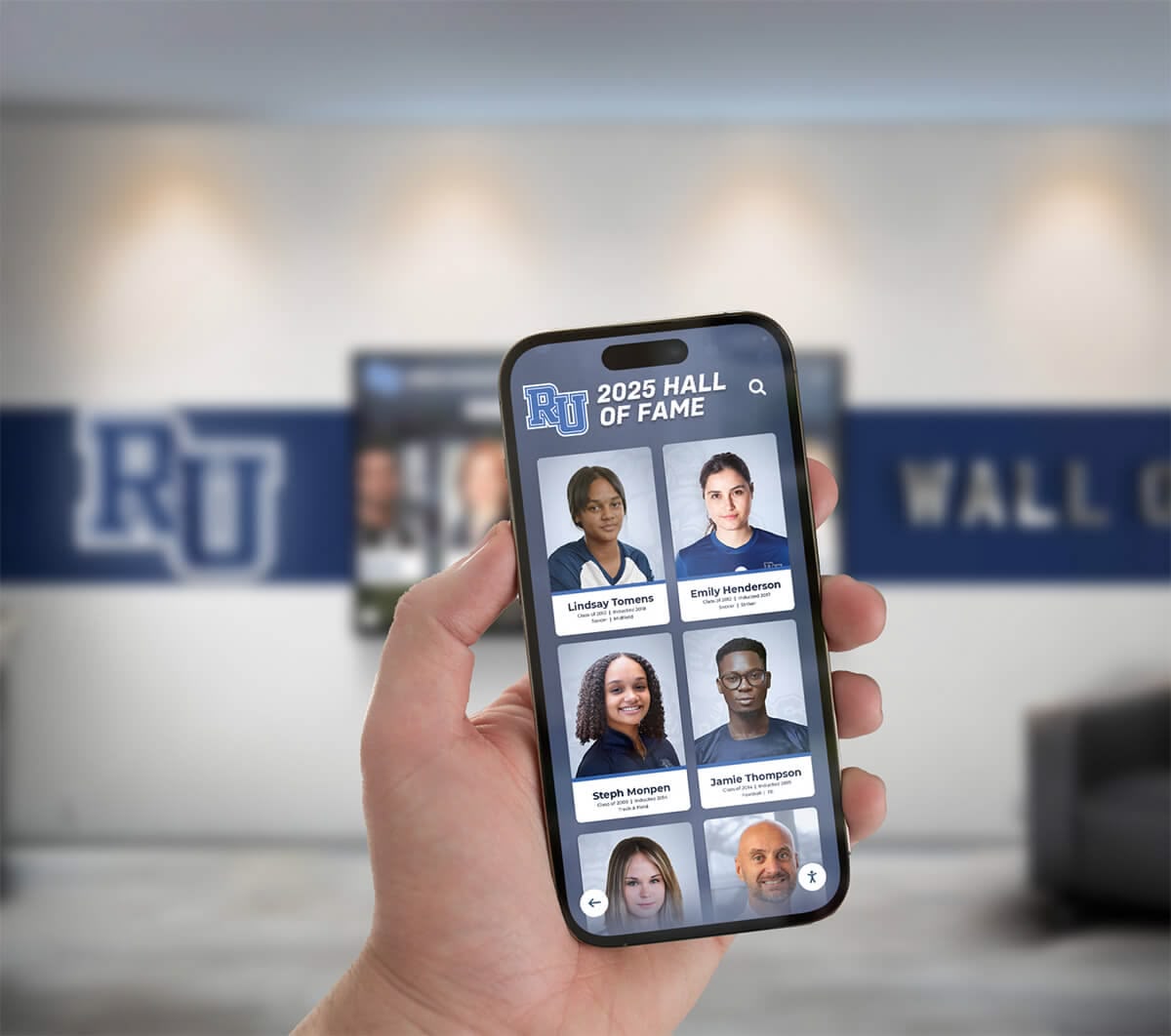
Mobile integration enables clients to access property information anywhere, extending touchscreen benefits beyond physical locations
Client Personalization and Preference Learning
Intelligent systems adapt to individual client interests:
Saved Searches and Favorites
Personalization features enabling continuity including client-specific saved property favorites, preserved search criteria and filters, notification preferences for new matching listings, comparison lists maintained across sessions, and viewing history enabling resumed exploration.
Personalization transforms isolated browsing sessions into ongoing relationships with your agency’s property inventory, increasing engagement frequency and conversion likelihood.
Recommendation Engines
AI-powered suggestions identifying relevant properties including collaborative filtering based on similar buyer patterns, preference inference from browsing and interaction behavior, machine learning improving recommendations over time, and proactive alerts for newly listed properties matching established criteria.
Intelligent recommendations help clients discover properties they might otherwise overlook while demonstrating agency attentiveness to individual needs.
Measuring Success: Analytics and Optimization
Systematic measurement ensures touchscreen investments deliver intended returns while identifying improvement opportunities.
Key Performance Indicators
Track metrics revealing system effectiveness:
Engagement Metrics
Measure client interaction including total system usage sessions and frequency, average session duration and property views, properties saved or favorited by clients, virtual tour and video engagement rates, search query patterns revealing client priorities, and feature utilization across different capabilities.
Engagement analytics reveal whether systems create genuine value for clients or serve primarily as novel attractions generating initial interest but limited sustained usage.
Lead Generation Performance
Assess business impact including total inquiries and tour requests generated, inquiry volume during business versus non-business hours, lead-to-showing conversion rates, showing-to-offer conversion rates, and attributable sales influenced by touchscreen systems.
Business outcome metrics justify continued investment and inform strategic decisions about expansion or optimization priorities.
Operational Efficiency Indicators
Monitor process improvements including time savings on routine information provision, agent productivity changes, printing and material cost reductions, property update cycle times, and maintenance requirements and technical issues.
Operational metrics quantify internal benefits complementing client-facing engagement and lead generation measurements.
Continuous Improvement Process
Use data insights driving ongoing optimization:
Usage Pattern Analysis
Identify opportunities through peak usage times informing staffing decisions, most-viewed properties revealing client preferences, search patterns indicating unmet inventory needs, abandoned searches suggesting usability problems, and feature adoption rates highlighting underutilized capabilities.
Usage analysis reveals both what works well (warranting emphasis) and what underperforms (requiring improvement or elimination).
A/B Testing and Experimentation
Systematically improve effectiveness through alternative interface layouts and navigation, different property presentation formats, varied calls-to-action and messaging, promotional content and featured listings, and search filter organization and defaults.
Controlled testing enables data-driven optimization rather than assuming improvements based on intuition alone.
Client Feedback Integration
Gather qualitative insights through informal observation of usage patterns and difficulties, brief user surveys about system experience, agent reports from client conversations, competitive benchmarking against other agencies, and technical support inquiries revealing common problems.
Direct client feedback provides context explaining quantitative patterns while surfacing issues metrics might not reveal clearly.
Conclusion: Transforming Real Estate Client Engagement Through Interactive Technology
Interactive touchscreen displays represent significant opportunity for realtor agencies to differentiate services, enhance client experiences, and improve operational efficiency in increasingly competitive markets. When agencies implement touchscreen technology strategically—selecting appropriate solutions, designing intuitive interfaces, maintaining current content, and measuring results systematically—they create capabilities traditional approaches cannot match including 24/7 property accessibility expanding lead generation beyond business hours, immersive exploration through virtual tours and interactive presentations, comprehensive information access empowering informed decision-making, operational efficiency through automated updates and reduced printing costs, and competitive differentiation signaling innovation and client-focus.
The strategies explored in this guide provide comprehensive frameworks for touchscreen implementation that balance technical capabilities with business objectives, client needs with operational realities, and immediate functionality with future opportunities. From window displays capturing evening commuters to lobby kiosks enabling self-service exploration to conference room systems enhancing agent consultations, touchscreen technology creates value across multiple client touchpoints throughout the property search and purchase journey.
Strategic Implementation Approach
Agencies considering touchscreen technology should begin with clear objective definition establishing what success means for your specific situation, comprehensive needs assessment identifying where technology addresses real gaps, thoughtful solution selection balancing capabilities with budget and needs, phased implementation starting with highest-priority applications, content strategy development ensuring property presentations maximize engagement, staff training ensuring agents leverage systems effectively, and systematic measurement tracking performance and identifying improvements.
This structured approach prevents common pitfalls including technology adoption without clear purpose, capability-feature mismatches, poor user experience from inadequate planning, and measurement gaps preventing optimization or ROI demonstration.
Technology as Client Experience Enabler
The most successful touchscreen implementations view technology as client experience enhancement rather than gadgetry adoption. Systems should feel intuitive and natural rather than complicated, provide genuine value through comprehensive information rather than superficial novelty, integrate seamlessly with human agent interactions rather than replacing personal service, and evolve continuously based on client feedback rather than remaining static after launch.
Solutions like Rocket Alumni Solutions provide platforms designed for intuitive interaction and straightforward management, enabling agencies to focus on client service and property showcasing rather than technical administration.
Your potential buyers increasingly expect digital-first property exploration matching their experiences across other industries. Interactive touchscreen displays meet these expectations while creating operational advantages and competitive differentiation supporting business growth. With thoughtful planning, appropriate technology selection, and commitment to ongoing optimization, you can transform how clients engage with your agency and properties—creating experiences that convert browsers into buyers while positioning your business as innovation leader in your market.
Ready to explore interactive touchscreen solutions for your agency? Learn more about touchscreen display technology and capabilities, or discover how interactive solutions transform client experiences across diverse business applications.
Sources:































