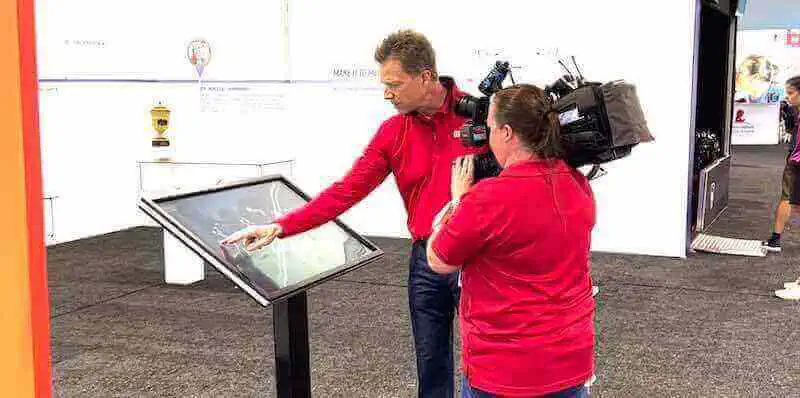
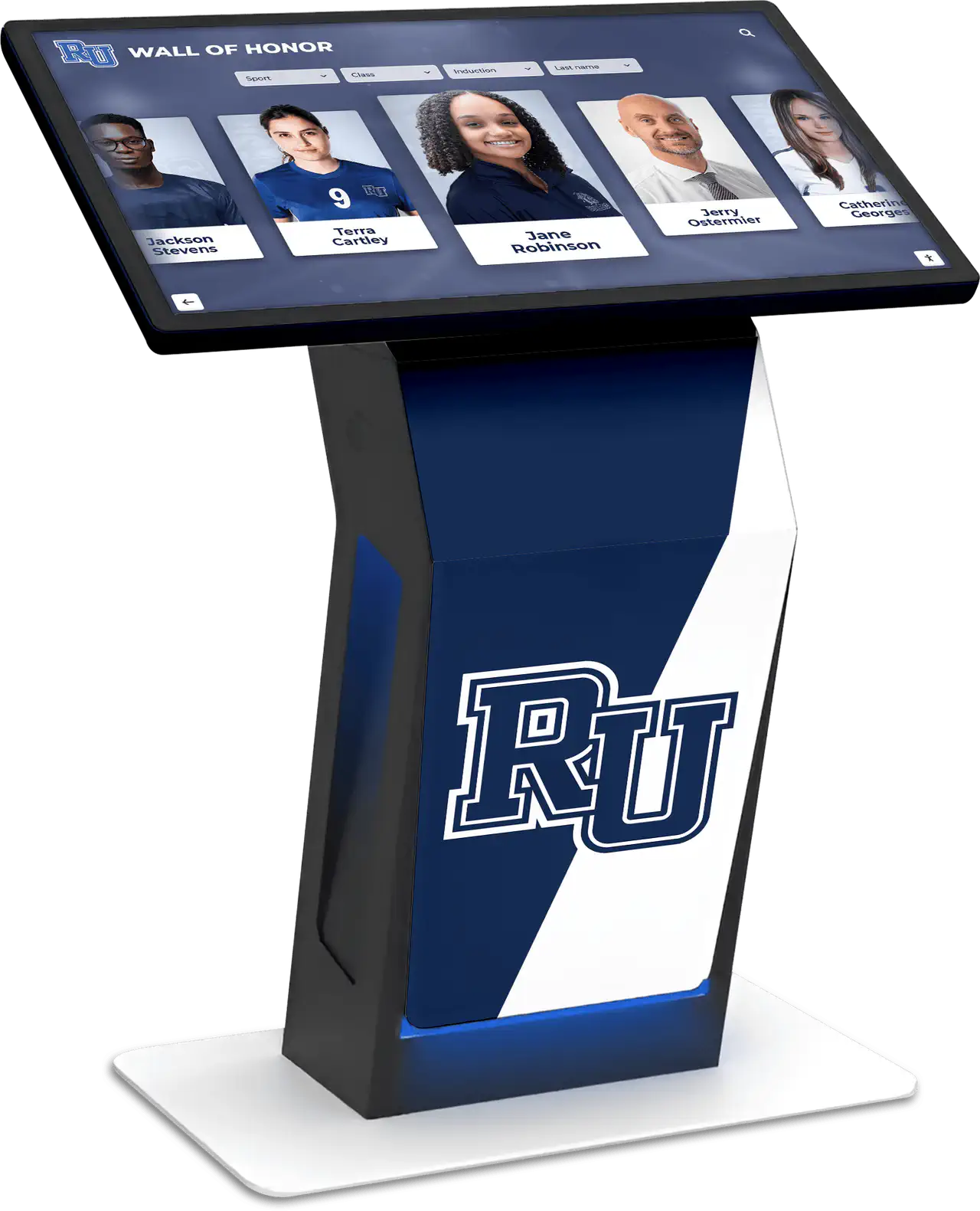
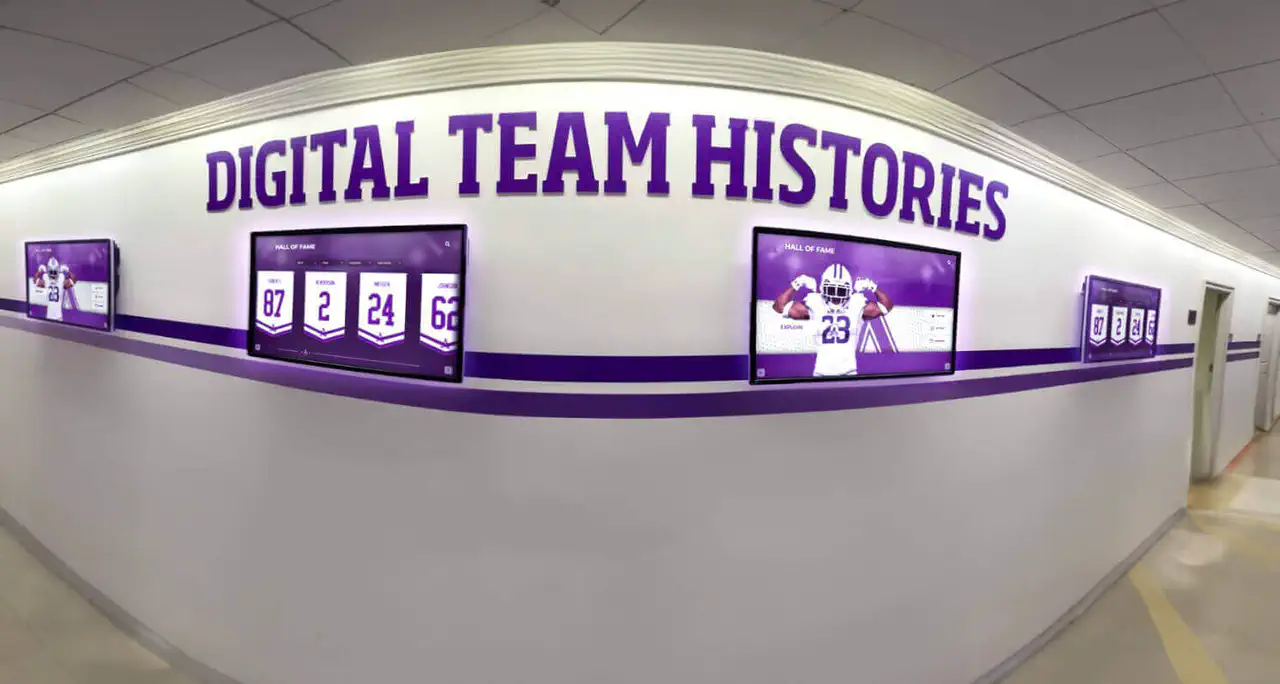
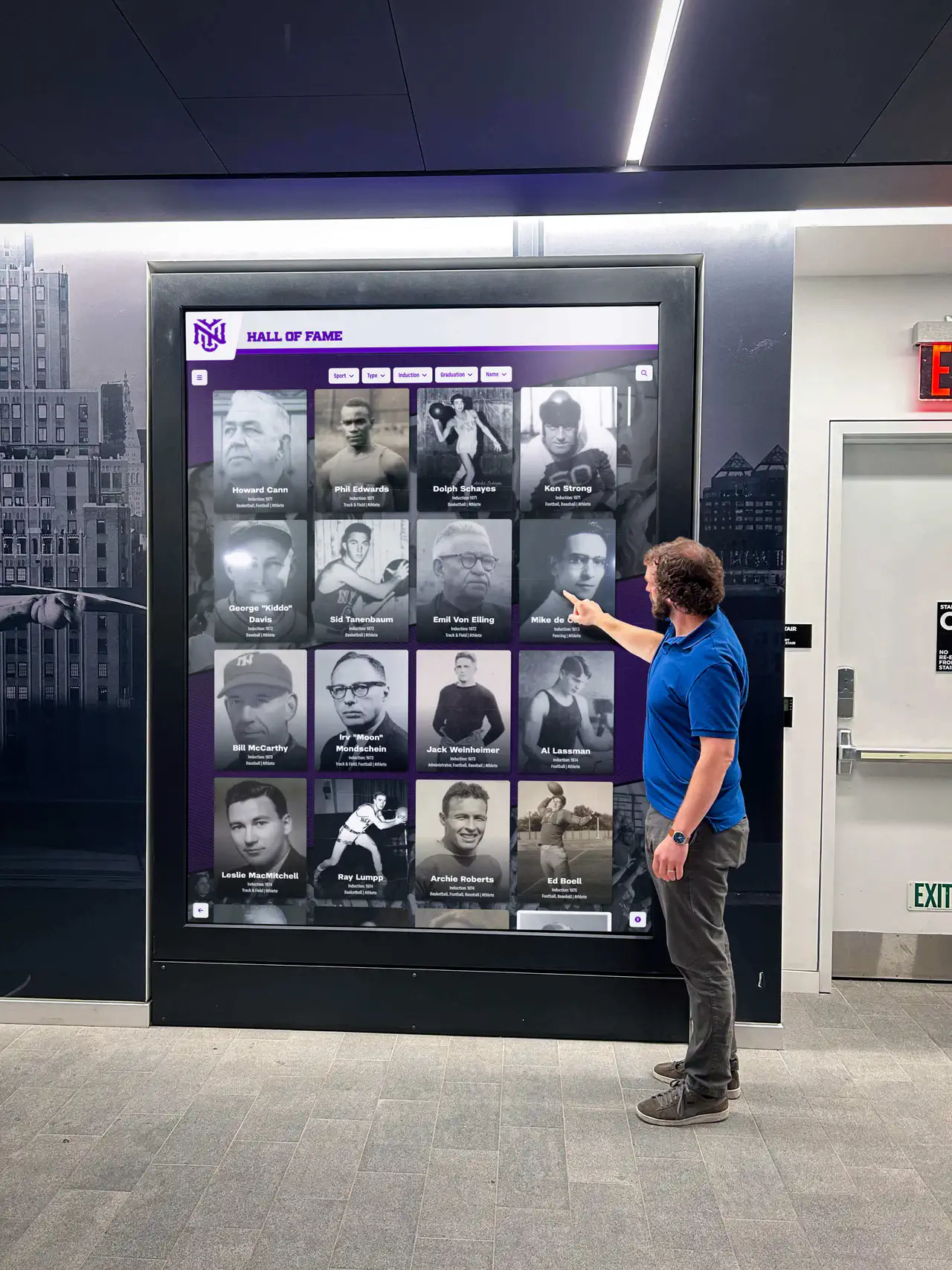
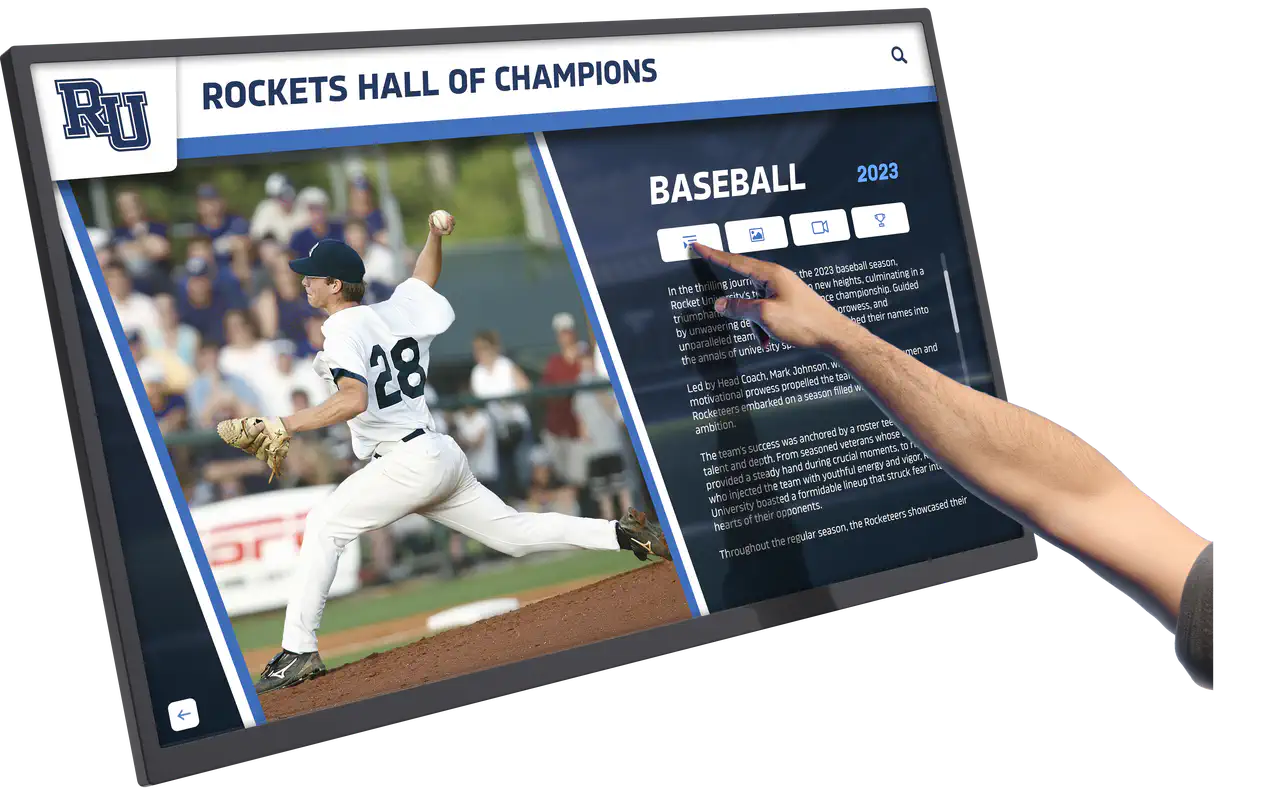
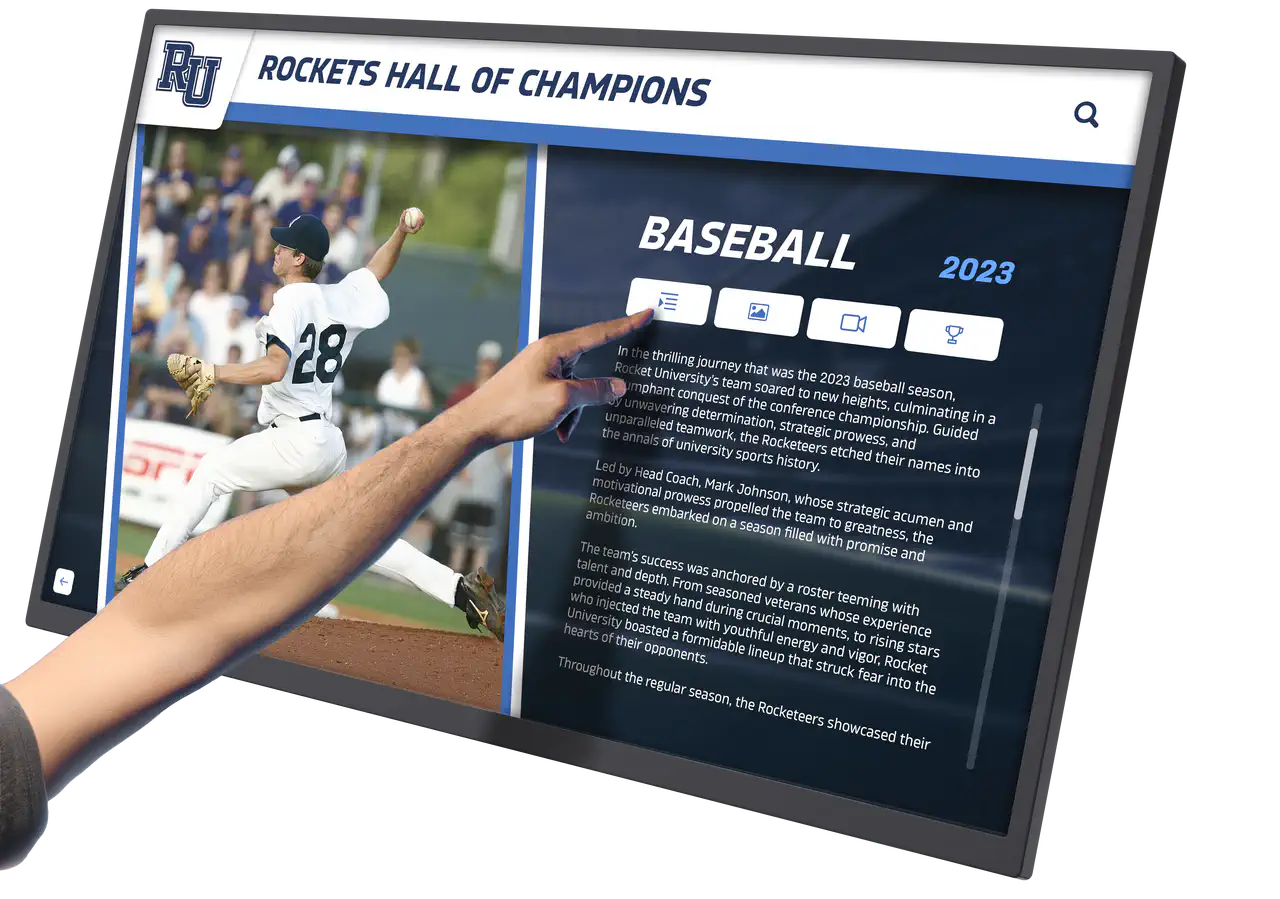
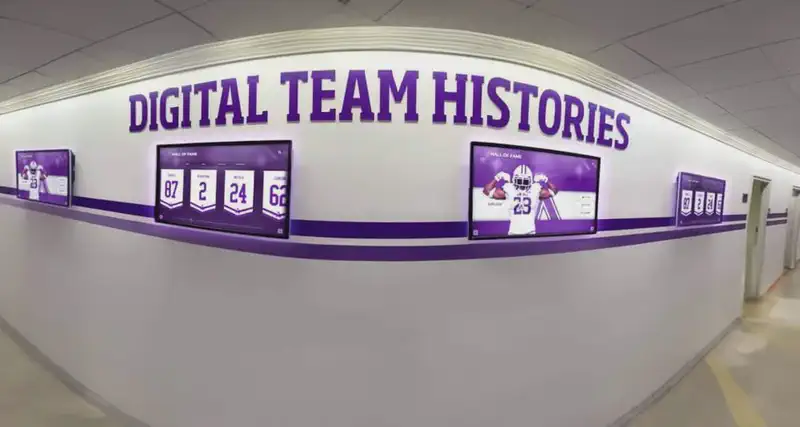
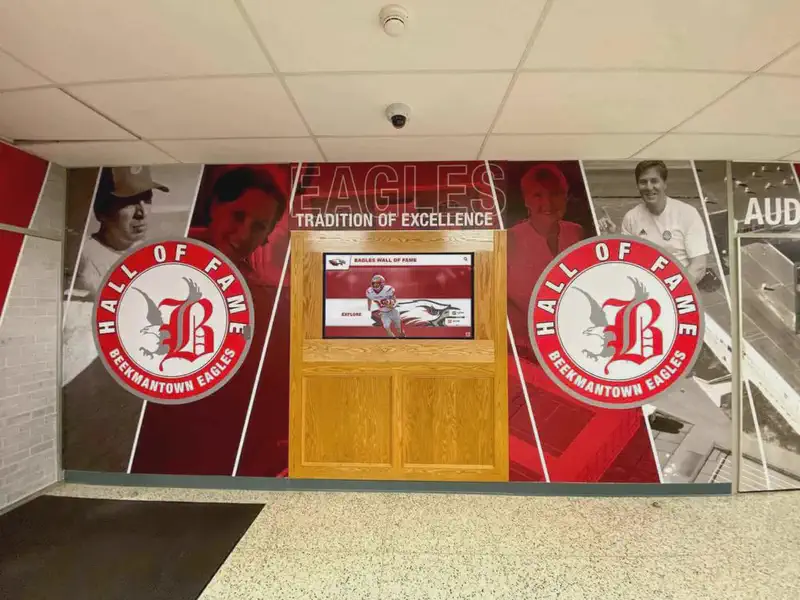
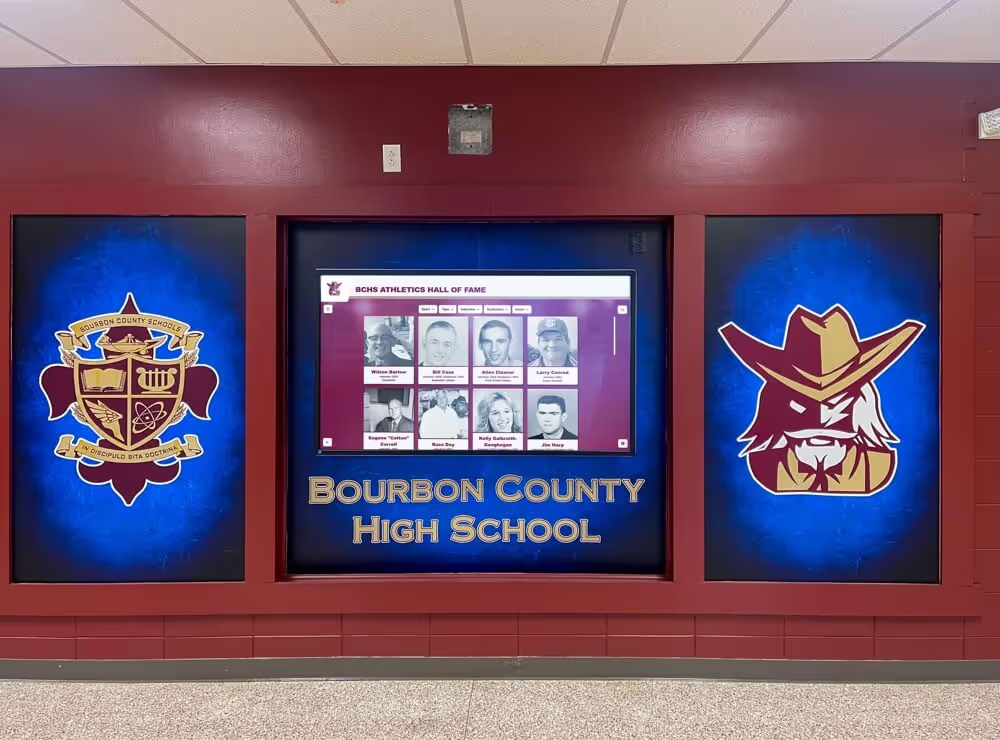
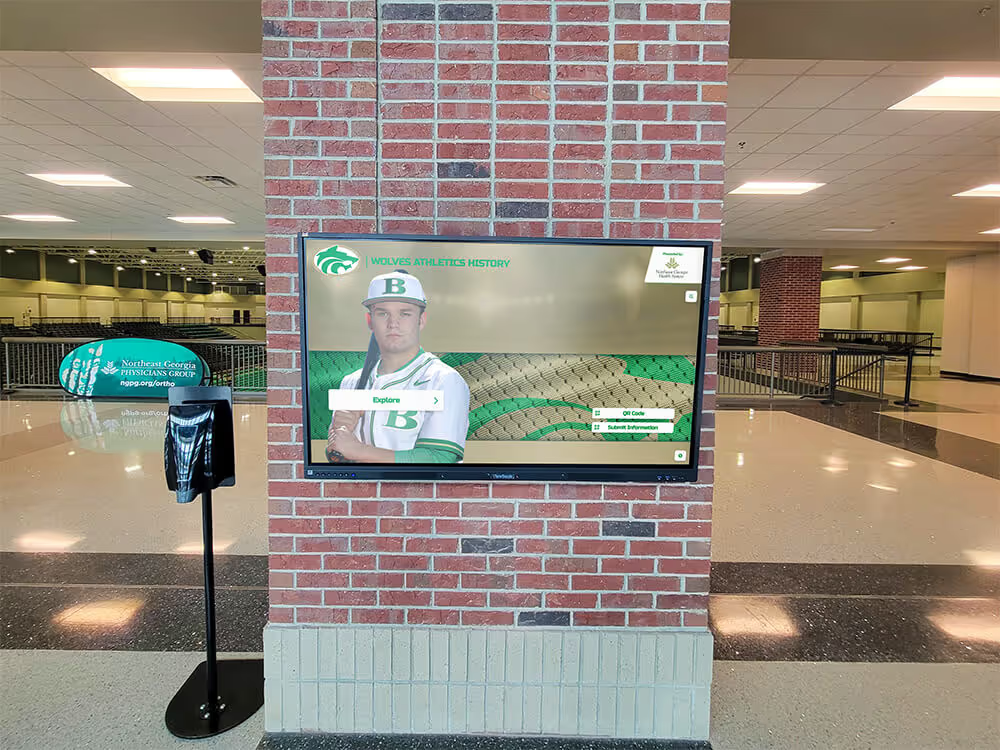
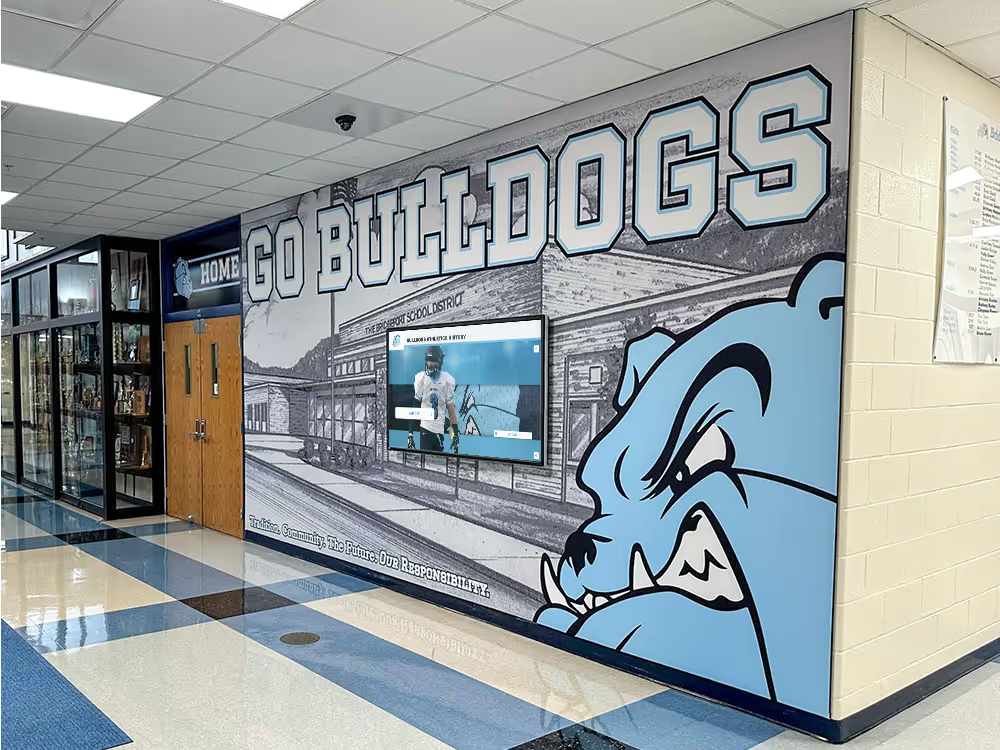
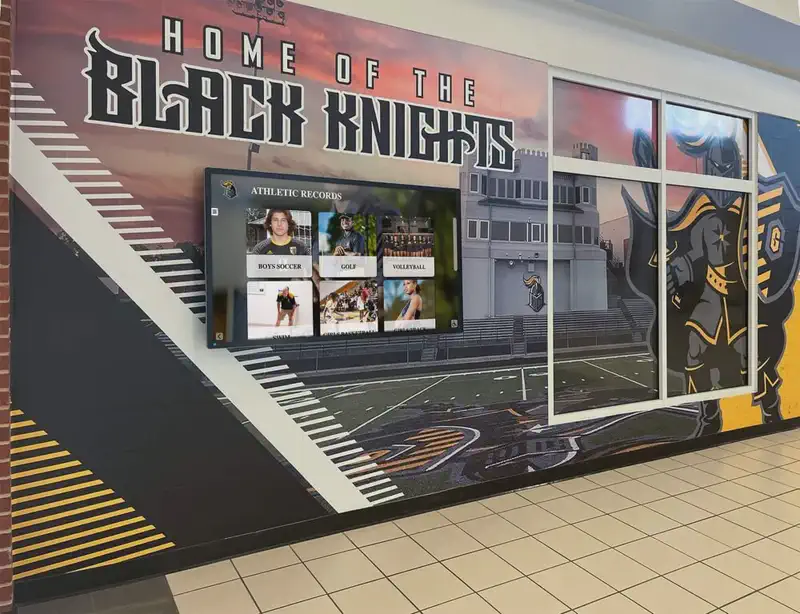
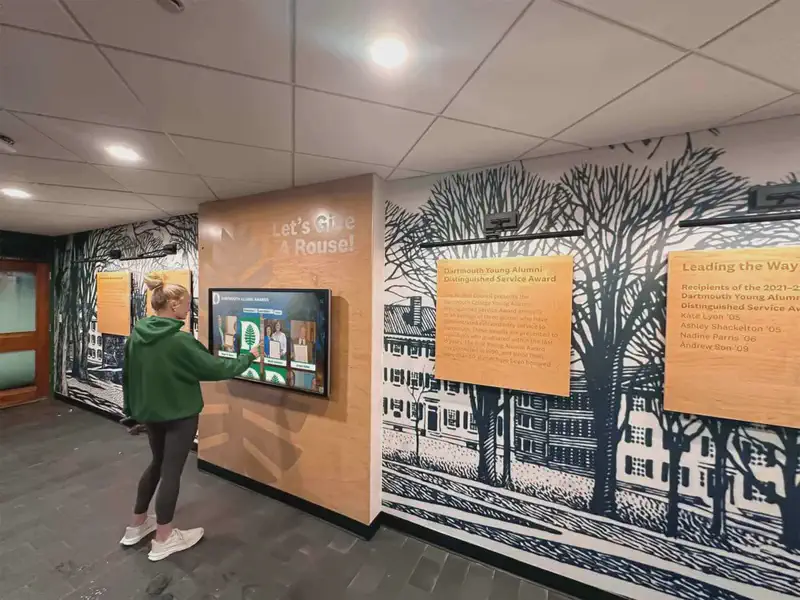
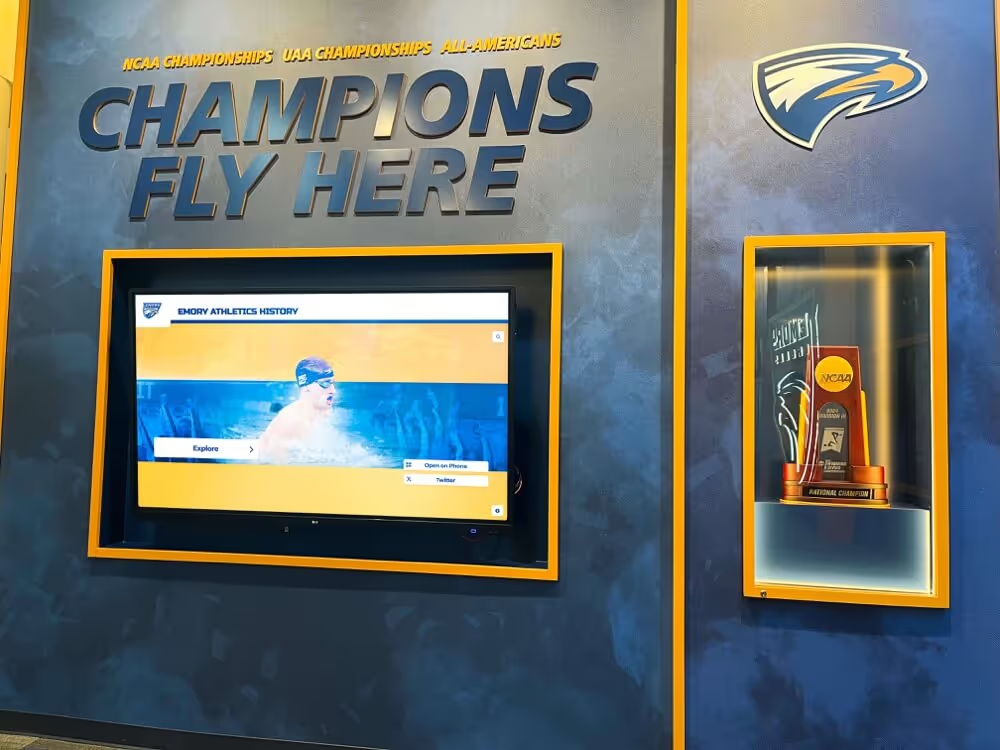
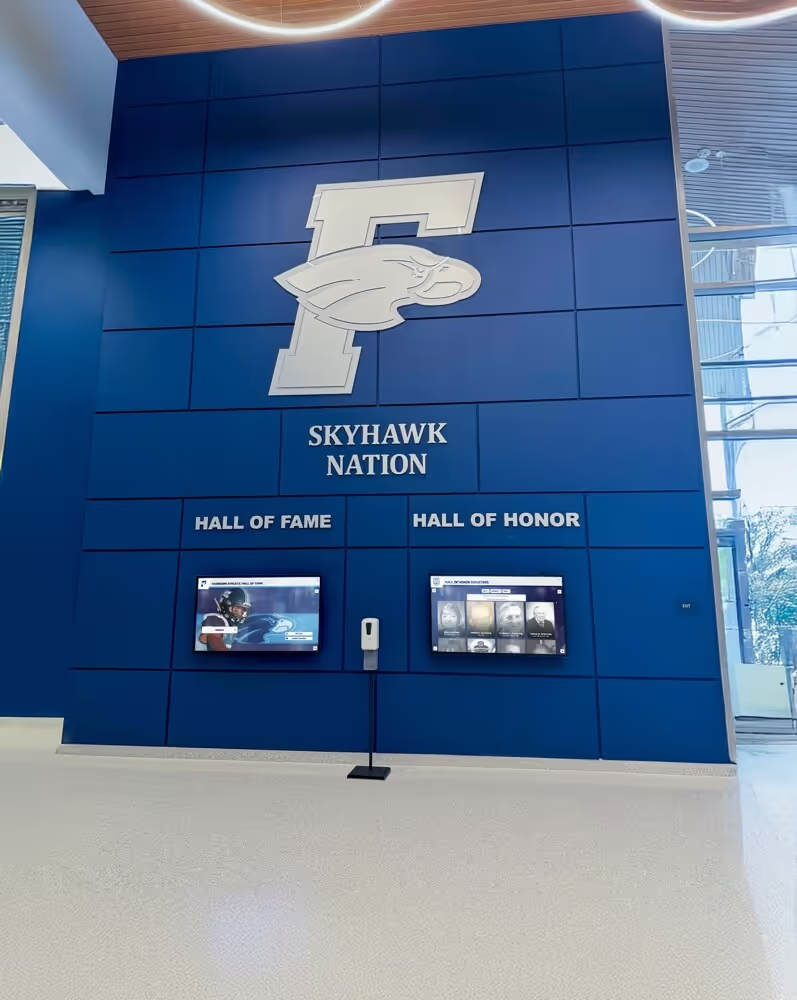
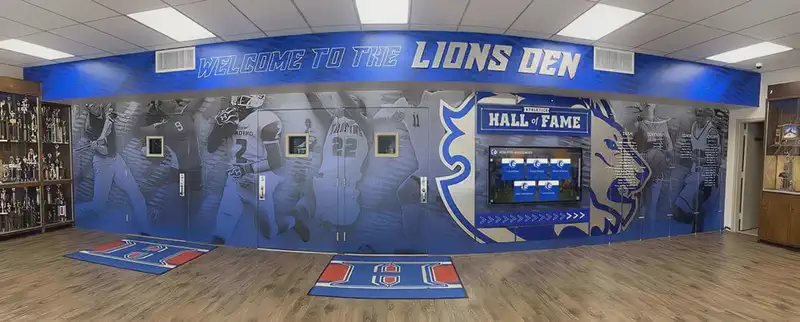
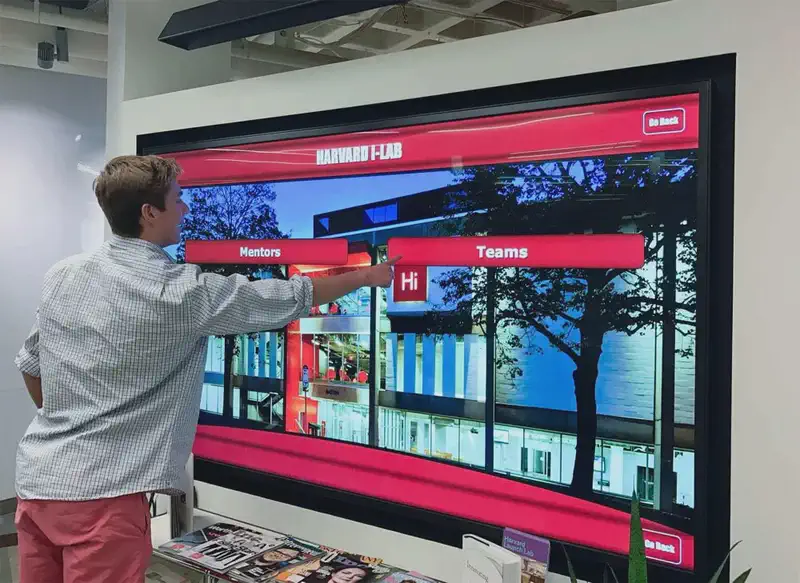
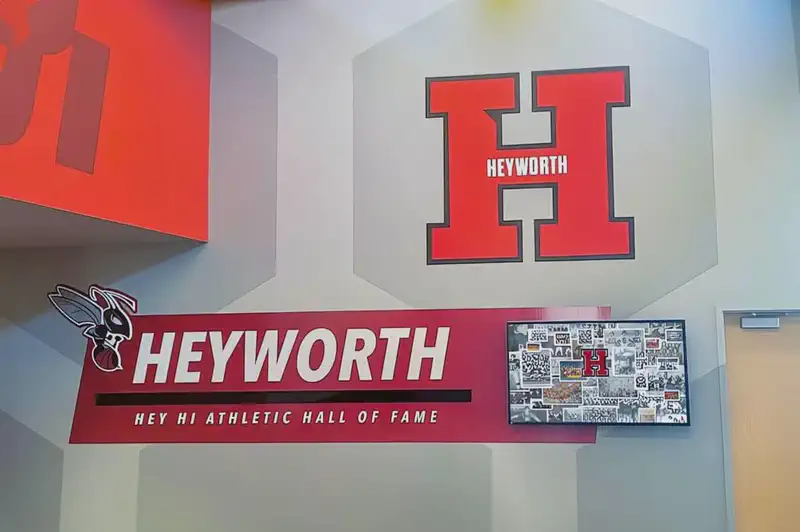
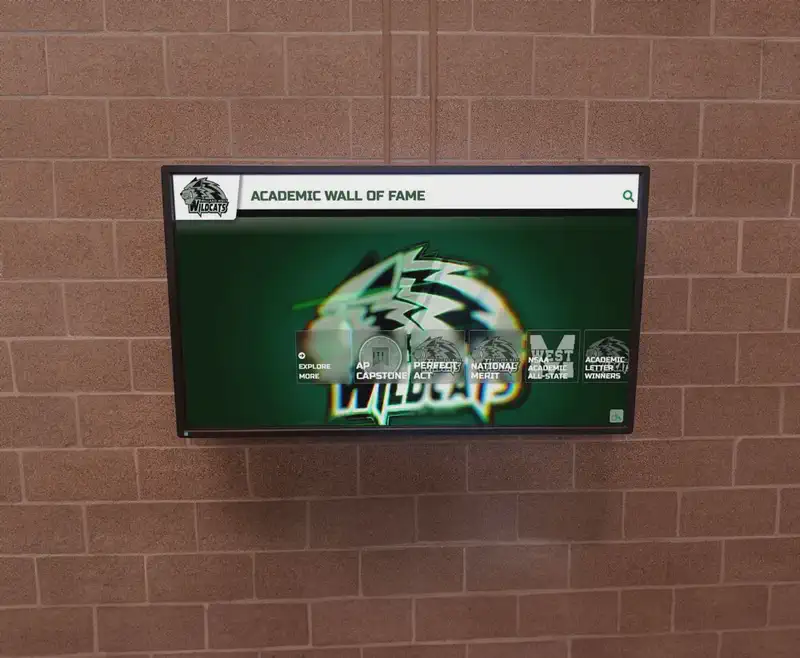
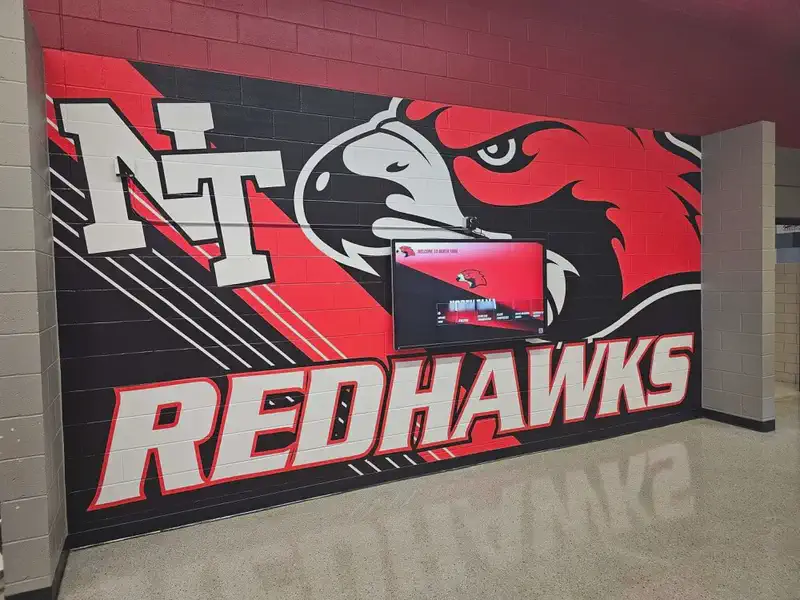
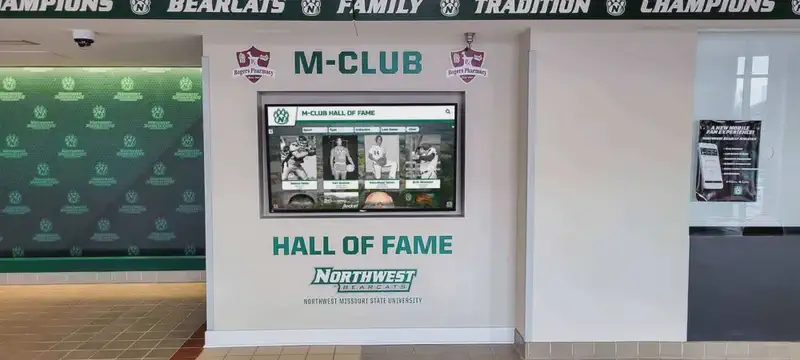
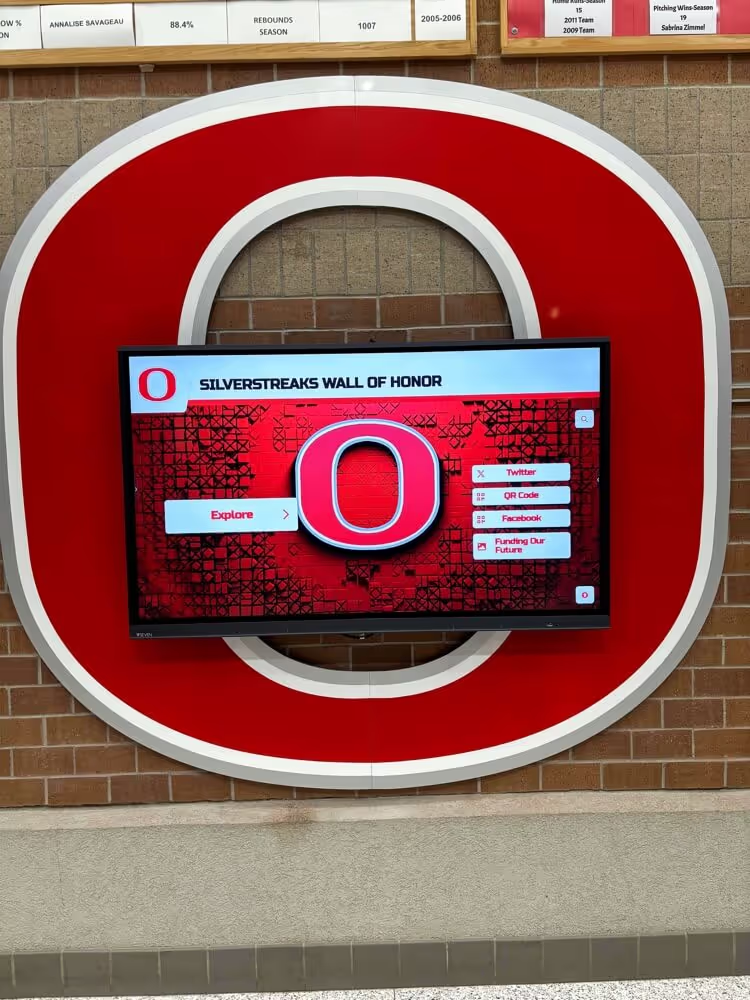
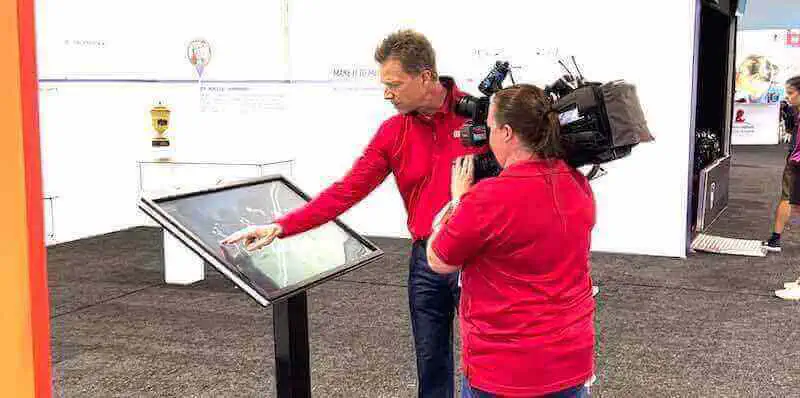
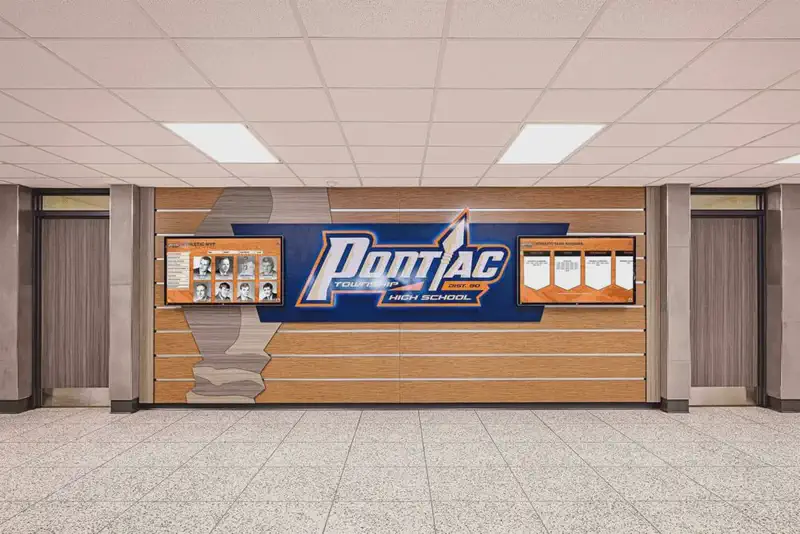
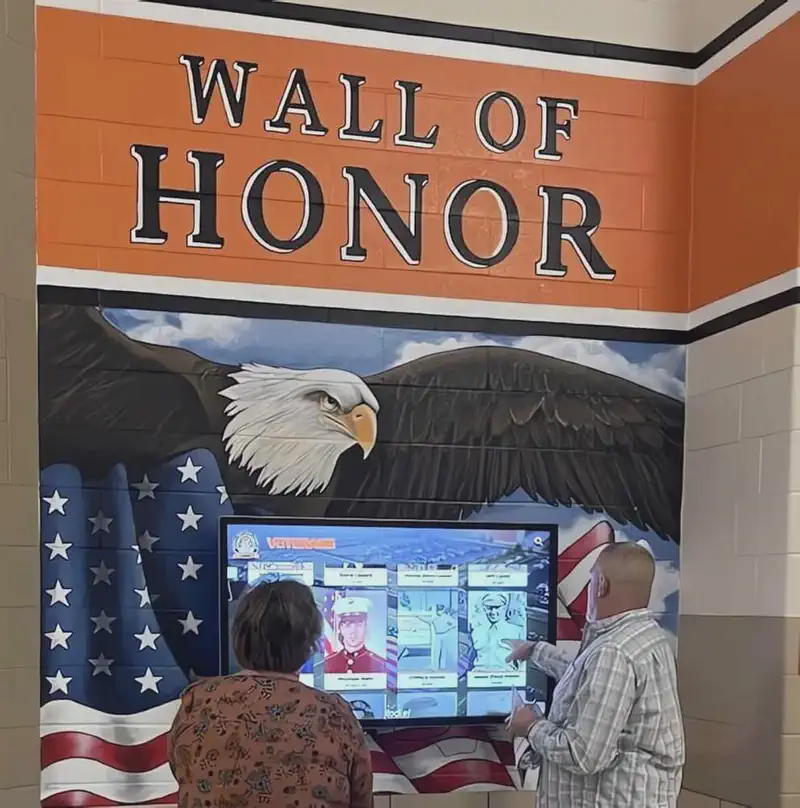
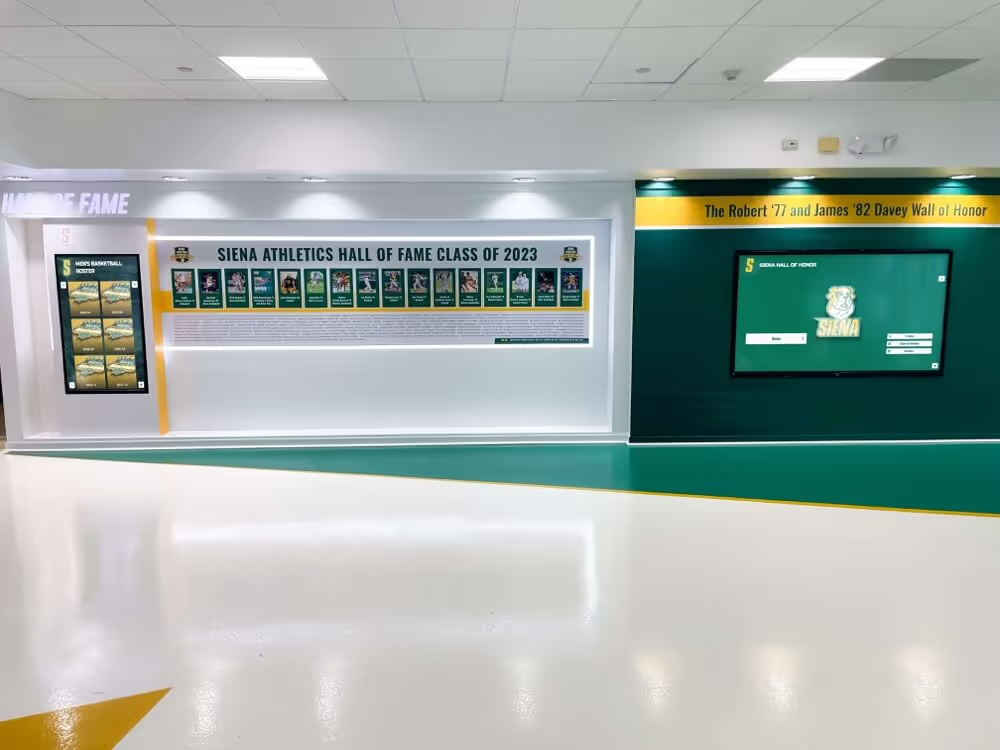
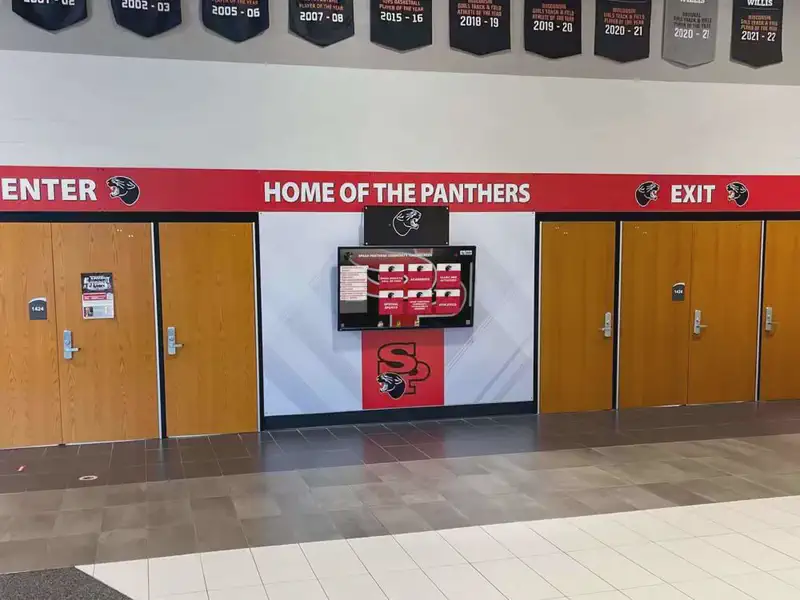
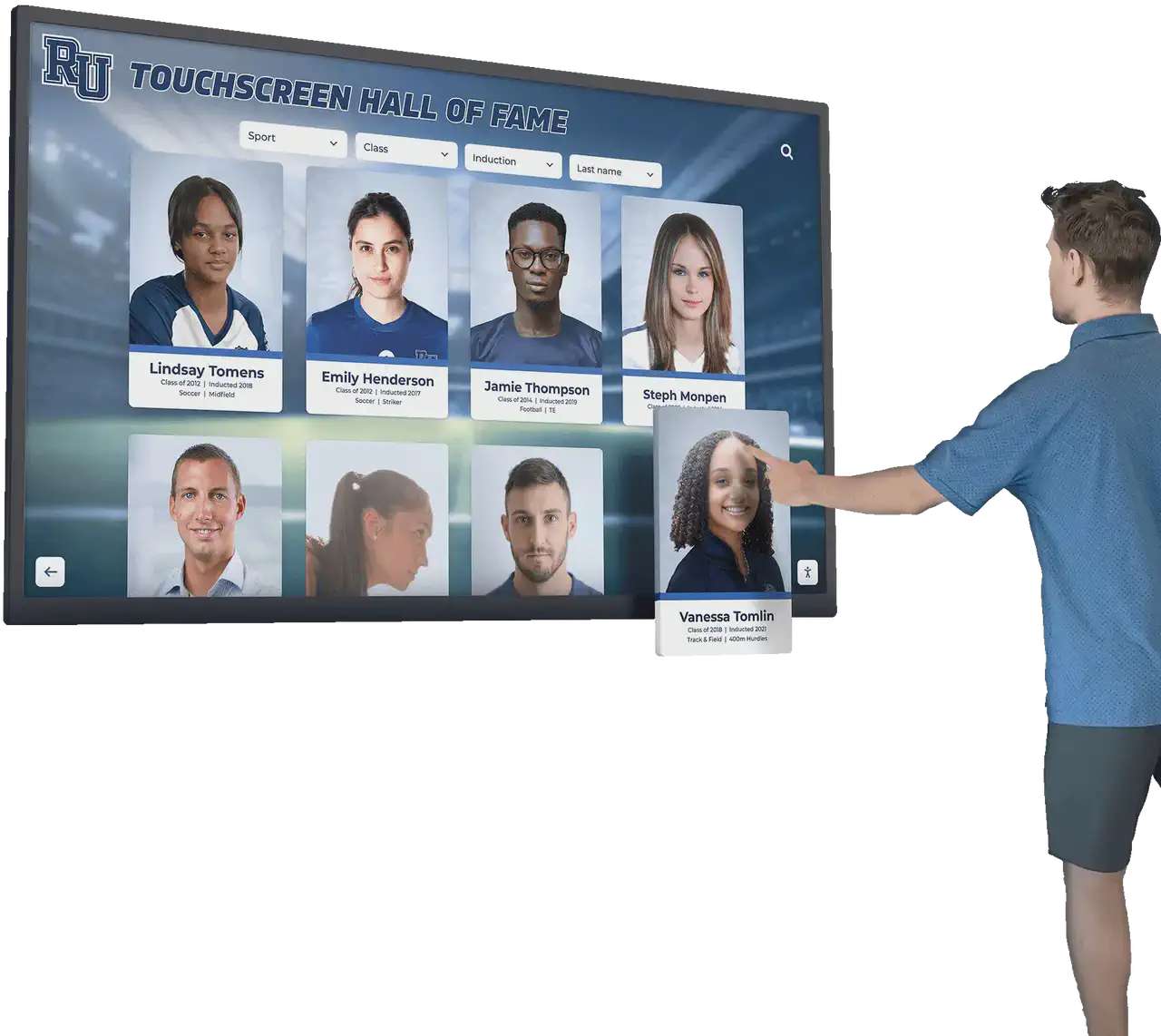
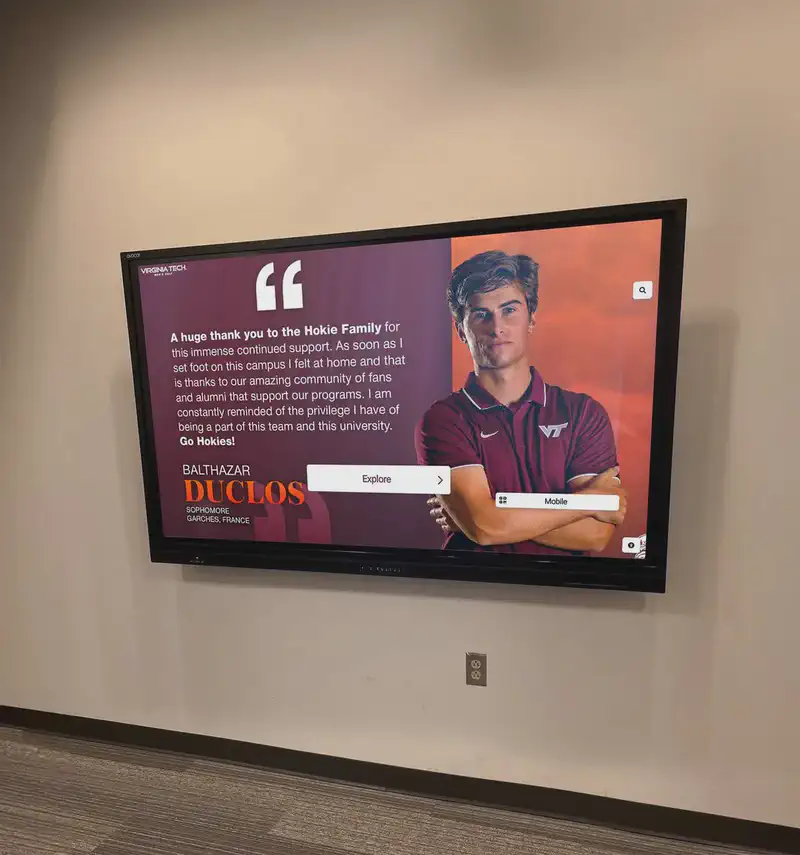
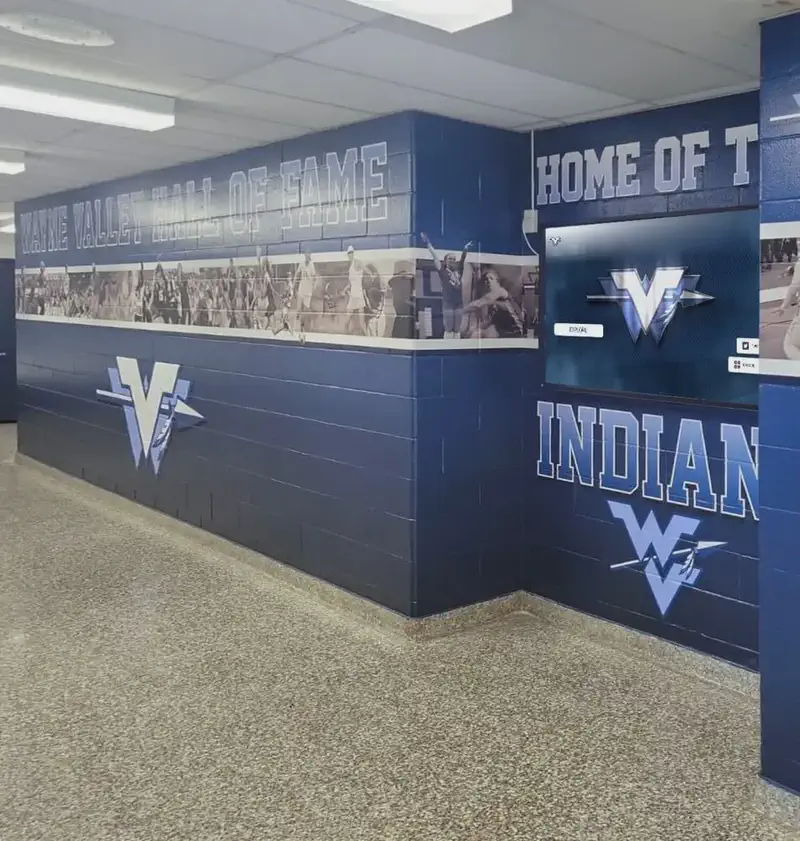
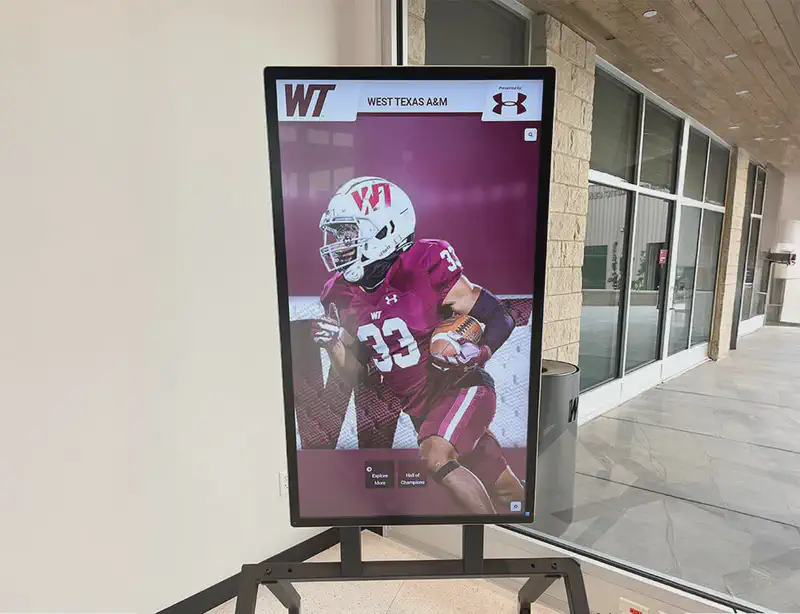
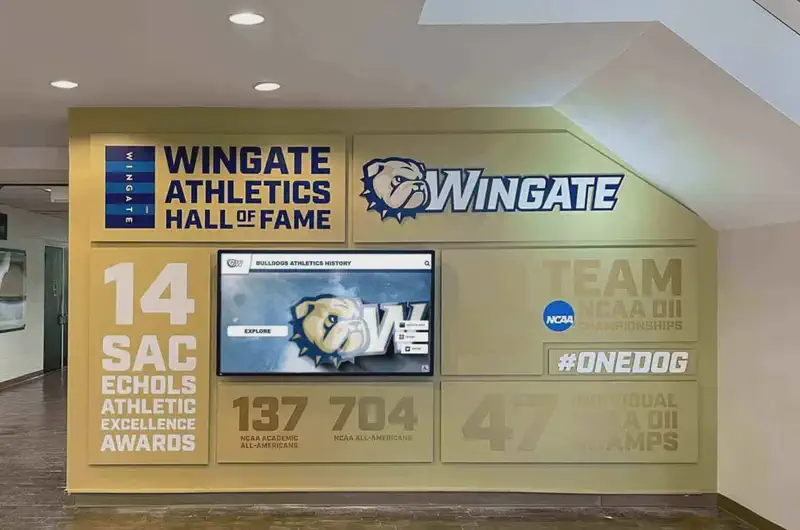
Purchasing an interactive touch screen display is a more involved decision than it looks from the outside. The hardware on the wall is only one piece—the touch technology layer, the media player or computer, the content management software, the network infrastructure, and the content itself all have to work together before the screen does anything useful.
Read the guideInteractive touchscreen kiosk software transforms how organizations present information, recognize contributors, and engage visitors. From donor recognition walls in nonprofit lobbies to museum exhibits sharing historical collections, these systems replace static displays with dynamic, searchable interfaces that invite exploration. The software determines whether visitors simply glance at a screen or spend minutes discovering stories, achievements, and institutional heritage.
Read the guideWhen districts and institutions consider digital recognition displays, budget predictability matters. Many organizations discover too late that their initial investment represents only the beginning—each additional screen location triggers new licensing fees, setup charges mount quickly, and what seemed like a reasonable solution for a single lobby becomes financially impractical when expanded across multiple buildings.
Read the guideOrganizations managing multiple locations, screens, or client displays face a common challenge: how to deliver professional digital signage content across numerous touchscreen kiosks without requiring programming expertise. Traditional digital signage solutions often demand technical knowledge for custom layouts, force users to choose between simplicity and flexibility, or lack essential features like split-screen displays and widget integration for weather, news, social media, and data visualization.
Read the guideDigital signage software has evolved dramatically as organizations worldwide transition from static displays to dynamic, interactive recognition systems. The best platforms in 2026 offer far more than basic slideshow capabilities—they provide comprehensive content management, touchscreen interactivity, cloud-based updates, and specialized features for recognition displays, wayfinding systems, and institutional communication.
Read the guideIntent: Decide
Organizations seeking to build virtual halls of fame in 2026 face critical decisions about platforms, technology, and implementation approaches that will serve their recognition needs for years to come. The right platform transforms how institutions honor achievements, celebrate legacies, and engage communities—while the wrong choice leads to limited functionality, expensive updates, and frustrated administrators.
Read the guideTouchscreen augmented reality displays represent the next evolution in interactive recognition technology, combining physical touch interfaces with digital overlays that enhance visitor experiences in educational institutions, nonprofit organizations, and cultural venues. These systems merge the intuitive interaction of touchscreens with the immersive capabilities of augmented reality, creating recognition experiences that engage visitors while celebrating donors, alumni, and community members in ways traditional plaques cannot match.
Read the guide**Touchscreen technology has become ubiquitous in modern computing environments**, from interactive kiosks and digital signage to educational displays and industrial control systems. Behind every smooth touch interaction lies sophisticated driver software that translates physical touch into digital commands. Organizations implementing touchscreen solutions often encounter challenges with hardware compatibility, multi-platform support, and advanced gesture recognition. Legacy touch devices may lack native operating system support, while modern multi-touch displays require specialized software to unlock their full potential.
Read the guide