
Interactive Touchscreen Kiosk Software: Comprehensive 2026 Comparison & Selection Guide
Interactive touchscreen kiosk software transforms how organizations present information, recognize contributors, and engage visitors. From donor recognition walls in nonprofit lobbies to museum exhibits sharing historical collections, these systems replace static displays with dynamic, searchable interfaces that invite exploration. The software determines whether visitors simply glance at a screen or spend minutes discovering stories, achievements, and institutional heritage.
Read More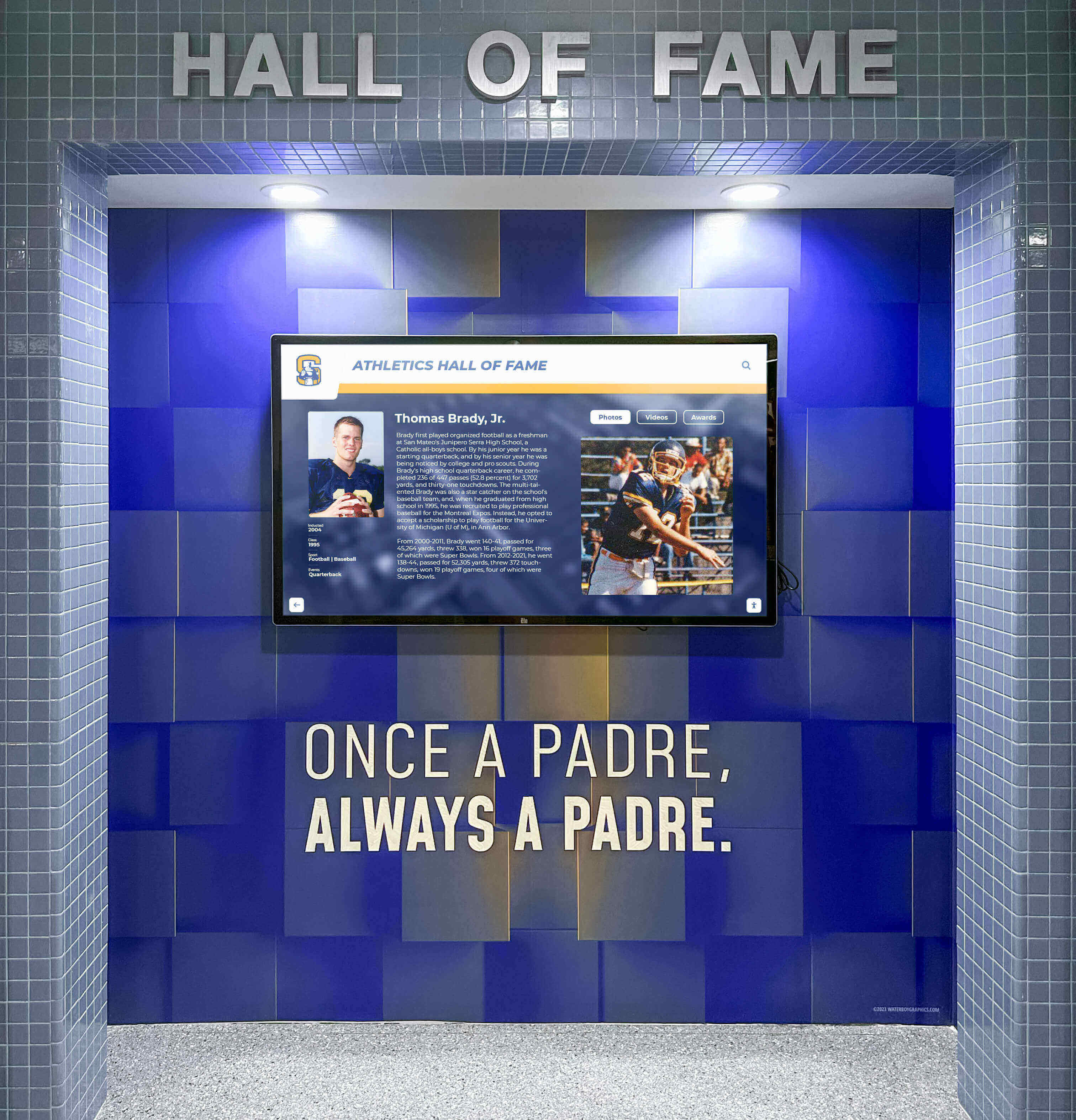
Digital Record Board for Campus Engagement: 20 Ideas to Transform Athletic Recognition & School Spirit
Digital record boards change how schools and universities celebrate athletic achievement, build campus spirit, and engage communities around competitive excellence. Unlike traditional painted record boards that require costly updates and offer limited information, digital solutions provide unlimited capacity, real-time updates, multimedia storytelling, and interactive exploration that turns static lists into compelling recognition experiences.
Read More
Touchscreen Directory Systems: Modern Wayfinding Solutions for Schools and Campuses in 2026
Intent: Define Schools and universities face a persistent challenge every day: helping thousands of prospective students, families, alumni, donors, and visitors navigate increasingly complex campus facilities while creating positive first impressions that influence enrollment decisions, philanthropic engagement, and institutional reputation. Traditional static signage and paper maps no longer meet visitor expectations in an age where intuitive, interactive experiences are the norm in every public space.
Read MoreBest Touchscreen Hall of Fame Solutions: Complete Guide to Interactive Recognition in 2026
Touchscreen halls of fame represent the next generation of recognition technology, transforming how organizations celebrate achievement, honor contributors, and preserve institutional legacy. Unlike traditional plaques and static trophy cases that become outdated and overcrowded within years, interactive touchscreen displays offer unlimited capacity, engaging multimedia experiences, real-time updates, and accessible exploration that turns passive recognition into compelling storytelling that inspires visitors, donors, and stakeholders.
Read MoreDigital Hall of Fame Displays with Donor Wall Features: Complete Guide to Dual-Purpose Recognition Systems
Dual-purpose digital displays that function as both hall of fame recognition systems and donor walls represent one of the most significant advances in institutional recognition strategy. These integrated platforms allow organizations to celebrate athletic achievements, academic excellence, and historical milestones while simultaneously honoring the donors and sponsors whose contributions make these programs possible—all within a single, cohesive digital experience.
Read More
Who Installs Digital Hall of Fame Displays in Schools? Complete Guide to Installation, Mounting, Power & Network Setup
When schools and institutions decide to implement digital hall of fame displays, one of the first practical questions administrators ask is: who actually installs these systems, and how complex is the mounting, power, and network setup? Understanding installation options and vendor capabilities helps development directors, facilities managers, and technology coordinators make informed decisions about vendor selection, project planning, and budgeting for these high-visibility recognition installations typically placed near front offices and main entrances.
Read MoreInteractive Display Ideas: Engaging Ways to Showcase Information in Public Spaces
Interactive displays have revolutionized how organizations communicate information in public spaces. Unlike static signs and bulletin boards that gather dust and quickly become outdated, interactive displays capture attention, encourage exploration, and transform passive viewers into engaged participants who actively discover information relevant to their interests.
Read MoreDigital Yearbooks: Complete Guide to Interactive Displays and Preservation for Schools in 2026
Digital yearbooks represent far more than simply scanning old books—they create interactive experiences where students explore decades of school history through touchscreen displays, searchable archives, and multimedia storytelling that brings yearbook memories to life in ways traditional print never could.
Read MoreRocket Recognition: Complete Guide to Interactive Digital Recognition for Schools and Nonprofits
How do you celebrate donors, alumni, athletes, and achievers when traditional plaques run out of space and become outdated the moment they’re installed? Many schools, nonprofits, and organizations face this challenge—spending thousands on engraving only to discover they need costly updates within months, forcing difficult decisions about whose contributions deserve visible recognition.
Read More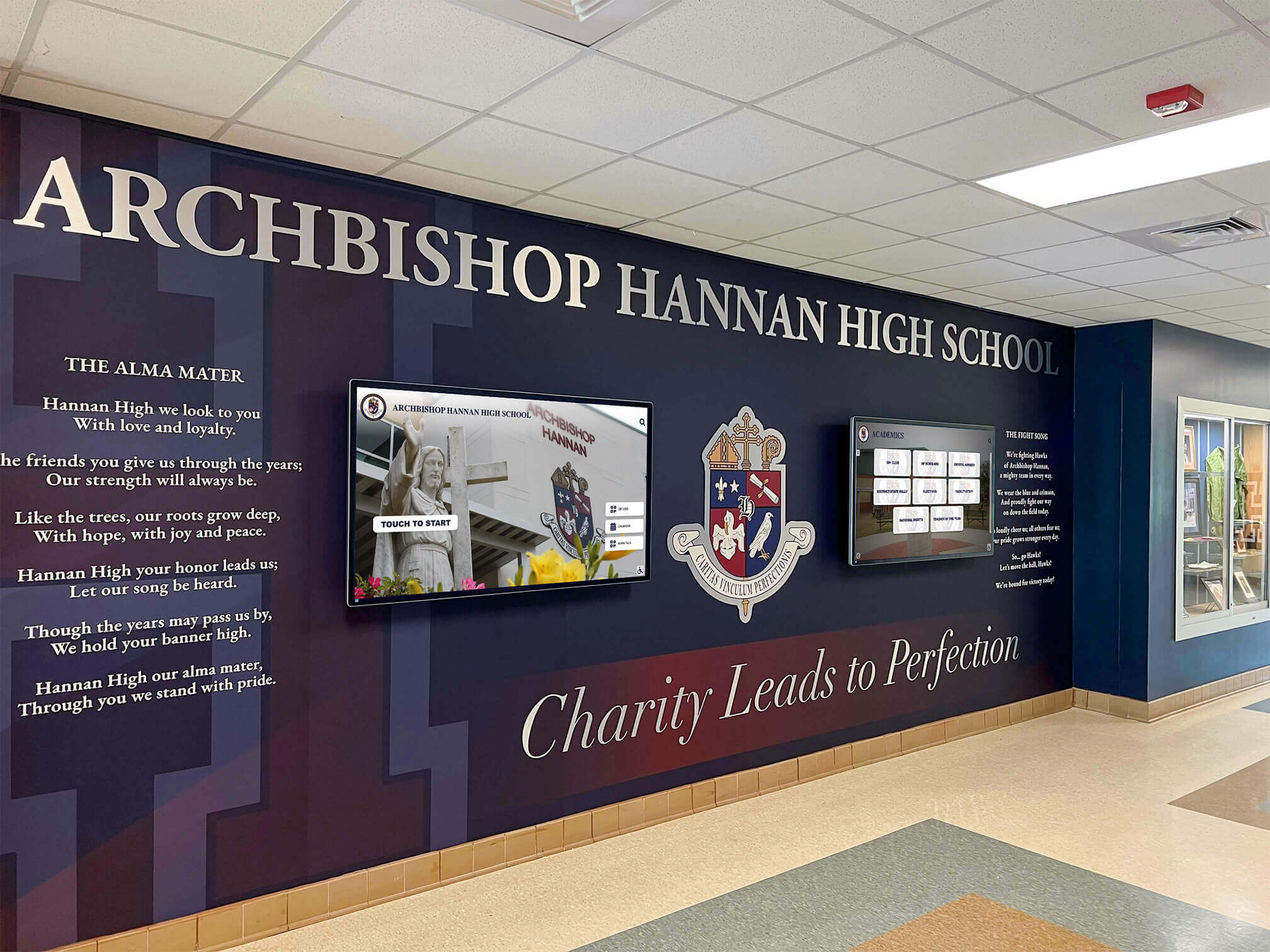
Digital Signage for Schools: How Interactive Displays Transform Campus Communication
Schools face unprecedented communication challenges in 2026. Between managing daily announcements, celebrating student achievements, guiding campus visitors, sharing emergency alerts, recognizing donors, and maintaining connection with diverse stakeholder groups, educational institutions need communication tools that deliver the right message to the right audience at the right time. Traditional bulletin boards, paper flyers, and static posters no longer meet these complex demands.
Read MoreRetail Digital Signage Ideas: Creating Engaging Customer Experiences
Retail environments face intense competition for customer attention. Shoppers enter stores bombarded by product choices, competing messages, and distractions from mobile devices. Traditional static signage—printed posters, shelf tags, basic promotional materials—struggles to capture attention in this overstimulated landscape. Meanwhile, customer expectations for engaging, personalized, and informative retail experiences continue to rise, driven by digital interactions in other aspects of their lives.
Read MoreDigital Signage Services for Multi-Screen Displays: Touchscreen Kiosks with Split-Screen Widgets and Zero Programming Required
Organizations managing multiple locations, screens, or client displays face a common challenge: how to deliver professional digital signage content across numerous touchscreen kiosks without requiring programming expertise. Traditional digital signage solutions often demand technical knowledge for custom layouts, force users to choose between simplicity and flexibility, or lack essential features like split-screen displays and widget integration for weather, news, social media, and data visualization.
Read More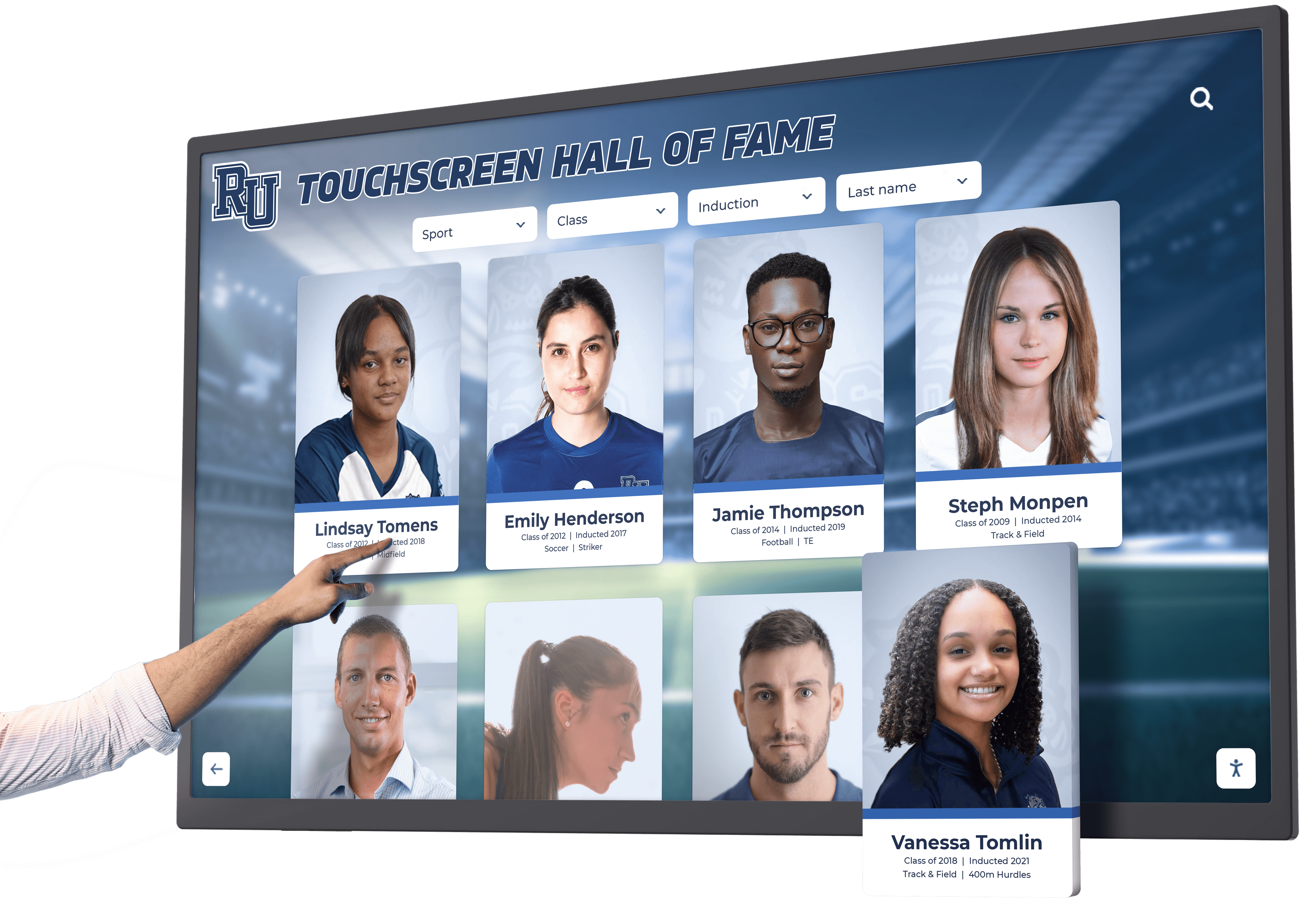
Interactive Digital Class Composite Display: Complete Guide to Year-Based Recognition Systems in 2026
Many schools, universities, and organizations cherish their traditional flip-through composite displays—those familiar binders or albums where visitors can browse through graduating class photos organized by year. These physical displays create tangible connections to institutional history while enabling easy year-based exploration that honors each cohort’s unique identity. Yet these beloved traditions face mounting challenges including deteriorating physical materials requiring constant replacement, limited space for expanding class collections as decades accumulate, accessibility restricted to single locations during operating hours, and static formats preventing rich multimedia storytelling beyond basic photographs.
Read More
Touchscreen Kiosk for Events and Functions: Complete Technology Guide for Product Demonstrations
Touchscreen kiosks at events, trade shows, and product demonstrations transform passive exhibit spaces into interactive experiences that capture attention, communicate complex information clearly, and create memorable connections between audiences and products. Equipment manufacturers face unique challenges showcasing technical features to diverse audiences ranging from industry experts to potential end-users who need accessible explanations without overwhelming technical jargon.
Read More
Why Rocket Touchscreen is Great for Small Schools and Not Overkill: The Complete Counter-Argument
Small schools face a common objection when evaluating modern digital recognition systems: “This seems like overkill for our needs. We only want to display a few photos and team schedules—why would we need a platform with donor tracking, analytics, and database features?”
Read MoreSenior Living Touchscreen Awards: Complete Guide & 20 Recognition Ideas for Retirement Communities
Senior living touchscreen awards provide retirement and assisted living communities with modern recognition systems that celebrate residents, volunteers, committees, staff, and community achievements in engaging, accessible formats. These interactive digital displays transform how senior care facilities acknowledge contributions, build community identity, and create welcoming environments that honor the people who make communities thrive.
Read More
A Rocket Alumni Touchscreen at Fenway Park: Celebrating Baseball's Most Historic Venue Through Modern Recognition Technology
Fenway Park stands as America’s most beloved ballpark—a 112-year-old cathedral of baseball where generations of fans have witnessed legendary moments, celebrated championships, and connected with the sport’s rich heritage. The iconic venue has hosted everything from Babe Ruth’s dominance to Ted Williams’ brilliance, from Carl Yastrzemski’s heroics to David Ortiz’s clutch performances. This extraordinary history deserves recognition that matches its significance, creating experiences where visitors can explore the stadium’s legacy while connecting personally with the stories that make Fenway Park sacred ground for baseball fans worldwide.
Read More
A Rocket Alumni Touchscreen at Madison Square Garden: Celebrating Sports Excellence Through Modern Recognition Technology
Madison Square Garden stands as The World’s Most Famous Arena—an iconic venue with nearly 150 years of history hosting legendary sporting events, championship moments, and unforgettable performances. From the New York Knicks’ championship glory to the Rangers’ Stanley Cup victories, from Muhammad Ali’s historic fights to countless milestone moments that shaped sports history, MSG represents the pinnacle of American sports culture. This extraordinary legacy deserves recognition technology that matches its significance, creating experiences where visitors can explore the arena’s unparalleled heritage while connecting personally with the stories that make Madison Square Garden truly legendary.
Read MoreA Rocket Alumni Touchscreen at the U.S. Open: Celebrating Tennis Excellence Through Modern Recognition Technology
The U.S. Open stands as one of tennis’ four Grand Slam tournaments—a championship with a history stretching back to 1881 that has witnessed legendary champions, historic rivalries, and defining moments in tennis history. From the early dominance of Bill Tilden through the modern excellence of Serena Williams, Roger Federer, and today’s champions, the tournament has showcased the sport’s greatest athletes competing on American soil. This extraordinary legacy deserves recognition technology that matches its significance, creating experiences where visitors can explore tennis history while connecting personally with the champions and moments that have made the U.S. Open a cornerstone of professional tennis.
Read More
America's 250th Celebration: Museum History Touchscreens for Commemorating National Heritage
As America approaches its 250th birthday in 2026, museums, heritage organizations, schools, and community institutions face an extraordinary opportunity to commemorate this milestone through meaningful recognition of both historical legacy and contemporary contributions. The semiquincentennial celebration presents unique challenges for advancement teams: how to honor founding principles while recognizing modern donors whose support preserves these stories, how to make centuries of history accessible to digital-native audiences, and how to create lasting commemorative installations that serve educational purposes long after 2026 concludes.
Read MoreApartment Complex Digital Displays: Complete Guide to Modern Resident Communication and Amenity Enhancement in 2026
Apartment complex digital displays have evolved from simple bulletin boards to sophisticated communication platforms transforming how property managers engage residents, promote amenities, deliver important information, and create modern living experiences that meet contemporary expectations. Leading multifamily properties now deploy interactive touchscreen systems and digital signage throughout lobbies, fitness centers, mailroom areas, and common spaces—replacing outdated paper notices with dynamic content that captures attention while providing genuine utility to residents.
Read More
Basketball Hall of Fames: Complete Guide to Recognition Programs for Schools, Colleges, and Organizations in 2026
Basketball hall of fame programs celebrate excellence at every level of the sport—from legendary professional careers commemorated at the Naismith Memorial Basketball Hall of Fame in Springfield to high school athletes in small-town gymnasiums whose dedication and achievements deserve permanent recognition. Whether honoring state champions, all-conference performers, scoring leaders, or championship teams, basketball halls of fame create lasting connections between past excellence and future aspirations while strengthening program culture and community pride.
Read MoreBest School History Software: Complete Guide to Digital Heritage Solutions in 2026
Schools possess rich histories spanning decades or even centuries—championship teams, distinguished alumni, dedicated educators, academic achievements, and transformative moments that shaped generations of students. Yet most institutions struggle to effectively preserve and showcase this heritage. Traditional methods like dusty trophy cases, forgotten yearbooks in storage, and fading photographs in hallways fail to make institutional history accessible, engaging, or meaningful for current students, alumni, and community members.
Read MoreBest Touchscreen Software for Mac: Complete Guide to Kiosk Mode and Interactive Display Solutions in 2026
Finding the best touchscreen software for Mac presents unique challenges because macOS doesn’t natively support touchscreen input like Windows does. Whether you’re setting up a kiosk in a museum, creating an interactive display for your school, or deploying public information terminals, Mac users need specialized software solutions that bridge the gap between Apple’s ecosystem and touchscreen functionality.
Read MoreBest Touchscreen Software: Web Based vs Native App - Complete Buyer's Guide for Interactive Displays in 2026
Intent: Decide which touchscreen software architecture best serves your interactive display needs—web-based platforms or native applications.
Read More
Class of 2026 Digital Showcase: Complete Guide to Creating Interactive Recognition Programs That Celebrate Senior Achievement
Class of 2026 digital showcases represent powerful opportunities for high schools to celebrate graduating seniors’ accomplishments, preserve their legacies, and create inspirational models for current underclassmen. As the Class of 2026 approaches their final semester and prepares for college, careers, and life beyond high school, schools face the meaningful challenge of honoring these students in ways that reflect both their individual achievements and collective impact on school community and culture.
Read MoreCollege Residence Hall Informational Interactive Display: Complete Guide to Transforming Student Housing Communication in 2026
College residence hall informational interactive displays are revolutionizing how universities communicate with students living on campus, transforming static bulletin boards and paper flyers into dynamic, engaging digital hubs that deliver real-time information, emergency alerts, community announcements, and interactive wayfinding exactly when and where students need them. These intelligent communication systems create connected residential communities while reducing administrative burden and significantly improving message visibility and retention.
Read More
Country Club Donor Recognition: Complete Guide to Modern Touchscreen Displays for Distinguished Private Clubs in 2026
Intent: Demonstrate Distinguished country clubs represent more than recreational facilities—they embody traditions of excellence, community connection, and member stewardship that span generations. These private institutions thrive when members feel genuine connection to club legacy, when contributions receive appropriate recognition, and when donor appreciation creates cultures of generosity sustaining capital improvements, scholarship programs, and facility enhancements essential for competitive positioning.
Read MoreDesign a Touch Screen Experience That Truly Engages Users: Complete Guide to Interactive Display Excellence in 2026
Designing touch screen experiences that truly engage users requires far more than simply making existing content tappable. Organizations investing in interactive touchscreen displays—from museums and educational institutions to corporate lobbies and public facilities—often discover that impressive hardware alone doesn’t guarantee meaningful engagement. Without thoughtful experience design addressing user needs, interaction patterns, and content strategy, even sophisticated touchscreen systems become expensive digital bulletin boards that visitors ignore.
Read More
Developing College History Timelines: Complete Guide to Creating Interactive Heritage Displays That Celebrate Institutional Legacy in 2026
Every college and university possesses a unique story—decades or even centuries of groundbreaking research, distinguished alumni, transformative moments, and evolving traditions that have shaped both the institution and countless lives. Yet many colleges struggle to present this rich history in ways that genuinely engage modern audiences who expect interactive, accessible experiences rather than dusty plaques or forgotten archives gathering in storage rooms.
Read MoreDigital Donor Walls: Complete Guide to Modern Recognition Solutions in 2026
Digital donor walls are revolutionizing how organizations recognize and celebrate philanthropic contributions in 2026. Unlike traditional brass plaques and static donor walls that quickly become outdated and expensive to maintain, digital recognition systems offer unlimited capacity, real-time updates, engaging multimedia content, and interactive exploration that transforms donor appreciation from simple name listings into compelling storytelling experiences.
Read MoreDigital Hall of Fame Guide: Complete Implementation Strategy for Donor Recognition & Athletic Achievement in 2026
Digital halls of fame have revolutionized how educational institutions, athletic programs, and nonprofit organizations celebrate achievement, honor contributors, and preserve institutional legacy. These interactive recognition systems replace static plaques and overcrowded trophy cases with dynamic, multimedia experiences that engage donors, inspire stakeholders, and create lasting connections between supporters and the missions they advance.
Read MoreDigital Hall of Fames in NBA Arenas: Celebrating Basketball Legends Through Interactive Recognition Displays
The NBA has cultivated a rich tradition of honoring basketball excellence—from legendary players who defined eras to championship teams that captured the world’s imagination. As professional sports venues increasingly embrace modern technology to enhance fan experiences, digital hall of fame displays are revolutionizing how NBA organizations celebrate their heritage at arenas across the league. These interactive touchscreen systems create immersive recognition experiences that traditional static plaques and trophy cases simply cannot match, engaging millions of basketball fans while preserving the sport’s incredible legacy for future generations.
Read More
Digital Hall of Fames in the MLB: How Interactive Displays Transform Baseball Recognition
Major League Baseball has a rich tradition of honoring excellence—from the hallowed halls of Cooperstown to team-specific halls of fame at ballparks across the nation. As professional sports venues embrace modern technology to enhance fan experiences, digital hall of fame displays are revolutionizing how MLB organizations celebrate their legends, championship teams, and historic moments. These interactive touchscreen systems create immersive recognition experiences that traditional static plaques and trophy cases simply cannot match, engaging millions of baseball fans while preserving the sport’s incredible heritage for future generations.
Read MoreDigital Tools That Help Bring History to Life: Complete Guide to Interactive Heritage Preservation in 2026
Intent: Define — Understanding how digital tools transform historical preservation and storytelling.
Read More
Digital Trophy Touch Wall: Complete Guide to Interactive Recognition Displays for Schools and Organizations in 2026
Digital trophy touch walls represent the evolution of traditional recognition, transforming how schools, universities, athletic programs, and organizations celebrate achievements through interactive technology. Unlike static trophy cases limited by physical space and deteriorating awards, digital touch walls provide unlimited capacity for comprehensive recognition while creating engaging visitor experiences through touchscreen interactivity that brings achievements to life.
Read More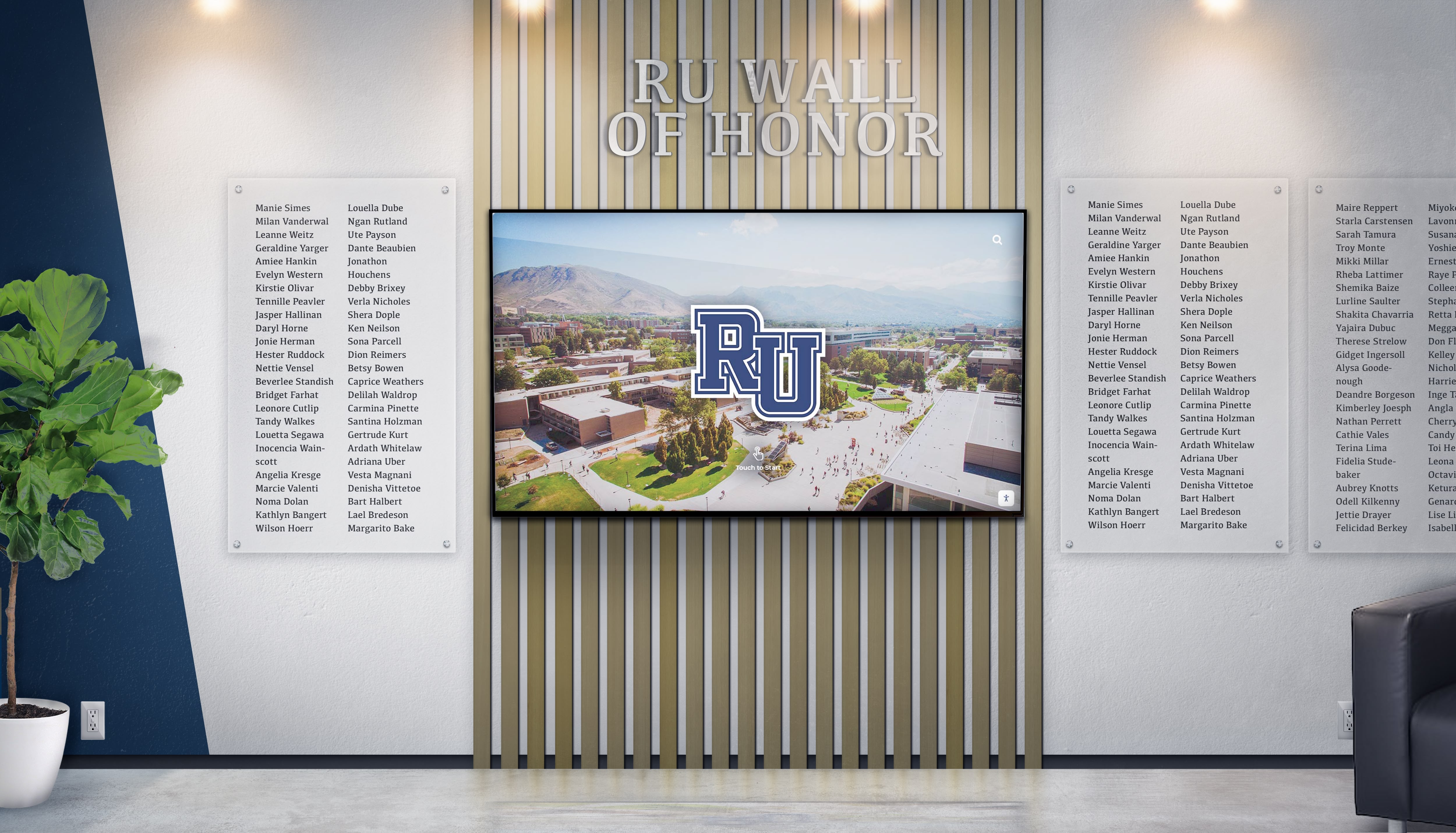
Digital Wall of Honor Plaques: The Complete 2026 Guide to Modern Recognition Systems
Digital wall of honor plaques represent the evolution of institutional recognition from static engraved metal and overcrowded physical displays to dynamic, interactive systems that celebrate unlimited achievements without space constraints. As schools, nonprofits, universities, and organizations struggle with physical walls that inevitably fill completely—forcing difficult decisions about which honorees receive visibility—digital recognition technology eliminates these limitations while creating engaging experiences that visitors actively explore rather than simply walk past.
Read More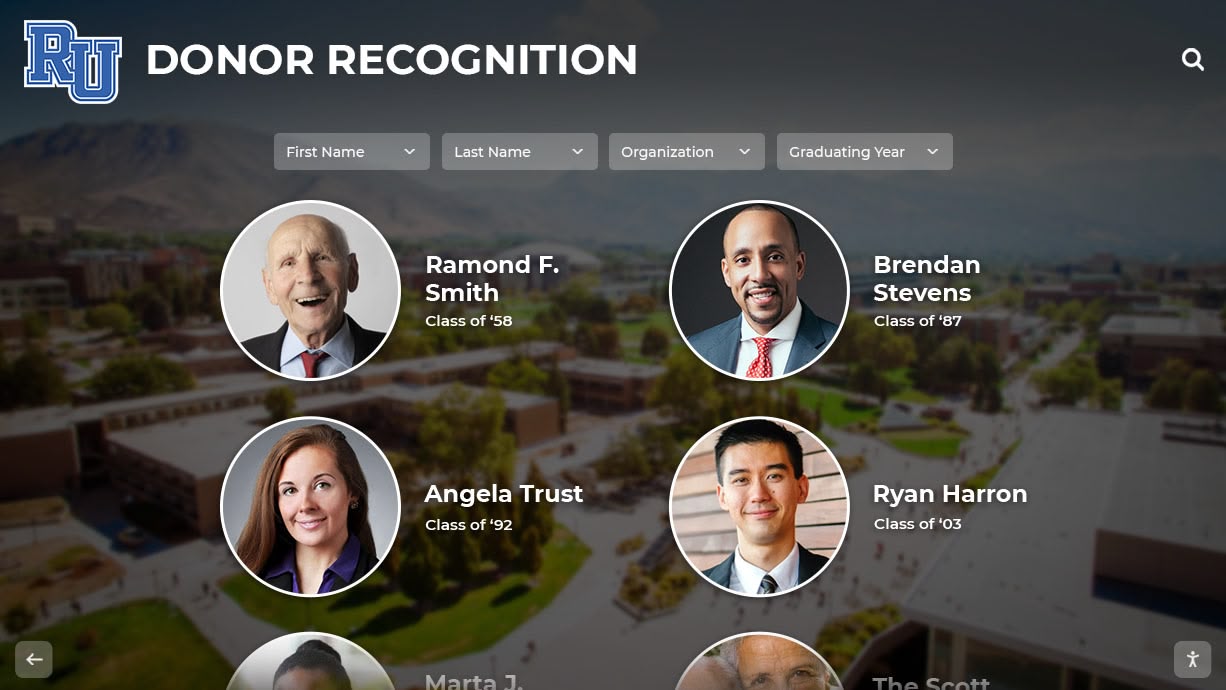
Donor Recognition Screen: Complete Guide to Modern Digital Display Solutions for Nonprofits and Schools in 2026
Intent: Define A donor recognition screen is an interactive digital display system that showcases contributors, celebrates philanthropic support, and communicates campaign progress through engaging multimedia content. Unlike traditional brass plaques or static donor walls that quickly reach capacity and require expensive updates, digital recognition screens provide unlimited acknowledgment capacity, real-time content management, and dynamic storytelling that transforms how schools, nonprofits, universities, and foundations honor generous supporters.
Read More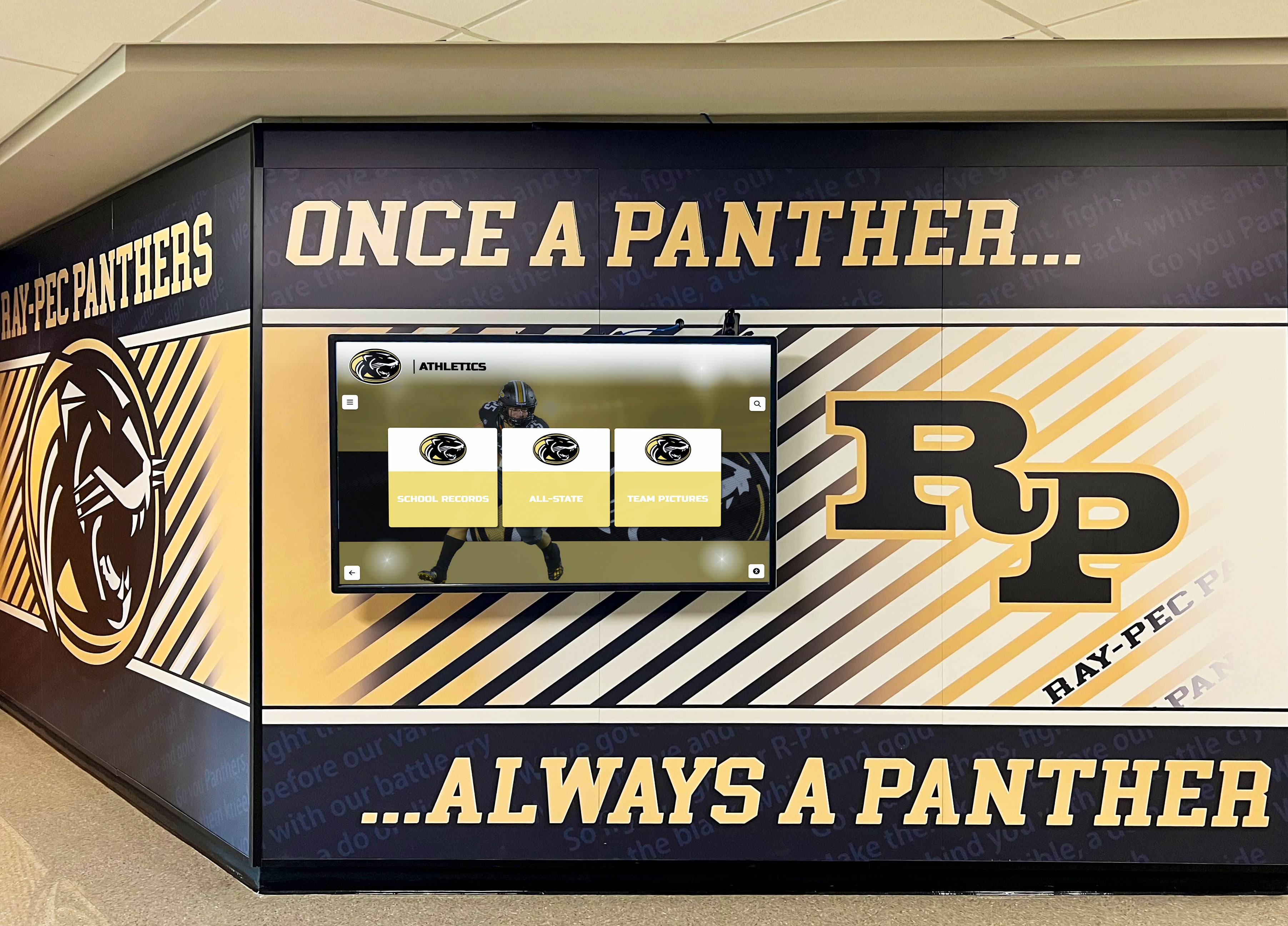
Exciting Hallway Displays in Schools: Complete Guide to Transforming Educational Spaces in 2026
School hallways serve as more than mere transitional spaces between classrooms—they represent powerful opportunities to celebrate achievement, inspire learning, and create engaging environments that reflect institutional values and student accomplishments. Yet many schools struggle with outdated hallway displays featuring fading bulletin boards, static trophy cases with limited capacity, temporary paper displays that quickly become worn, and recognition systems that fail to capture the full scope of student and staff excellence.
Read More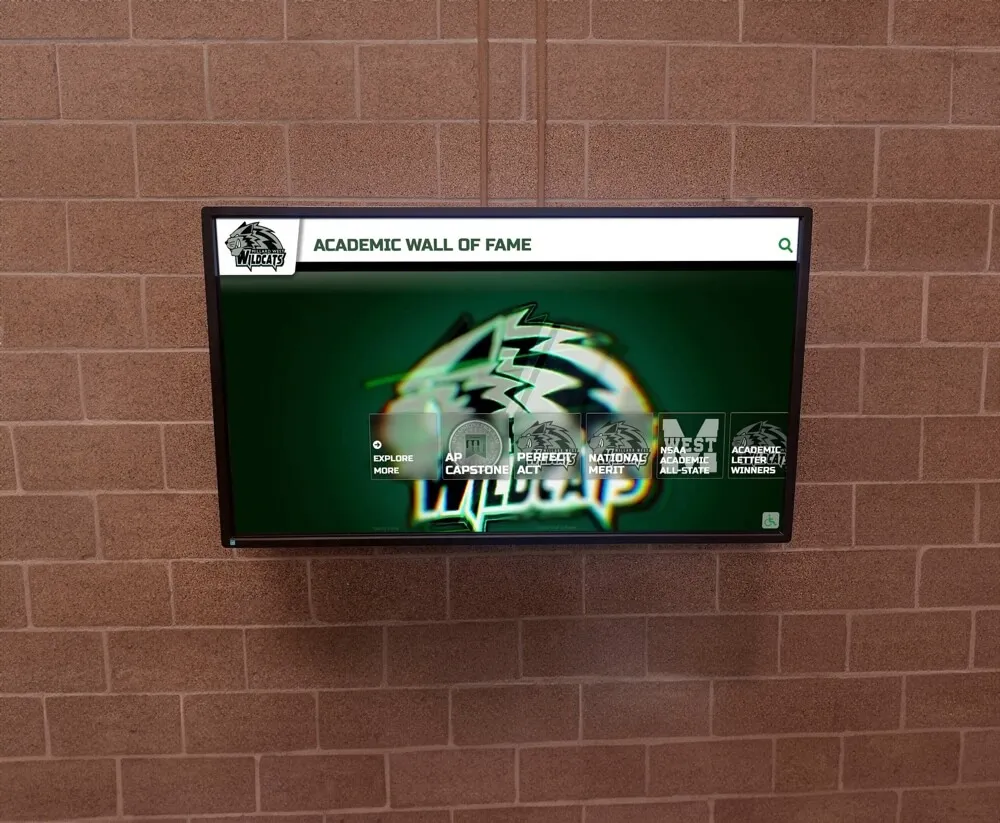
High School Touchscreen for Admissions Tours: Complete Guide
First impressions matter in high school admissions, and interactive touchscreen displays are revolutionizing how schools engage prospective students and families during campus tours. These digital installations create memorable, interactive experiences that showcase your school's achievements, programs, and culture in ways traditional tours simply cannot match.
Read MoreHistorical Timeline Touchscreen Displays: Complete Guide to Creating Interactive History Exhibits in 2026
Historical timeline touchscreen displays represent one of the most engaging and effective ways to present institutional heritage, organizational history, and educational content in museums, schools, visitor centers, and corporate environments. Unlike static plaques or printed timelines that viewers passively observe, interactive touchscreen timelines invite active exploration, enabling users to dive deeply into periods, events, and stories that interest them most while creating memorable, immersive experiences that connect audiences with the past.
Read MoreHockey Rink Touchscreen Displays Recognizing Past Teams: Complete Guide to Celebrating Championship History and Building Program Legacy in 2026
Hockey rink touchscreen displays recognizing past teams represent a transformative approach to celebrating championship history and preserving program legacy in ways traditional banners and plaques simply cannot match. Interactive digital installations positioned in arena lobbies, concourses, and gathering spaces enable comprehensive documentation of every championship team, season roster, memorable game, and player achievement—creating engagement opportunities that inspire current athletes while honoring the generations who built program tradition.
Read MoreHow Schools Are Using Digital Displays for Student Recognition: Complete Guide to Modern EdTech Solutions in 2026
Digital displays for schools are revolutionizing how educational institutions recognize student achievement, communicate with their communities, and create engaging learning environments in 2026. Unlike traditional bulletin boards and static plaques that require constant manual updating and offer limited visibility, digital recognition systems provide dynamic content delivery, unlimited capacity for celebrating achievements, real-time updates from anywhere, and interactive experiences that resonate with today’s digitally native students.
Read MoreHow to Design a Stunning Digital Hall of Fame Touchscreen Display Layout: Complete Strategy Guide
Designing an effective digital hall of fame touchscreen display layout requires more than simply digitizing traditional plaques or transferring content from physical trophy cases to screens. The most successful interactive recognition displays leverage strategic design principles that honor achievements while creating engaging exploration experiences that visitors actively choose to explore rather than passively glance at while passing through hallways.
Read More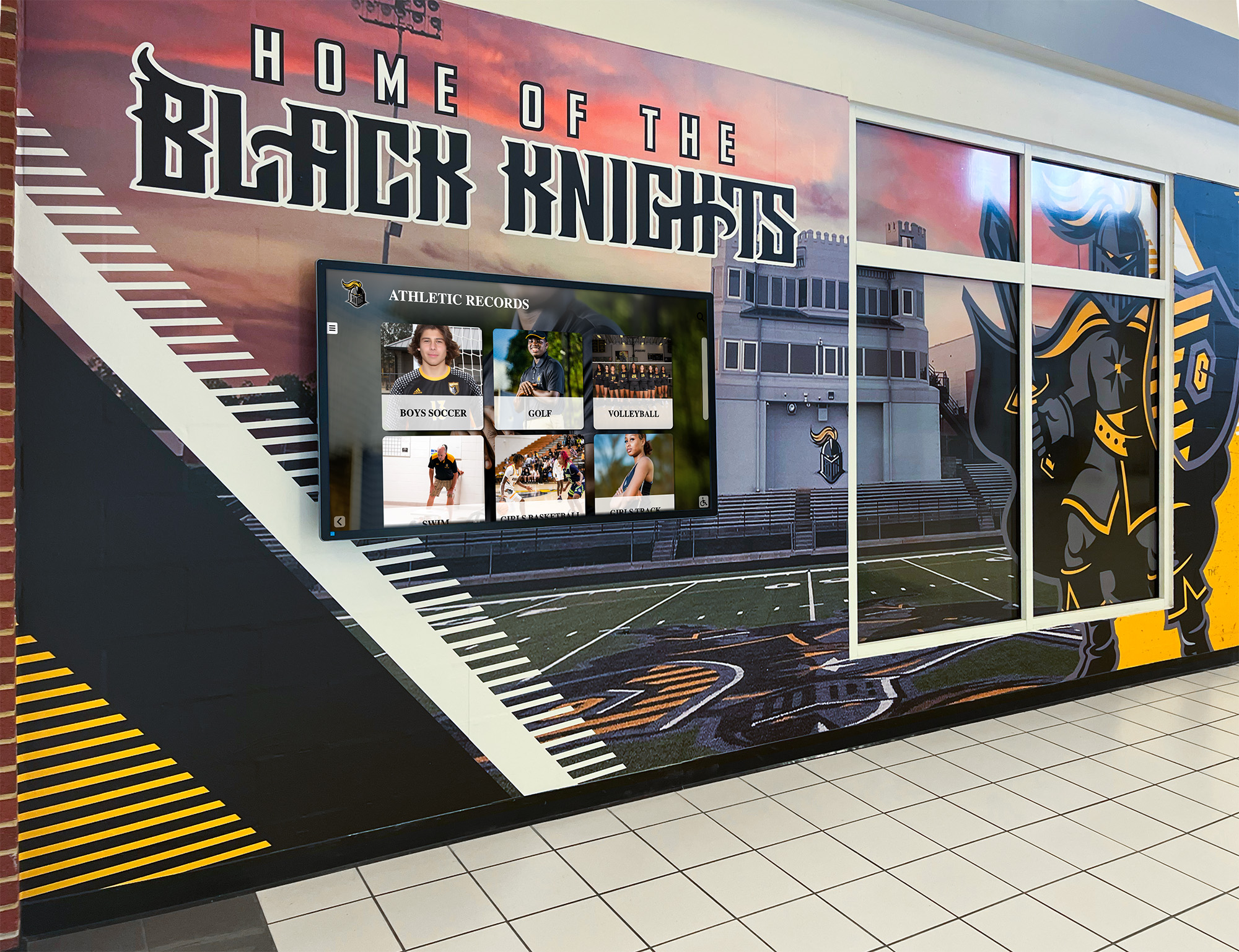
How to Display Your School's History: A Complete Guide to Preserving and Showcasing Educational Heritage in 2026
Every school has a unique story to tell—decades or even centuries of student achievements, dedicated educators, transformative moments, and alumni who went on to shape their communities and the world. Yet many schools struggle to effectively display their rich history, relying on dusty trophy cases, fading photographs in forgotten hallways, or yearbooks gathering dust in storage rooms. When school history remains hidden or inaccessible, current students miss opportunities to connect with institutional legacy, alumni lose touch with their educational roots, and communities fail to appreciate the profound impact their schools have made across generations.
Read MoreInteractive Church Information Display: Complete Guide to Digital Engagement for Faith Communities in 2026
Interactive church information displays represent a transformative approach to communication and engagement within faith communities. In an era where 86% of church leaders agree that technology plays a vital role in enhancing community connection, according to the 2026 State of Church Technology report, modern digital solutions have become essential tools for keeping congregations informed, engaged, and connected to the mission.
Read MoreInteractive Displays for Courtrooms: Complete Guide to Modern Courtroom Technology and Digital Evidence Presentation in 2026
Interactive displays for courtrooms represent a transformative shift in how justice systems operate, communicate, and serve the public. From advanced evidence presentation systems that enable attorneys to display documents and multimedia with remarkable clarity, to self-service kiosks that help citizens navigate complex courthouse environments, modern display technology addresses critical challenges facing judicial facilities nationwide.
Read MoreInteractive Touchscreen at Saratoga Springs Race Track: Celebrating Horse Racing History and Competition Excellence
Saratoga Race Course in Saratoga Springs, New York, stands as one of America’s most cherished sporting venues—a thoroughbred racing landmark that has hosted legendary competitions since 1863. From the prestigious Travers Stakes nicknamed the “Midsummer Derby” to the countless champion thoroughbreds who have thundered down its historic track, Saratoga has earned its place as a cornerstone of American horse racing heritage. Known affectionately as both the “August Place to Be” and the “Graveyard of Champions,” this iconic venue embodies the elegance, competition, and tradition that make thoroughbred racing captivating. This extraordinary legacy deserves recognition technology that matches its significance, creating experiences where visitors can explore racing history while connecting personally with the champions and moments that have made Saratoga legendary.
Read MoreMWE-QIXZOCV Touchscreen Kiosk Interactive Displays: Complete Compatibility Guide for Donor Recognition in 2026
Intent: Decide whether MWE-QIXZOCV touchscreen kiosk interactive displays meet your donor recognition hardware requirements and integrate effectively with cloud-based recognition platforms.
Read MoreNaismith Hall of Fame Donor Recognition: Complete Guide to Interactive Digital Displays for Sports Museums and Charitable Institutions in 2026
Donor recognition at prestigious institutions like the Naismith Memorial Basketball Hall of Fame represents more than simple acknowledgment—it creates lasting tributes celebrating philanthropic partnerships that make world-class visitor experiences possible. When sports museums, halls of fame, and cultural institutions thoughtfully recognize supporters who fund renovations, create endowments, and enable programming, they honor generosity while inspiring future contributions that sustain organizational missions for generations.
Read More
NFL Icons Interactive Display: Celebrating Football Legends Through Modern Recognition Technology
The National Football League has produced some of the most iconic athletes in sports history—from legendary quarterbacks who redefined the position to defensive titans who dominated eras, from record-breaking running backs to game-changing coaches. These NFL icons represent not just athletic excellence but cultural touchstones that inspire generations of football players and fans. Modern interactive display technology transforms how we celebrate these legends, creating engaging experiences that honor football’s greatest contributors while inspiring current and future athletes to pursue their own excellence.
Read MoreOlympic Athlete Digital Hall of Fame: Complete Guide to Recognizing Olympic Champions Through Interactive Displays and Modern Recognition Technology
The Olympic Games represent the pinnacle of athletic achievement, where the world’s most dedicated athletes compete for the honor of representing their countries on the global stage. From record-breaking performances that redefine human potential to inspiring comebacks that capture hearts worldwide, Olympic athletes create moments that transcend sport and become part of cultural heritage. As Olympic training centers, sports clubs, national governing bodies, and athletic organizations seek meaningful ways to honor these exceptional individuals, digital hall of fame technology is revolutionizing how we celebrate Olympic excellence.
Read MorePhoto Booth Software for Kiosk Public Use & Events: Complete Recognition Display Guide for 2026
Intent: Demonstrate how interactive kiosk software serves recognition and engagement functions at fundraising events, galas, and public venues.
Read MoreReligious Worship Touchscreen Displays: Complete Guide to Interactive Recognition Technology for Faith Communities
Religious worship spaces serve as gathering points where faith communities come together to celebrate, remember, and honor those who contribute to shared spiritual missions. From churches and cathedrals to temples, mosques, and synagogues, these sacred spaces carry the responsibility of preserving history, acknowledging generosity, and creating welcoming environments for congregants and visitors alike.
Read MoreRocket Alumni Solutions at SAP Arena in San Jose: Transforming Sports Recognition at The Shark Tank Through Modern Digital Technology
SAP Arena—known affectionately as “The Shark Tank”—has served as the home of the San Jose Sharks since 1993, establishing itself as one of the NHL’s most iconic and intimidating venues. Over three decades, this arena has witnessed legendary moments, celebrated championship runs, and honored exceptional athletes who’ve worn the teal and black. As professional sports venues increasingly embrace modern technology to enhance fan experiences and celebrate franchise heritage, interactive touchscreen displays from solutions like Rocket Alumni Solutions offer revolutionary opportunities to preserve history, engage visitors, and create immersive recognition experiences that traditional static plaques and trophy cases simply cannot match.
Read MoreRocket Alumni Solutions Touchscreen at High School Basketball Games: Complete Recognition Guide
High school basketball programs face a fundamental challenge: how do you adequately celebrate decades of athletic achievement, current season success stories, and individual player milestones when physical trophy cases fill up, engraving costs accumulate, and traditional plaques become outdated before they’re even mounted? Friday night games bring packed gymnasiums filled with students, families, and community members—yet most schools miss critical opportunities to showcase their basketball legacy in ways that engage modern audiences and inspire current athletes.
Read MoreRocket Alumni Solutions Touchscreen at TD Garden: Celebrating Boston Sports Excellence Through Modern Recognition Technology
TD Garden stands as New England’s premier sports and entertainment venue—home to two of professional sports’ most storied franchises, the Boston Bruins and Boston Celtics. Since opening in 1995, this iconic arena has witnessed championship glory, legendary performances, and unforgettable moments that have defined Boston sports culture. From the Celtics’ 18 NBA championships to the Bruins’ 6 Stanley Cup victories, TD Garden’s history deserves recognition technology that matches the significance of these achievements, creating immersive experiences where fans can explore the arena’s extraordinary heritage while connecting personally with the stories that make Boston sports truly legendary.
Read MoreRocket Touchscreen at High School JV Hockey Games: Complete Guide to Elevating Junior Varsity Recognition and Building Program Culture in 2026
Digital touchscreen recognition at high school JV hockey games represents a transformative approach to celebrating junior varsity athletes who form the foundation of successful hockey programs. Interactive displays positioned rinkside or in arena lobbies showcase JV player achievements, career statistics, development pathways, and team accomplishments—creating visibility and engagement that traditional recognition methods fail to deliver for athletes competing outside the varsity spotlight.
Read MoreSan Jose Sharks Hall of Fame Touchscreen: Modern Recognition for Hockey Excellence at SAP Center
SAP Center in San Jose stands as the home of the Sharks—an NHL franchise that has captured the hearts of hockey fans since 1991. From iconic players like Patrick Marleau and Joe Thornton to legendary moments like playoff runs and historic victories, the Sharks have built a rich legacy deserving recognition that matches its significance. As professional sports venues increasingly embrace modern technology to enhance fan experiences, interactive touchscreen displays offer revolutionary opportunities to celebrate franchise history while creating immersive recognition experiences that traditional static plaques simply cannot match.
Read MoreSchool History Touchscreen: Why You Need Full Service Instead of DIY in 2026
When schools decide to preserve and showcase their institutional heritage through interactive touchscreen displays, they face a critical decision: attempt a do-it-yourself implementation or partner with a full-service provider that handles everything from installation to content management. While DIY approaches might initially appear cost-effective, the reality is that schools frequently underestimate the complexity, time commitment, and technical expertise required to successfully implement and maintain digital heritage systems.
Read MoreSchool Rivalry History Digital Timeline: Complete Guide to Preserving and Showcasing Athletic Competition Legacy in 2026
Few traditions in high school sports captivate communities quite like legendary rivalry games—those annual competitions steeped in decades of history, passionate fan bases, memorable moments, and community pride that transcends individual seasons. Whether it’s the crosstown football clash that dates back to 1925, the basketball rivalry that determines regional bragging rights, or the soccer matchup that consistently delivers championship-caliber competition, these rivalry traditions represent living history connecting generations of athletes, students, alumni, and community members.
Read MoreThe Best Platforms for Building a Virtual Hall of Fame in 2026: Complete Buyer's Guide
Intent: Decide Organizations seeking to build virtual halls of fame in 2026 face critical decisions about platforms, technology, and implementation approaches that will serve their recognition needs for years to come. The right platform transforms how institutions honor achievements, celebrate legacies, and engage communities—while the wrong choice leads to limited functionality, expensive updates, and frustrated administrators.
Read MoreThe Complete History of Touchscreen Technology: From 1965 to Modern Interactive Displays in 2026
Touchscreen technology has fundamentally transformed how humans interact with computers, phones, and digital displays over the past six decades. From E.A. Johnson’s pioneering capacitive touchscreen at the Royal Radar Establishment in 1965 to the ubiquitous smartphones and interactive kiosks of 2026, touchscreens have evolved from specialized military equipment to everyday technology used by billions worldwide.
Read MoreTop Carousel Alternative for Digital Donor Recognition: Complete Guide to Interactive Recognition Display Solutions in 2026
Organizations seeking Carousel alternatives for digital donor recognition displays face an expanding marketplace of solutions ranging from general-purpose digital signage platforms to specialized recognition systems designed specifically for celebrating donors, alumni, veterans, and organizational achievements. As nonprofits, educational institutions, healthcare facilities, and faith-based organizations increasingly transition from traditional bronze plaques to interactive digital displays, selecting the right platform becomes critical for creating engaging recognition experiences that honor supporters while remaining sustainable and manageable for staff.
Read MoreTouch Board for Teacher Appreciation: Complete Guide to Modern Educator Recognition in 2026
Teacher appreciation represents one of the most important yet often undervalued aspects of building thriving school communities. Educators dedicate countless hours beyond classroom time—mentoring struggling students, sponsoring extracurricular activities, creating engaging lessons, attending evening events, and providing the individual attention that transforms educational experiences. Yet in many schools, recognition for these contributions remains limited to annual Teacher Appreciation Week events, occasional thank-you notes, or brief acknowledgments at staff meetings that fail to create lasting visibility for exceptional dedication.
Read MoreTouch Walls for High Schools: The Complete Guide to Interactive Recognition Displays in 2026
Touch walls for high schools represent the evolution of student recognition from static plaques and overcrowded trophy cases to dynamic, interactive digital experiences that celebrate unlimited achievements across athletics, academics, arts, service, and character. As schools struggle with physical space constraints that force difficult choices about which accomplishments receive visibility, interactive touchscreen displays eliminate these limitations while creating engaging experiences that students, families, and visitors actually explore rather than simply walk past.
Read More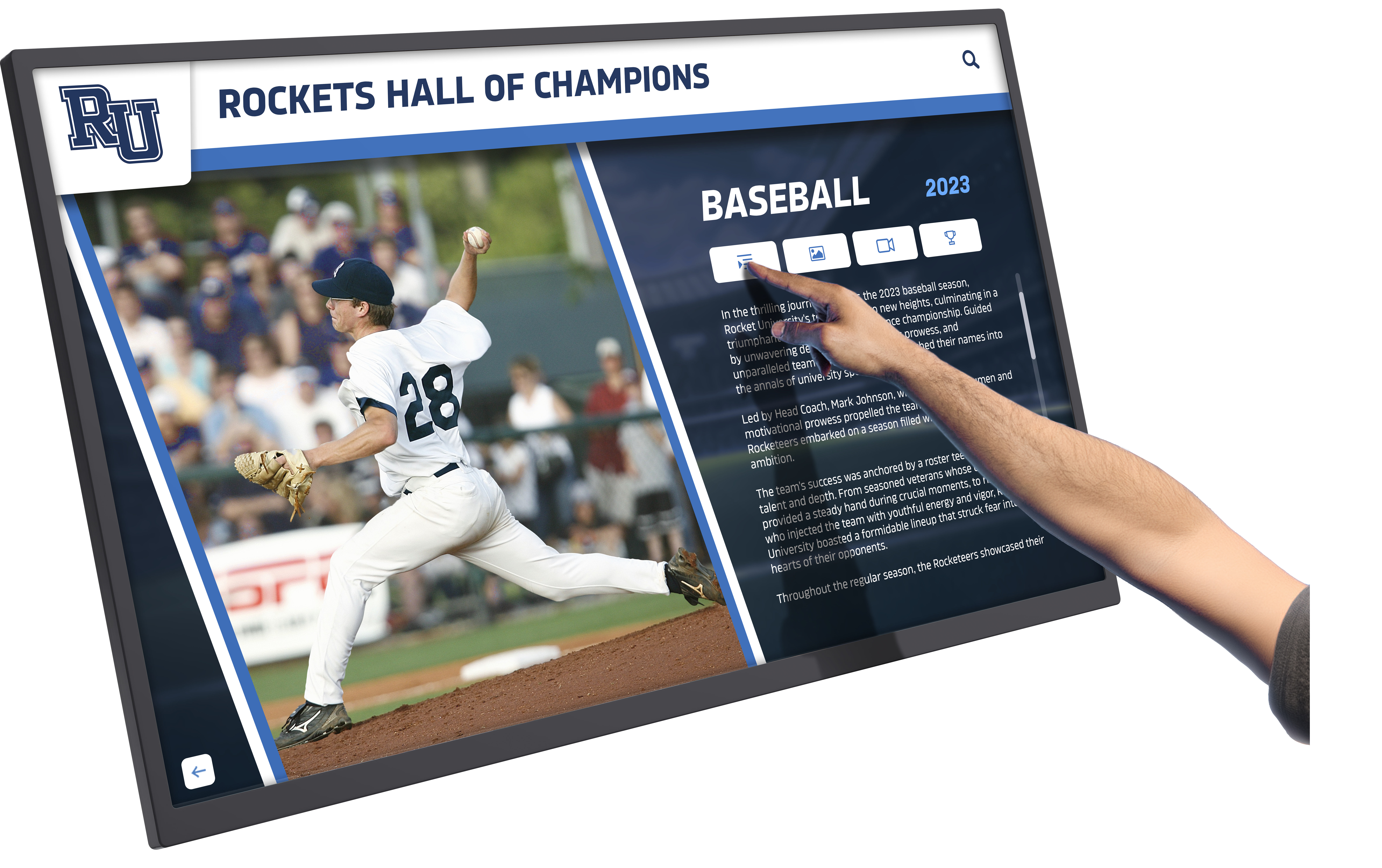
Touchscreen Digital Signage Software: Complete Guide to Interactive Display Solutions for Schools and Organizations in 2026
Touchscreen digital signage software has transformed how organizations communicate, engage audiences, and deliver interactive experiences. From schools celebrating student achievements to institutions honoring alumni legacies to organizations sharing critical information, interactive touchscreen displays create engagement opportunities impossible through traditional static signage or passive digital screens. When organizations implement touchscreen-enabled digital signage thoughtfully, they transform one-way communication into two-way interaction, passive viewing into active exploration, and generic messaging into personalized experiences.
Read MoreTouchscreen Games for Children's Hospitals: Complete Guide to Creating Healing Environments Through Interactive Technology in 2026
Children’s hospitals and pediatric healthcare facilities face a unique challenge: providing critical medical care to young patients who experience anxiety, fear, and stress in unfamiliar clinical environments. Traditional waiting rooms with dated magazines, worn toys, and sterile surroundings do little to ease these fears or distract from the anticipation of medical procedures that may be uncomfortable or frightening for children facing treatment.
Read MoreTouchscreen Software - Rocket Alumni Solutions: Complete Guide to Interactive Recognition Displays in 2026
Intent: Decide whether web-based touchscreen software like Rocket Alumni Solutions provides the capabilities your organization needs for donor recognition, alumni engagement, and institutional showcasing without technical complexity.
Read MoreTouchscreen TVs for Athletic Information in High Schools: Complete Guide to Interactive Sports Recognition Displays in 2026
High school athletic programs face a constant challenge: how to effectively showcase team records, celebrate athlete achievements, communicate schedules and information, and preserve sports history in ways that inspire current athletes while engaging families and communities. Traditional methods—static vinyl record boards, paper rosters, outdated bulletin boards, and aging trophy cases—fall short of capturing the dynamic, multimedia-rich presentation that modern audiences expect and that truly honors athletic excellence.
Read MoreTrack & Field High School Touch Board Digital Display: Complete Guide to Modern Athletic Recognition Systems in 2026
Track and field high school touch board digital displays represent the modern evolution of athletic recognition, transforming how schools celebrate running, jumping, and throwing achievements through interactive technology that brings records to life. Unlike traditional vinyl record boards that deteriorate, require manual updates, and offer limited space for recognition, digital touch boards provide unlimited capacity, instant updates, multimedia storytelling, and engaging interactive experiences that inspire current athletes while honoring program legacy.
Read MoreUltra Responsive Touchscreens Retain Users: The Critical Role of Software and Hardware Integration in 2026
Ultra responsive touchscreens represent the difference between interactive displays that engage users for minutes versus installations that frustrate visitors within seconds. In educational institutions, museums, corporate lobbies, and public spaces where digital recognition displays celebrate achievements or interactive kiosks provide information, touchscreen responsiveness directly determines whether users complete their intended interactions or abandon experiences before discovering the content they seek.
Read More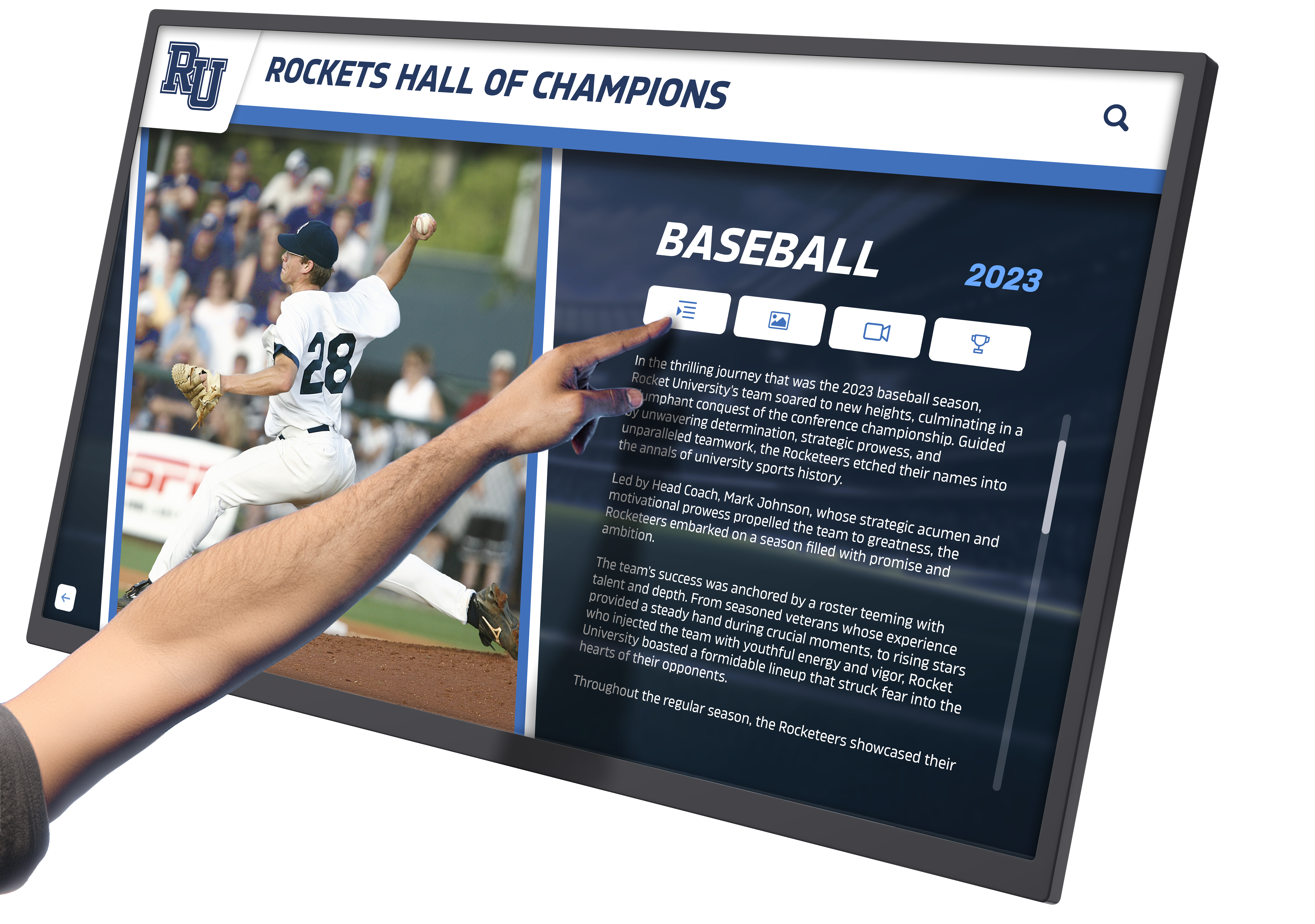
UPDD Touch Software: Touchscreen Complete Guide for 2026
**Touchscreen technology has become ubiquitous in modern computing environments**, from interactive kiosks and digital signage to educational displays and industrial control systems. Behind every smooth touch interaction lies sophisticated driver software that translates physical touch into digital commands. Organizations implementing touchscreen solutions often encounter challenges with hardware compatibility, multi-platform support, and advanced gesture recognition. Legacy touch devices may lack native operating system support, while modern multi-touch displays require specialized software to unlock their full potential.
Read MoreWhat is a Digital Hall of Fame? Complete Guide to Modern Recognition Displays for Donors and Achievement
Organizations face a common challenge when honoring supporters and celebrating achievements: traditional recognition methods run out of space. Brass plaques fill walls within years. Trophy cases overflow. Donor walls reach capacity, forcing difficult decisions about whose names appear and whose contributions get omitted. Each new addition requires expensive engraving, weeks of lead time, and physical reinstallation. Updates become costly administrative burdens rather than celebratory moments.
Read MoreWhich Software Can I Use to Create Interactive Touchscreen Experiences? Complete Guide to Touchscreen Software Solutions in 2026
Creating interactive touchscreen experiences requires selecting the right software platform that balances functionality, ease of use, and purpose alignment with your specific goals. Whether you’re designing recognition displays for educational institutions, interactive wayfinding for public facilities, engaging exhibits for museums, or information kiosks for corporate environments, the software you choose fundamentally determines what experiences you can create, how easily you can maintain content, and whether your investment delivers lasting value or becomes an expensive frustration.
Read More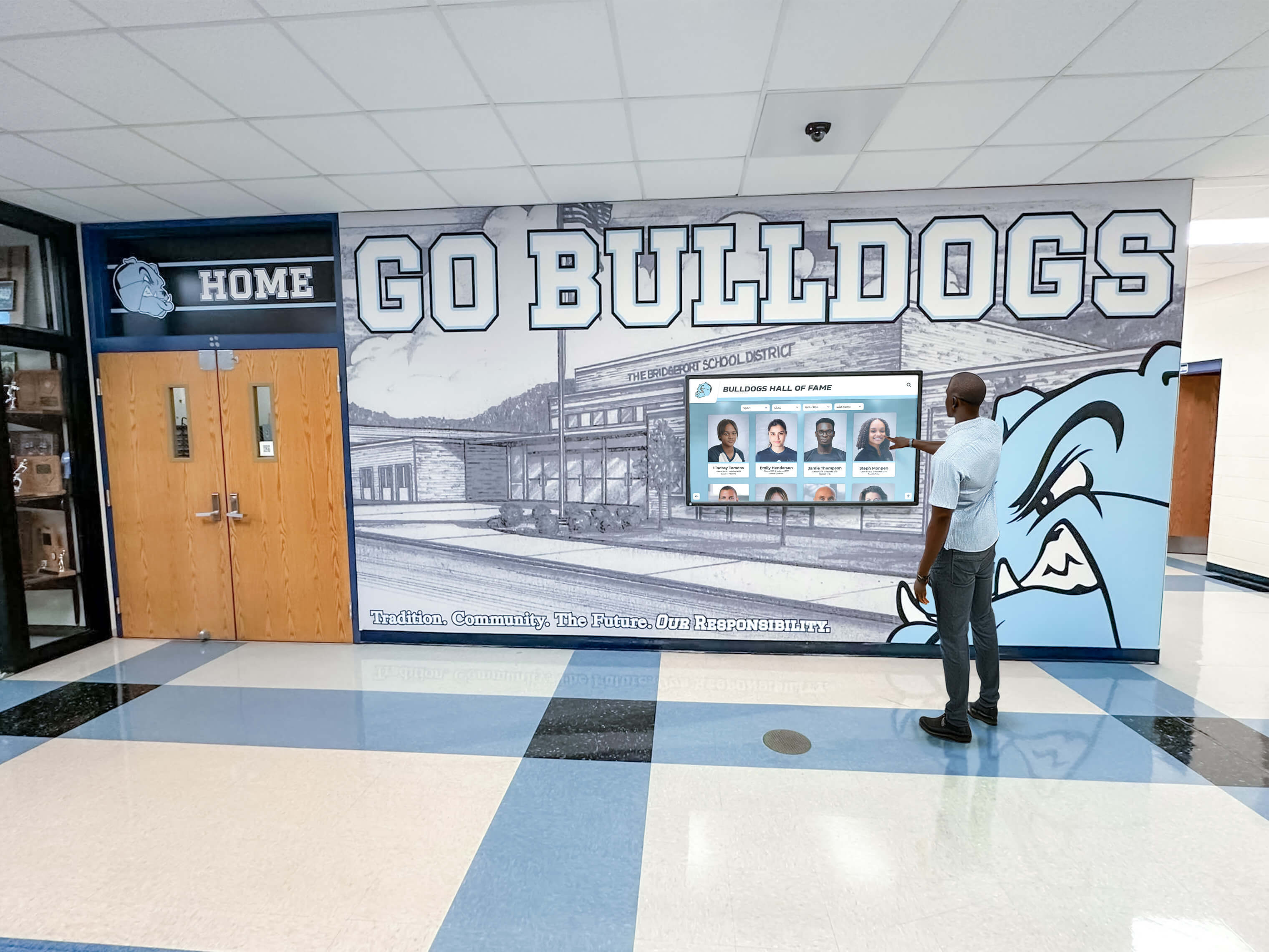
Why Many Schools Regret Rushing Into Digital Hall of Fame Software: What You Need to Know Before Buying
Digital hall of fame software promises to transform how schools celebrate achievement, honor alumni, and preserve institutional history. Marketing materials showcase stunning interactive displays, seamless content management, and enthusiastic student engagement. School administrators attend conferences where vendors demonstrate sleek touchscreen kiosks displaying championship teams, distinguished alumni, and academic excellence with impressive visual polish. The vision is compelling—a modern, dynamic recognition system that eliminates the limitations of traditional trophy cases and static plaques while creating engaging experiences for current students, alumni, and visitors.
Read More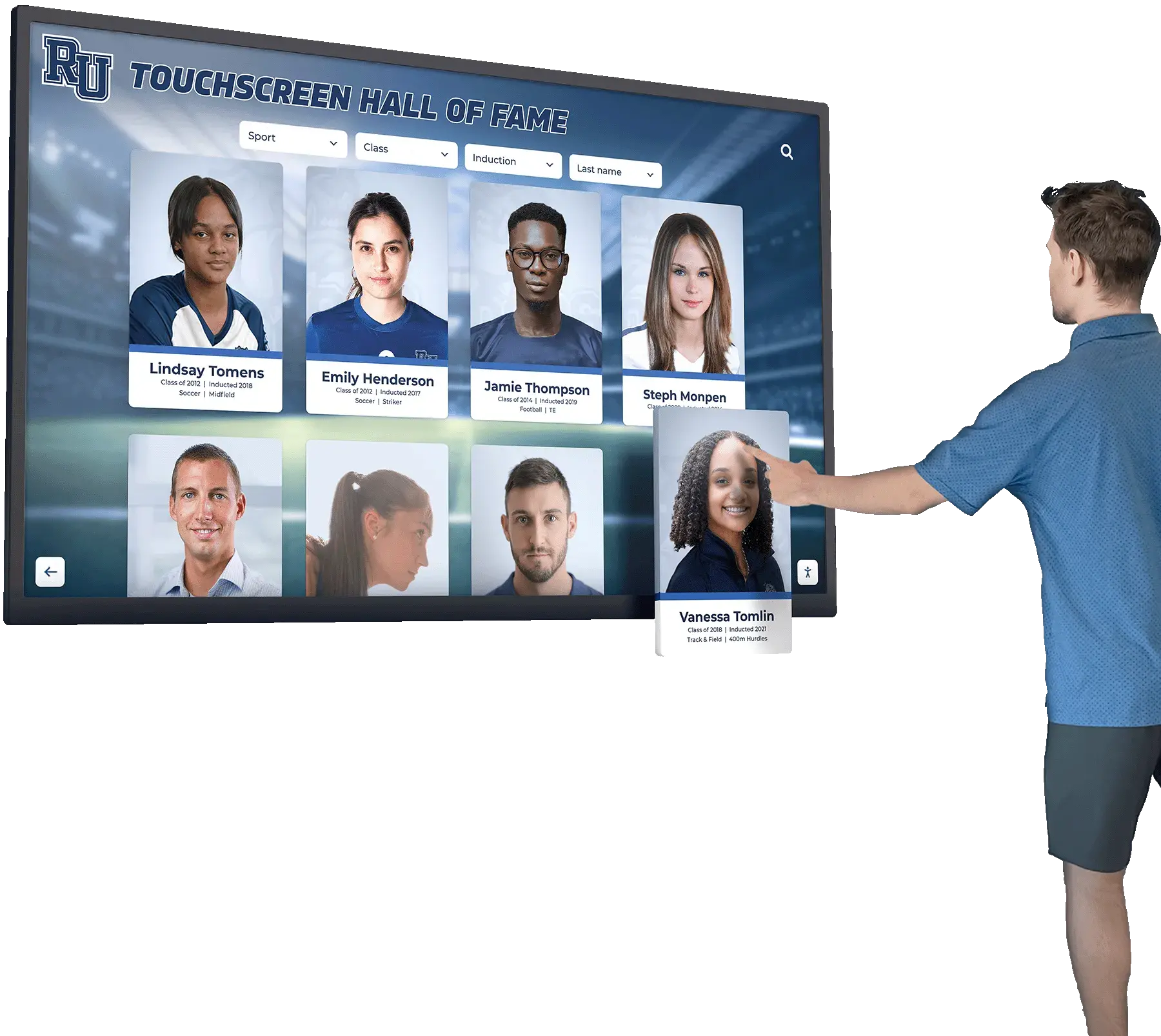
How to Effectively Implement a Digital Wall of Fame: Complete Implementation Guide
Implementing a digital wall of fame represents a significant opportunity to transform how your organization celebrates achievement, honors contributors, and preserves institutional history. Unlike traditional physical plaques and trophy cases constrained by limited wall space and static presentation, digital recognition displays offer unlimited capacity, engaging multimedia storytelling, and flexible content management that keeps recognition current and relevant for decades to come.
Read More






























