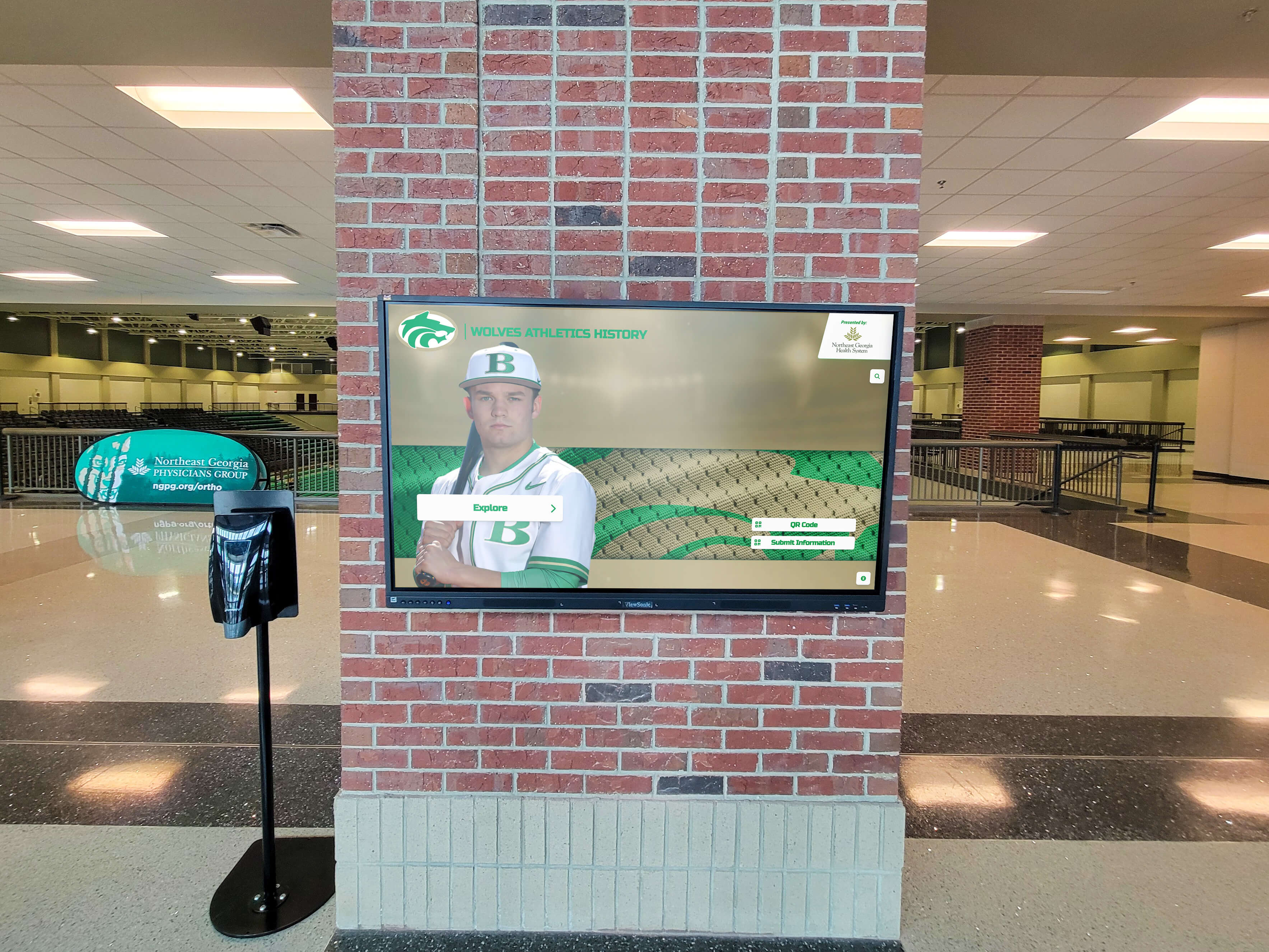
Intent: demonstrate
Annual giving recognition succeeds when it’s predictable, easy to correct, and designed to make donors feel seen (even when volumes are high). Use this copy pack to standardize your honor roll messaging and keep recognition aligned across email, web, and a digital donor wall.
When to Use This
- You publish an annual report or fiscal-year honor roll
- You need a consistent way to recognize recurring donors and micro-gifts
- Your team is tired of last-minute spreadsheet edits and “name format” debates
Annual giving honor roll copy pack (copy artifact)
HONOR ROLL INTRO (web / annual report)

We are grateful to the donors who supported [Organization] during Fiscal Year [FY]. Your generosity fuels [impact area] and strengthens [community served]. Every gift—at every level—moves our mission forward.

Recognition note:
- Gifts are recognized based on total contributions received between [Start Date] and [End Date].
- Donors are listed alphabetically within giving levels.
- To request a correction to your listing, contact [email] by [date].

EMAIL SUBJECT OPTIONS
1) Your gift made an impact this year—thank you
2) Thank you for supporting [Organization] in FY[XX]
3) You’re part of what makes [impact] possible

EMAIL BODY
Dear [First Name],

Thank you for your gift of $[Amount] to [Annual Fund Name]. Because of supporters like you, [specific outcome statement].

As part of our FY[XX] Annual Giving Honor Roll, we plan to recognize you as:
[Preferred Public Listing Name]

If you’d like to update your recognition name (or remain anonymous), reply to this message and our team will confirm your preference.

With gratitude,
[Signature]

DONOR WALL LABEL (for the annual giving section)
Annual Giving Honor Roll — FY[XX]
Display rules that keep annual giving recognition fair (and low-drama)
- Fiscal year definition: Publish your dates; don’t change them post-hoc.
- Level totals: Decide whether to total by household, donor, or entity—and stick to it.
- Alphabetical within level: Default choice; best mix of fairness + scan-ability.
- Corrections window: Include a deadline and a single intake email (one source of truth).
- Anonymous: Always respect donor preference; never infer anonymity.
DonorsWall implementation notes (make annual giving feel like an experience)
- Create an Annual Giving category with dynamic tiers that roll over each fiscal year.
- Add a “Monthly Supporter” badge for recurring gifts without splitting donors into separate lists.
- Use search + filters (class year, fund, program, campus) so visitors can actually find names.
- Keep the experience inclusive with ADA WCAG 2.1 AA patterns (contrast, text sizing, keyboard navigation).
Next step
- Request a DonorsWall storyboard
- Book a donor wall planning call
- Explore Rocket’s donor wall platform: Digital donor wall































